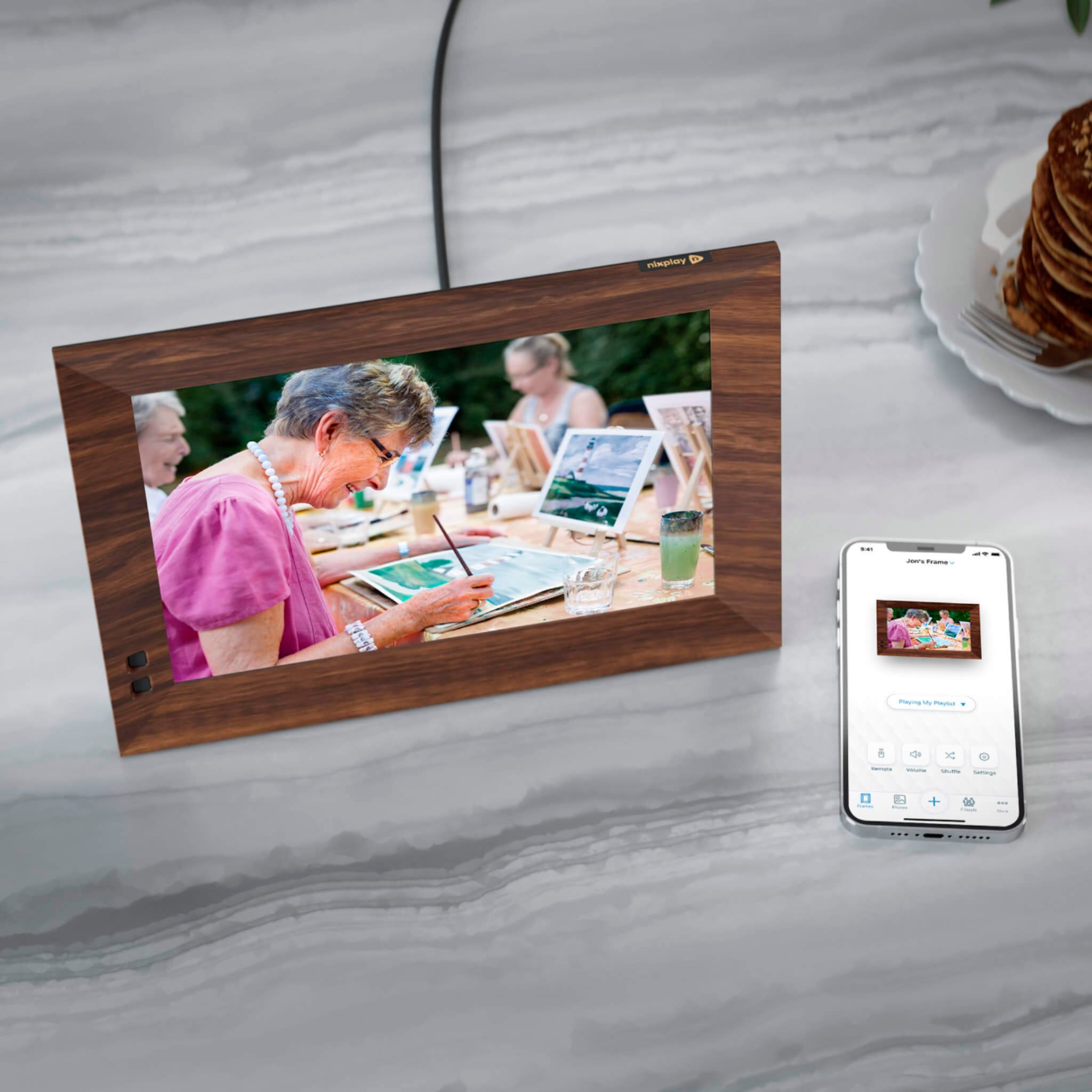
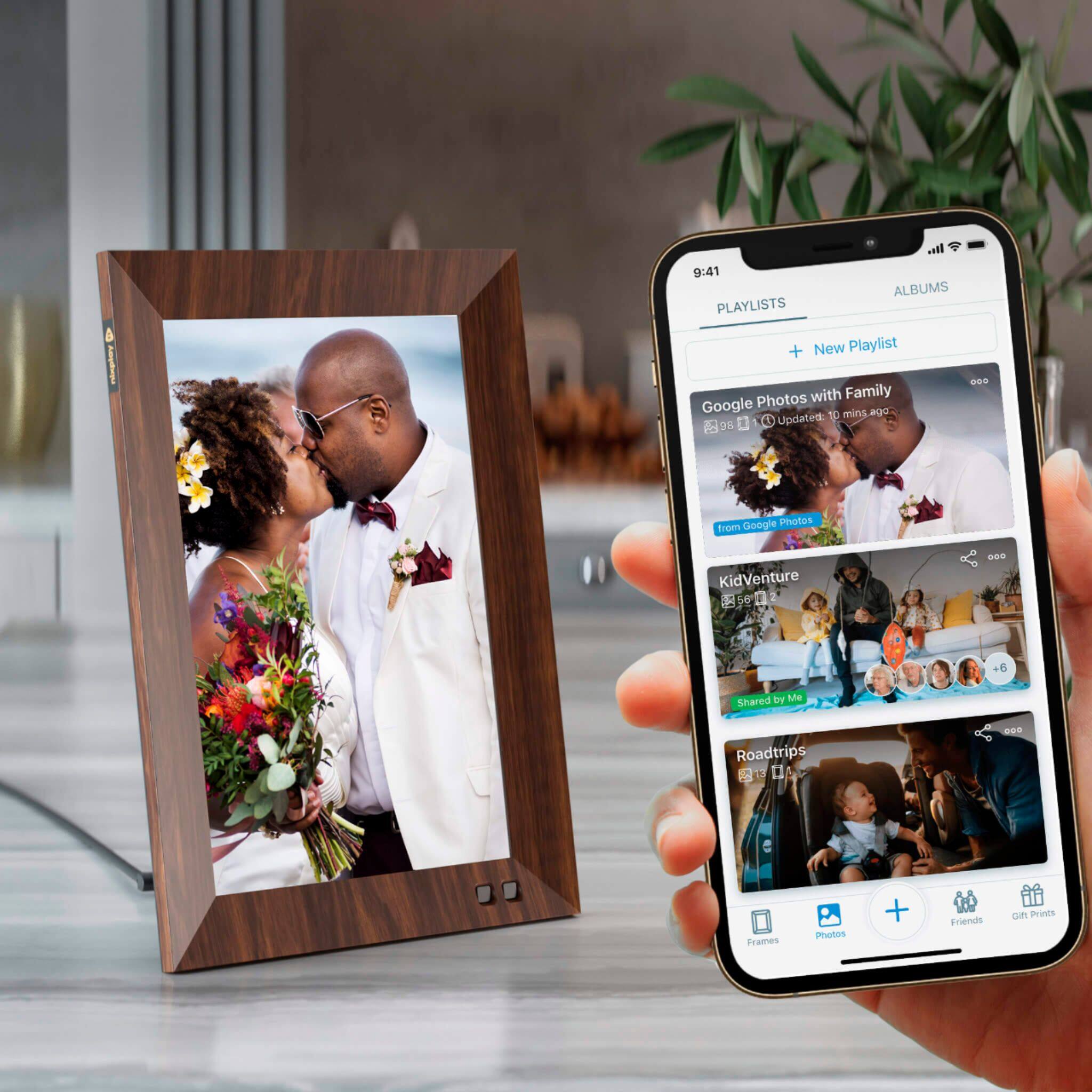
A:AnswerYes you need an app to transfer pics from your phone to the frame and no you don't need to purchase it, it is free. Both the frame and app works great, you won't regret purchasing this product.
A:Answer1) AWS in USA
2) After you use the 10GB of free cloud storage, you can upgrade via our Nixplay Plus package, more details available on nixplay.com
3) Yes the video you use is consumed by the cloud storage and currently you can upload short video clips from your phone to the frames.
A:Answer1) Facebook Private Page? No, I do not think you can load onto Nixplay, only from your own public profiles.
2) Yes, sure, you can connect your Instagram account to play on Nixplay.
A:AnswerHello,
Pictures from your mobile device are added to the frame.
If you download the WhatsApp photos to your mobile device (phone/table) you can add the pictures to your frame.
You can NOT directly load photos from WhatsApp.
The mobile device is a "bridge" from your WhatsApp pictures to the frame.
A:AnswerHello,
You transfer the photos with your cell phone or tablet.
The Ibi is storage for your photos.
The Ibi itself cannot transmit (send) photos.
To transmit (send) photos to the digital frame, you need a device that makes the transmission (sending) possible.
It sounds like only one extra step for you:
(1) Upload the photos from Ibi to your phone (or tablet),
(2) download the photos to digital frame from your phone (or tablet).
Good luck and Happy Holidays!
A:AnswerHello,
Yes.
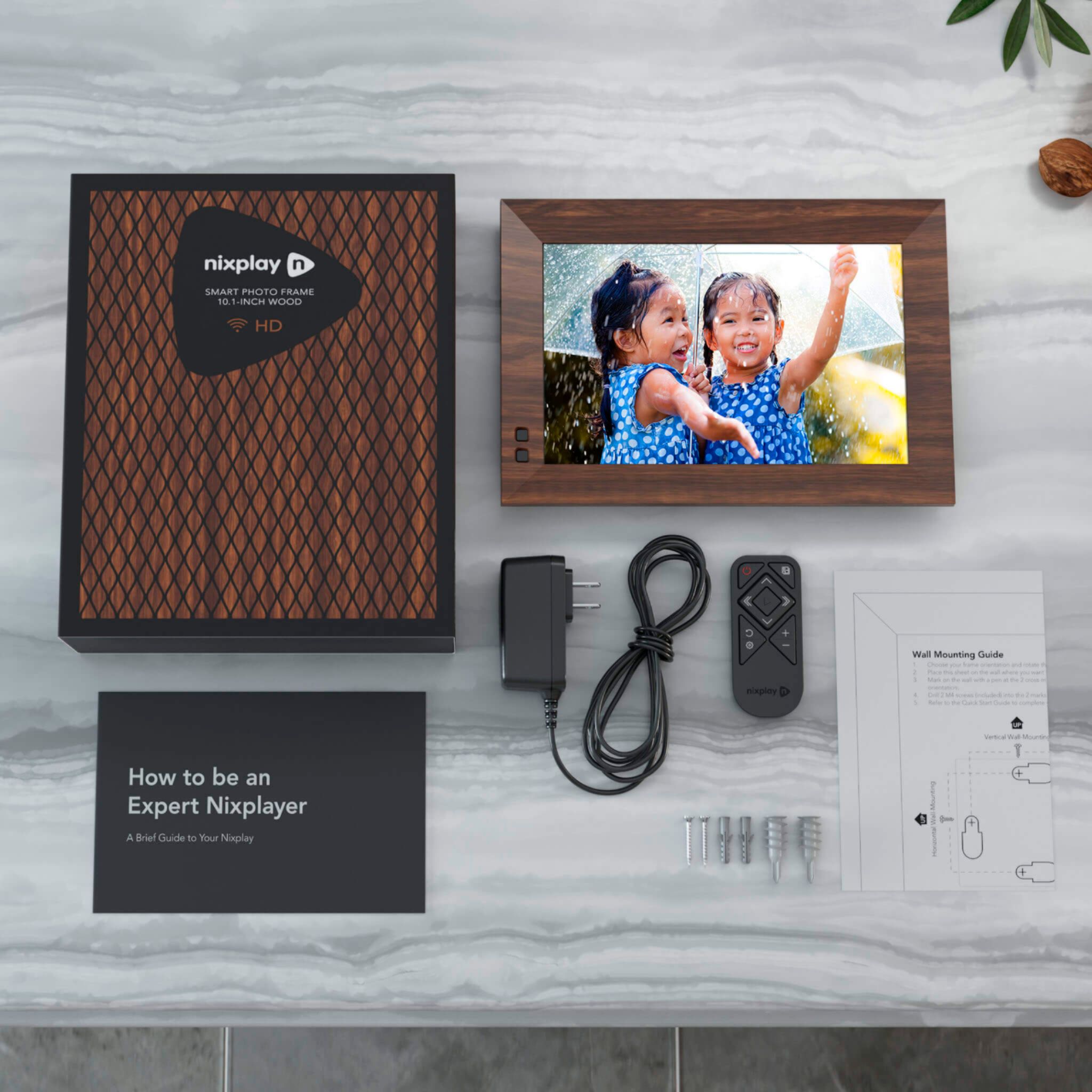
The frame can be hung on the wall.
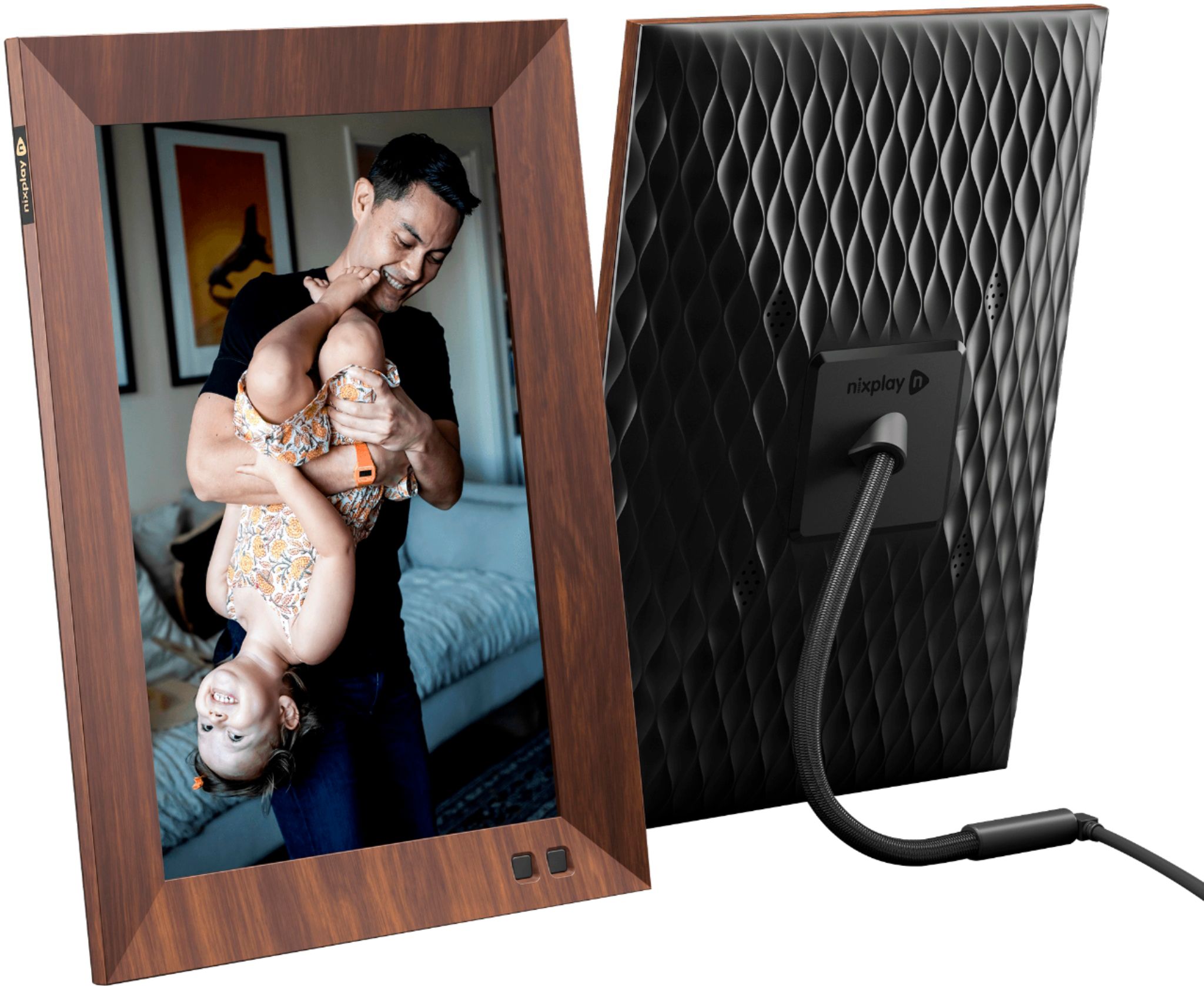
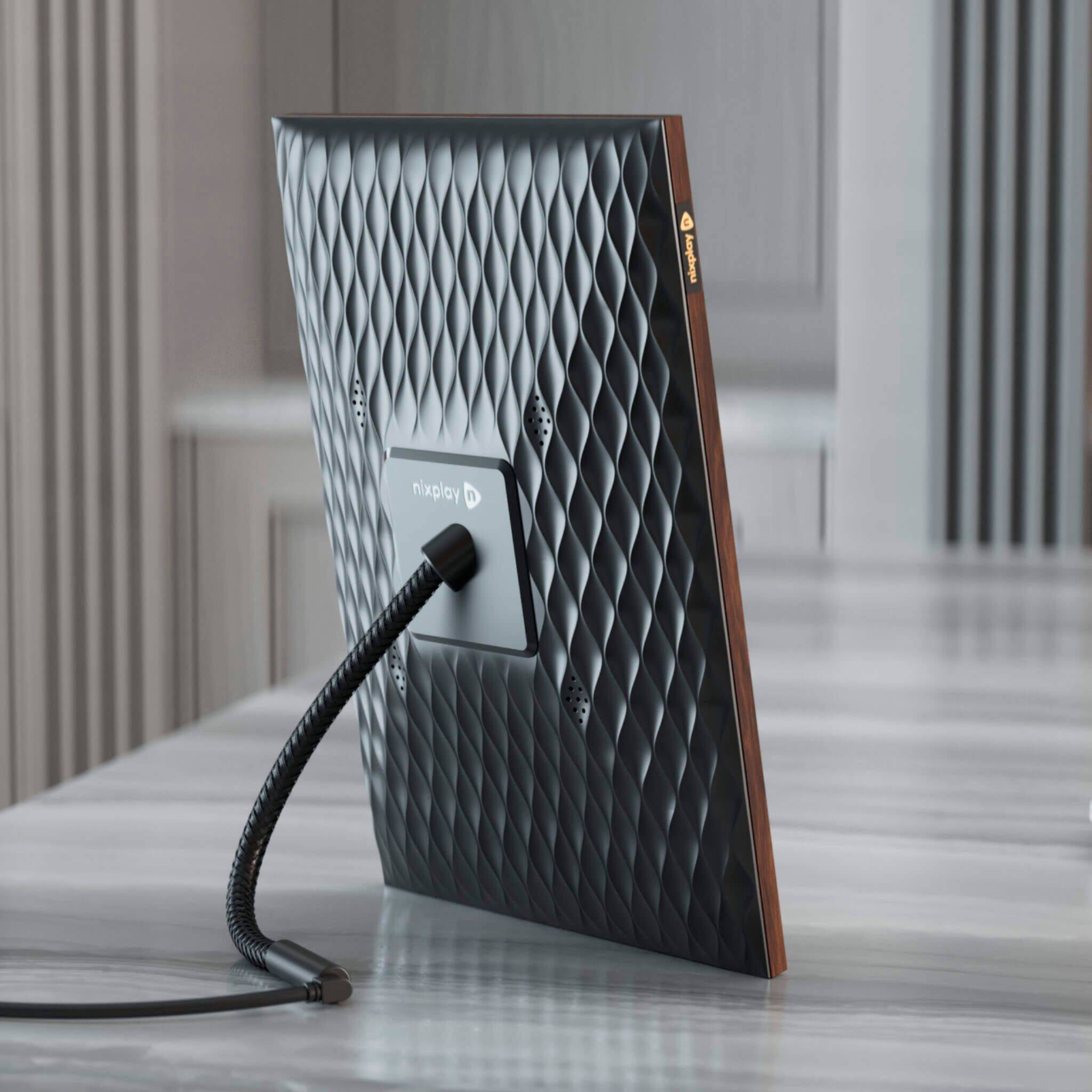
There are hook placements on the back of the frame for horizontal and/or vertical placement.
Keep in mind - when hanging the frame on the wall, it must be placed within reach of an electrical plug because the frame has to be plugged-in 24/7 to be working.
Good Luck & Happy Holidays!
A:AnswerHello,
No. You cannot add a memory card to the frame.
You can increase the amount of storage on the frame via a cloud subscription from the Nixplay company (not through Best Buy).
A:AnswerYes, the Nixplay frames will still even while offline once photos are uploaded. Unfortunately, USB connection is not possible since we do not have a USB or SD Card slot in the frames. You can send your photos and videos to the Nixplay frame via the Nixplay mobile app, web app, or email.