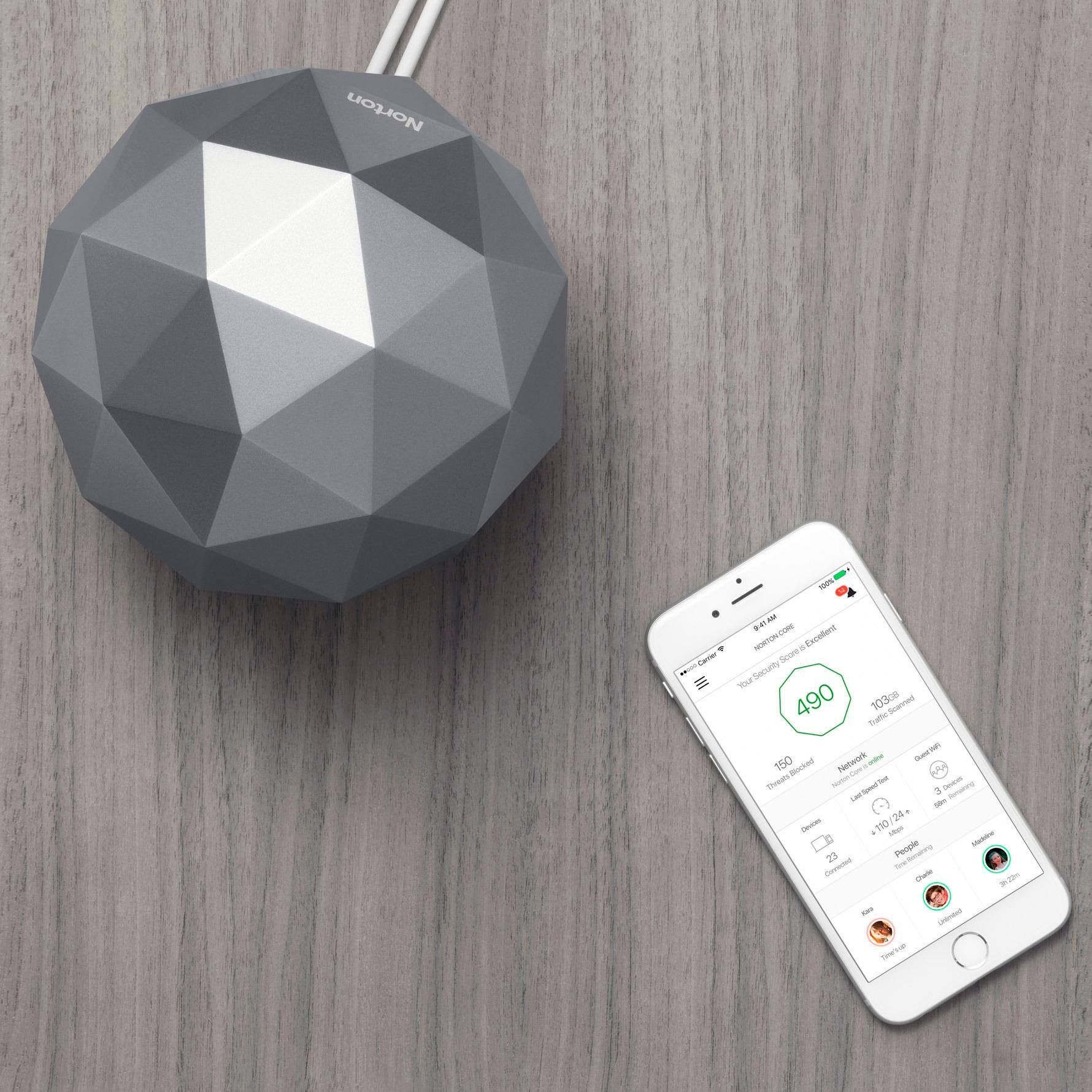
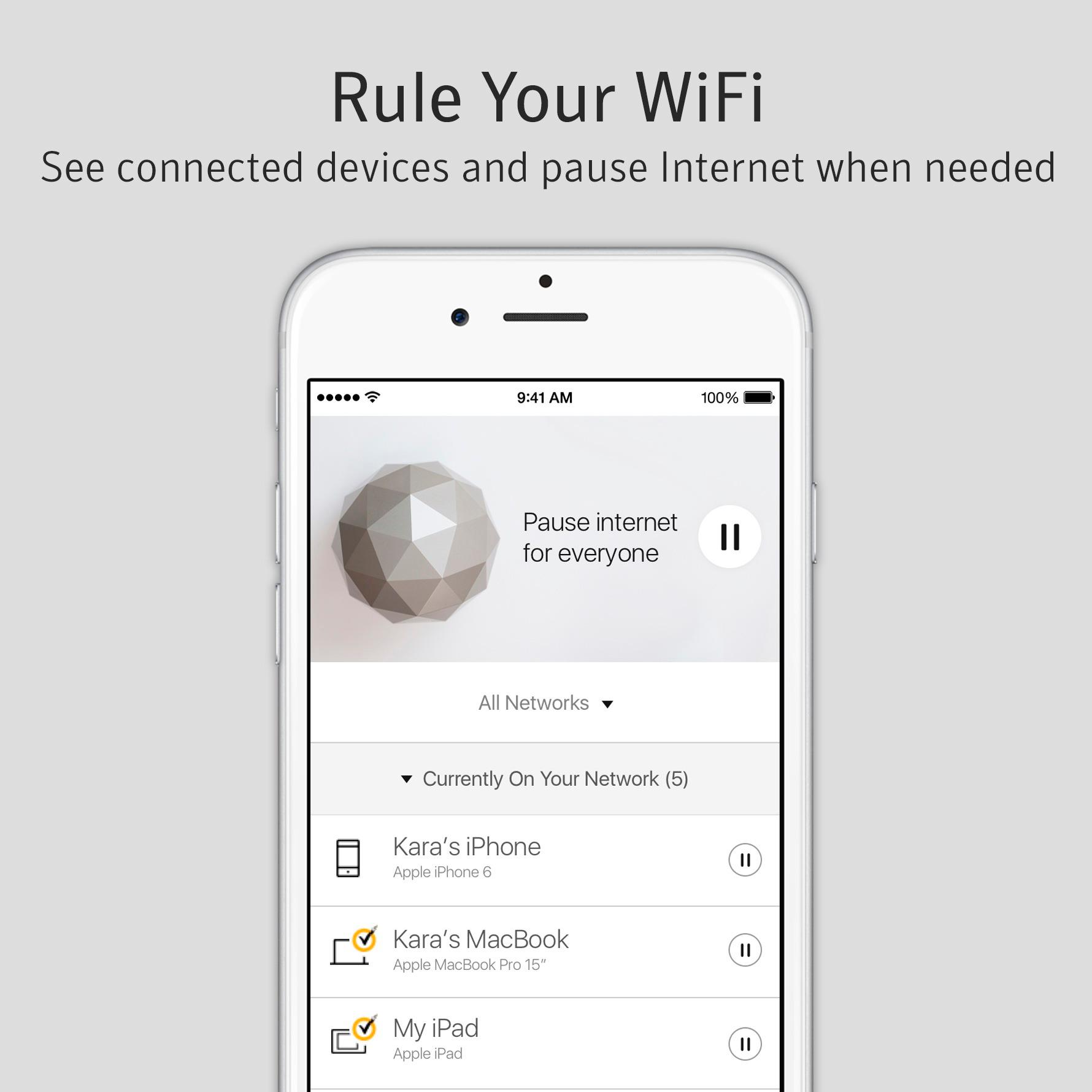
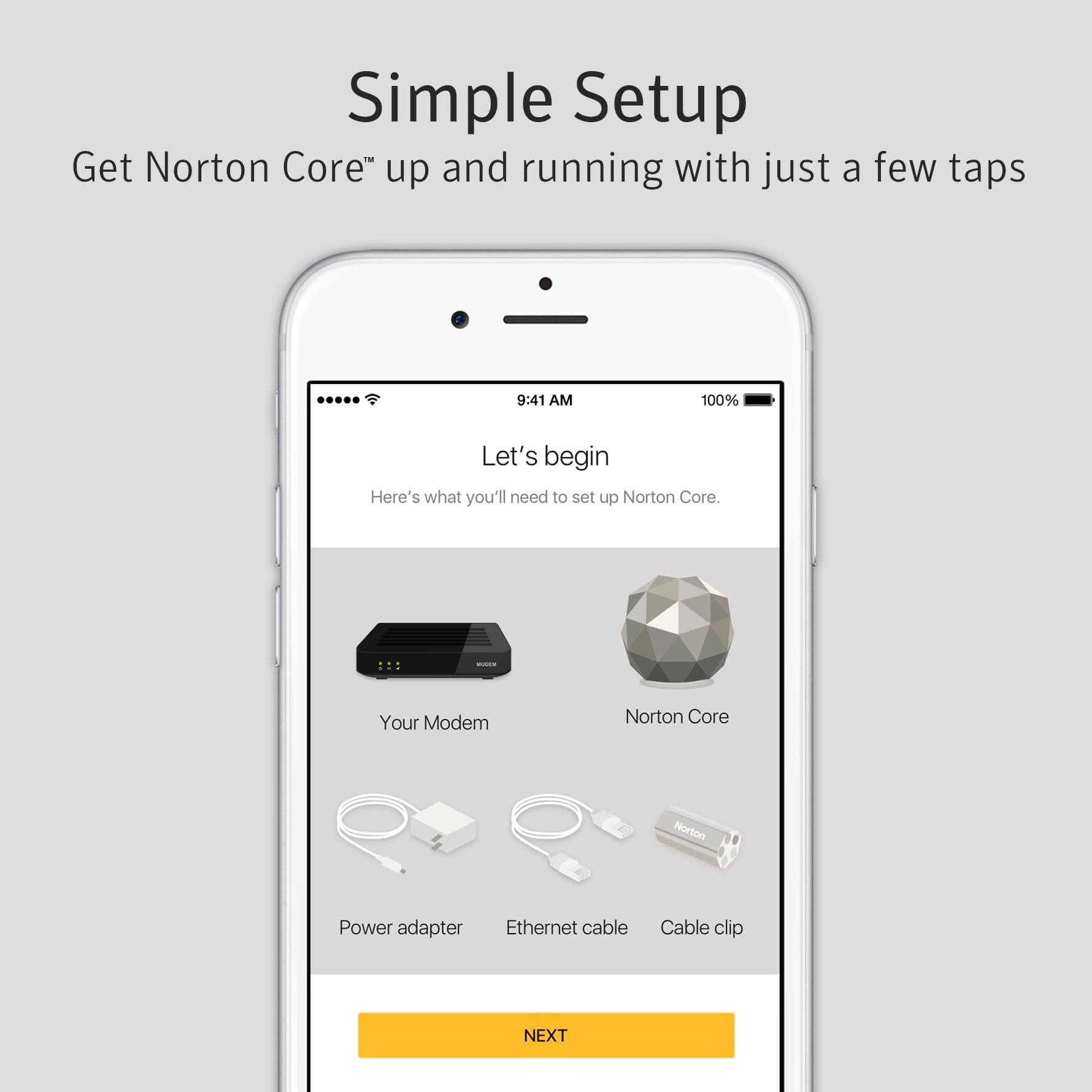
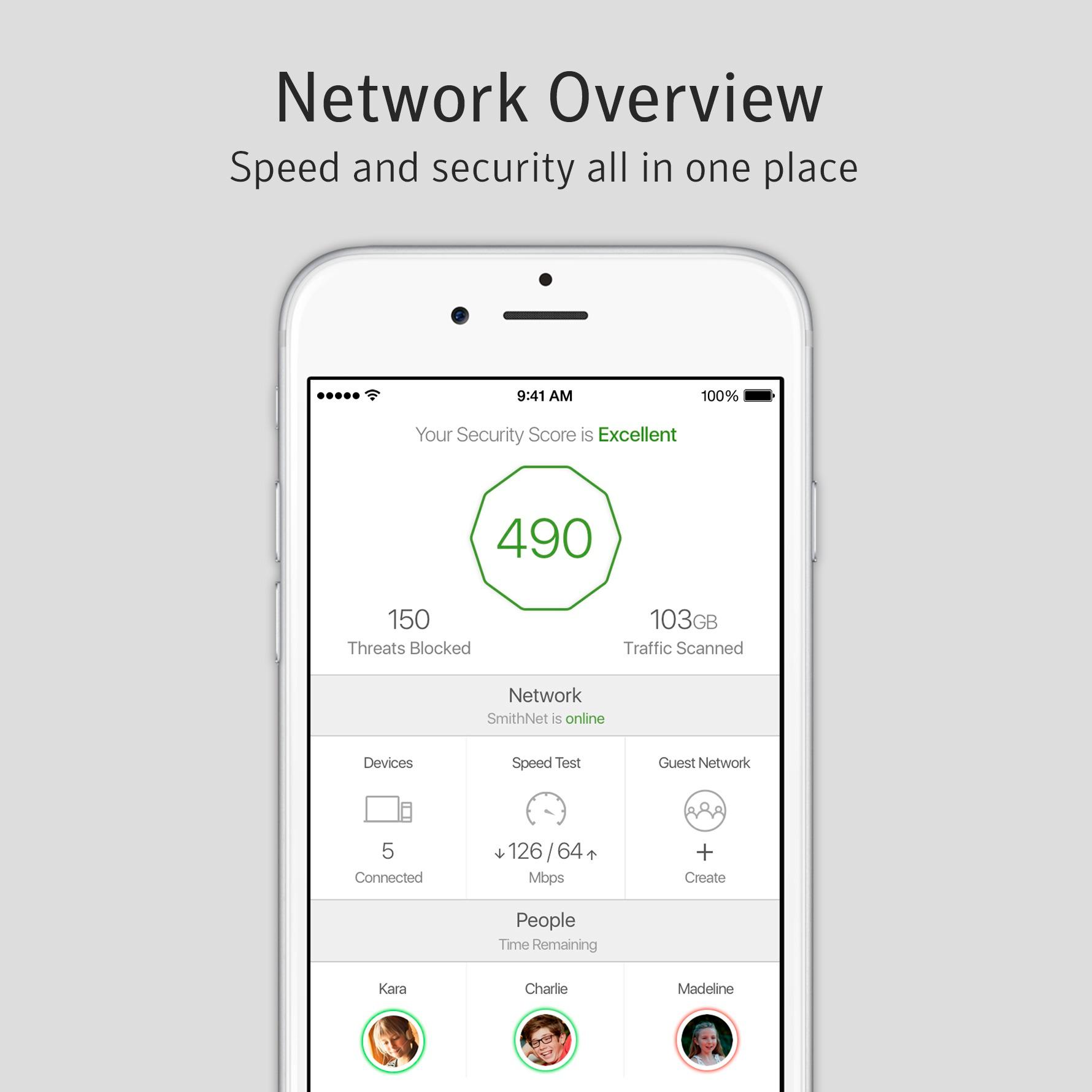
A:AnswerSorry for the delayed response. Could you confirm if you have purchased Norton WiFi Privacy or Norton Core Router? . If you need any further help with Norton Core or Norton WiFi Privacy you can reach our support at www.norton.com/contactcs. You can also reach out to us on Twitter: https://twitter.com/NortonSupport or on Facebook: https://www.facebook.com/messages/t/Norton.
A:AnswerYes, my iMac, iPhone, iPad, HomePod all worked beautifully and I saw much faster speeds than with the Time Capsule/AirPort Extreme that I have been using.
A:AnswerI'm currently using this product with Spectrum with ZERO issues. It works great as long as they aren't providing you WiFI service - Call Spectrum to ensure that their modem is NOT a Wifi Combo device and that you're not going to get router service from their modem. The Norton Core wants to do all of that. If you have a REGULAR cable modem (I recommend you push Spectrum for the Arris TM1602) you should have a great experience.
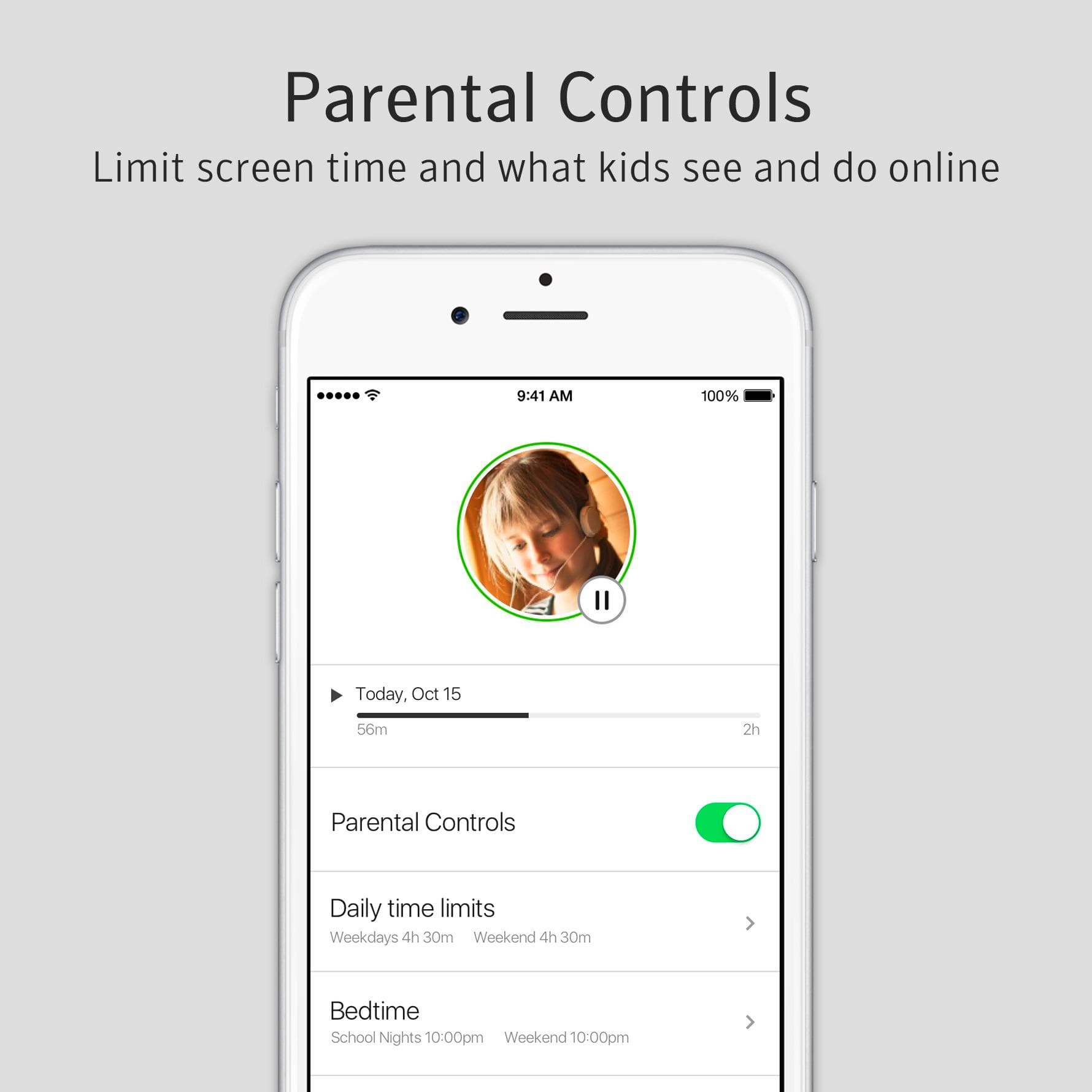
A:Answerthis has some pre selected filters by age, but for any of them you can block categories - alcohol, gambling, adult sites, etc. as a whole, then you can individually disallow or allow access to specific sites.
A:AnswerIt should work, but you will likely need to be able to change the configuration on your Home Base and may need to purchase additional hardware (linked in this answer) to make it work. It is not terribly advanced, but may not be entirely simple either.
Essentially you would need to connect the Norton Core to the ethernet jack on the back of your Home Base so that it receives an internet connection from the Home Base. You would then want to turn off the wireless signal on your Home Base and configure your devices to connect to the new wireless network from the Norton Core.
Alternatively if you can not disable the internet on your Home Base, you can just configure your devices to connect to the Norton Core WiFi network instead, and have them forget the old network so they do not try to connect to it again.