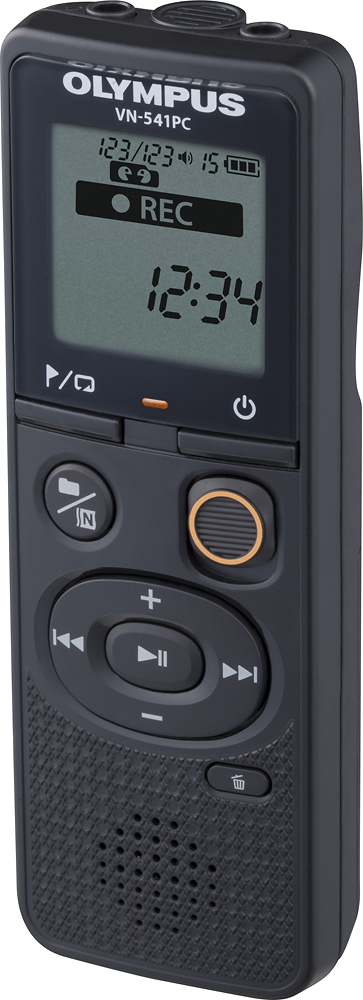
A:AnswerNo, you have to switch up the record button, but it works fantastic and you could probably edit the recording when you hook it up to your computer if you have the right software on you laptop!
A:AnswerPlease see the VN-541 PC manual Recording starts on Page 11 / Playback on page 15.
https://learnandsupport.getolympus.com/sites/default/files/media/files/2018/04/VN541PC_EN_U01.pdf
The VN-541PC does not have the VCVA (Voice Control Voice Activation) feature that is available on some of our other models.
If you require additional assistance please call our Technical Support Line at 1-888 -553-4448 (9AM-9PM Eastern Time Monday-Friday)
A:AnswerIf you are following the instructions on page 8 of the manual
https://learnandsupport.getolympus.com/sites/default/files/media/files/2018/04/VN541PC_EN_U01.pdf
and are unable to turn the BEEP sound off please call our Technical support line when you have the recorder in hand
. We have a toll free technical support line with technicians available to assist you Monday-Friday 9:00AM-9:00PM Eastern Time.
Toll Free Technical Support Hotline 1-888 -553-4448
A:AnswerThis can vary greatly due to the variables in the room or surrounding where the person is being recorded. For example, how much ambient noise, how good are the acoustics of the room, and how soft or loud is the voice of the person speaking. Due to these variables, a specific number for distance in feet can't be provided.
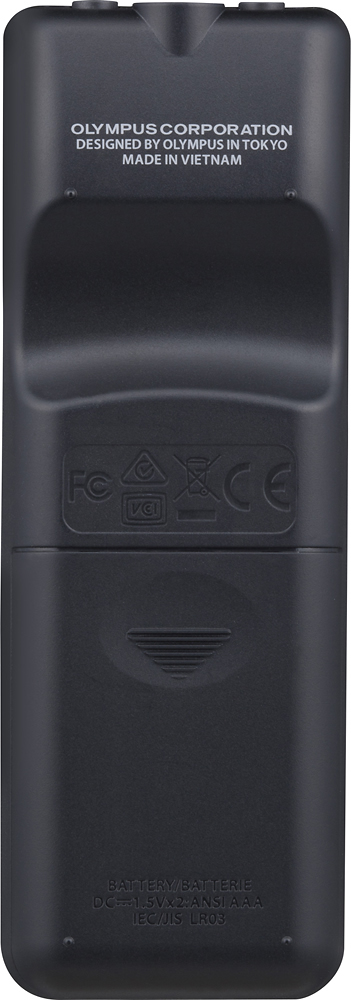
A:AnswerBattery Life Specs are on Page 41 of the Manual https://learnandsupport.getolympus.com/sites/default/files/media/files/2018/04/VN541PC_EN_U01.pdf
A:AnswerWhy are you using an external mic? The built-=in mic works great for my purposes. If you feel you need higher quality recordings, switch to talk or music modes.