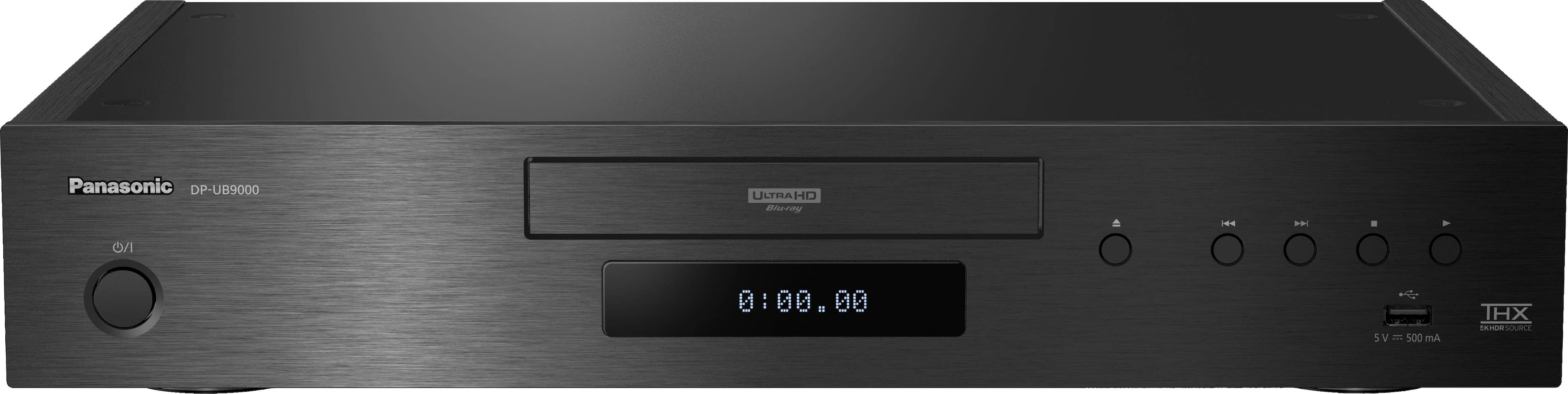
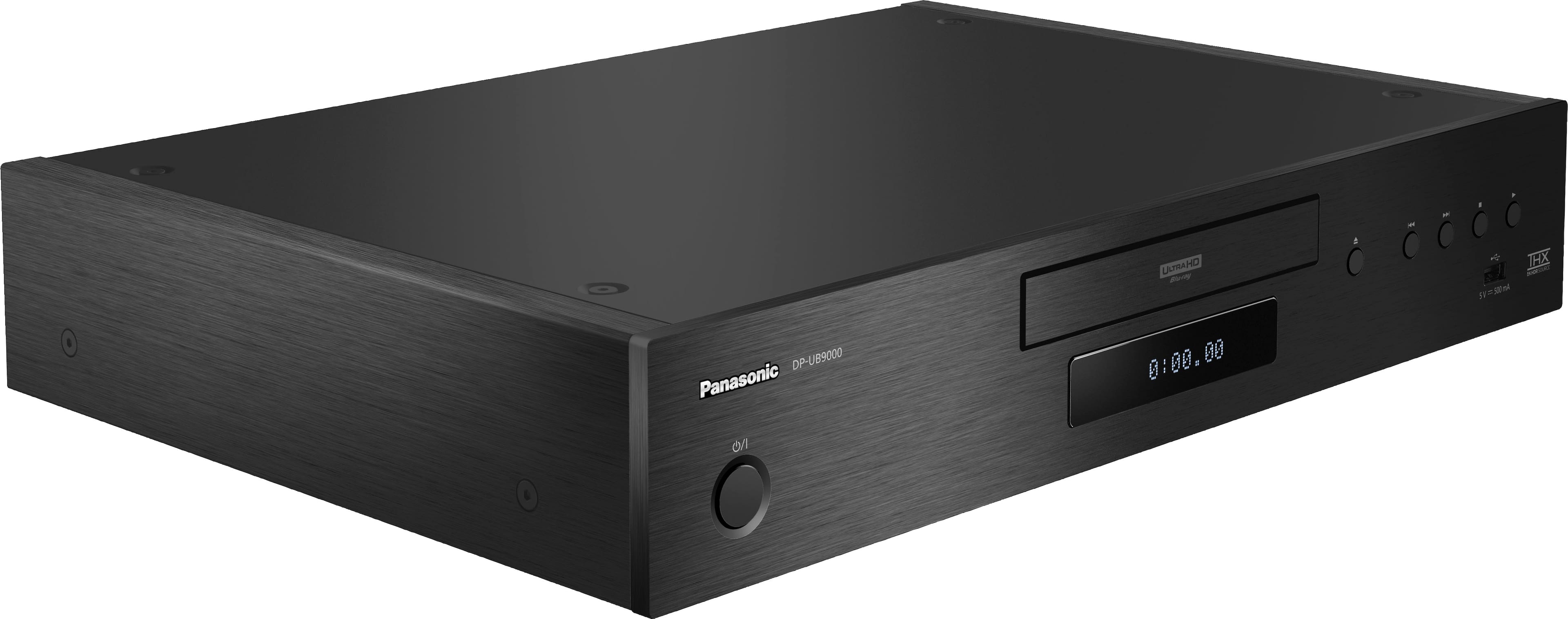
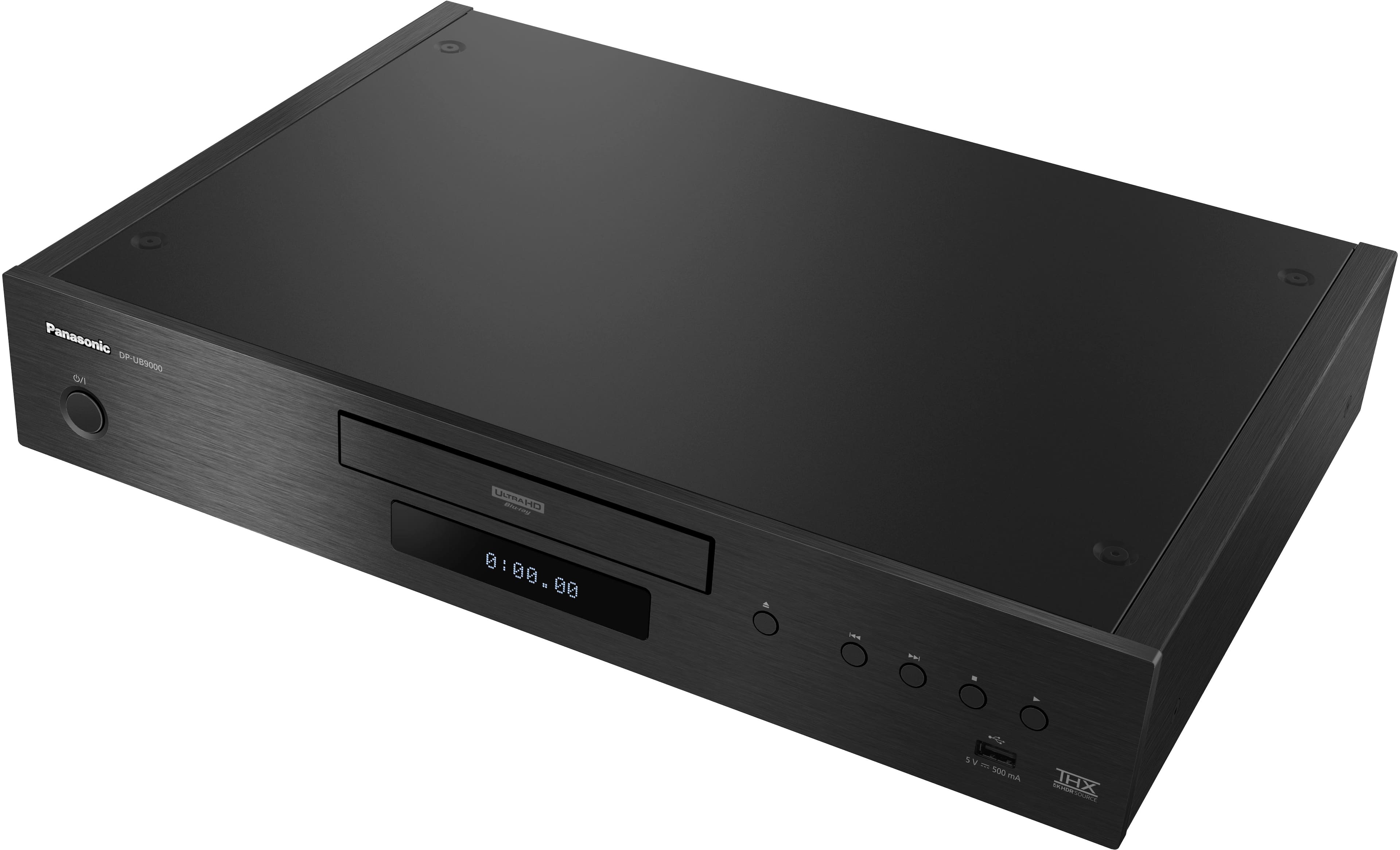
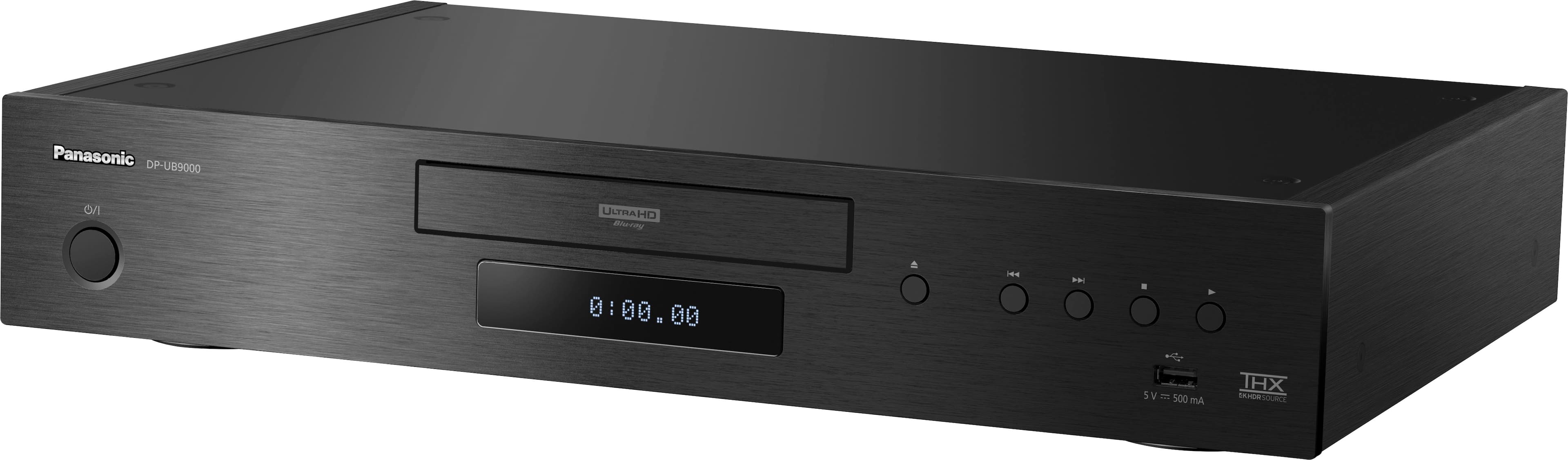
A:AnswerThis unit just runs through your receiver, no amp built in.Shouldn't matter what kind of speakers,as long as they work with your receiver. C.M.
A:AnswerThis player does not support the Disney+ app or QOBUZ.
To view these apps on your television connect a supported device.
This unit comes with the following built-in apps: Amazon Prime, YouTube and Netflix.
#C
A:AnswerHello! We would recommend resetting the unit. To return all settings to the factory preset:
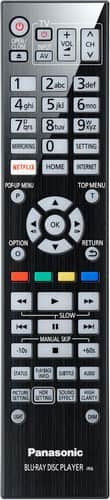
While the unit is off press and hold [OK], the yellow button and the blue button on the remote control at the same time for more than 5 seconds.
– “00 RET” is displayed on the unit’s display.
Press the arrow to the right repeatedly on the remote control until “08 FIN” is displayed on the unit’s display. Press and hold [OK] for more than 5 seconds.
Please note that we do not charge for repairs if the unit is under warranty and the fault is considered a manufacturing error. -M
A:AnswerWe would need more information in order to have a better understanding of your inquiry. If you’re open to discussing it further, please contact Support Team via Live Chat on the Panasonic Website, Contact Us option, Mon-Fri, 9am-5pm EST. -M
A:AnswerWe would be more than happy to look into it further. Please contact our Customer Service Team via Live Chat on the Panasonic Website, Contact Us option, Mon-Fri, 9am-5pm EST. -M