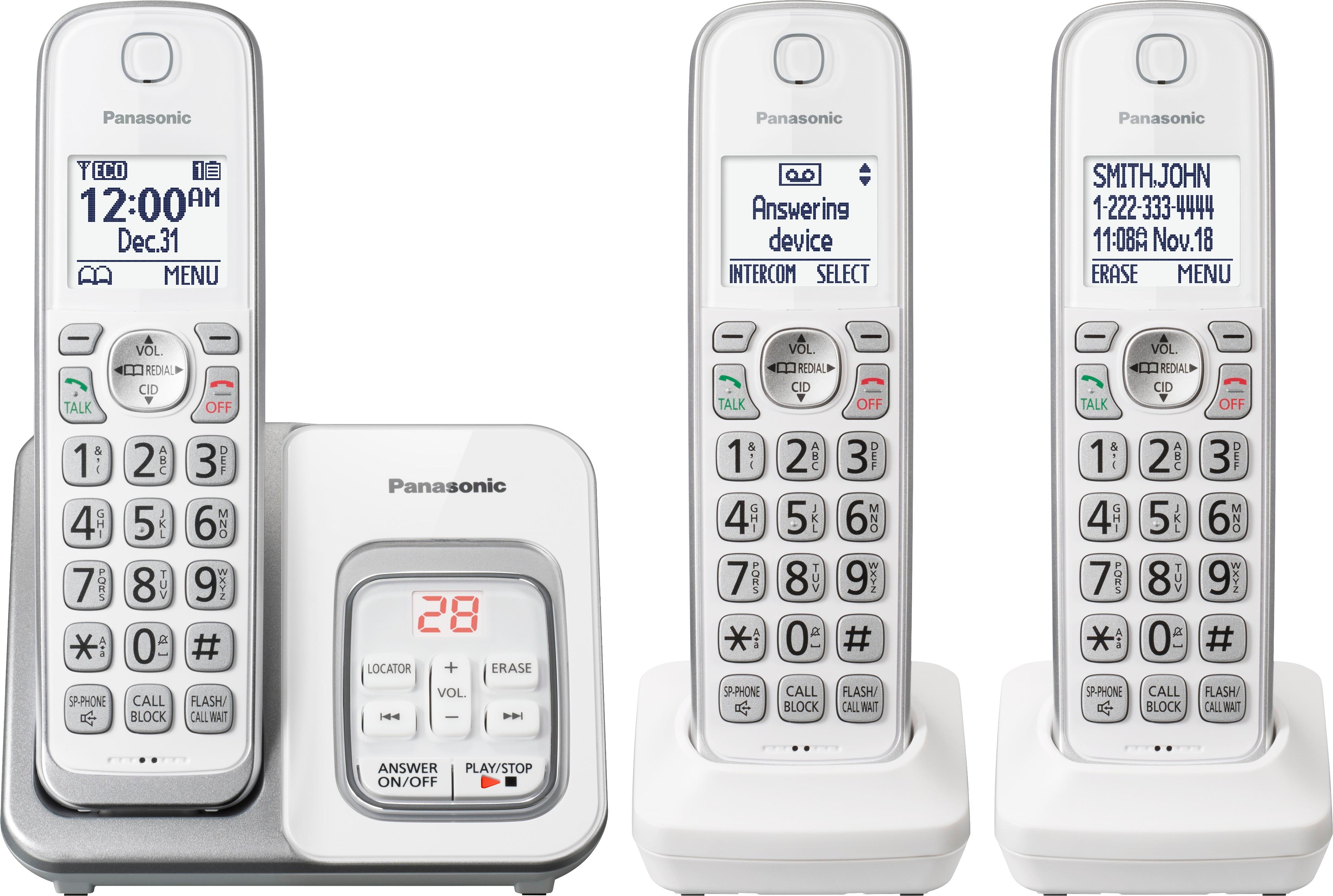
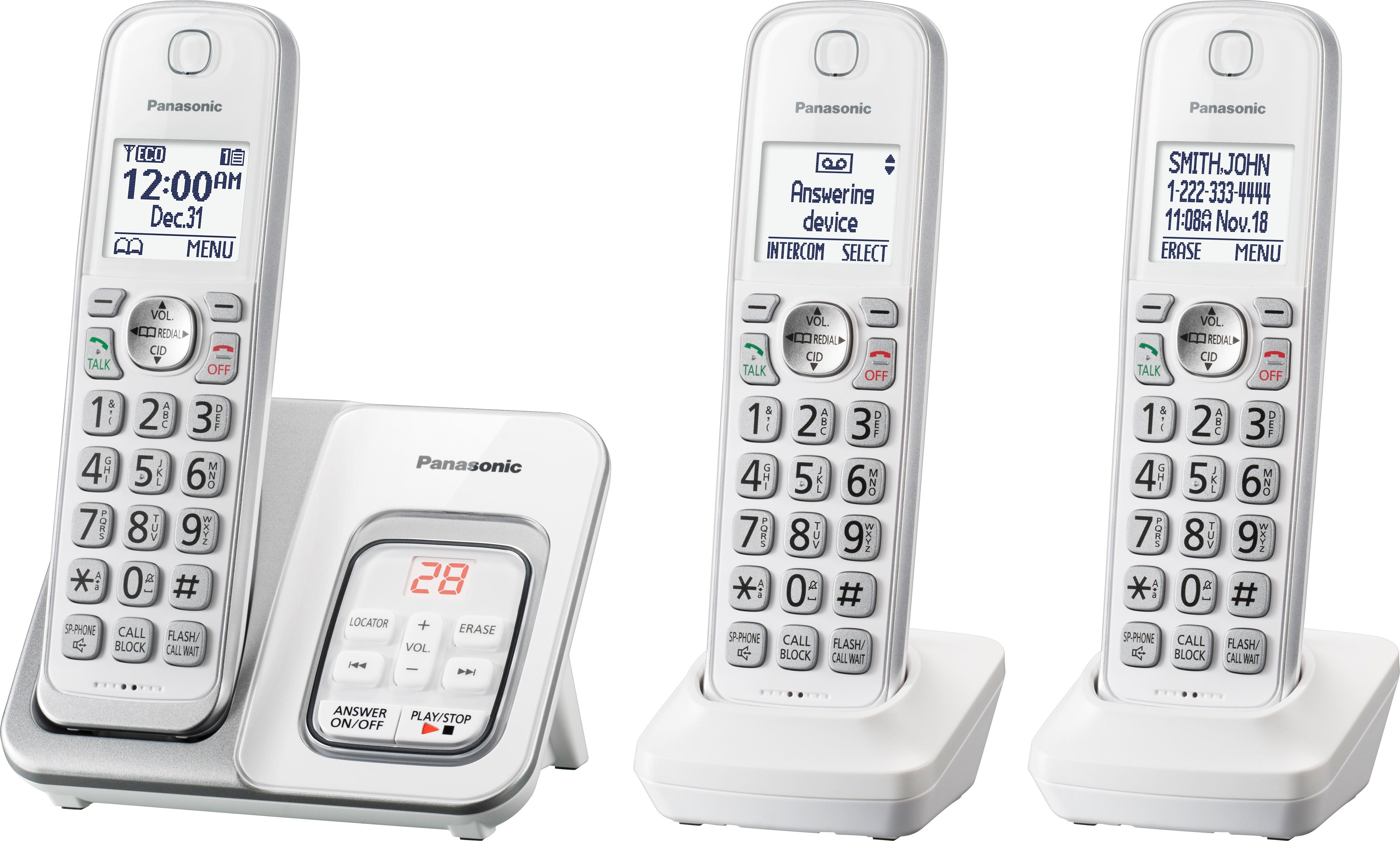
A:AnswerThank you for your question. You can connect a maximum of 6 handsets to your base. This unit has 3 and you can add 3 more.
The compatible models are: KX-TGDA50/KX-TGDA51. You can choose between these two.
A:AnswerThank you for your question.
Sure, there is Silent Mode.
Please refer to the link below for more information:
http://help.panasonic.ca/viewing/ALL/KX-TGD510/OI/TGD510_PNQX8349ZA/TGD510_PNQX8349ZA.pdf#page=21
A:AnswerGood day, in order to answer to your question we need further information, please contact our chat support for assistance: shop.panasonic.com/contactus
A:AnswerDear customer, thank you for your question. The unit will not work once the power goes of as the base unit is connected direclty to a power source and the handsets to the base.
A:AnswerDear customer, thank you for your question. The Call Waiting feature shows who is calling and you are able to answer it and hold the previous one. This feature is provided by your network provider.
A:AnswerDear customer, this Phone System has standard volume adjustments. We can recommend you our Amplified Phones which are designed perfectly for customers affected by severe hearing loss. You can check them here: https://shop.panasonic.com/cordless-corded-telephones/amplified-telephones
A:AnswerDear customer, in order to better assist you please reach out to our online tech support: https://shop.panasonic.com/contactus Mon-Fri, 9am-5pm EST
A:AnswerDear customer, thank you for your question. In order to better assist you please reach out to our online tech support: https://shop.panasonic.com/contactus Mon-Fri, 9am-5pm EST
A:AnswerDear customer, thank you for your question. Please see a detailed answer for this feature following this link: http://help.panasonic.ca/viewing/ALL/KX-TGD510/OI/TGD510_PNQX8349YA/TGD432_PNQX8349YA.pdf#page=28
A:AnswerHi! Please make sure the volume is set higher. Also, you will need to enable the call screening. Press MENU # 3 1 0 , go to ON and then press SAVE. Hope this helps! -M
A:AnswerThank you for reaching out to us. You need to turn on the answering system by pressing MENU and #327 and set the recording time to 3 minutes from MENU and #305. If you need further assistance you can reac us via chat: shop.panasonic.com/contactus Mon-Fri; 9am-5pm EST