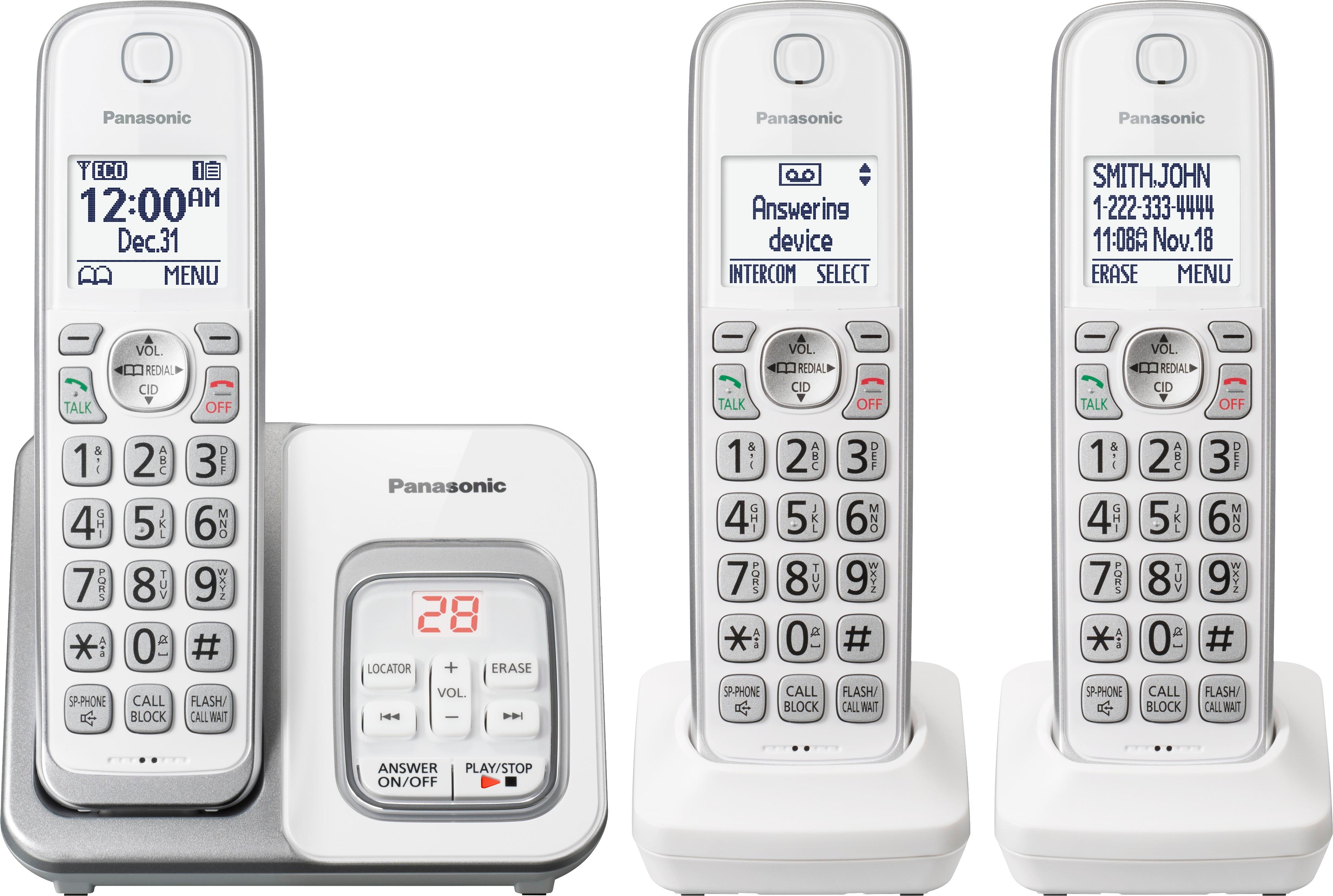
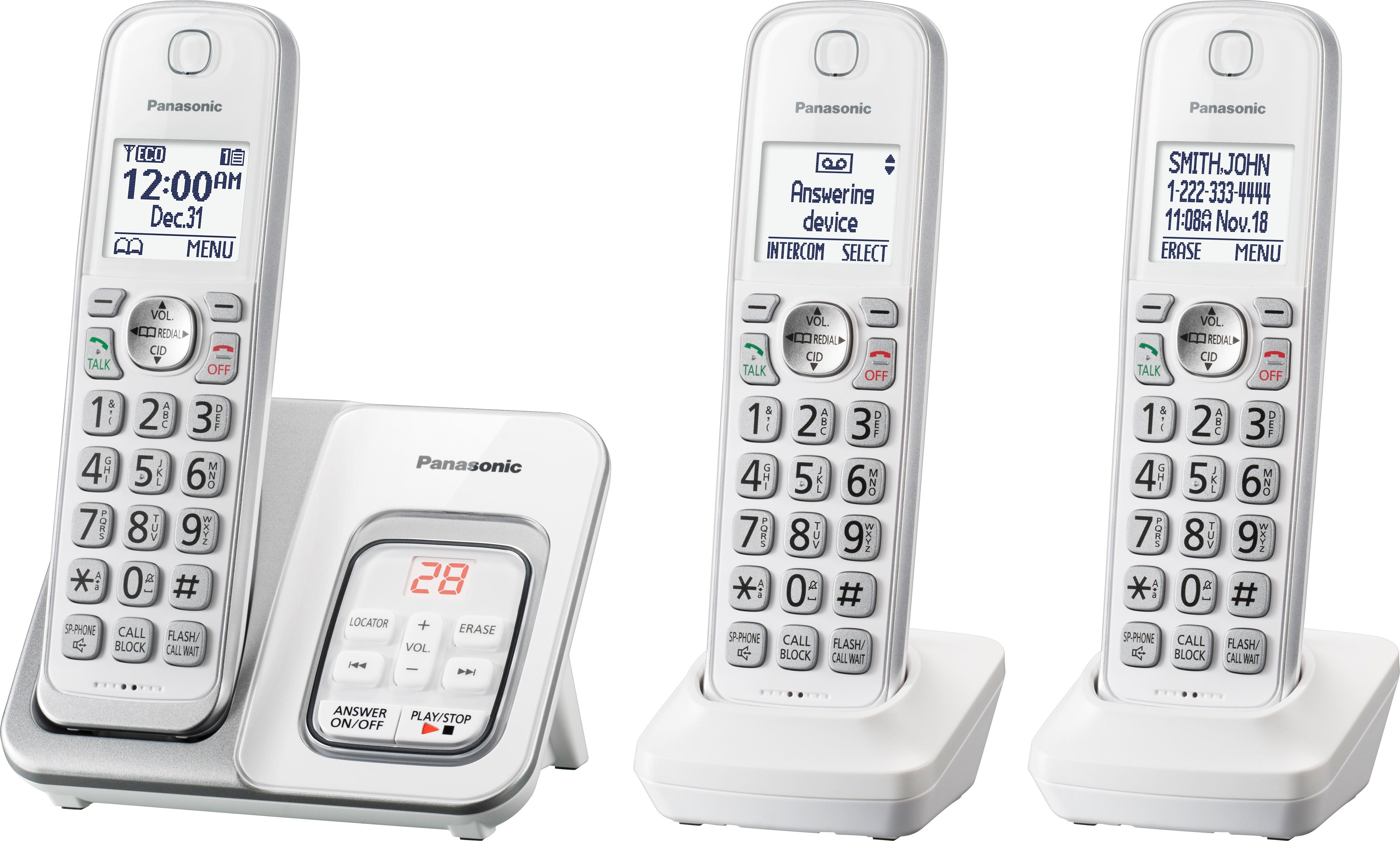
A:AnswerYou can find the information in the manual that came with your phone-page 20. It's pretty simple: press menu, use the up/down button to move down until answering device shows on the screen, press select. Again us the up/down button to move down on the new screen until settings appears. Press select. Ring count pops up. Select it and then choose the number of rings you want. Press save. Press off and your done.
A:AnswerHi Frank, thank you for your inquiry. You may use this link https://sforce.co/29AoJZA, if additional assistance needed contact our chat team at shop.panasonic.com/contactus
A:AnswerHello! The phone system is designed for the US power specifications and is compatible with a 120V power source, based on this we cannot assure you that it will work for different power sources. -G
A:AnswerHello. Please make sure that the handset is within 33 feet of the base unit, and as well if it is properly registered to the base unit. You can review the registration steps at the following link https://help.panasonic.ca/viewing/ALL/KX-TGD510/OI/TGD510_PNQX8349ZA/TGD510_PNQX8349ZA.pdf#page=25 -G
A:AnswerHello. The volume can be controlled with the code MENU #160 on a handset. After entering the code, you will see the current volume, and you can reduce/increase it by pressing the down/up arrow key on the handset until you reach the desired volume level. -G