A:Answer Thank you for your question.
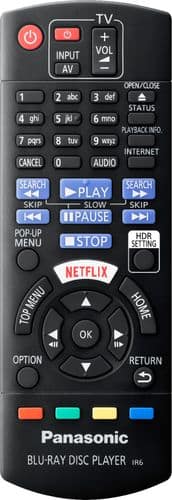
Press the MENU button on the remote control, access VIDEO SETTINGS, select DISPLAY-Select a setting suitable for your screen.
More additional information can be found on the operating manual, page 27:
http://help.panasonic.ca/PCS/OperatingInstructions/TQBS0233_Eng.pdf#page=27