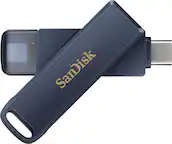
A:AnswerThe two things that will readily destroy a flash drive are extremely heat, and keeping it near a highly-magnetic field of reference.
If you're having problem using it for data storage, you might want to reformat it and then re-save your document/data thereafter. If it still does not work, then the drive's capacity is compromised.
A:AnswerFor game saves or screen shots only.
These thumb drives are not meant to run current gen or even last gen games.
You will need a SSD drive. Its larger and faster.
A:AnswerFor game saves or screen shots only.
These thumb drives are not meant to run current gen or even last gen games.
You will need a SSD drive. Its larger and faster
A:AnswerThis is a separate storage device, so if you're asking if it will make your hard drive bigger, the answer is no. If you want to move files like photos and videos or documents you're not accessing all the time to free up space on your hard drive, then yes. Also, yes, it will work on your windows 10 laptop.
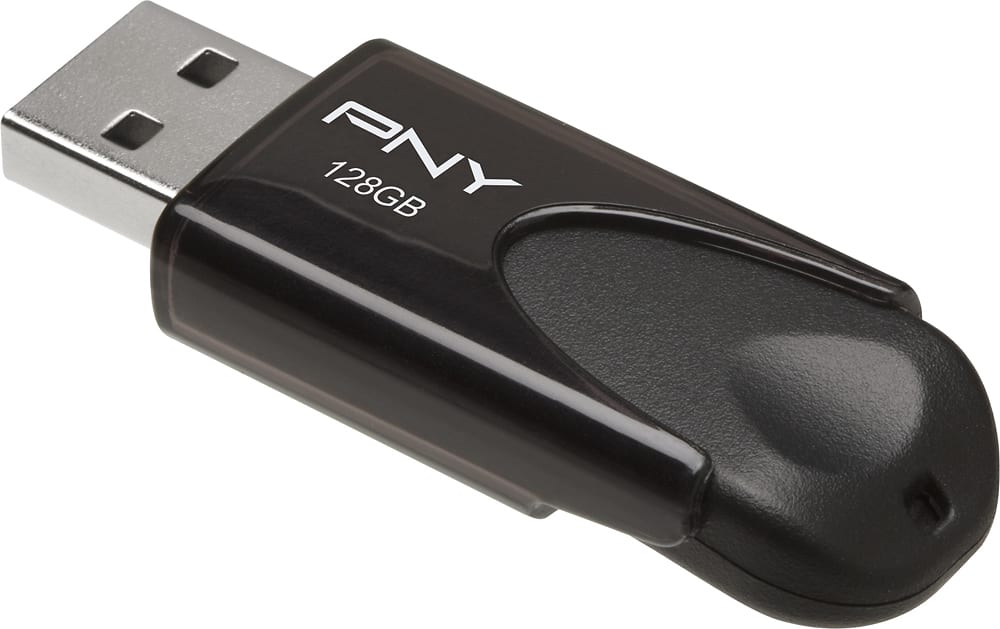
A:AnswerI would just find yourself a portable 2tb hard drive than a flashdrives, flashdrives don't have enough space to store video games unless they're Xbox 360 games
A:AnswerNo, it just means that it is busy. When it is done doing what it needs to do it should stop flashing. Essentially you don't want to unplug it from the computer while it is flashing. If it never stops flashing then make sure you eject it properly from the computer so you do not damage the device.