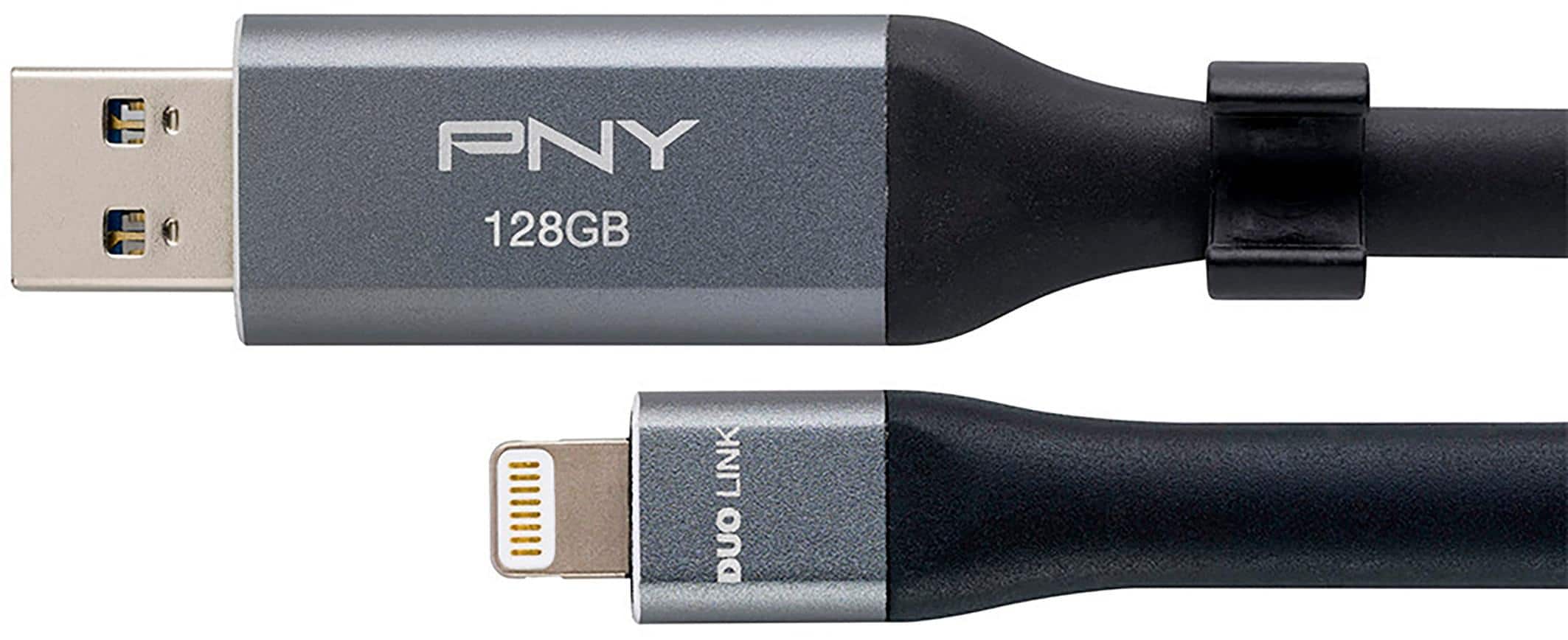
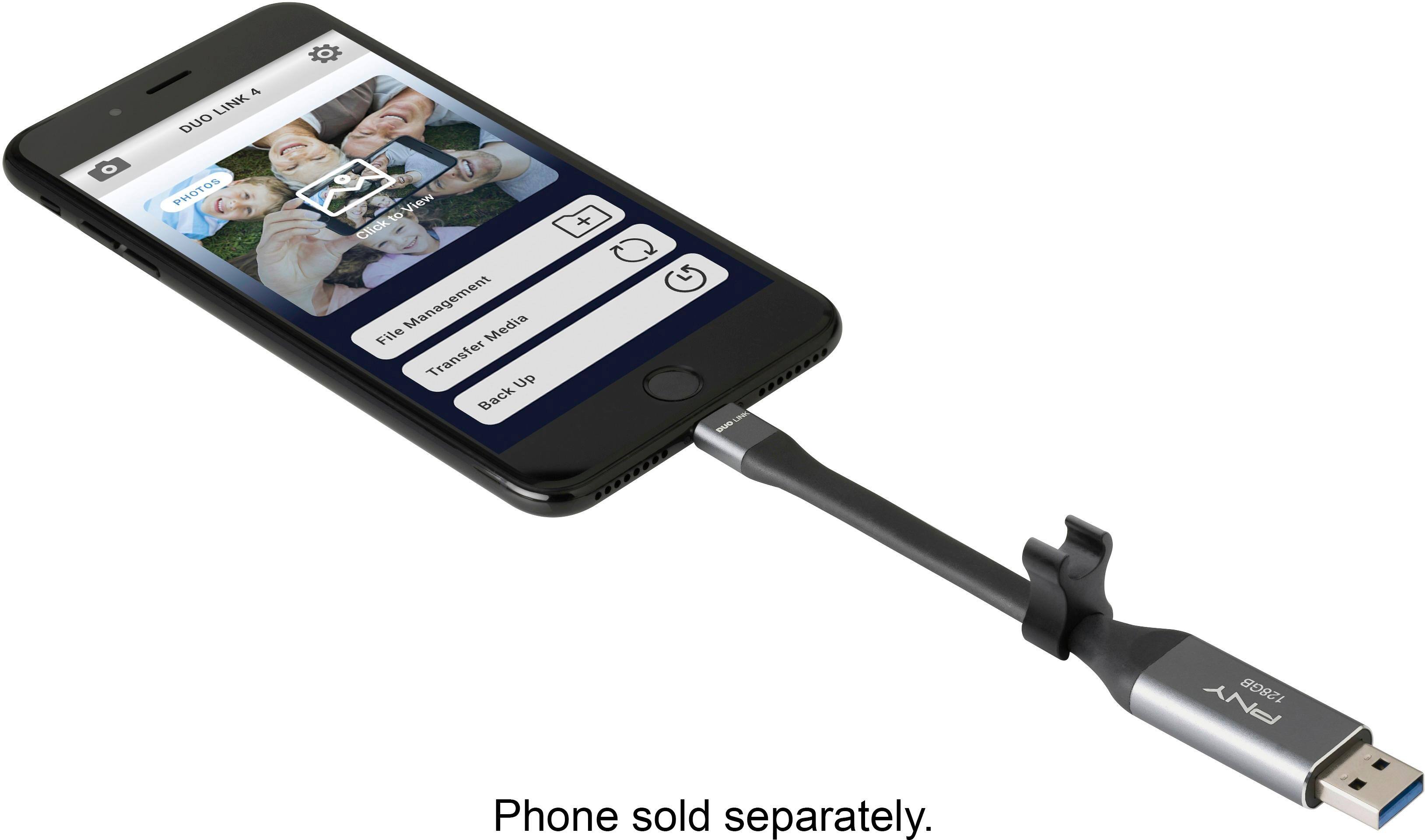
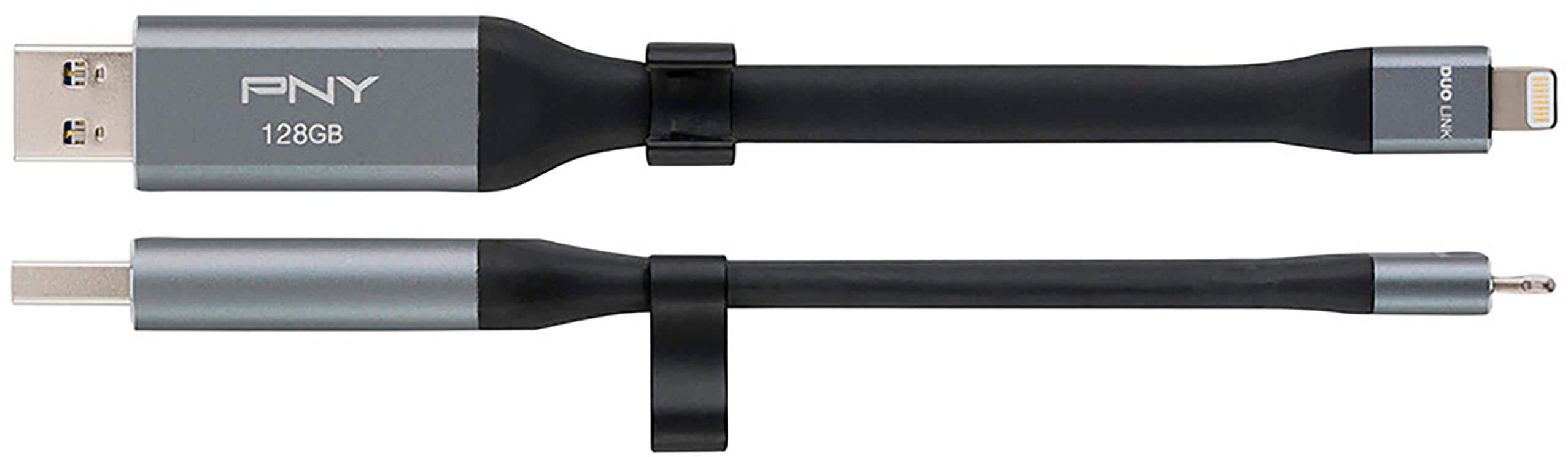
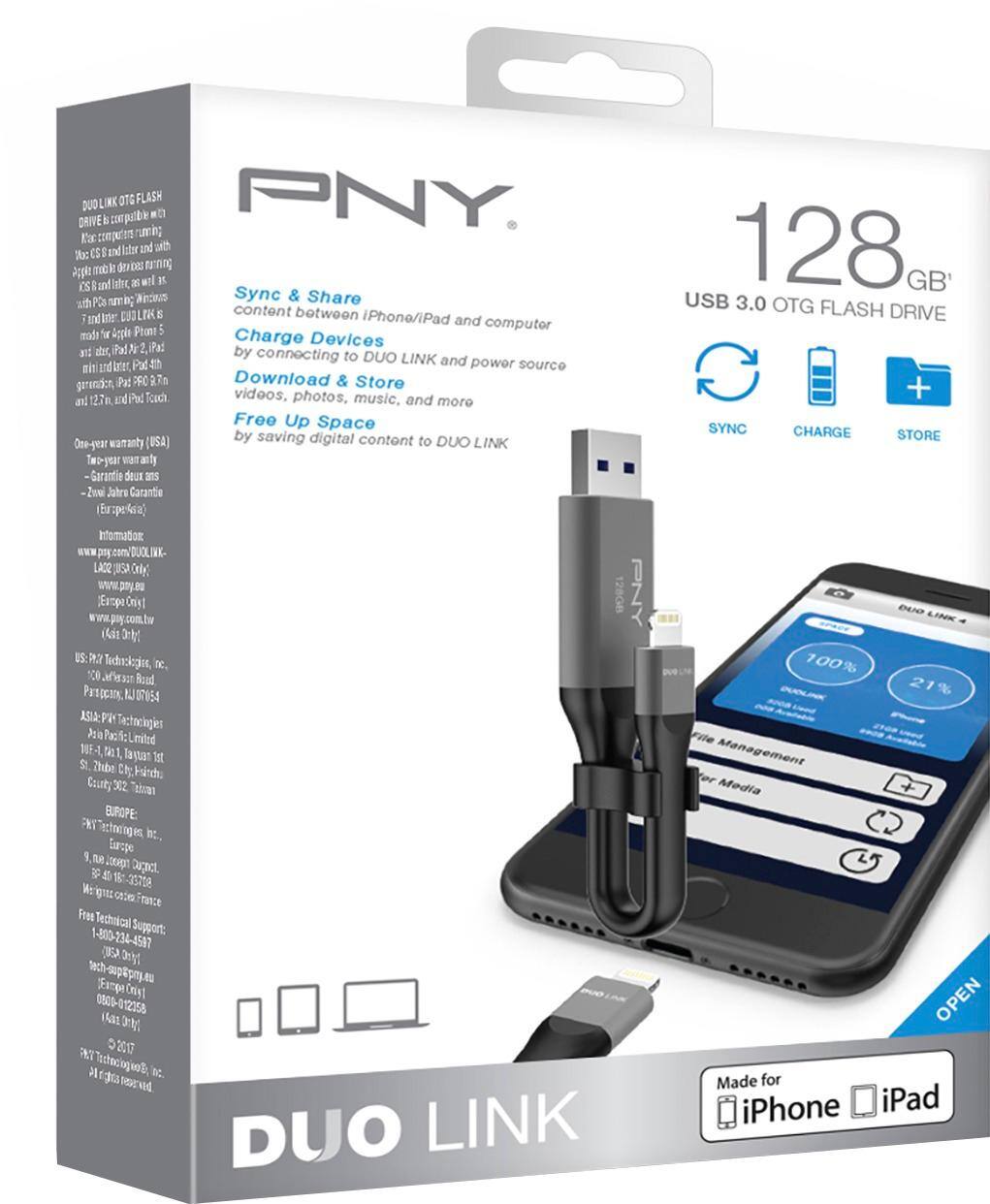
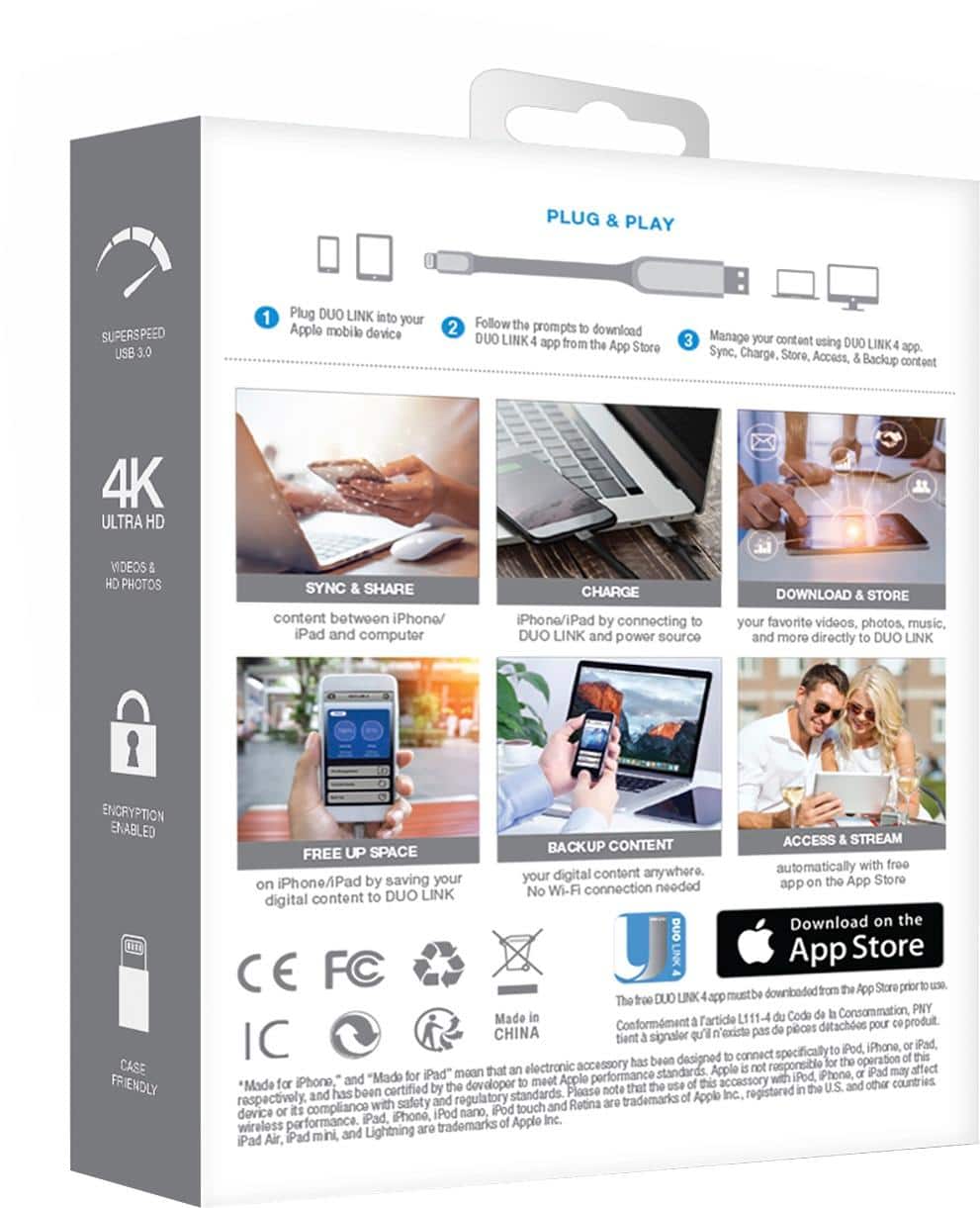
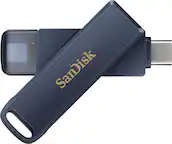
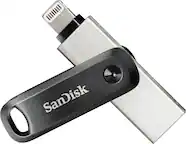
A:AnswerWe own several of these. We are a family of four and use the iPhone 7’s with limited storage. They are very simple to use and work great! All you do is download the app which is given to you in the instructions (duolink I believe) and then plug it into your phone. It will ask you what items you want to back up (such as photo’s and/or contacts). It transfers your and stores your pictures/contacts/videos/music directly to the DUO LINK which acts just like a hard drive. Then you can delete that content from your phone, freeing up your phone’s storage. You can if you choose, transfer that content from the DUO Link to your computer or not (everything stays on this little “stick” device until you need it). We use ours just for storage like a hard drive. If you ever want to retrieve a picture or video all you have to do is go back to the DUO Link app, plug it back into your phone and transfer back only what you want. It’s simple and definitely worth the buy! I myself, already have three of them filled with pictures and videos from years past.
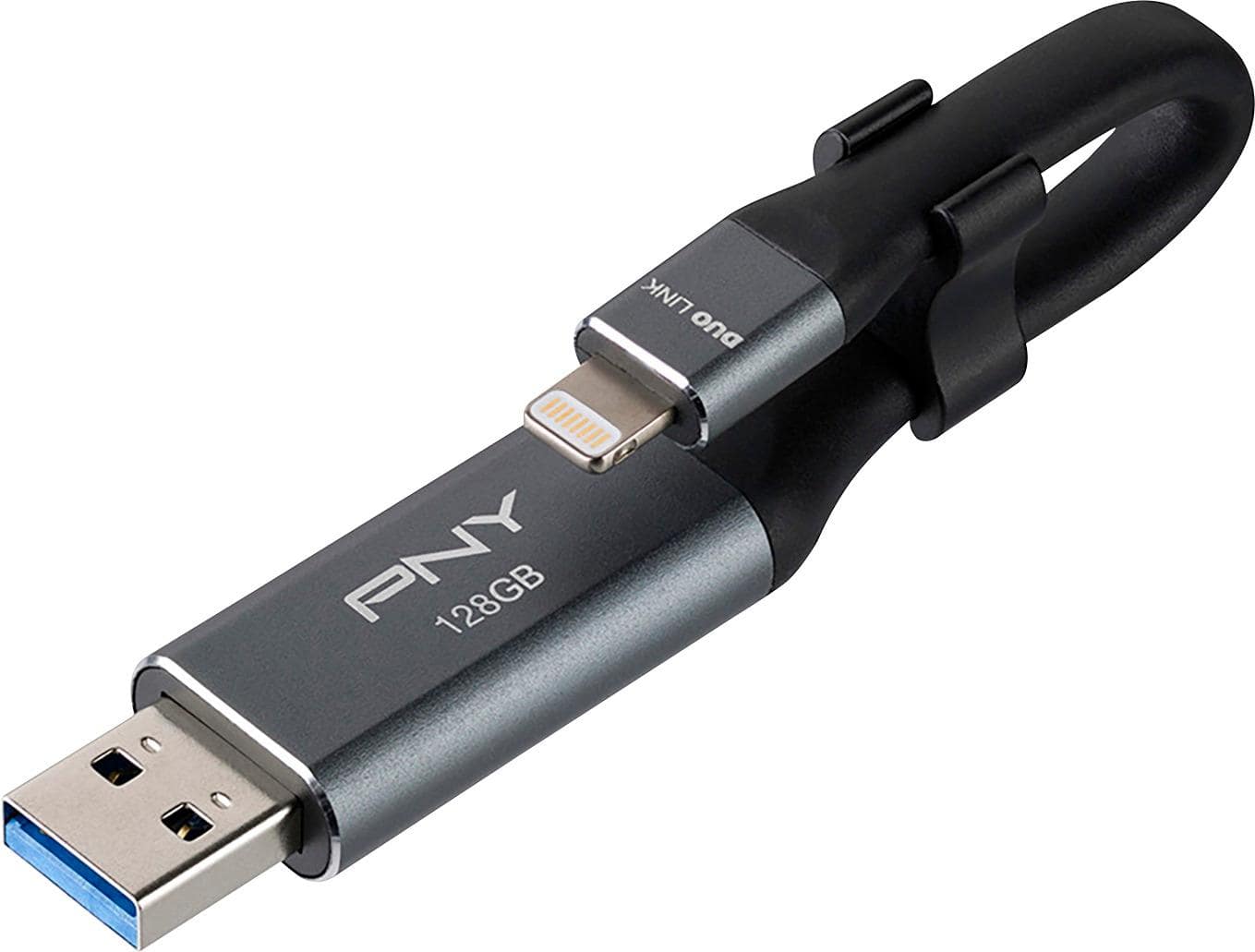
A:AnswerYes you can plug it in your iPhone to save your pictures, videos and yes add more later but make sure you download the DUO Link 4 app. Transferring pictures and videos to this memory stick is fast and that’s what I like about it. If you want to know more about it look it up on YouTube. It’s easy
A:AnswerNo it does not. My phone was unplugged three times while backing up and it copied every picture three times. I was able to restore the contacts without a problem but it didn’t save the pictures. I wanted to try to restore the phone back up But I never found the option to do so like it says in the instructions. But at minimum it served the purpose that I needed to save all the pictures from my phone
A:AnswerYes, it stores pictures and videos, after you finish downloading, make sure all your videos and pictures are downloaded to the USB OTG flash drive before you delete anything from your phone.
A:AnswerYES! I just did and it's fantastic ... no problems in the download from Iphone 11 to the Duo. Just know that there will be pictures that won't convert to jpg or gif without help from a $3.00 app . Otherwise, go for it!!
A:AnswerThis is a "flash-drive" ... so if you have Apple Play in your car I'd say you can without too much trouble. Give it a try, you've got nothing to lose. What you downloaded onto the Duo is ONLY a copy, thus the originals are still on your phone or computer. So you're safe to try.