A:Answer You can see how much RAM is already in your PC by accessing your system information through the Control Panel.
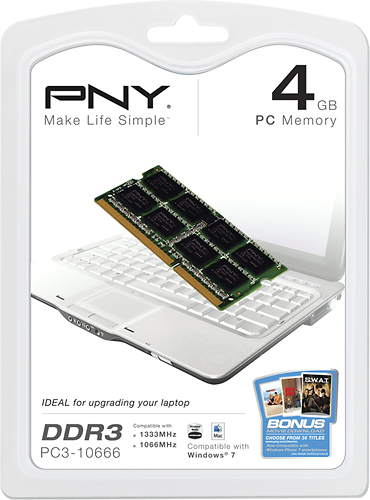
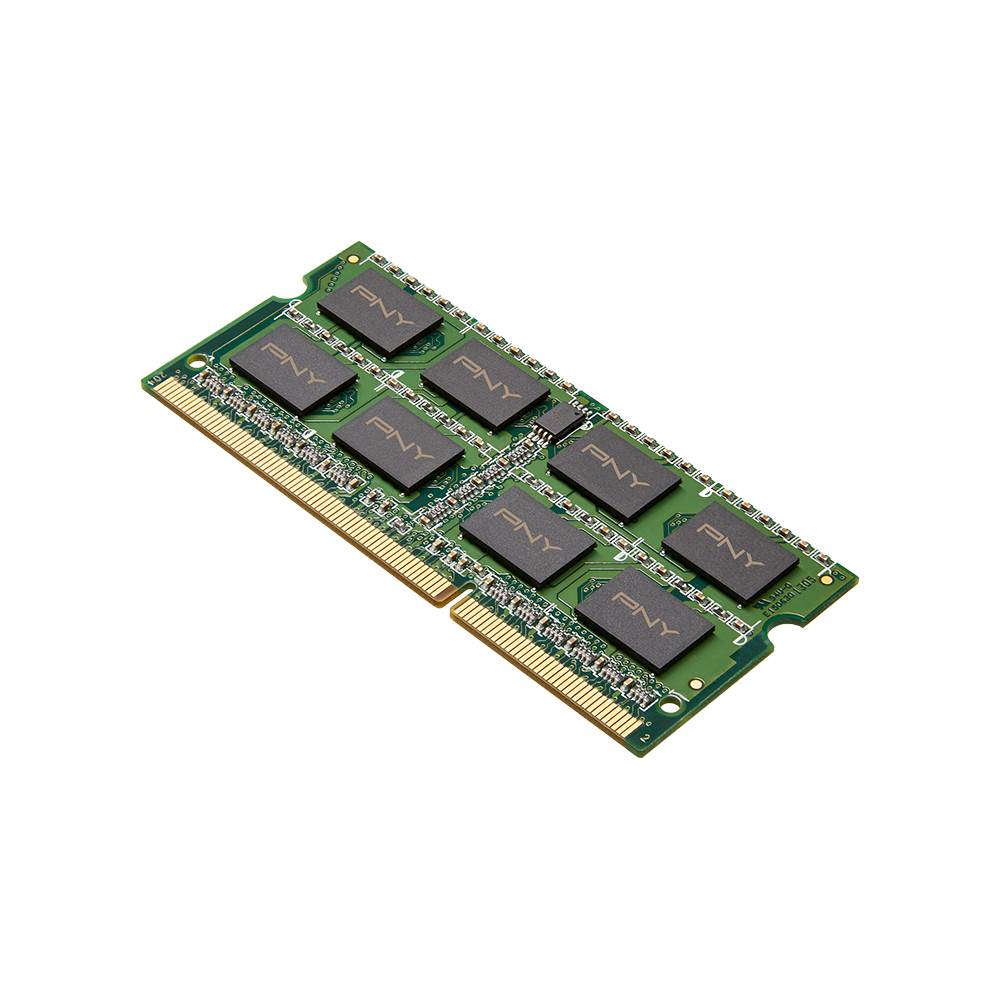
Different model #s for your PC may have different specs. The first thing you should do is find the specific model # for your PC. Then perform a search to see what type and size RAM is already installed and how much the CPU will support. Also, check to see how many slots the model has for RAM. You will want the same type and speed of RAM if you are adding an additional stick or replacing the installed RAM.
Also, remove the battery and the panel on the bottom to access the RAM. Laptop RAM will usually be stacked. If there is an open slot, then you can probably add another DIMM, just ensure its the same as the one that is already installed. But make sure you search the specific model # to make sure the amount of RAM is supported.