A:AnswerHello!
Ray-Ban Meta smart glasses are IPX4 water resistant, meaning your glasses are safe even if you get caught in light rain while wearing them. These smart glasses are not intended to be submerged or exposed to liquids for extended periods.
A:AnswerIt's the same as the Ray Ban Stories gen 1. You can record in 30 or 60 sec bursts. The storage is up from 4 GB to 32 GB. If you have a connected phone, it allows 30 min of Livestreaming to Facebook or Instagram.
A:AnswerHi there, thanks for your question.
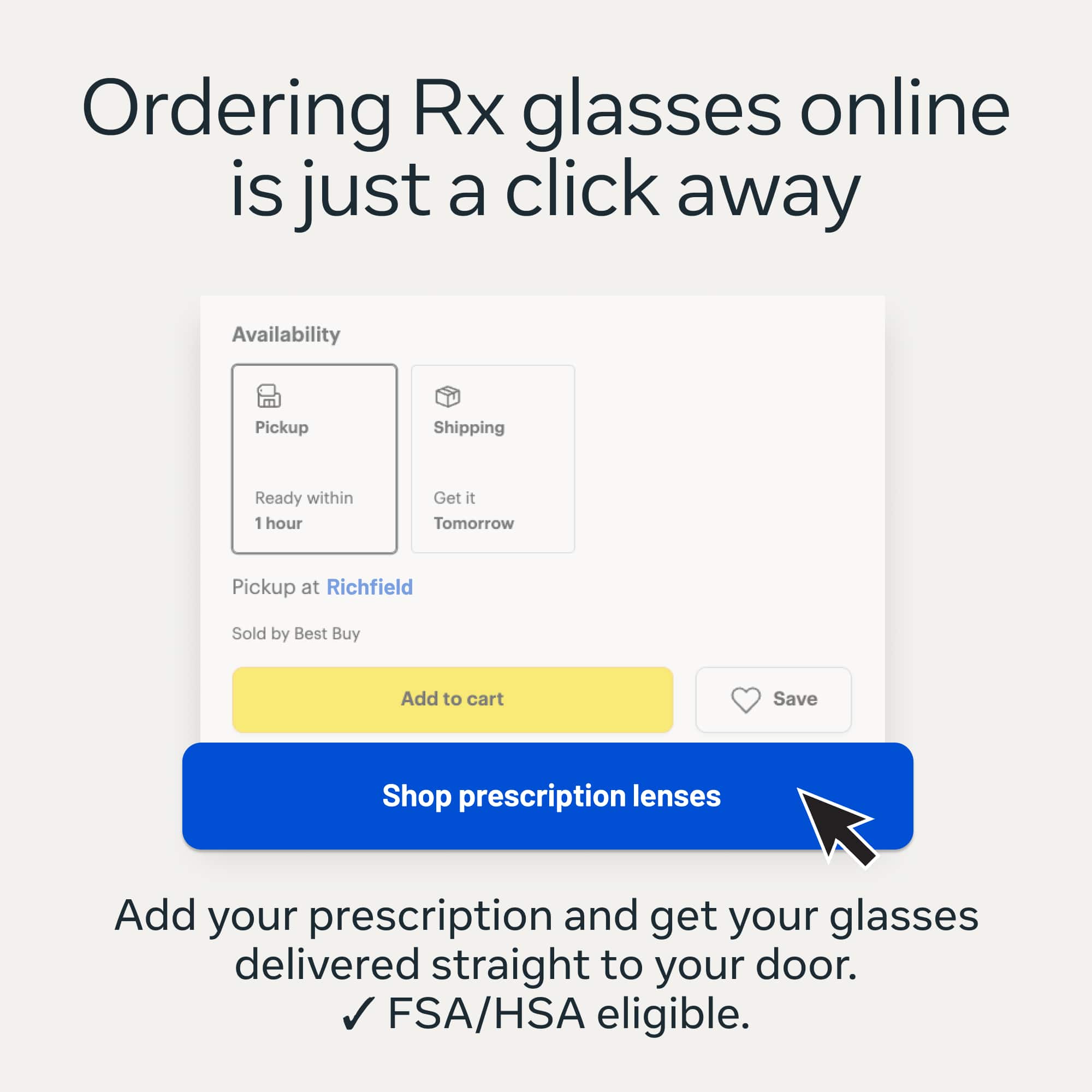
You can add prescription lenses to the Ray-Ban Meta glasses. The eligible range is -6.00 to +4.00 total power.
Alternatively, they have the Be My Eyes feature. This features connects users who are blind or who have limited sight to volunteers who can then help them to complete their everyday tasks,
If you'd like further information regarding this or have any other questions or queries, please don't hesitate to reach out to our wonderful Customer Support team. One of our lovely colleagues would be more than happy to assist you with this!
A:AnswerHello Michael!
We can see that you have a question regarding Ray-Ban glasses. Ray-Ban Meta glasses store videos on your phone's photo app after importing. The default maximum video length is 3 minutes, but you can adjust it in the Meta AI mobile app. The glasses also feature a 12-megapixel ultrawide camera, 5 microphones, and a 1440 x 1920 resolution for capturing video.
We hope this will solve your query. If you need further assistance, you can always contact our support team and we will be happy to help.
A:AnswerHi there Alec,
Thank you for getting in touch!
The length of time that your battery life will last for will vary depended on how much you are using the features, however, fully charged glasses usually last up to 4 hours for moderate usage.
We hope this helps you out!
A:AnswerHi Karima!
The S22 Ultra and S24 are fairly recent, so everything should work perfectly with the Meta View App.
The required OS is Android 10 and up.
You can always check the compatibility on the Google Play store: https://play.google.com/store/apps/details?id=com.facebook.stella&hl
A:AnswerNot sure if this answers your question but you can view recorded videos through the Meta View app. The sunglasses will store the video/photos until either you manually download it through the app or you can set it up where it automatically downloads to your camera roll.
A:AnswerHi there,
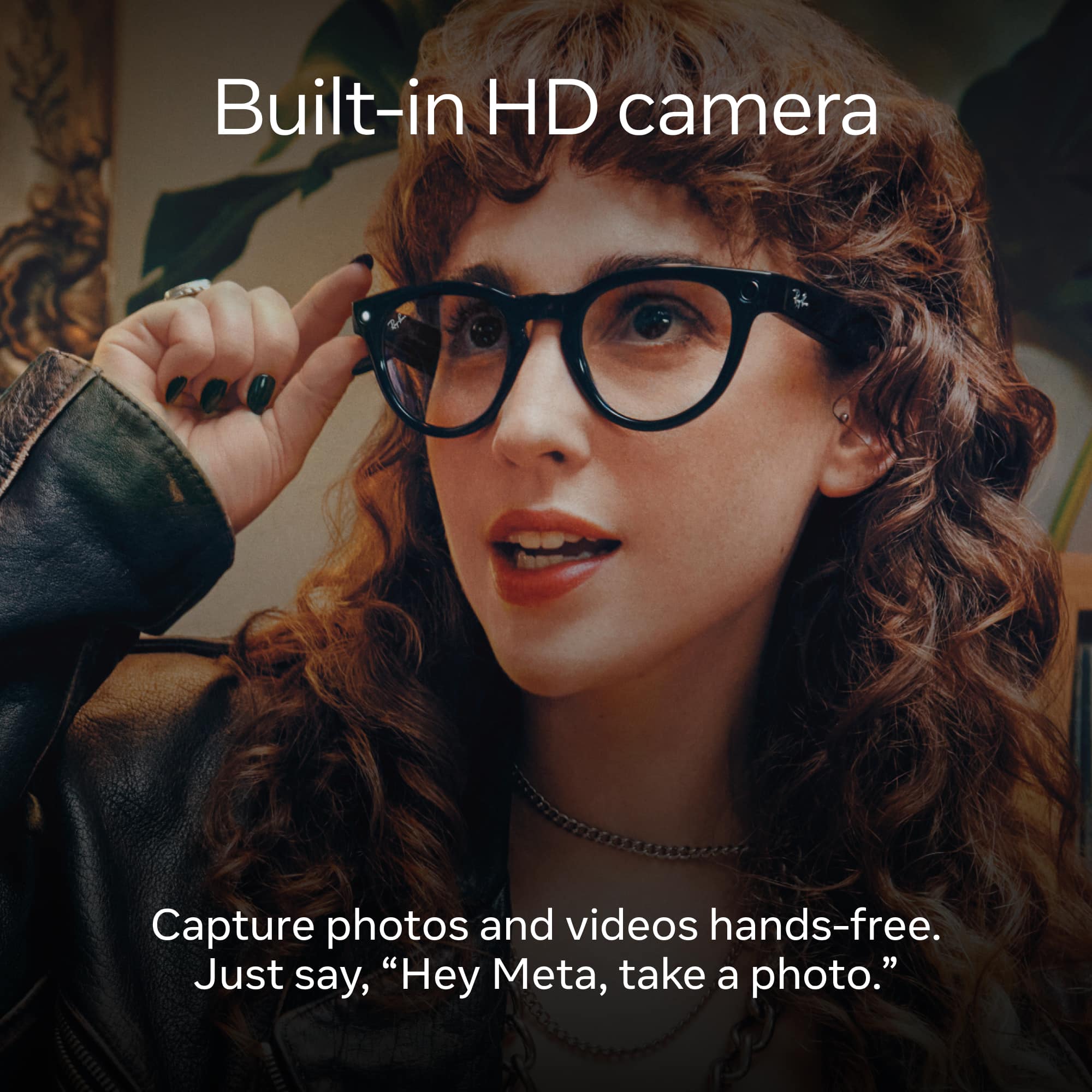
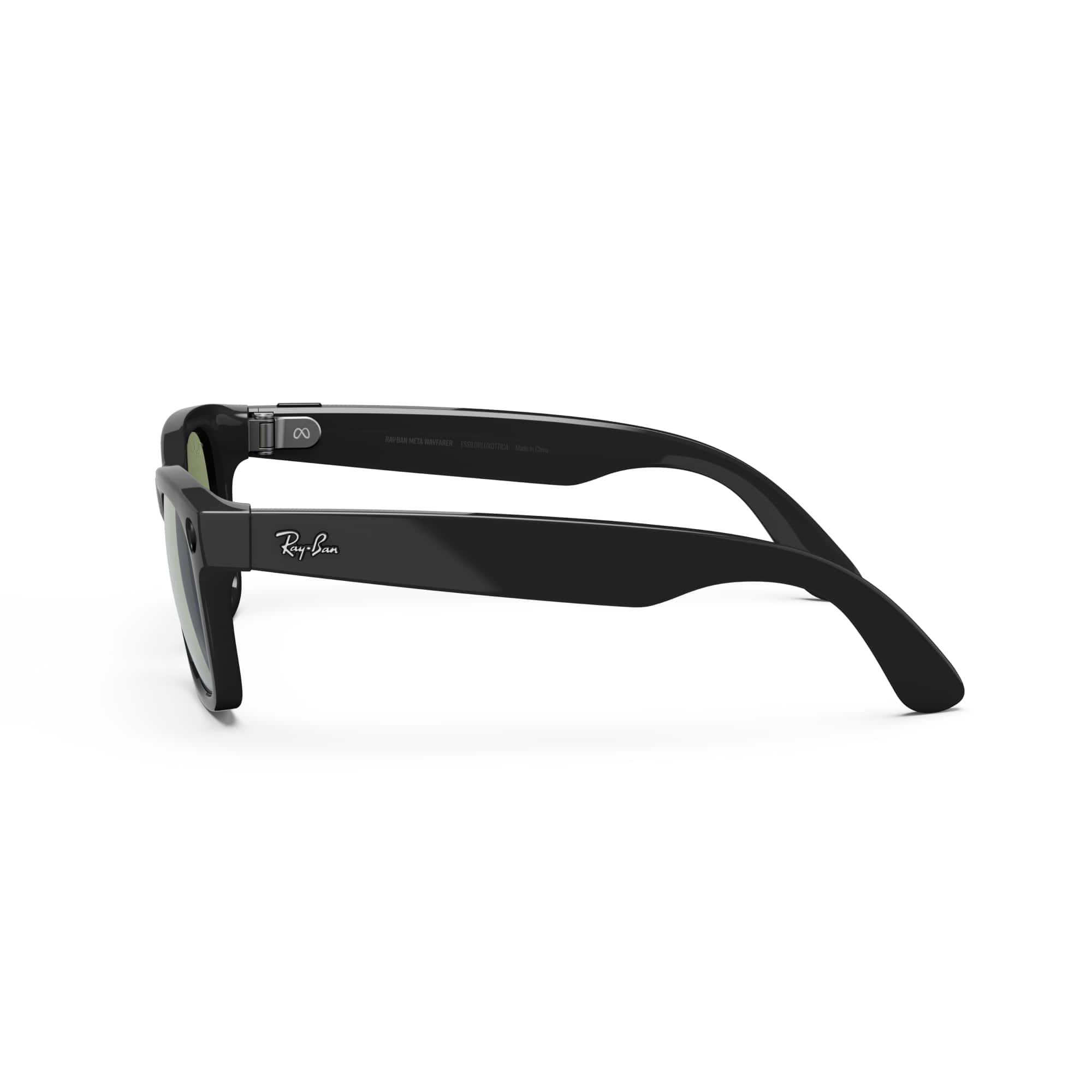
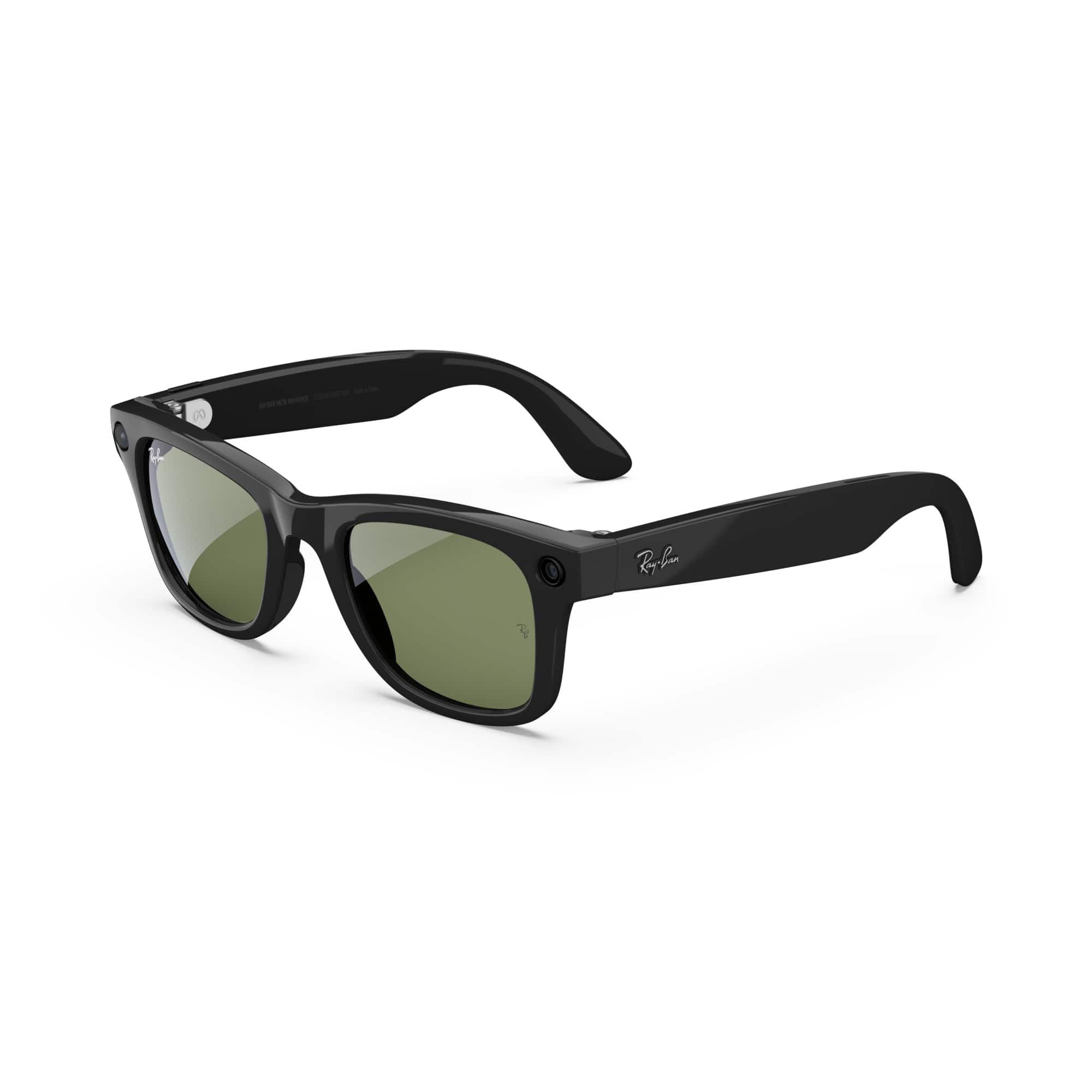
To record a video with your Ray-Ban Meta glasses, you can use either the physical capture button on the right arm of the frame:
- Start Recording: Press and hold the button on the right temple. You will hear a beep and the white LED will light up, indicating you are filming.
- Stop Recording: Tap the button once. Another beep will sound, and the video will be saved to your glasses
Or the hands-free voice commands such as, "Hey Meta, take a video." and, "Hey Meta, stop." once you are done recording.
For any further queries don't hesitate to reach out to us via Meta Support, we'd be happy to help!
A:AnswerHi Mary!
Thank you for reaching out with this question!
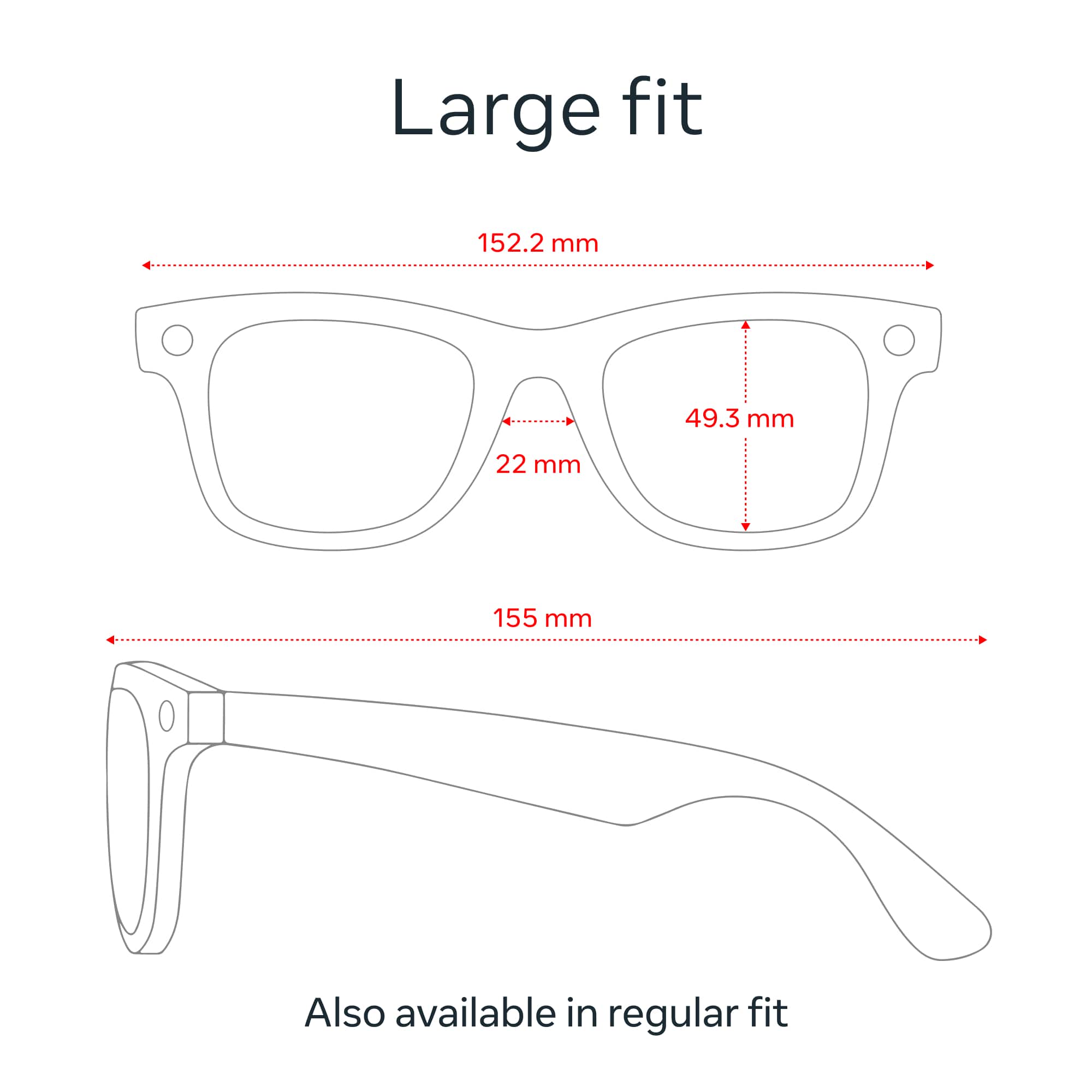
To give you the most accurate details for the Ray-Ban Meta Wayfarer Large (Gen 1 / Ray-Ban Stories) glasses you mentioned, while these glasses feature open-ear audio speakers and a built-in camera to take photos or videos, they do not support the hands-free "Look and Read" text-to-speech features found in our newer Gen 2 models.
The Gen 1 glasses can read aloud your incoming text notifications, WhatsApp messages, or phone calls directly to your ears hands-free. However, to scan printed mail, menus, or paper documents out loud using Meta AI, you would need to upgrade to the newer Ray-Ban Meta (Gen 2) smart glasses.
The Gen 2 model introduces full artificial intelligence reading capabilities and integrates seamlessly with assistive platforms like the Be My Eyes app for the blind and low-vision community.
Because of these incredibly helpful accessibility features, I would personally recommend going for the Gen 2 AI glasses to ensure you get the absolute best hands-free experience.
We hope this helps clarify what each generation can do, and please let us know if you have any other questions about picking out the right pair for your needs!
A:AnswerHi Kay,
Great question!
Depending on your insurance plan, your purchase may be eligible for out-of-network reimbursement - all you have to do is submit the receipt to your provider.
However, please contact your insurance provider in order to confirm your coverage - unfortunately, this is something that we cannot verify.
If you have any further questions or queries, please don't hesitate to reach out to our Customer Support team who would be more than happy to assist you!
A:AnswerYes it would work but I have to ask if lights are going to be on in the place because the light that lets people know you will be recording will be on and that will get you caught.