A:AnswerRita, yes—your RCA DECG215R TV is compatible. Program the TV mode using the RCA brand codes listed in the manual, and if one code doesn’t give you full functionality, trying the next RCA code typically completes the setup.
A:AnswerHello sejarb - Thanks for reaching out! Once your TV is programmed to the remote, the next step is to switch your TV over to the HDMI source where your Roku Stick or DVD player is connected. You can do this by pressing the INPUT button on the remote and selecting the correct HDMI port from your TV’s source list.
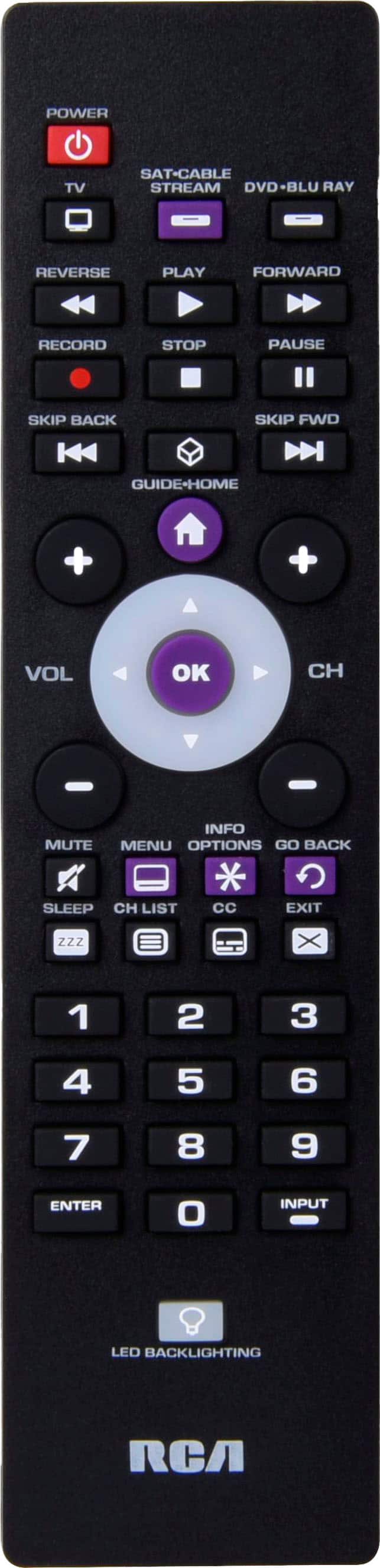
To control your DVD player, you’ll also need to program the DVD device section of the remote using the code list in the manual. After programming, press the DVD button at the top of the remote whenever you want the remote to control the DVD player’s functions.
One important note: while this universal remote can change your TV’s input, it cannot directly control a Roku Streaming Stick, since Roku sticks use wireless (RF/Wi-Fi) remotes rather than infrared signals.
A:AnswerHello Shelley - The RCA remote you are inquiring about at Best Buy does indeed have codes for RCA televisions. As with any universal remote control, unfortunately we cannot guarantee 100% functionality and that all keys and functions will operate the same as the original remote control.
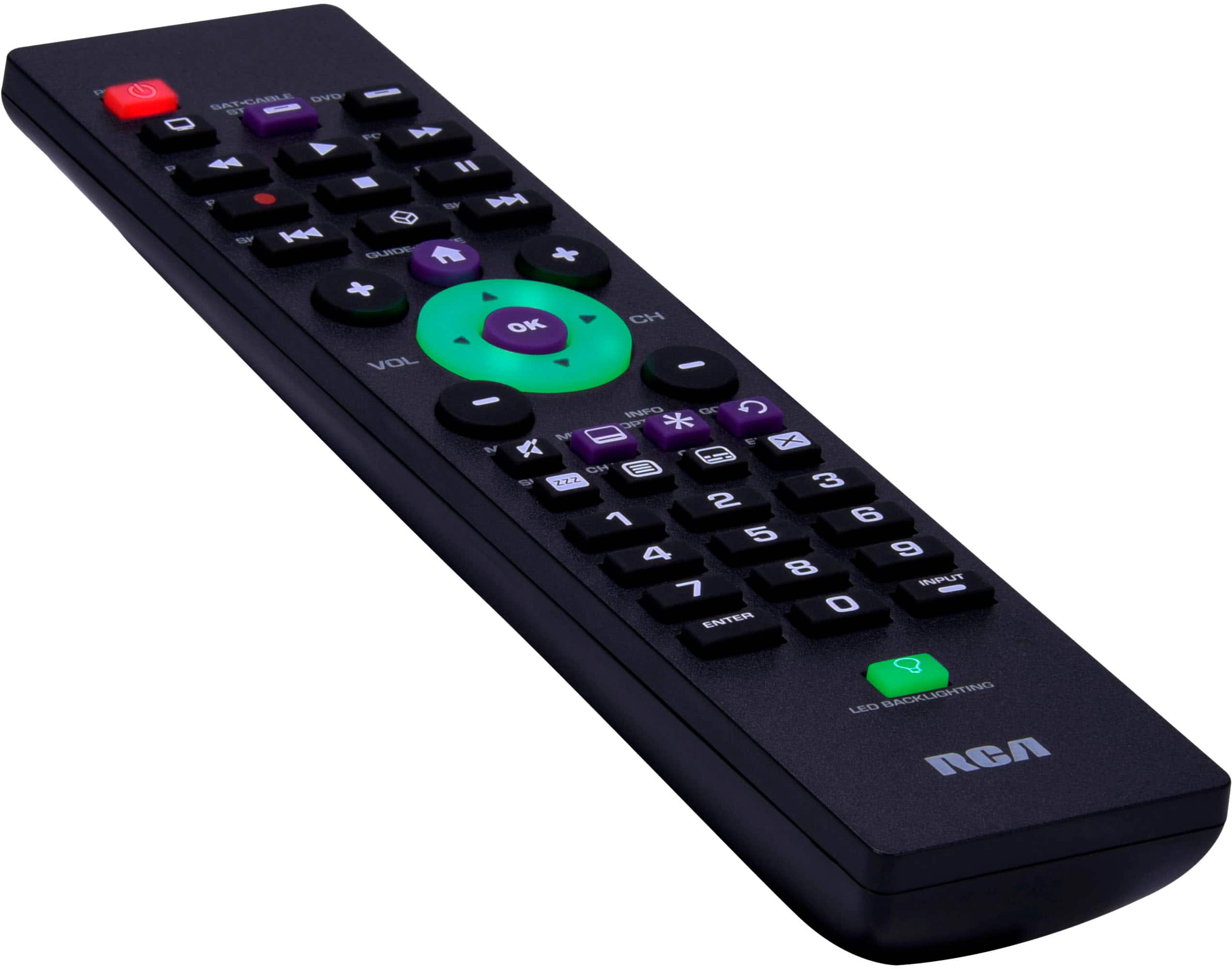
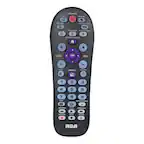
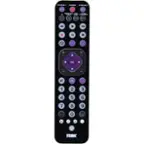
A:AnswerHello Doopie – The RCA 3-Device Backlit Universal Remote can control your Sony TV functions (power, volume, input, etc.) and compatible streaming devices that use IR signals. Streaming apps such as Hulu, ESPN+, or Disney+ that typically run "within" your streaming device or smart TV, so the remote should more than likely control those apps without issue.
A:AnswerHello LesMos – The RCA 3-Device Backlit Universal Remote is designed for devices that use infrared (IR) signals. The Nvidia Shield Pro relies primarily on Bluetooth for remote control functions, so this RCA remote will not directly pair with it. However, it can control the TV or soundbar connected to your Shield if those devices use standard IR control.
A:AnswerYes, this remote is very likely to be compatible with most RCA TVs, including older models such as your LE5516-LE48G45-A103917. We recommend trying all RCA codes listed in the code sheet included with the remote to ensure the best functionality across different generations of RCA televisions.
A:AnswerYes, this remote is compatible with most Samsung TVs, however we cannot guarantee your model UN43DU7200D specifically. Typically if there are codes listed for the brand, it will likely work. Be sure to try all Samsung codes in the code list provided with the remote to see which code provides the most functionality.
A:AnswerHello Sharon – Yes, the RCA 3-Device Backlit Universal Remote is compatible with most TCL Roku TVs. We recommend programming it using the codes listed for TCL in the included code list. If one of the codes doesn’t respond, try the next until one works. We recommend trying all codes listed to see which one provides the most functionality for your specific TV model.
A:AnswerHello SilverFoxx – The RCA 3-Device Backlit Universal Remote is compatible with most brands of TVs, DVD and Blu-ray players, streaming devices, and satellite boxes. It does not include soundbar-specific control codes, so it will not operate standalone soundbars such as those made by LG.
If your soundbar is connected through your TV via HDMI-ARC or optical input, you can still likely adjust volume and mute functions through the TV itself once the remote is programmed to your TV.
A:AnswerHello Alex - the RCA 3-Device Backlit Universal Remote uses infrared (IR) signals to control most TVs, DVD players, and streaming devices, but the Amazon Fire TV Omni primarily relies on Bluetooth.
A:AnswerHello—our RCA remotes include Roku TV codes and work with many Roku TV models. Because Roku implementations can vary, we can’t guarantee every model.
A:AnswerYou can visit our dedicated remote control support site at https://www.rcaremotessupport.com/
Here is the direct link to the remote you requested information about: https://www.rcaremotessupport.com/_files/ugd/874fad_578dac46d80d4e4cb0d3f024cef7d893.pdf
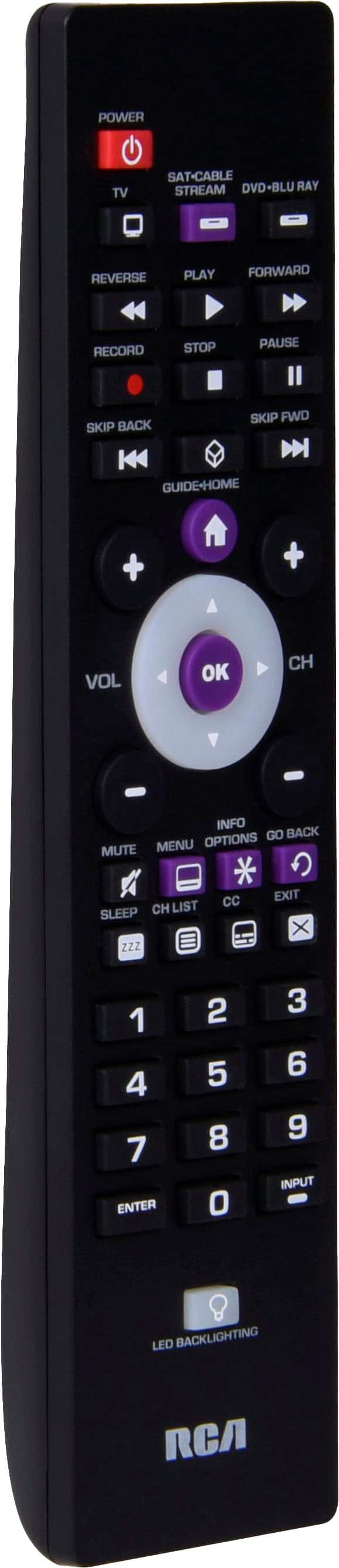
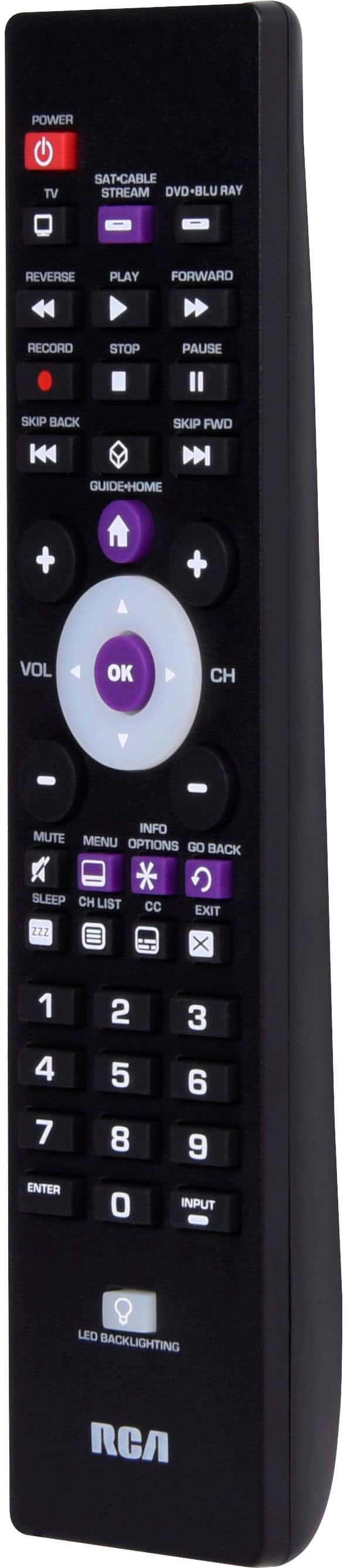
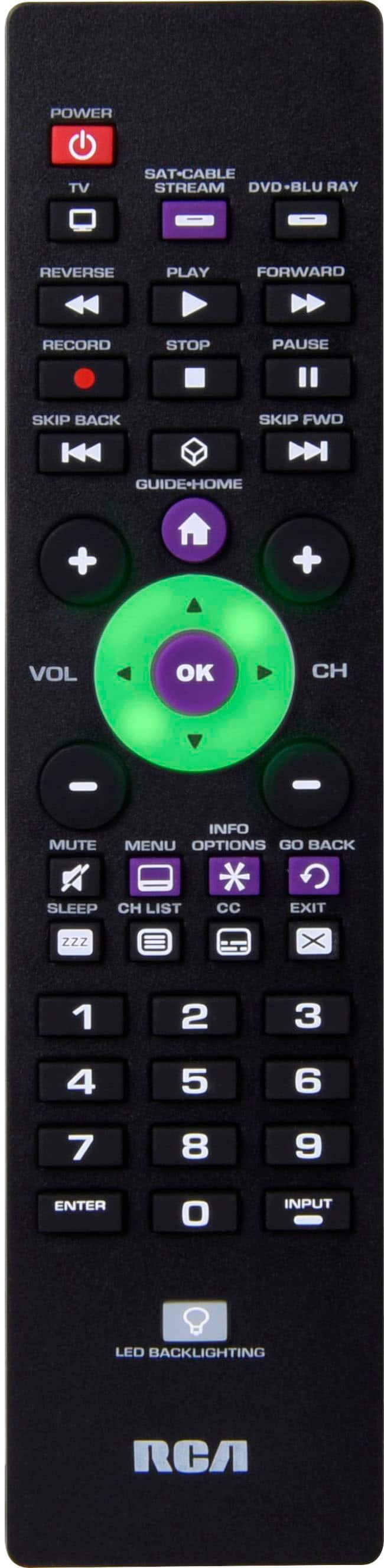
A:AnswerHello TWE9191 - Yes. The "Go Back" button returns you to the previous on-screen page/menu. "Guide" button opens the TV’s built-in channel guide (when the TV provides one). Because brands and software differ, these buttons work on many supported TVs but not all—some models don’t expose a guide, or they map Back/Guide differently. If a button doesn’t respond after programming, we suggest trying a different code.