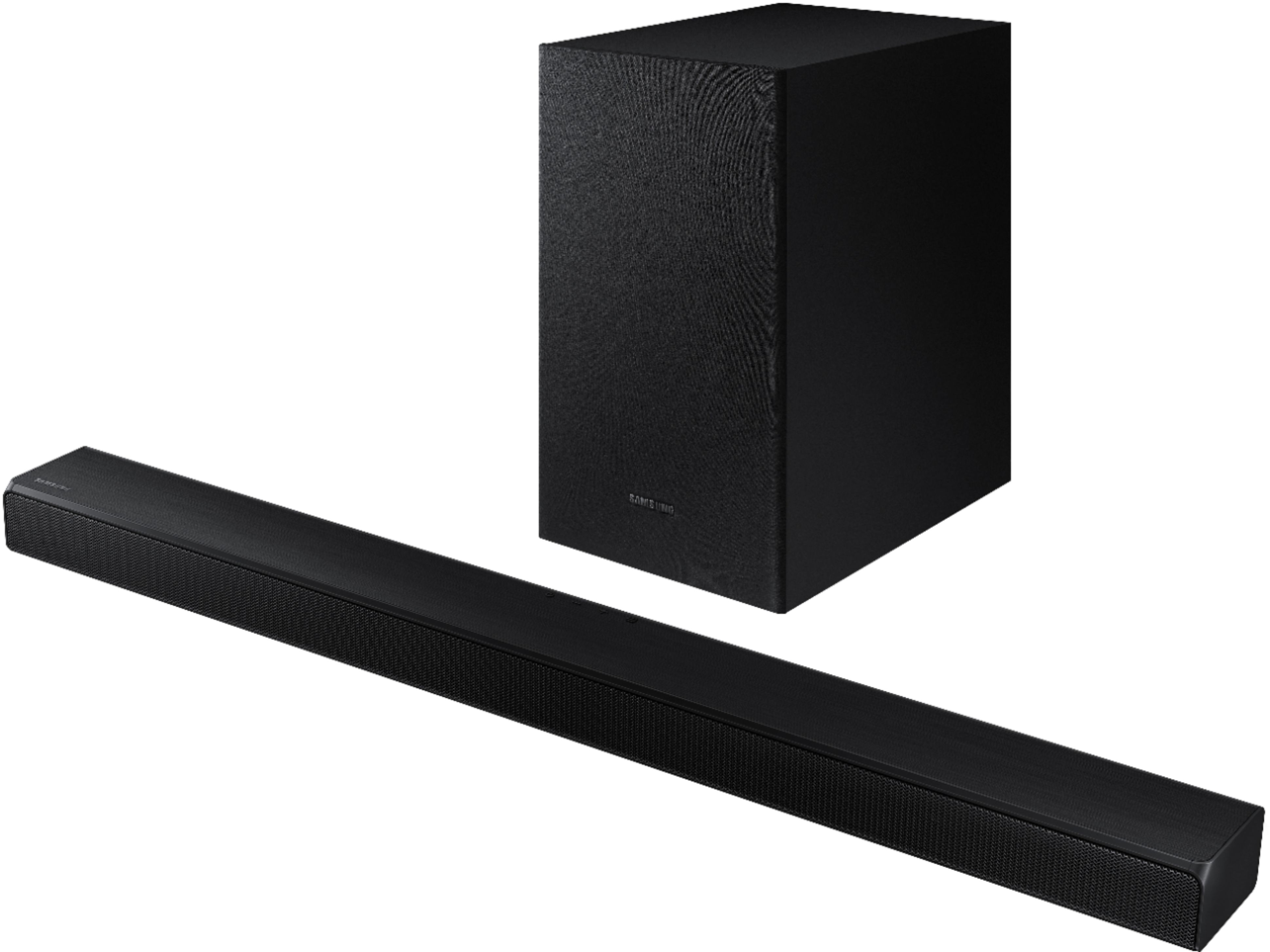
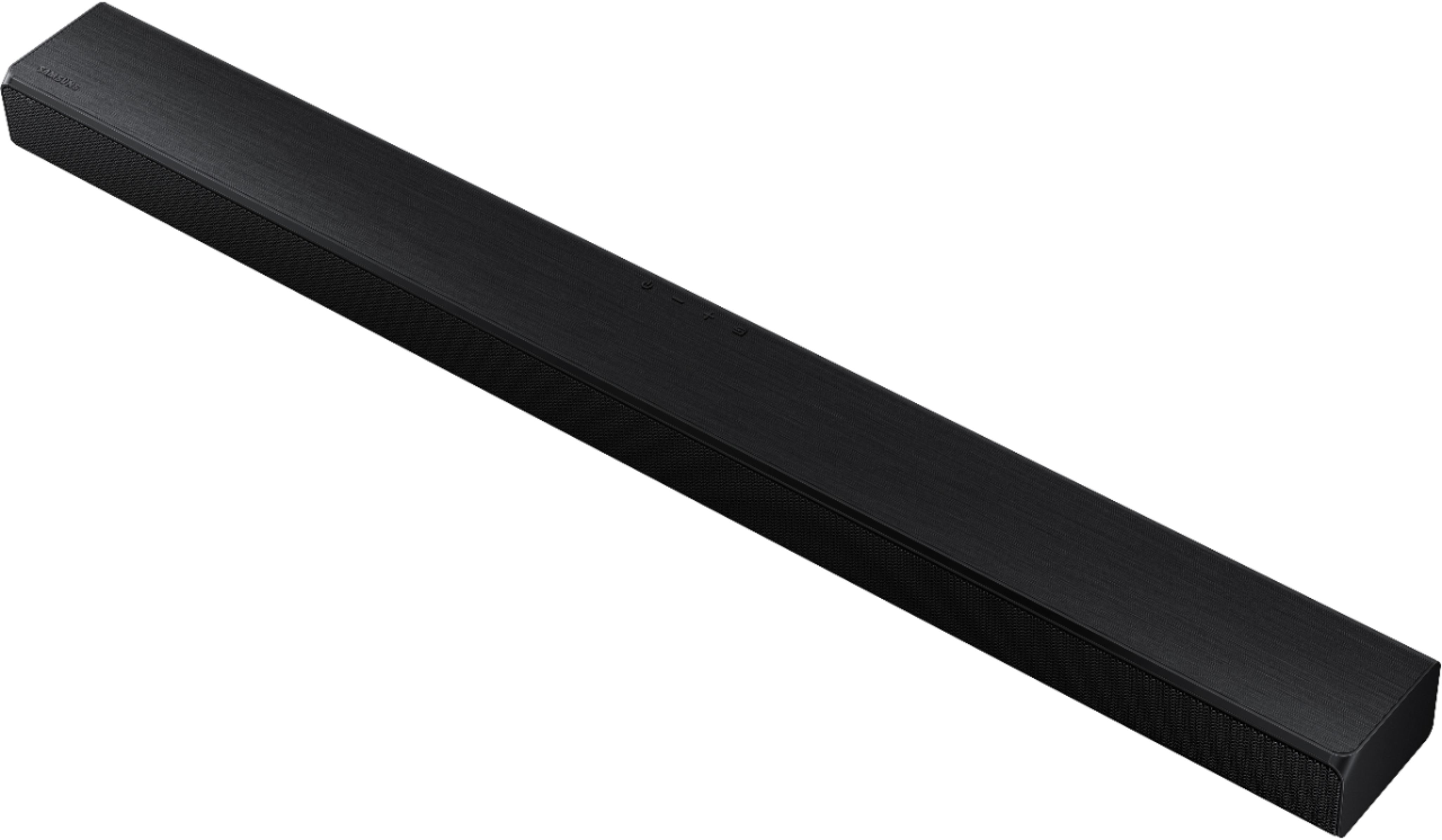
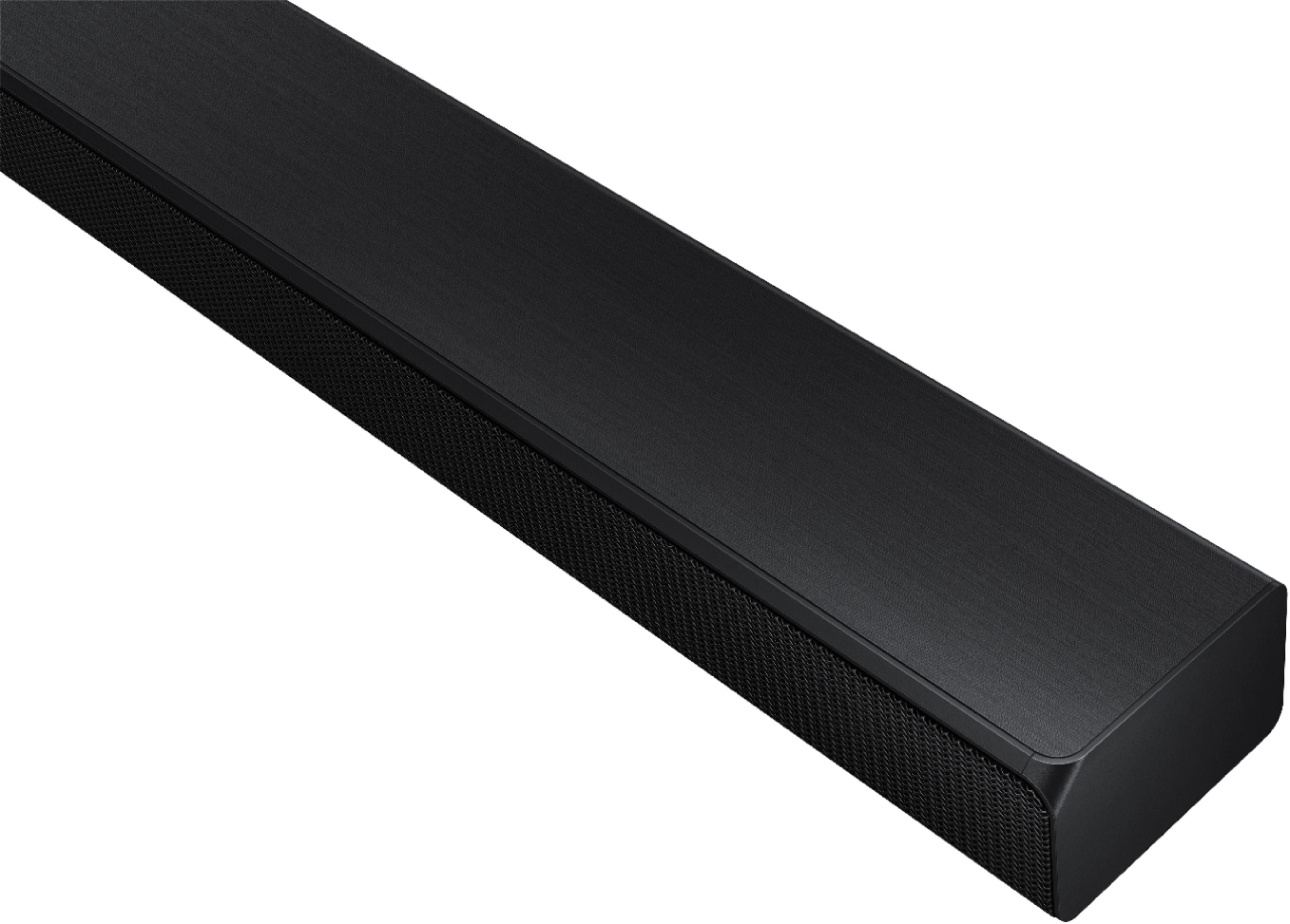
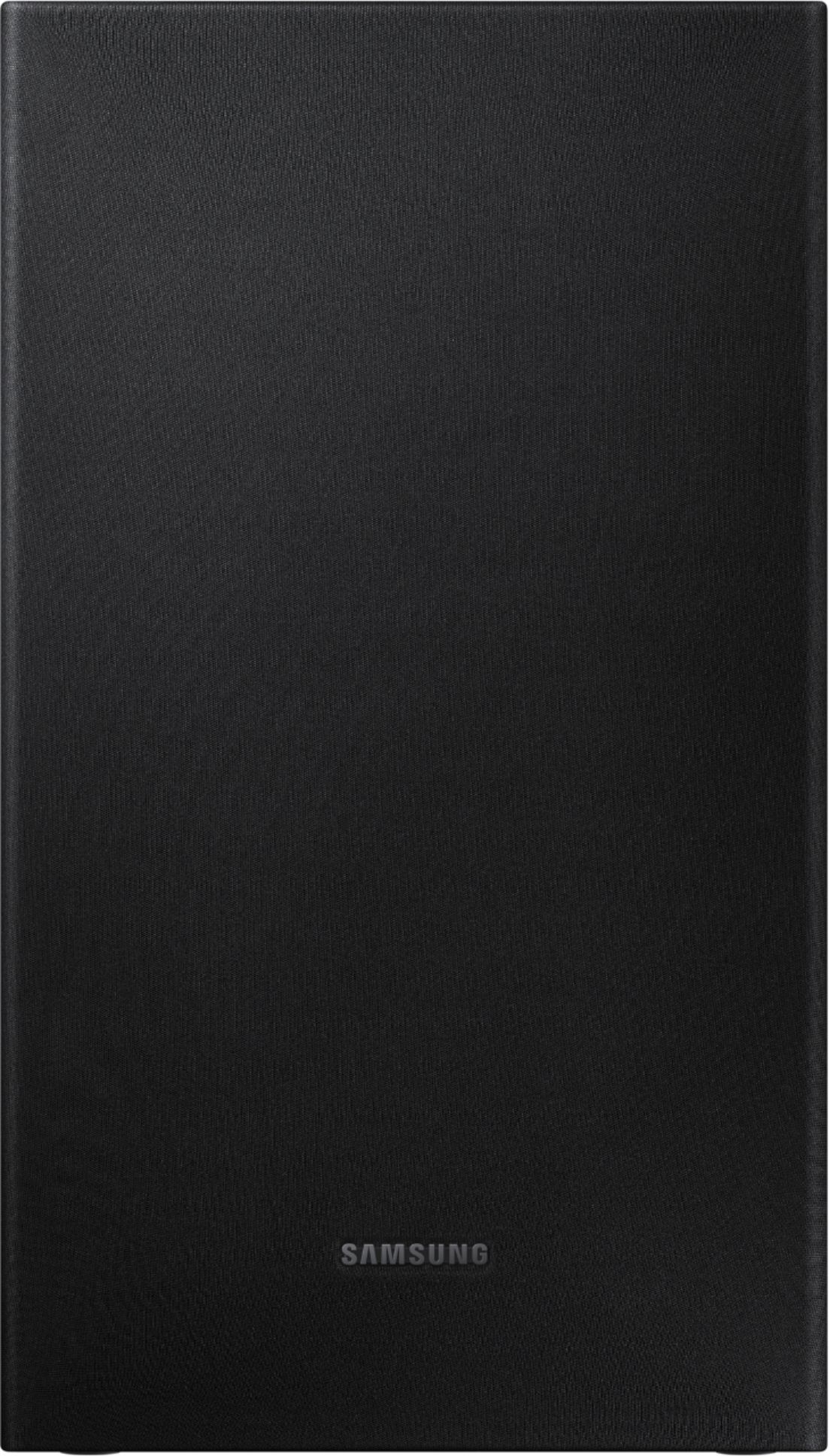
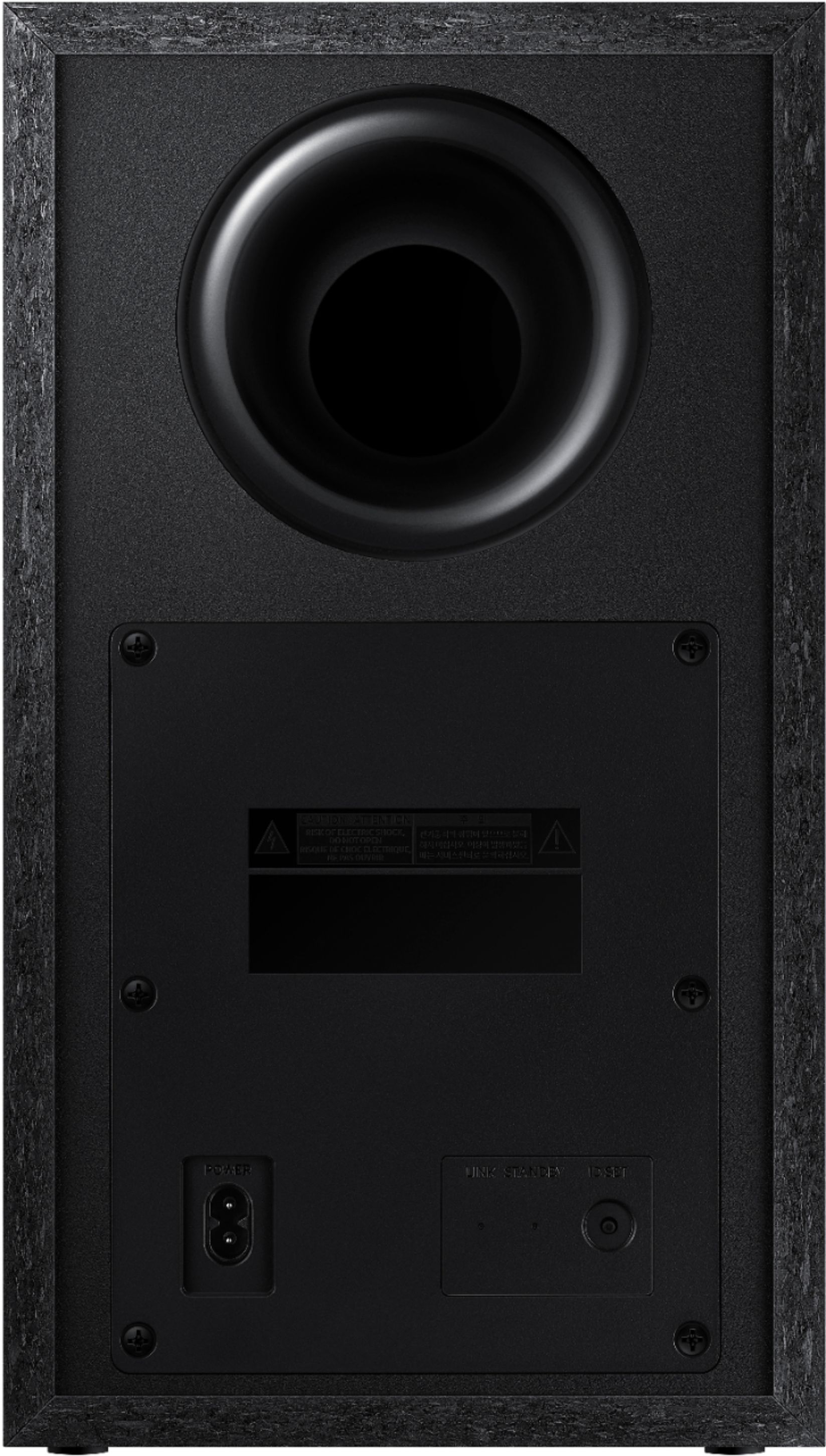
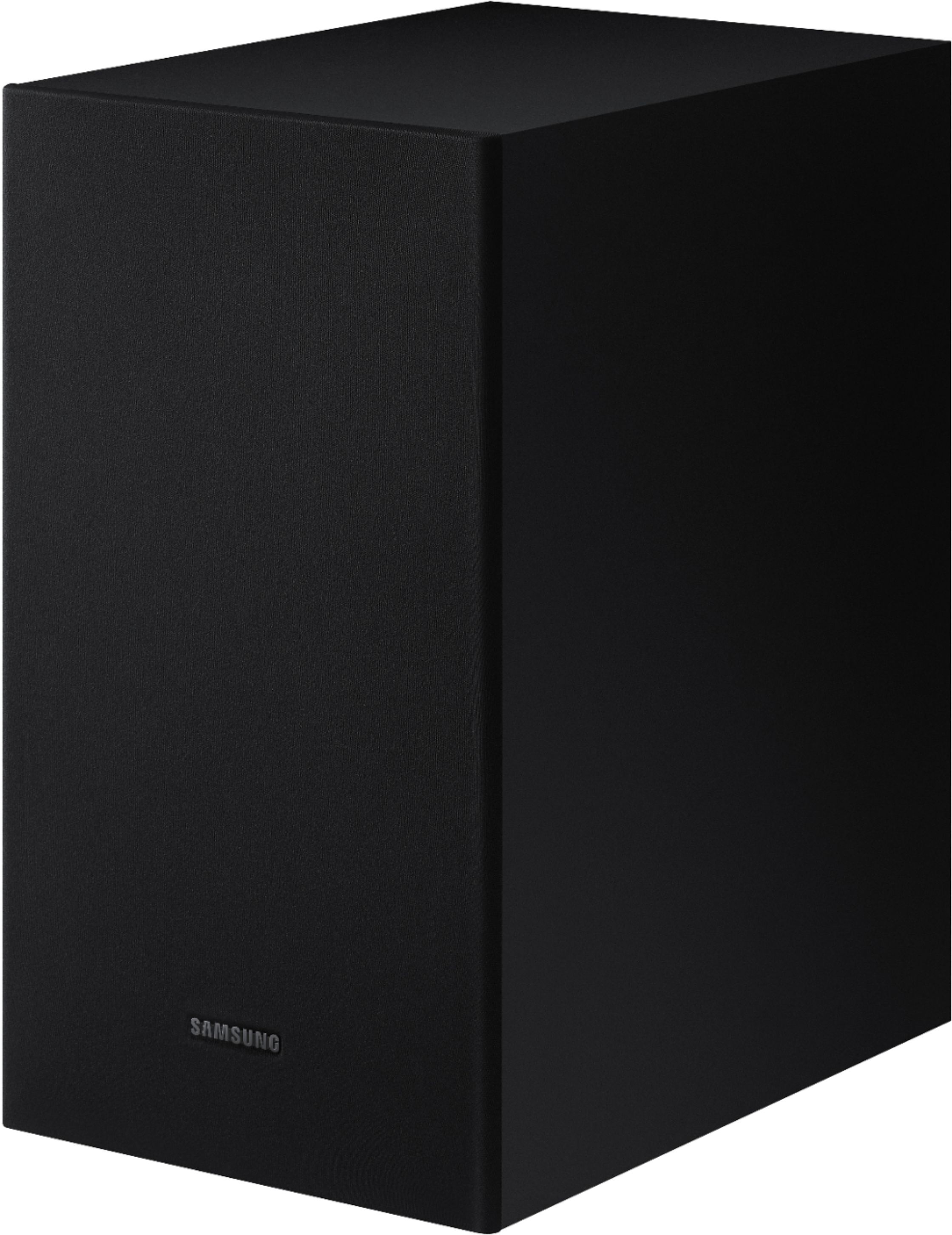
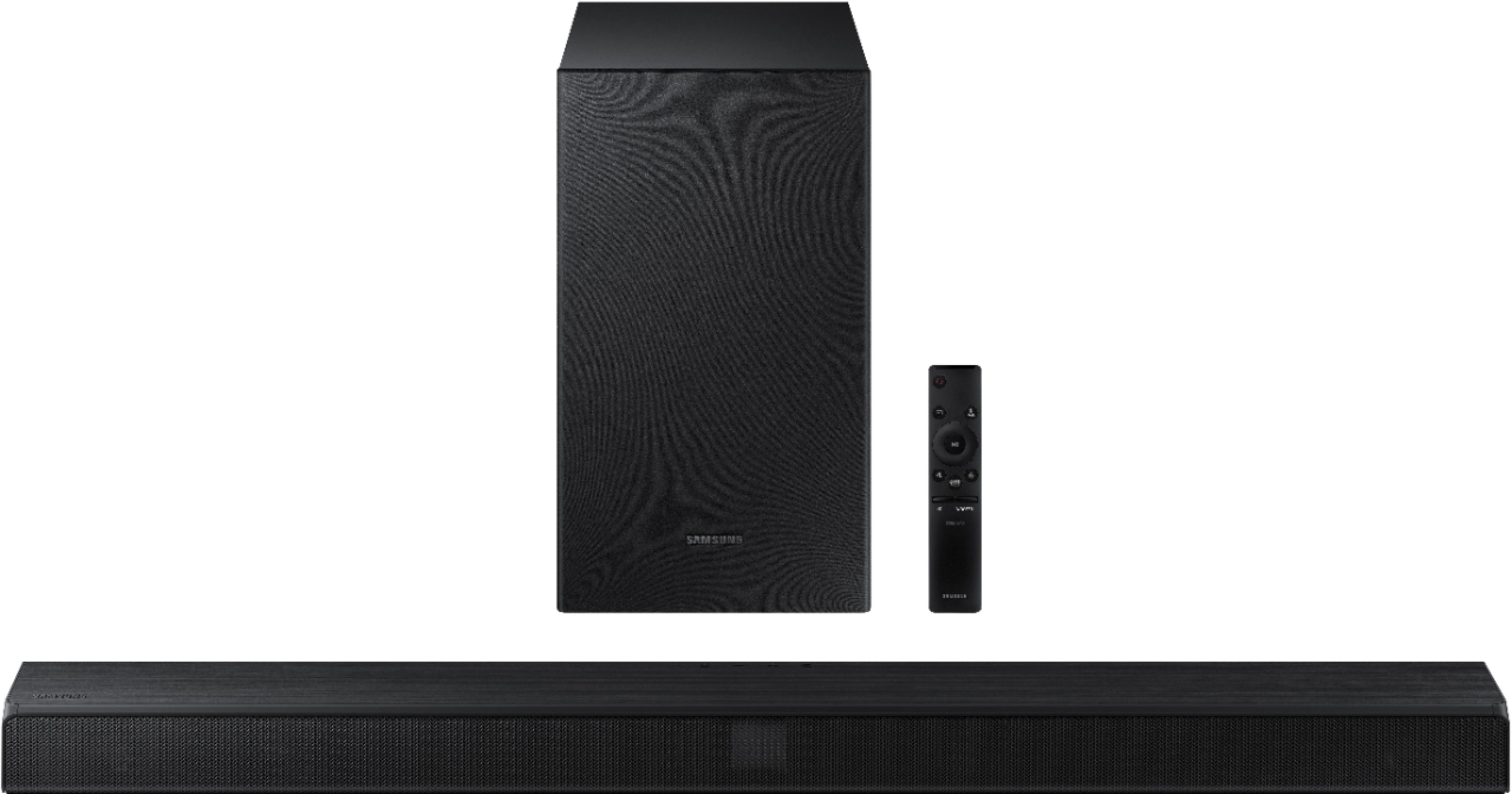
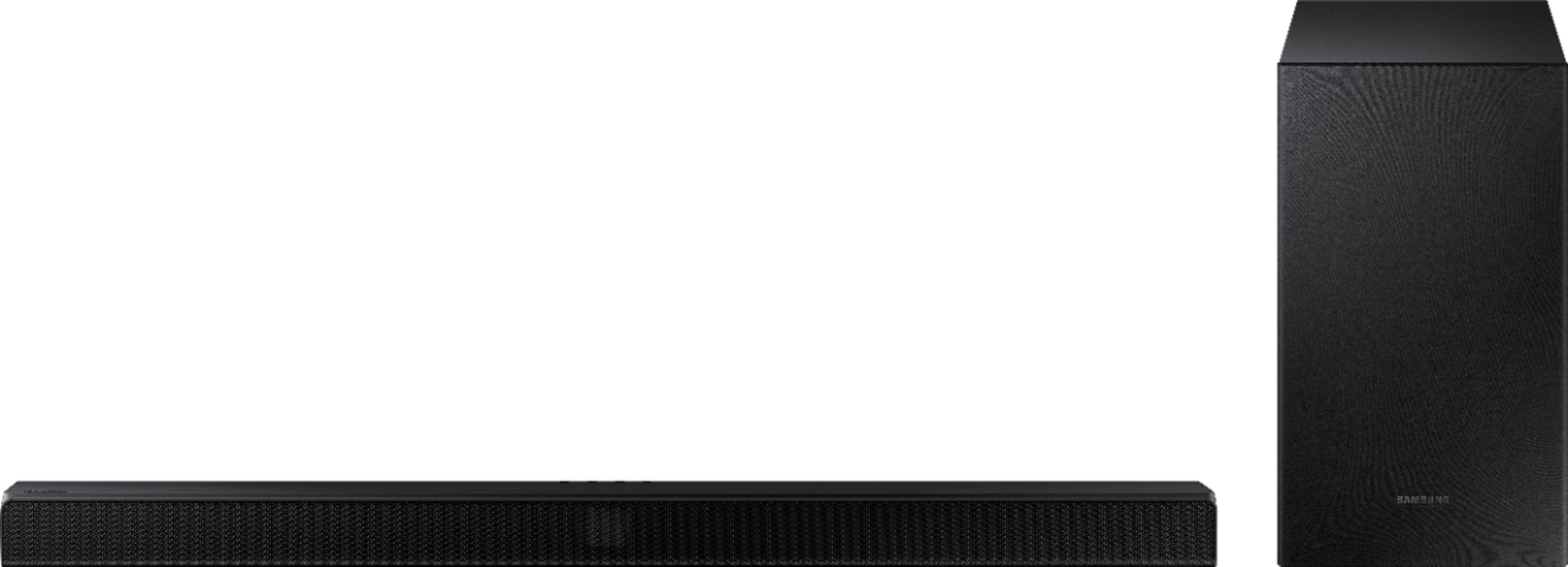
A:AnswerHi Kong: The HW-T510 soundbar does come with a subwoofer. Samsung does not offer a separate compatible subwoofer that can be used in place of the included subwoofer. If you are not completely happy with the bass performance, there are two adjustments that can be made to maximize bass from the soundbar and subwoofer:
1) Using the WOOFER button on the remote, you can adjust the volume of the subwoofer between -6 to +6 by toggling the button up or down. To set the subwoofer volume level to 0, press the button in.
2) Adjust the bass control by pressing the SOUND CONTROL button (gear icon) on the remote control, then select BASS to increase the level. You can adjust the volume between -6 to +6 by using the Up/Down buttons.
For precise audio adjustments, you can use the 7-band frequency equalizer to optimize the sound for your room acoustics. ^Patty
A:AnswerHi Jason: I am very sorry that you are not happy with the volume of your soundbar. Simply changing the Digital Output Audio Format to PCM can help. You may want to try changing the Digital Output Audio Format to PCM.
This can be found at Home > Settings > Sound > Expert Settings. (It can also be found in the Quick Settings.)
If your Digital Output Audio Format isn't set to PCM, like for instance if you have a Dolby option selected, then you will likely notice decreased maximum volume. Dolby options are designed for surround systems (like 5.1 or 7.1), whereas PCM provides great sound quality for stereo speakers.
If you don't have a surround system, you will probably want to select PCM. You'll get much louder volume that way, and potentially better sound quality. I hope this tip helps. ^Patty

A:AnswerHi there! The Samsung HW-T510 Soundbar may be connected to your TV via HDMI or optical cable. The optical cable is supplied with the soundbar. You may also connect wirelessly via Bluetooth. ^Patty
A:AnswerHi Dink! You can utilize a soundbar mount that attaches to the back of your TV to mount the HW-Q60T Soundbar directly under your TV. It will also move with the soundbar. Check out this soundbar mount at Best Buy: https://www.bestbuy.com/site/rocketfish-universal-soundbar-mounting-system-black/6354301.p?skuId=6354301 ^Patty

A:AnswerHi Fishje! The HW-T510 Soundbar features an Optical and HDMI port, as well as Bluetooth connectivity. If your TV includes an Optical or HDMI port, or is Bluetooth enabled, you can connect the soundbar to your TV via any of those options. ^Patty

A:AnswerHi there! The subwoofer should be placed upright, placed wherever you desire! The subwoofer can be placed up to 30' away from your soundbar. ^Gina
A:AnswerHi Adam, I'm sorry you are having an issue. Since optical cables are fiber and can get damaged, I would try to replace the cable to see if you are still having an issue. If it continues with a new cable, then I would suggest contacting Samsung Support. Please reach out to Samsung Support via any of these options:
Phone: 1-800-SAMSUNG
Available 8 AM - 12 AM EST 7 days a week
LiveChat or Text: https://www.samsung.com/us/support/contact/
Facebook Messenger: https://www.facebook.com/samsungsupport
Twitter: https://twitter.com/SamsungSupport
The Samsung TV Community is also a great resource for getting help from Samsung moderators and customers: https://us.community.samsung.com/ ^Jeremy
A:AnswerHi Clhomme! Yes, you can add the wireless rear speaker kit model SWA-8500s for a surround sound experience. This will create a 4.1 chanel solution. For 5.1 the soundbar must support a center channel like model HW-T650. You can find the rear speaker kit at the following link: https://www.bestbuy.com/site/samsung-wireless-rear-loudspeakers-black/5754510.p?skuId=5754510
Check out the HW-T650 at the following link: https://www.bestbuy.com/site/samsung-3-1-channel-340w-soundbar-with-6-5-wireless-subwoofer-black/6400685.p?skuId=6400685
^Tim
A:AnswerHi Pete, You can connect it either way. You can navigate to Settings, and select Sound. Next, select Sound Output you would like to use (HDMI, BlueTooth Speaker List, Optical). ^Jeremy
A:AnswerHi there, I'm sorry you are having an issue. The soundbar remotes do not need to be paired. You can always call Samsung Support if you are having an issue. Please reach out to Samsung Support via any of these options:
Phone: 1-800-SAMSUNG
Available 8 AM - 12 AM EST 7 days a week
LiveChat or Text: https://www.samsung.com/us/support/contact/
Facebook Messenger: https://www.facebook.com/samsungsupport
Twitter: https://twitter.com/SamsungSupport
The Samsung TV Community is also a great resource for getting help from Samsung moderators and customers: https://us.community.samsung.com/ ^Jeremy
A:AnswerHi there, The HW-T550 (360w) has a little more power than the HW-T510 (290w), but the other features are the same. So it would have Smart Sound as well. ^Jeremy
A:AnswerTonyProvo, you can connect the HW-T510 Soundbar to your TV via HDMI or Optical cable - when the source is set to your soundbar while streaming AppleTV, the sound will come from your soundbar. ^Gina