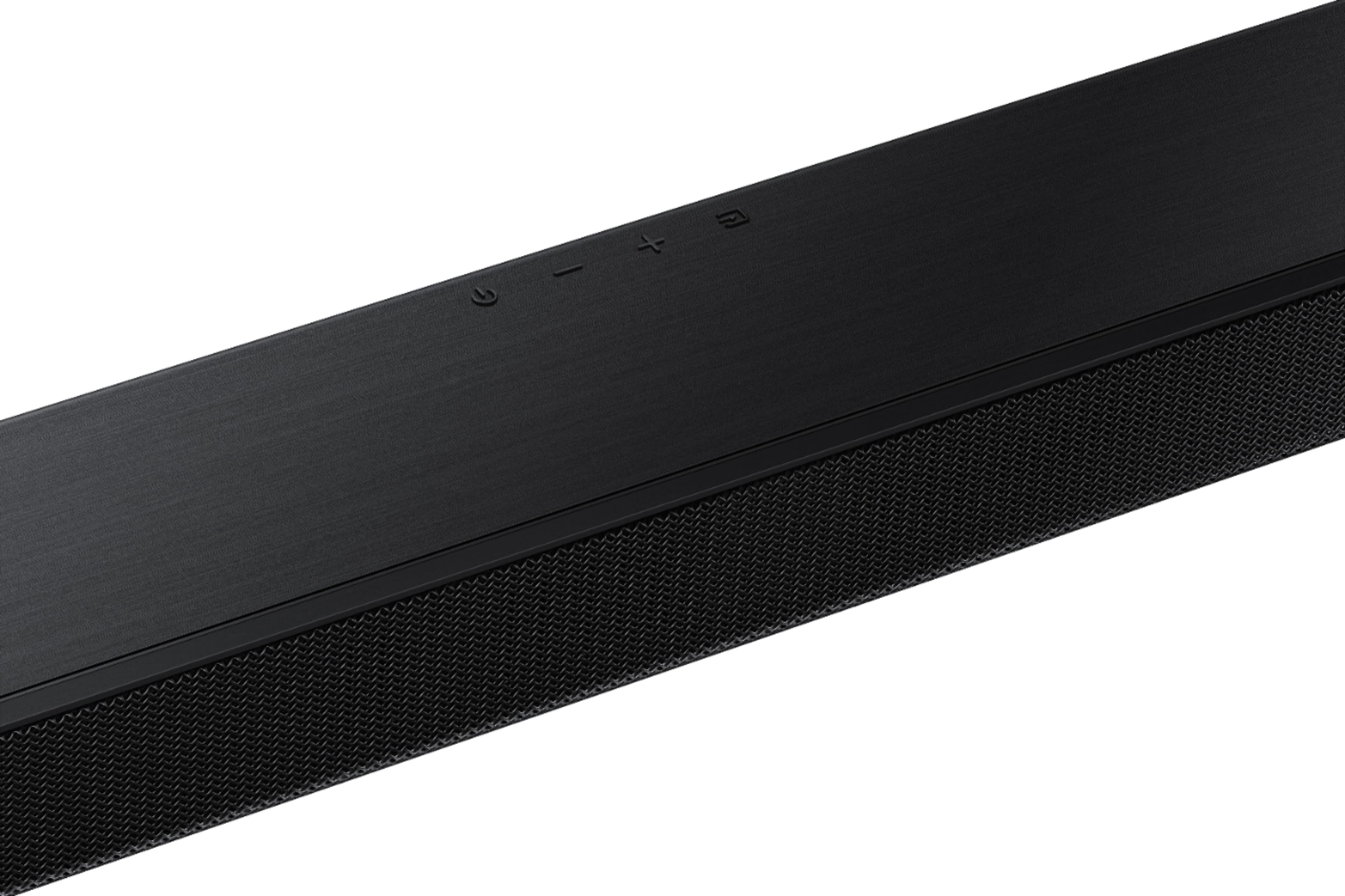
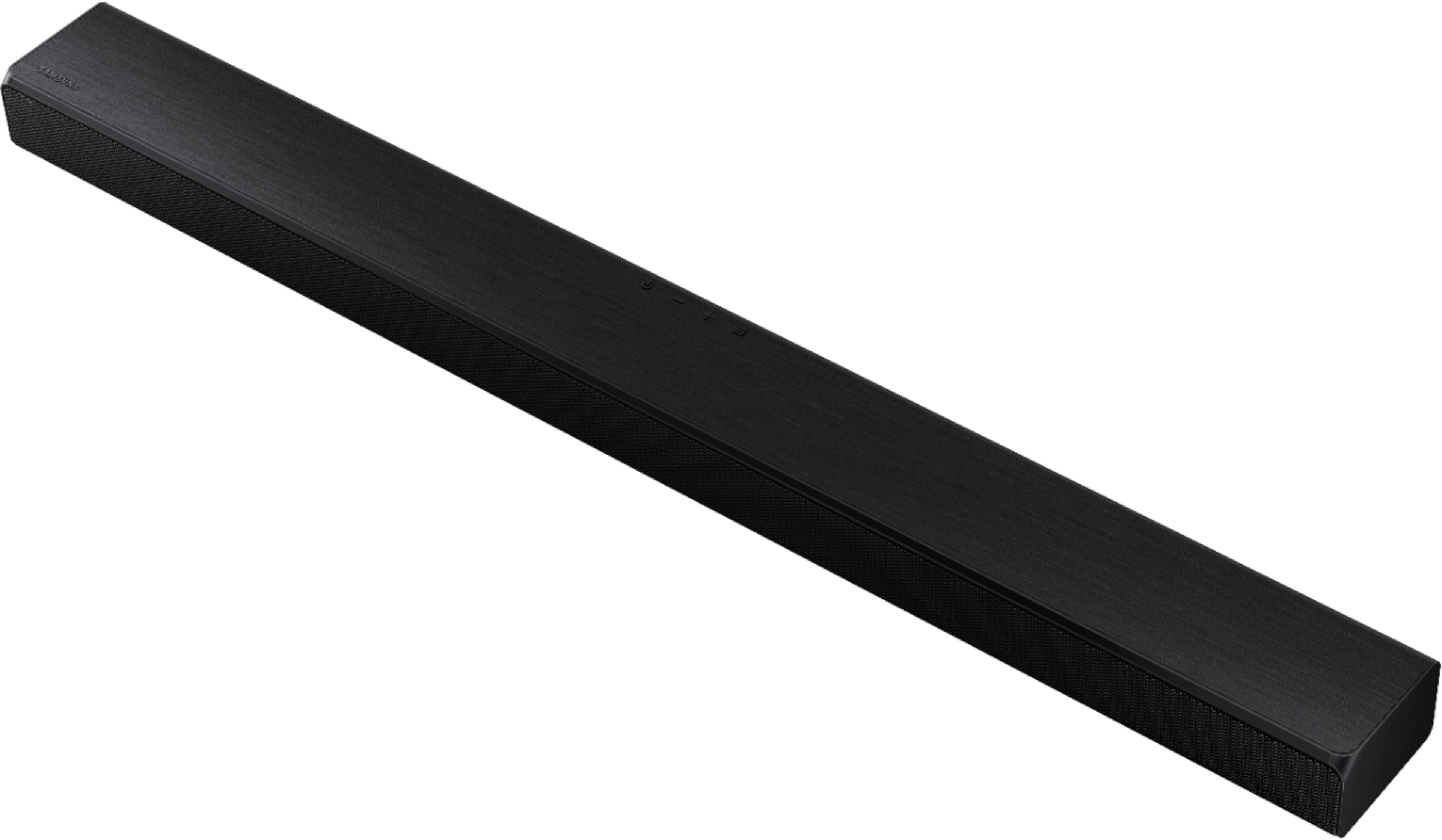
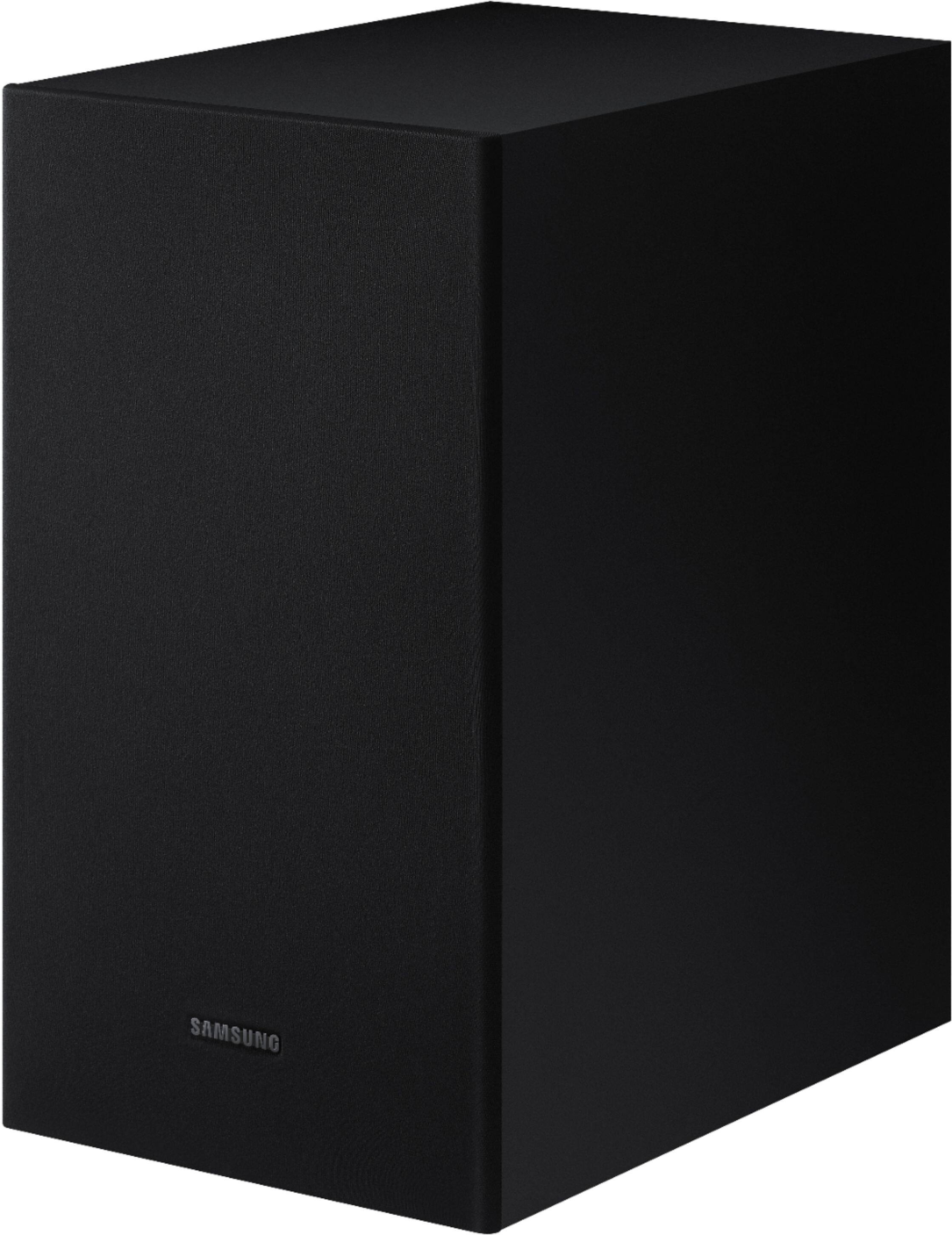
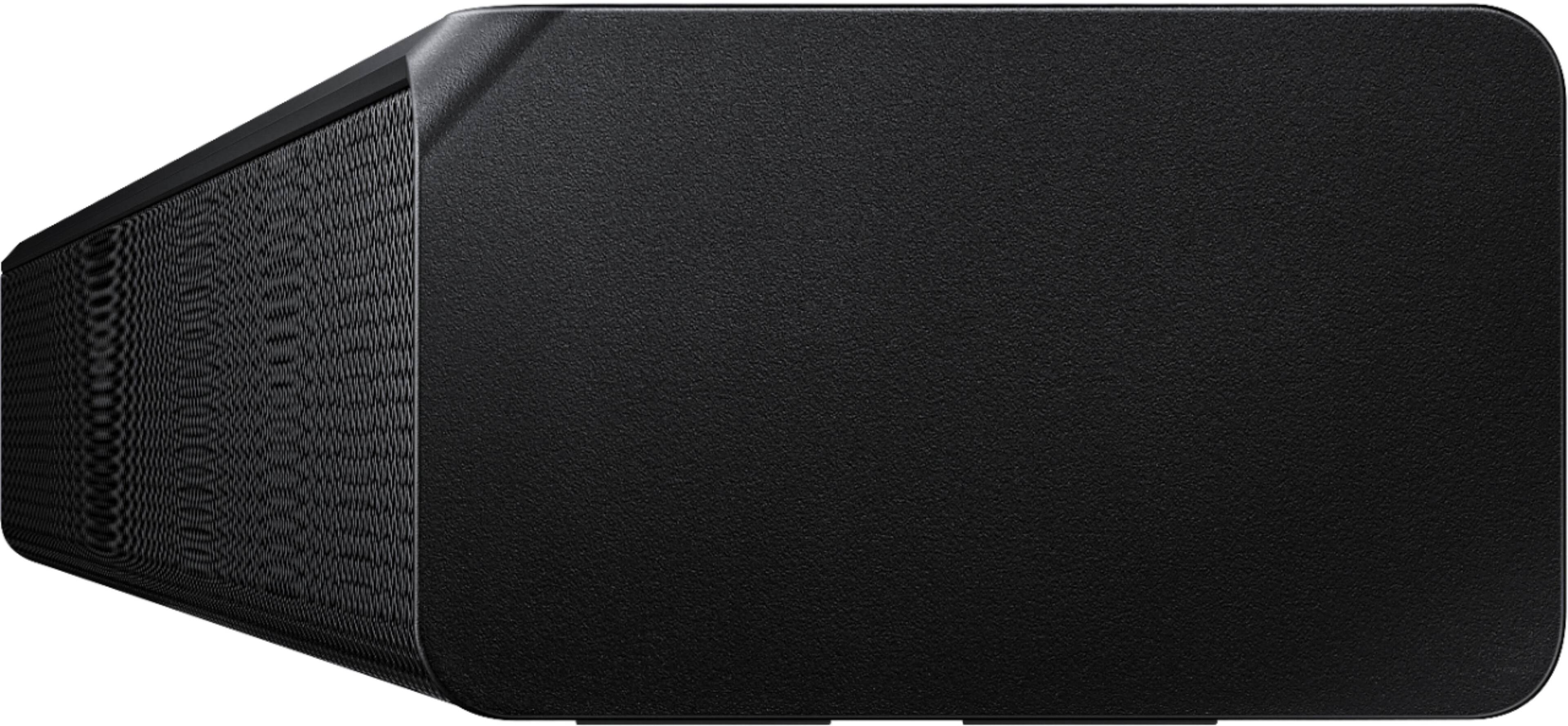
A:AnswerHi JimG - you should not have any issues connecting the HW-T550 Soundbar to your TV. If the video on the TV and audio from the Soundbar are not synchronized, press the
Sound Control button to select AUDIO SYNC and then set the audio delay between
0~300 milliseconds by using the Up/Down buttons. (Not available in “USB” or
“BT”mode.) ^Gina
A:AnswerHi Mike! We do not recommend utilizing the HW-T550 Soundbar outdoors, as it is not rated for outdoor usage and should not be exposed to any heat, rain or moisture. ^Gina
A:AnswerSWANSwizzle, you may need to perform a Firmware Update on your HW-T550 Soundbar. For assistance, please reach out to Samsung Support via any of these options:
Phone: 1-800-SAMSUNG
Available 8 AM - 12 AM EST 7 days a week
LiveChat or Text: https://www.samsung.com/us/support/contact/
Facebook Messenger: https://www.facebook.com/samsungsupport
Twitter: https://twitter.com/SamsungSupport
The Samsung TV Community is also a great resource for getting help from Samsung moderators and customers: https://us.community.samsung.com/ ^Gina
A:AnswerHi Yeff! The HW-T550 will receive all audio sent from the TV when connected via HDMI ARC or Digital Optical Audio allowing you to use any external content sources with the soundbar. ^Tim
A:AnswerHi Prakash! The HW-T550 features HDMI ARC, allowing your TV to send audio to the soundbar via HDMI. This is the optimal way to connect the soundbar to the TV. ^Tim
A:AnswerWe got this cause the Samsung TV alone had to put up past 50 for the movie sound. This particular sound bar did not solve our problem and still has to be on 50 to hear the conversations in movies- music etc is very loud but voices not so much