A:Answer100% can be used for anything you use your PC for. But if you aren’t using it for gaming or video editing or something of that sort I’d just go for something cheaper.
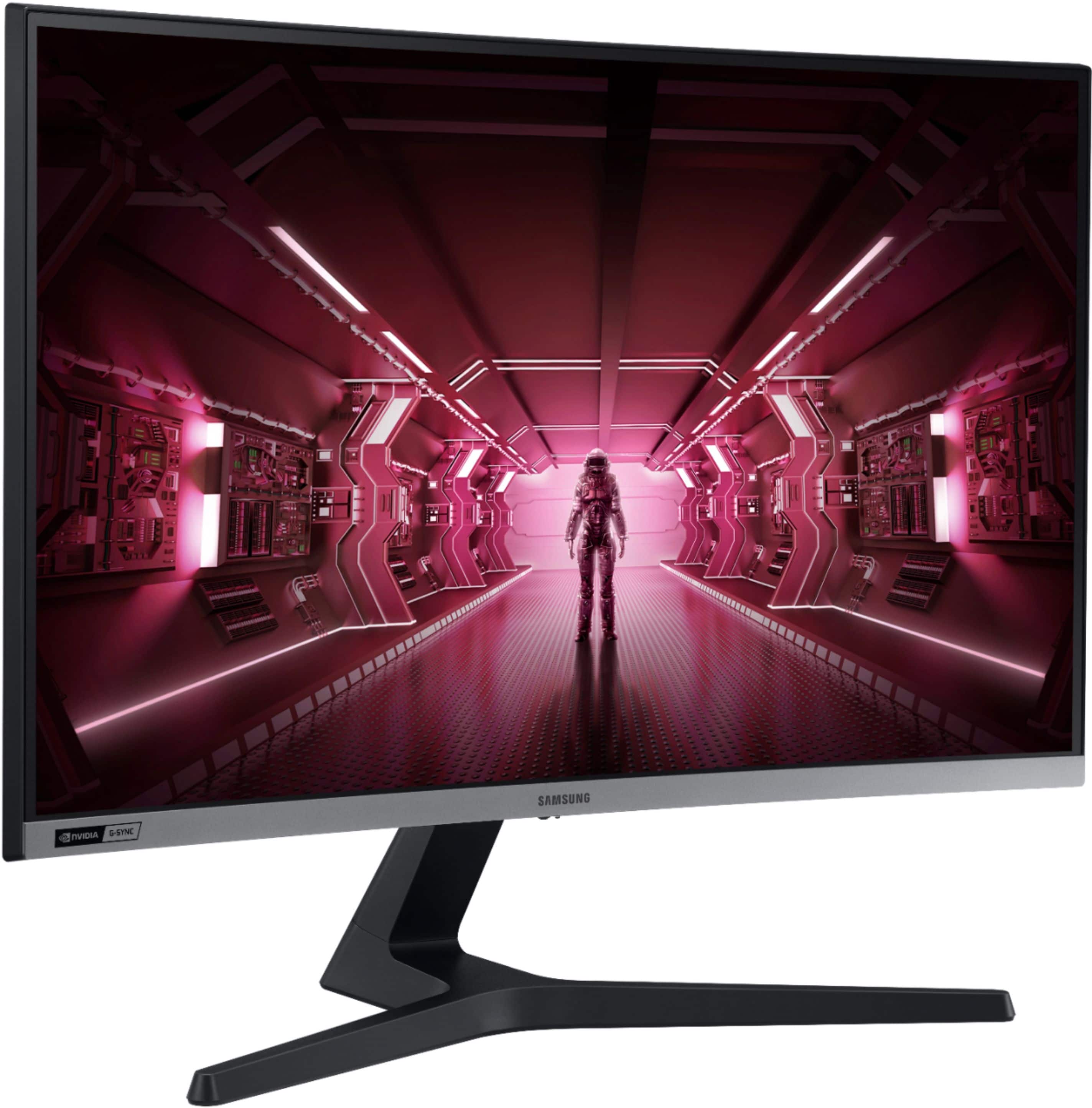
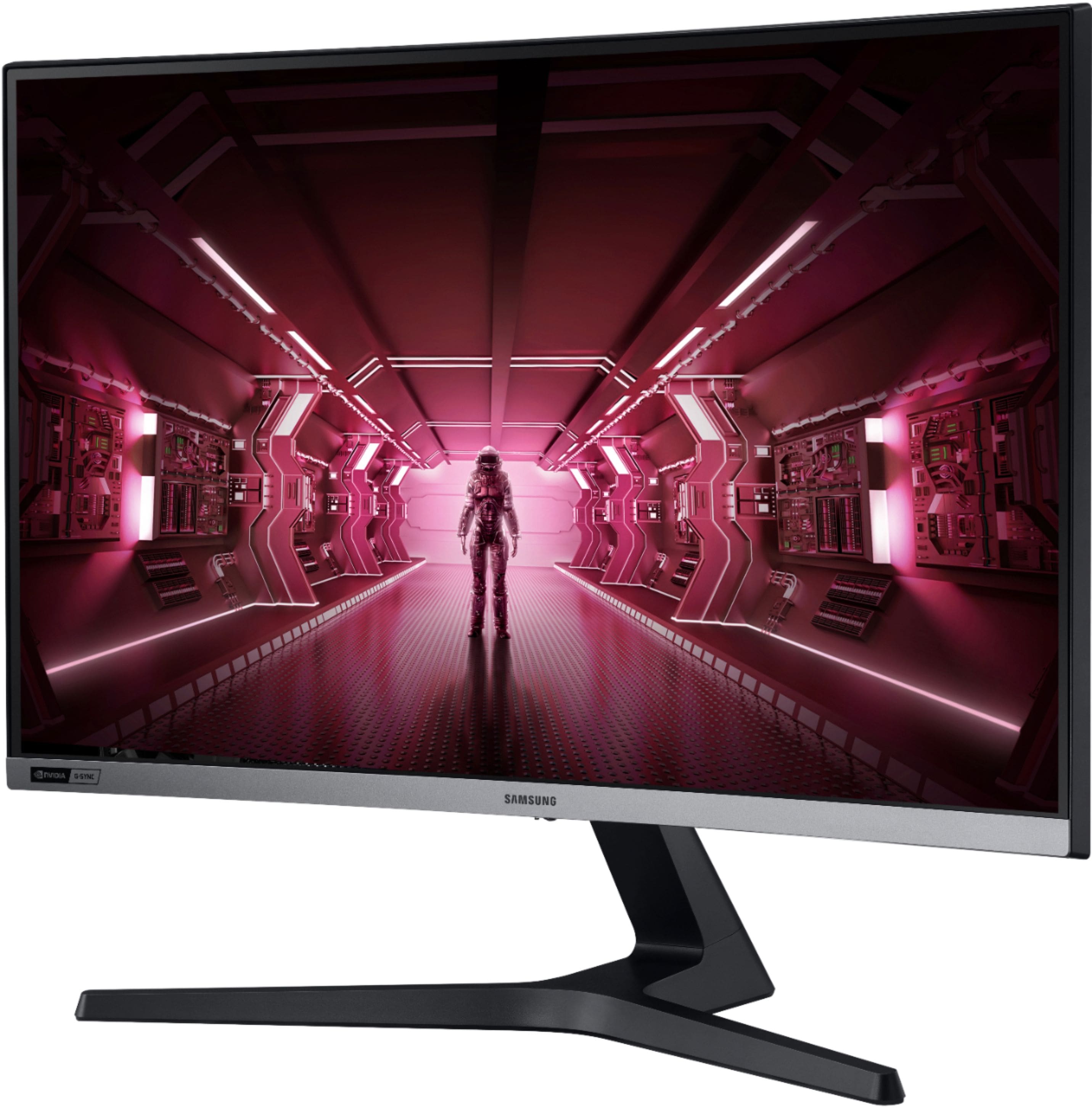
A:AnswerNo, the 27 inch crg5 is a monitor only. Very good one tho, 240hz, excellent panel for a 1080p display. Great for movies, youtube and especially gaming. Have to buy a webcam separately if you need that but webcams are cheap,
A:AnswerA potato will run Fortnite, this would be overkill and mostly only gain bragging rights that nobody will really care about if that's all you're playing. Now if this were 1440 or 2k @240 it'd be a different story.
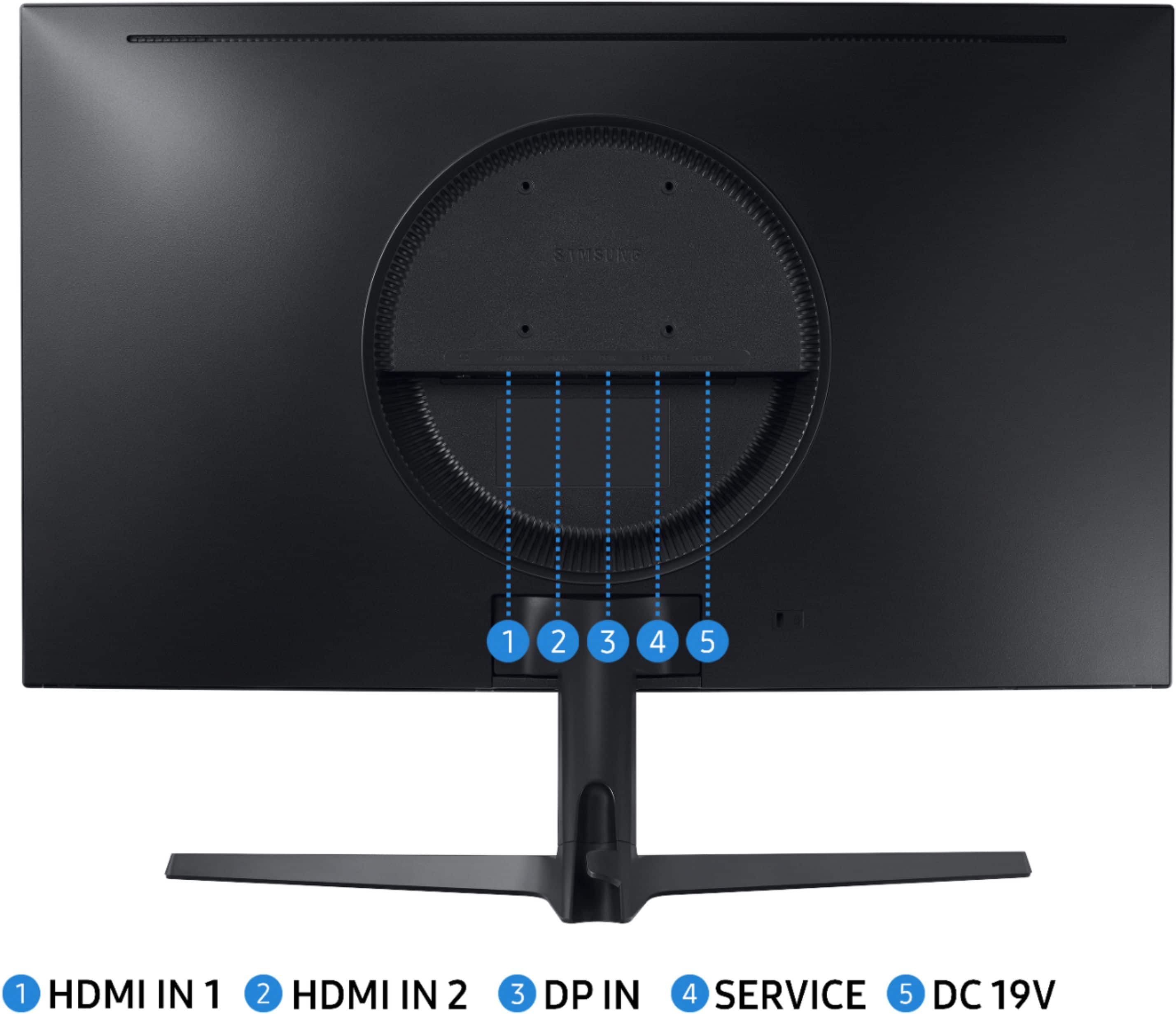
A:AnswerThis is not a PC, it is a monitor. So, I guess the answer is that you need a PC (or something that will provide input to display a picture) to hook up to the monitor.
A:AnswerYes, you will be able to disable "adaptive sync" in the monitor's menu.
Personally, I leave it disabled because I get better performance when the gpu is not trying to sync with the monitor.
I didn't buy the monitor to run at low refresh rate.. I bought it to run FAAAASSSST! Lol!
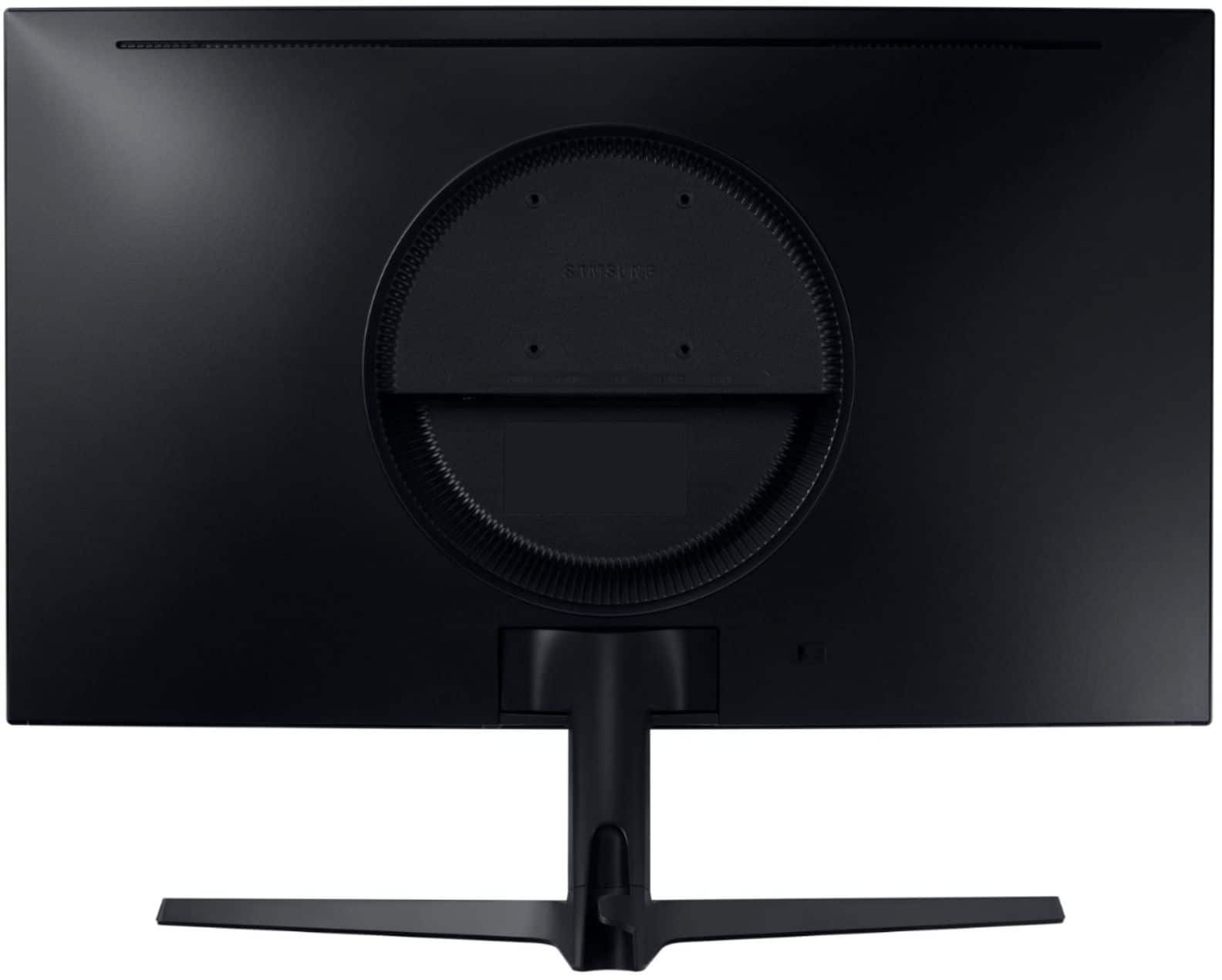
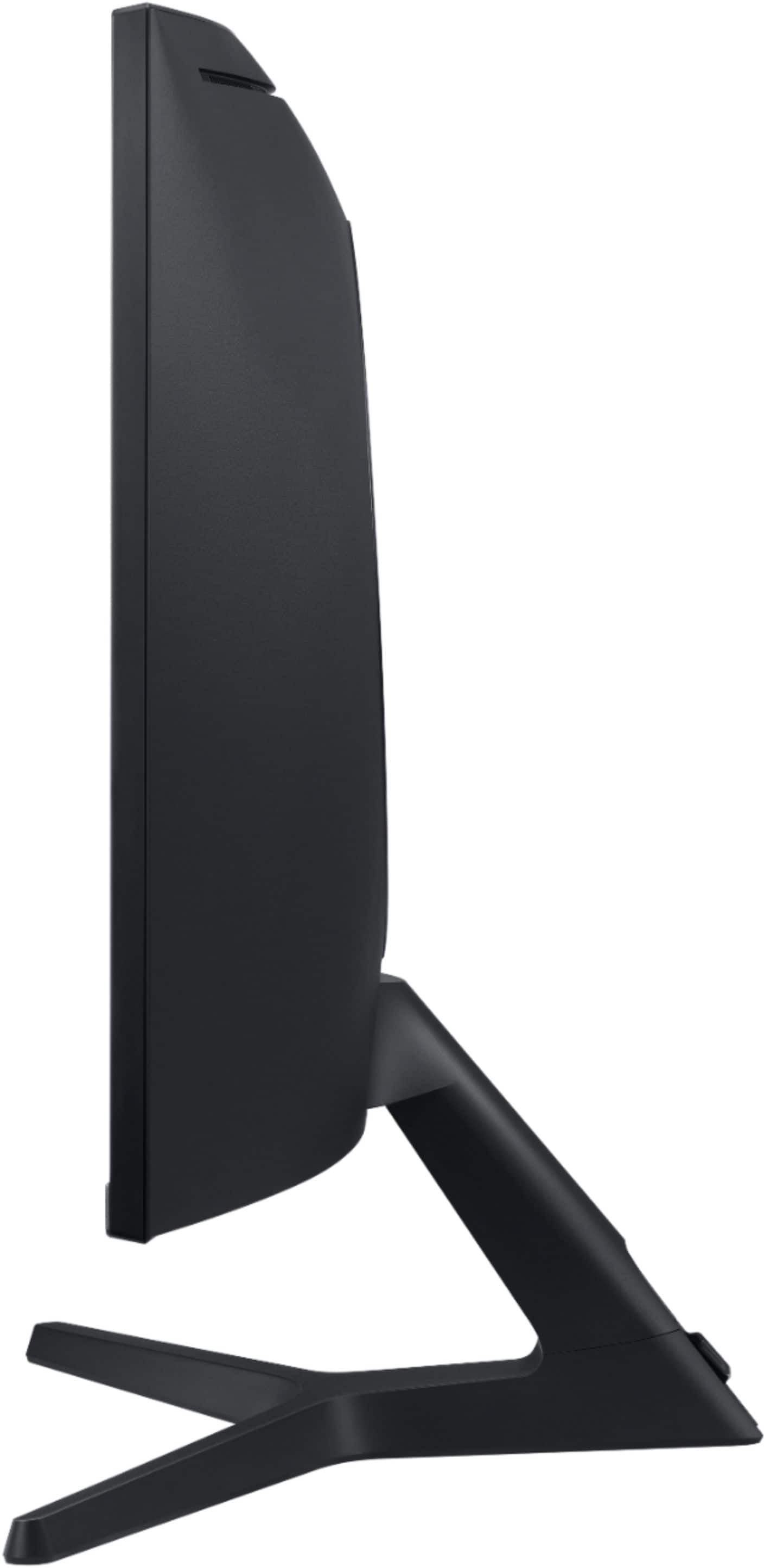
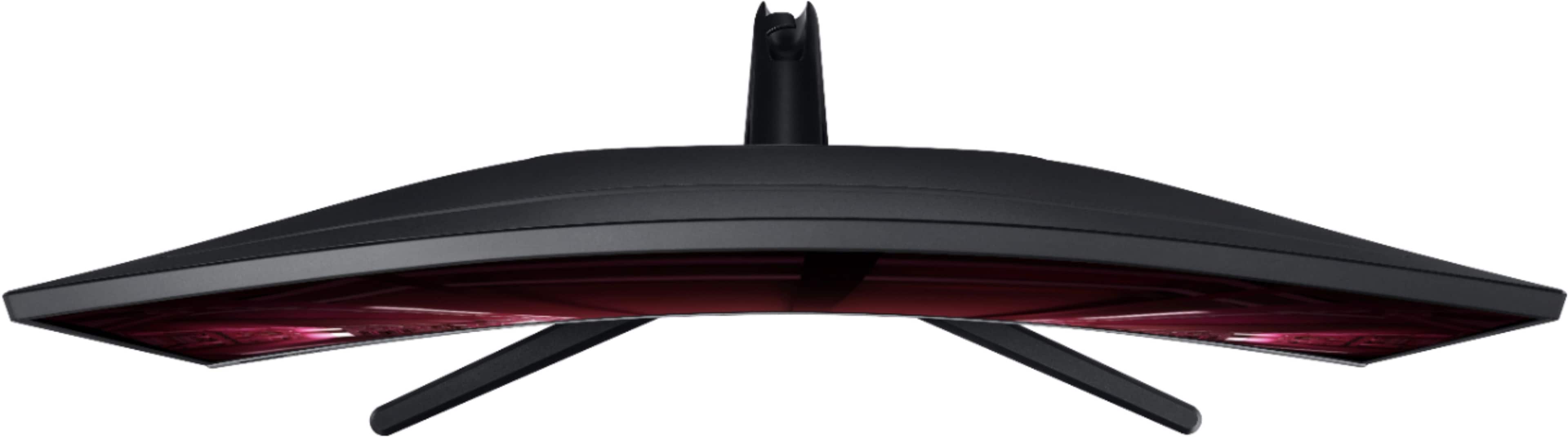
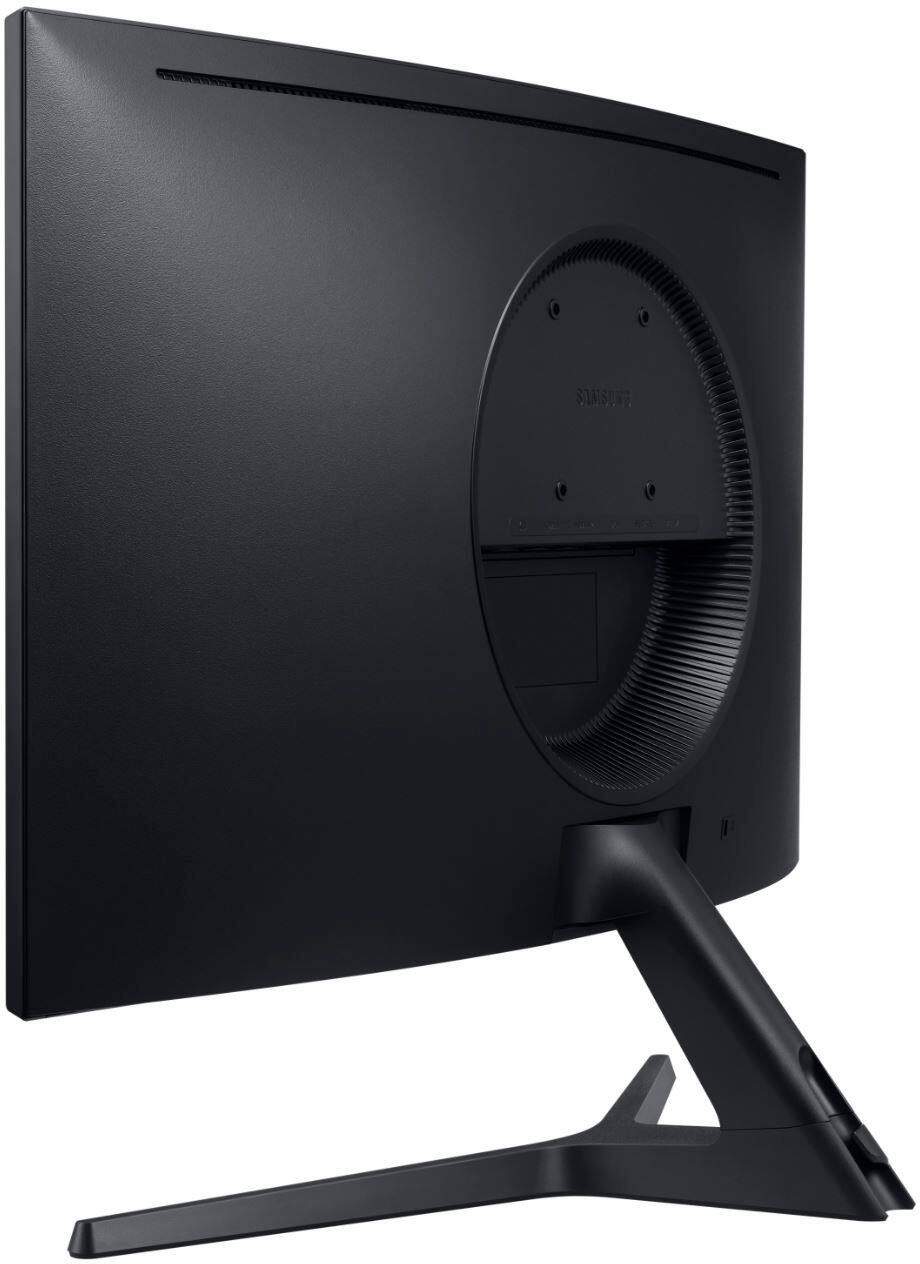
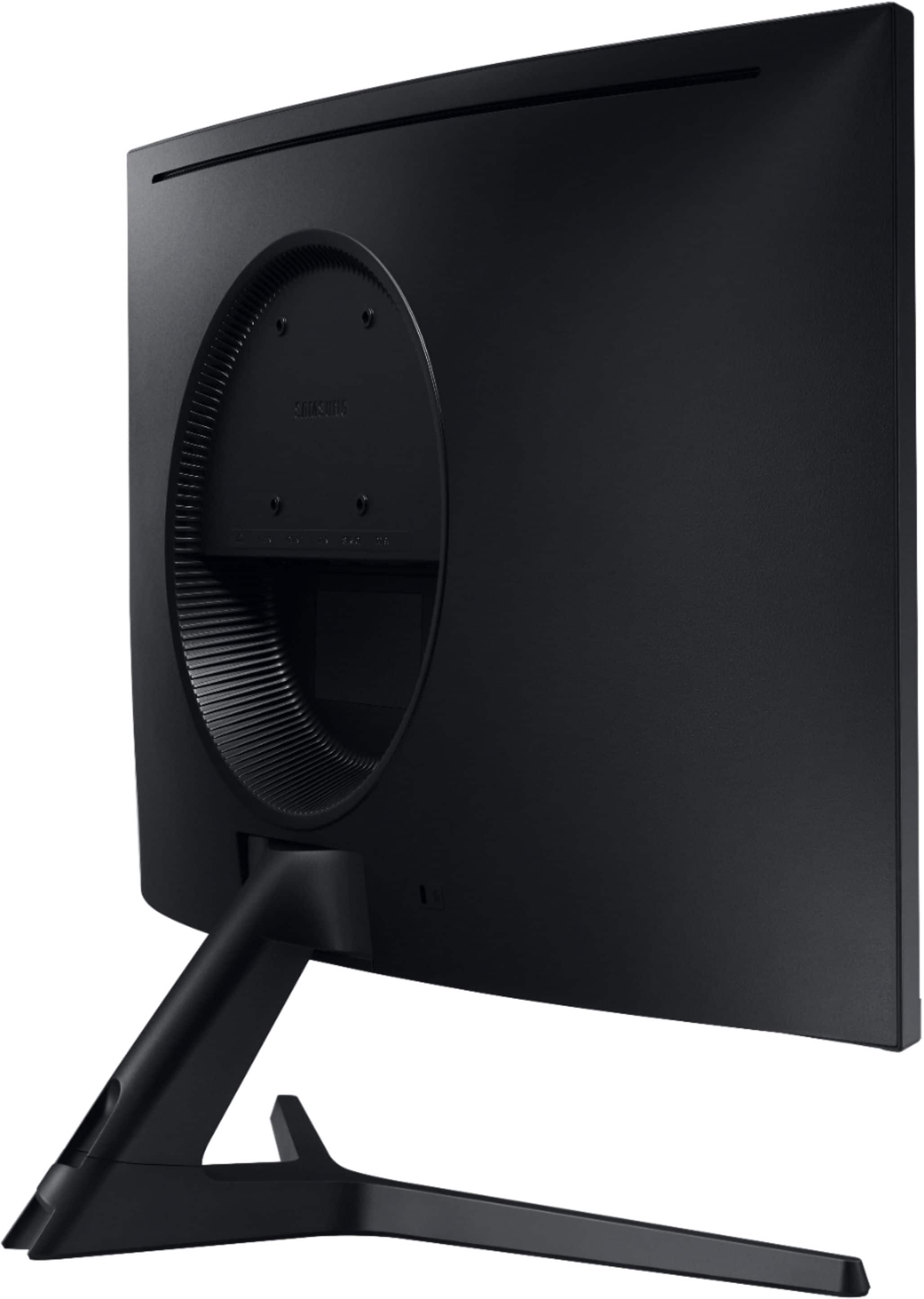
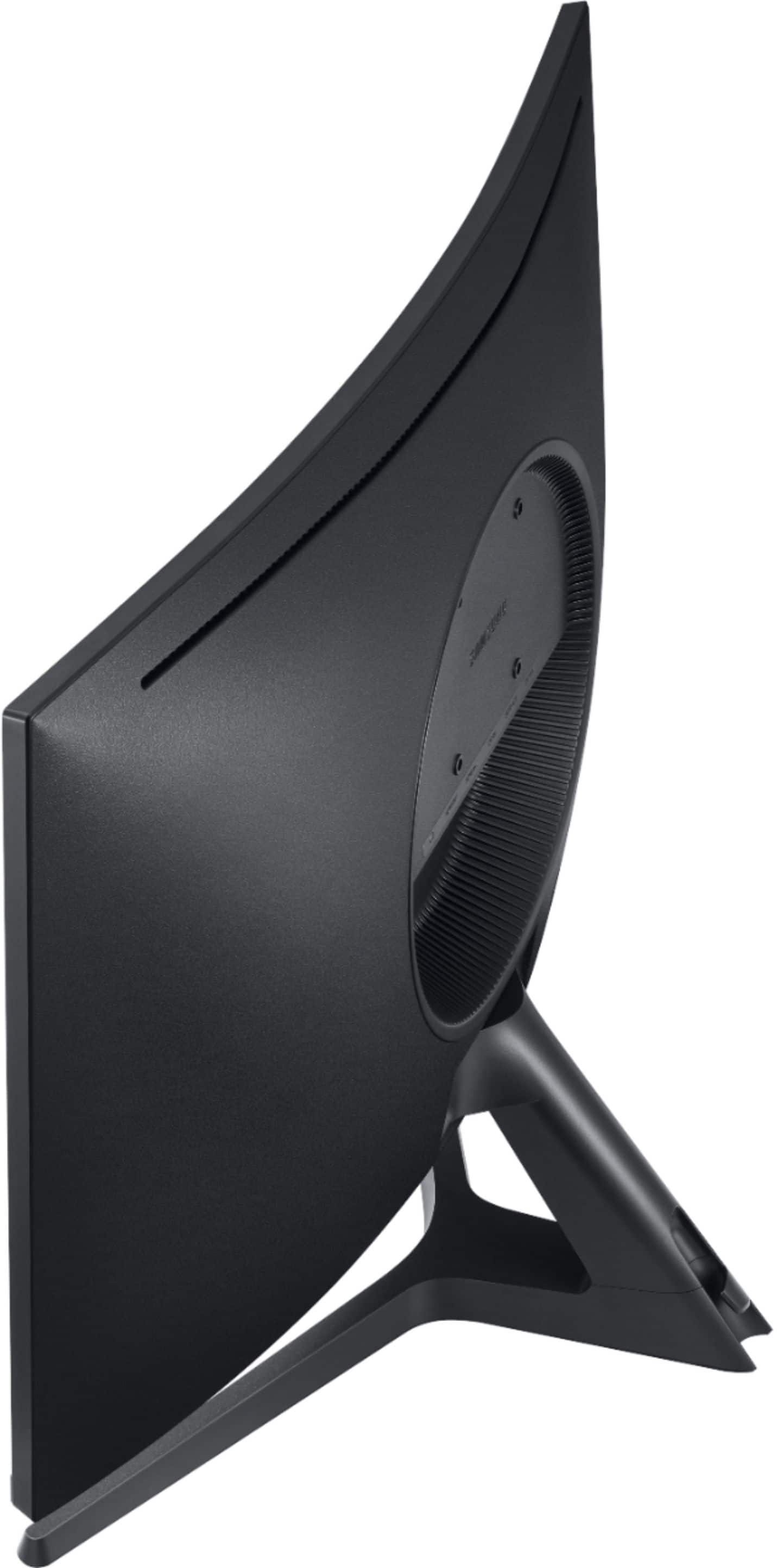
A:AnswerYour stand may not be inserted correctly in your monitor.
I noticed they take a good bit of force to install correctly and to get them all the way inserted.
I would recommend you take the monitor off the desk and lay it face down on a soft surface, such as your bed... (basically anything that will not put force on the screen or scratch it either) and then I would carefully remove the stand and re-insert and make sure it's all the way seated.
As far as the tilt is concerned, it takes some effort also to tilt the monitor upward, but it will indeed tilt upward a good amount.