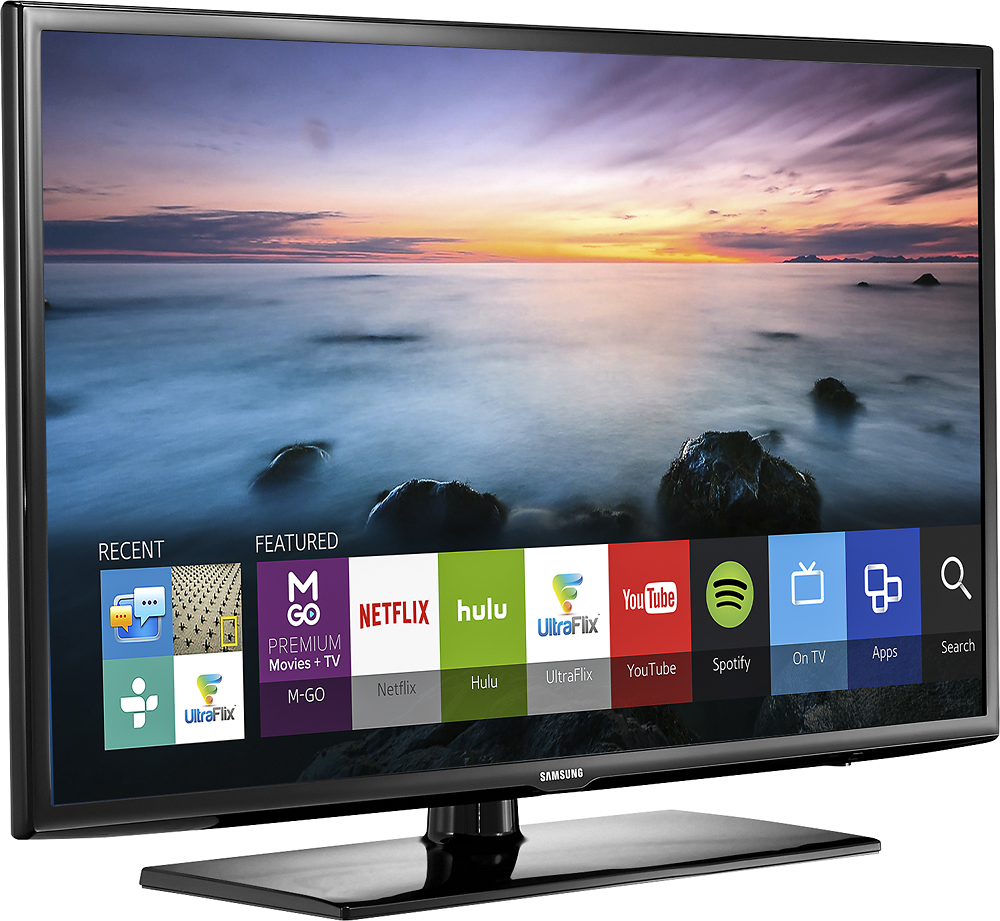
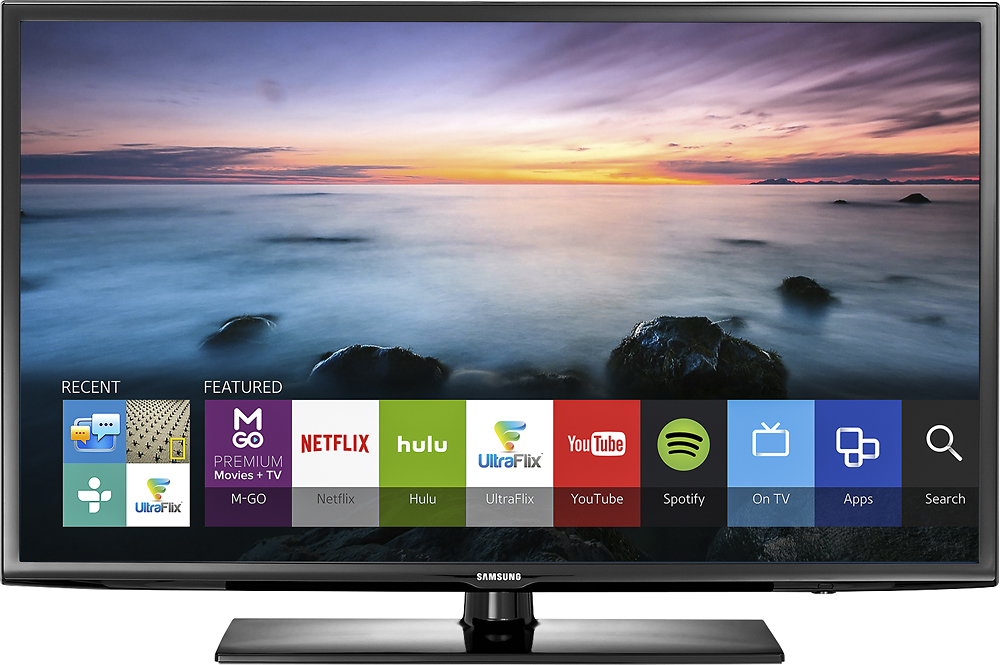
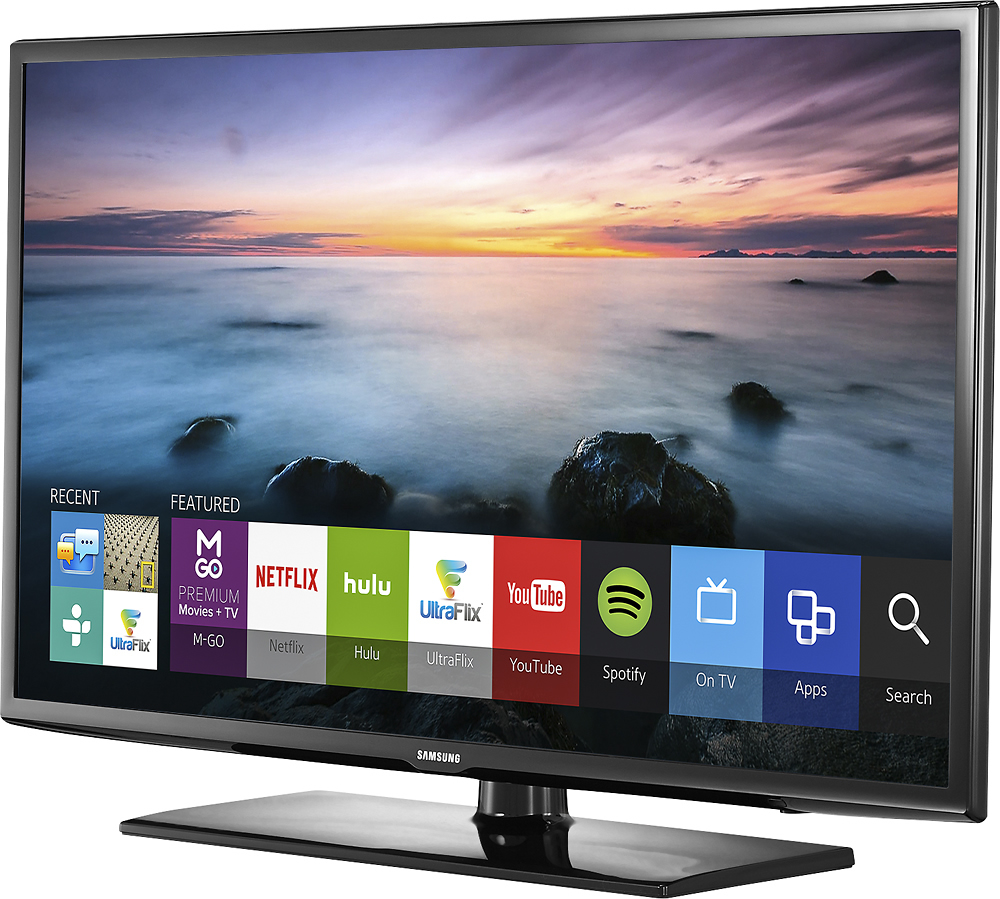
A:AnswerGo to "Smart Hub". You need to switch on the tv and wait for 3-4 mins. Then click on "Smart Hub" button on the remote. Once you are on the Smart hub home page, you will seel the "Web Browser" as one of the Apps. Just select the app and it will open the browser. User the navigation arrows to move the cursor up/down/right/left.
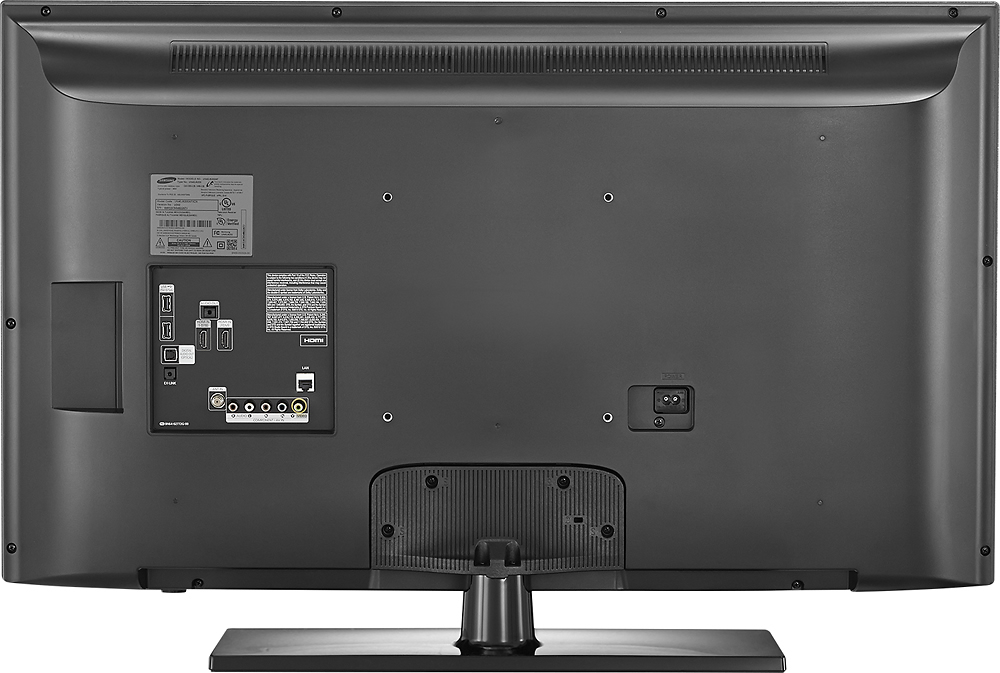
A:AnswerI had previously answered this question with a no, but was wrong. I have a headset that uses the RCA type connectors and there is not RCA output on the TV. But I went back and found the adapter that allowed me to plug into the headphone jack and it works great. So the answer is yes.
A:AnswerYou just need an aux cable. It is like plugging in headphones. There is a setting on the tv for speakers. If you choose external, you can't control volume with the remote unless the speakers have a remote. I plugged in my Bose computer speakers that don't have a tense and I if to go up to the speakers to change volume. Keep that in mind.