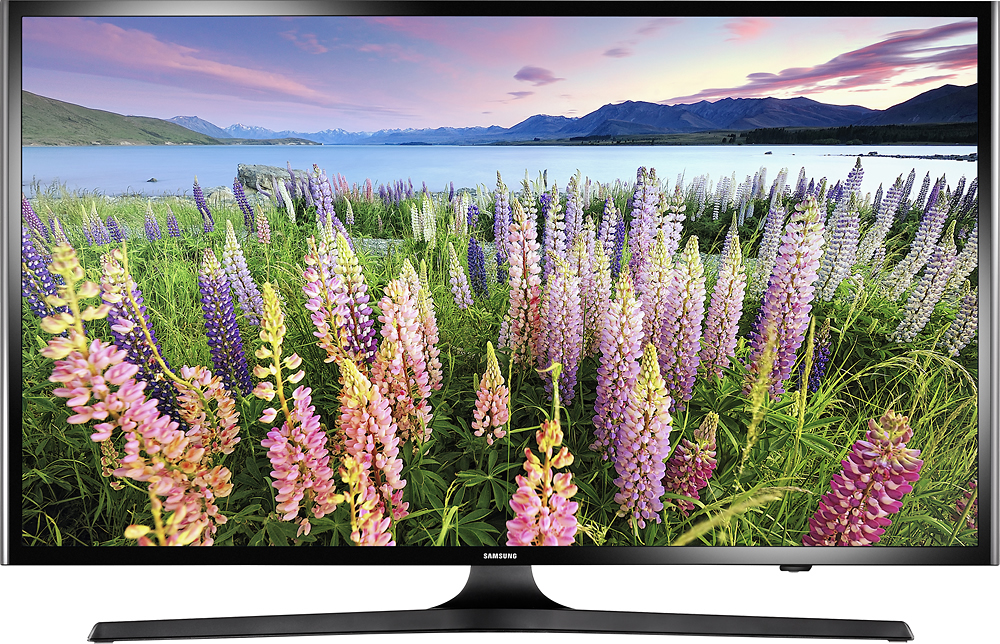
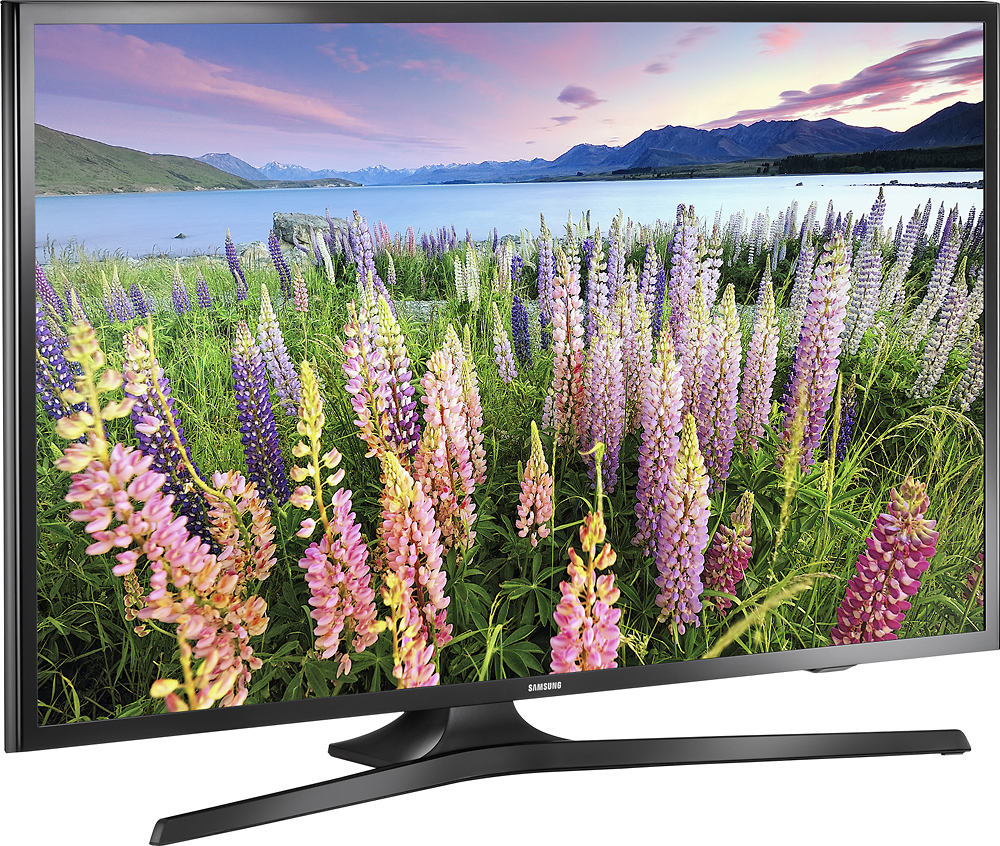
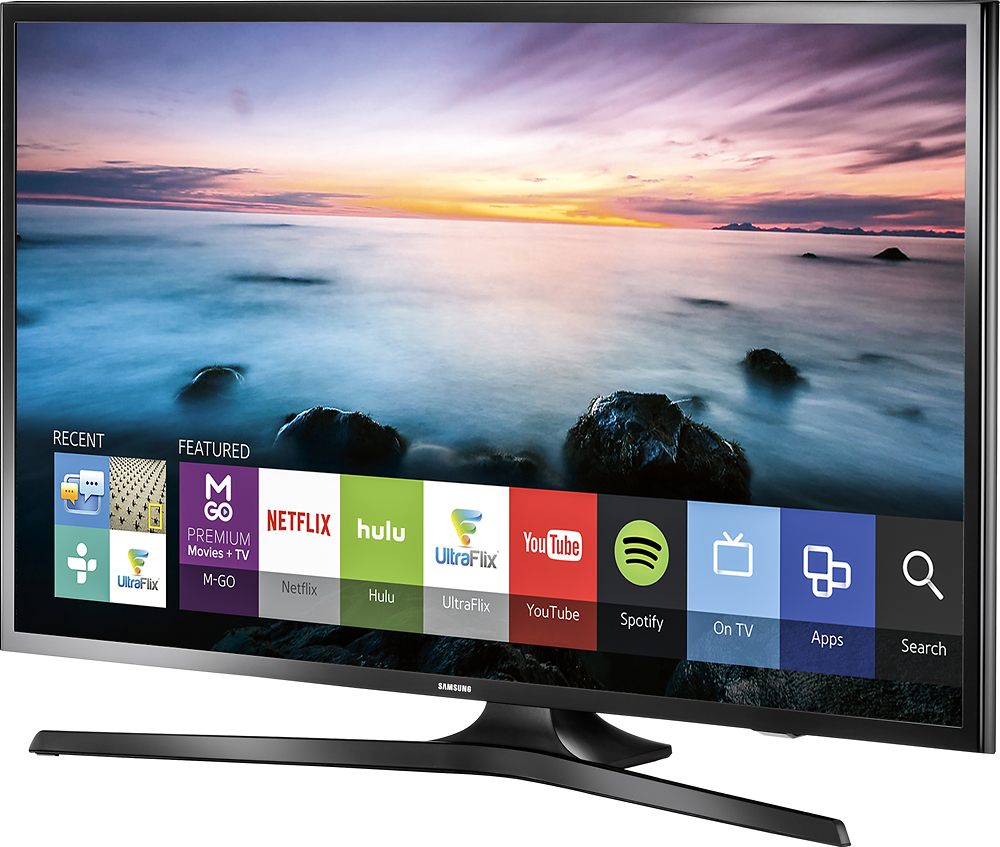
A:AnswerYes. It comes with wall brackets. I would recommend visiting Samsung's website & download their installation instructions so you can get an idea about what's involved & whether it's right for you.
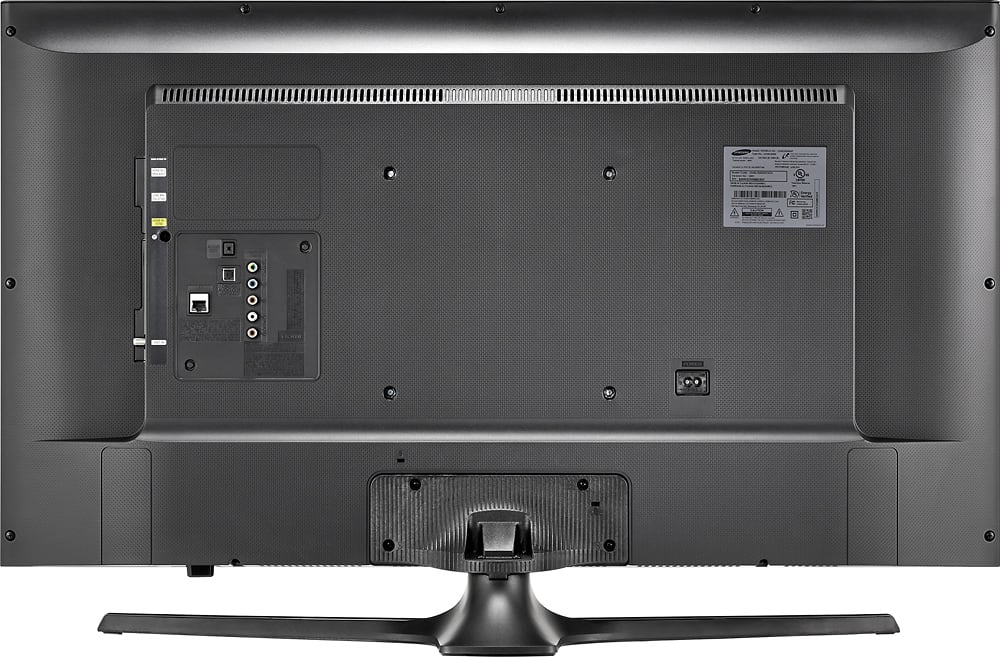
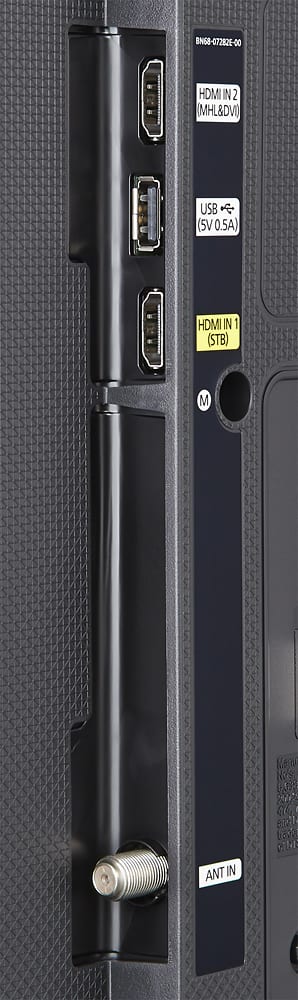
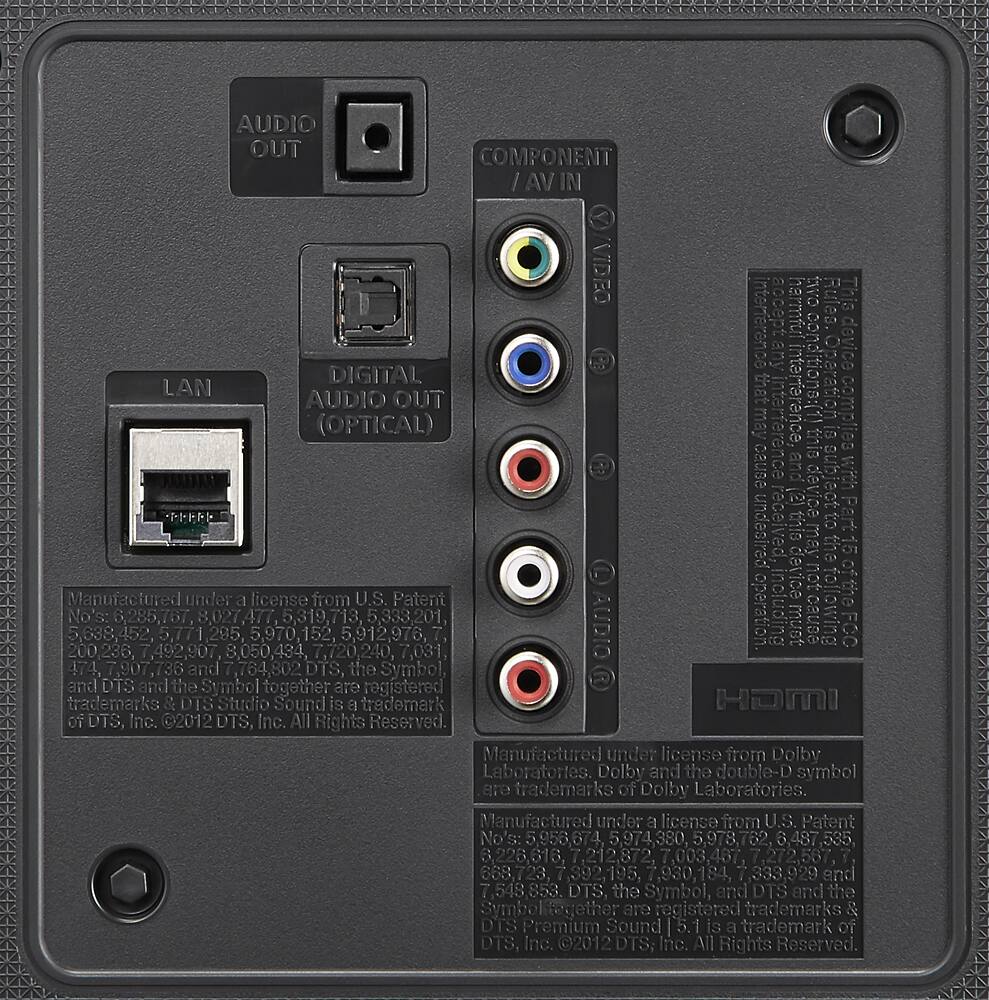
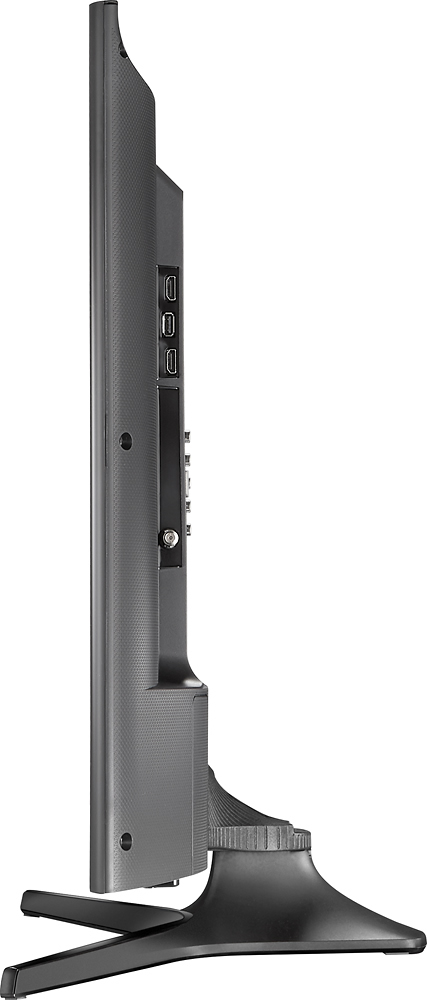
A:AnswerAll the ports are on the the right side in the back of the TV. If the cords and cables are coming from behind the wall to the mounted TV, they would not be visible.
A:Answerbecka-boo,
This model will not support a wireless keyboard, but will support a HID-Compliant USB keyboard.
Thanks for your interest in Samsung products.
--Mr. S
A:AnswerI have the same TV and it does the same thing. It's due to the Eco Sensor and Energy Saving functions that automatically adjust the brightness. This can be adjusted. Since I can't attach any documents to this response I will copy and paste the following information from the Samsung Troubleshooting Guide. You can also visit the Samsung website and download the User Manual.
UN40J5200AF The Brightness Is Dimming Automatically
If the brightness on your TV changes automatically (randomly dims and brightens), you may need to adjust one of the follow depending on the model:
- Eco Sensor function
- Energy Saving function
- Motion Lighting
The Eco Sensor and Energy Saving functions adjust the brightness of the TV to reduce power consumption.
- When you set the Energy Saving function to Auto, the TV changes its brightness automatically depending on what you are watching on the TV.
- When you set the Eco Sensor to On, the TV changes its brightness automatically depending on the brightness of the room.
<pictures could not be inserted>
These changes in brightness can look like flickering. To correct this problem, change the setting of the Energy Saving function to Off, Low, Medium, or High and the Eco Sensor function to Off.
To change the setting for Energy Saving, follow the steps listed in the user manual.
If the flickering continues after setting the Energy Saver setting from Auto and Eco Sensor to Off, test the TV on a different
source. The flickering may be caused by the external device or the cabling connecting it to the TV. Click the back button to
continue looking at our other solutions.
If The Instructions Above Do Not Resolve Your Problem
If the flickering continues after you have changed the settings of the Energy Saving and Eco Sensor functions and tested a different source, your TV requires service.
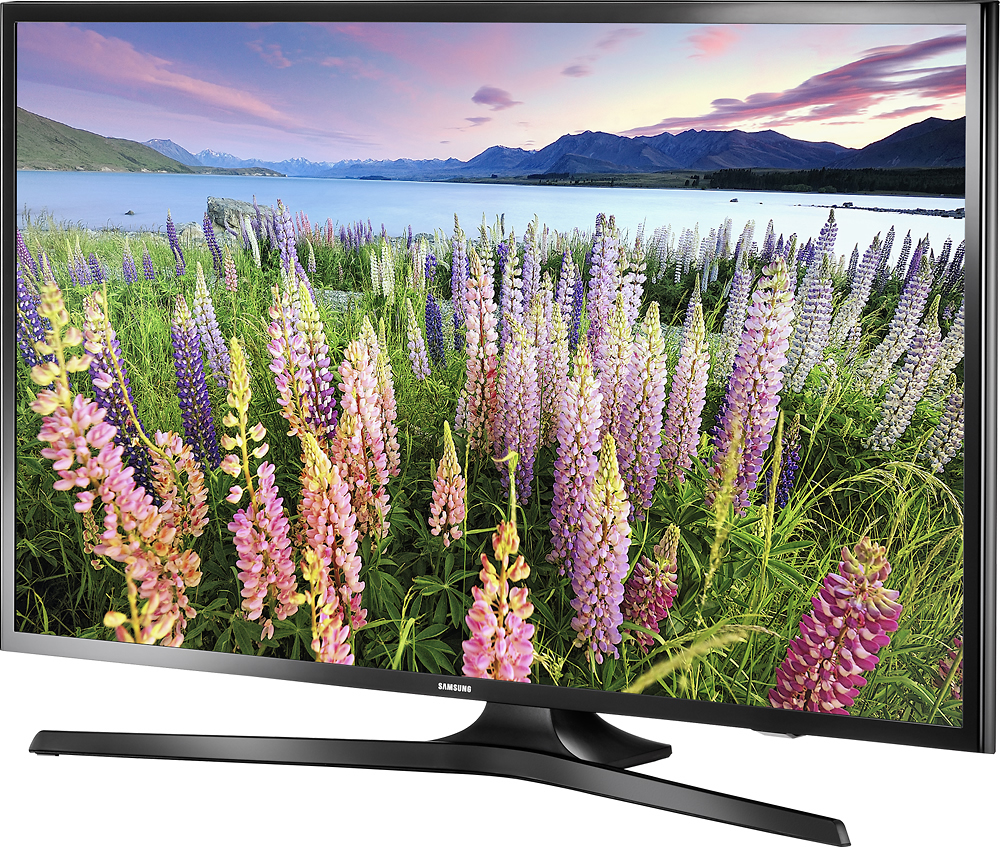
A:AnswerDimensions (W x H x D) in inches without stand are 36.3 x 20.9 x 2.8. Weight without stand 14.1 pounds.
Dimensions (W x H x D) in inches with stand are 36.3 x 23.1 x 11.3. Weight with stand 16.3 pounds.
A:AnswerMy 40" works well, my 55" was like yours, ... i called timewarner, they check everythings were fine, and found the cable connection between the time warner box and the tv is the one makes the problem, he replaced it, and everything is well untill today!
Try to replace that cable, hope that helps!