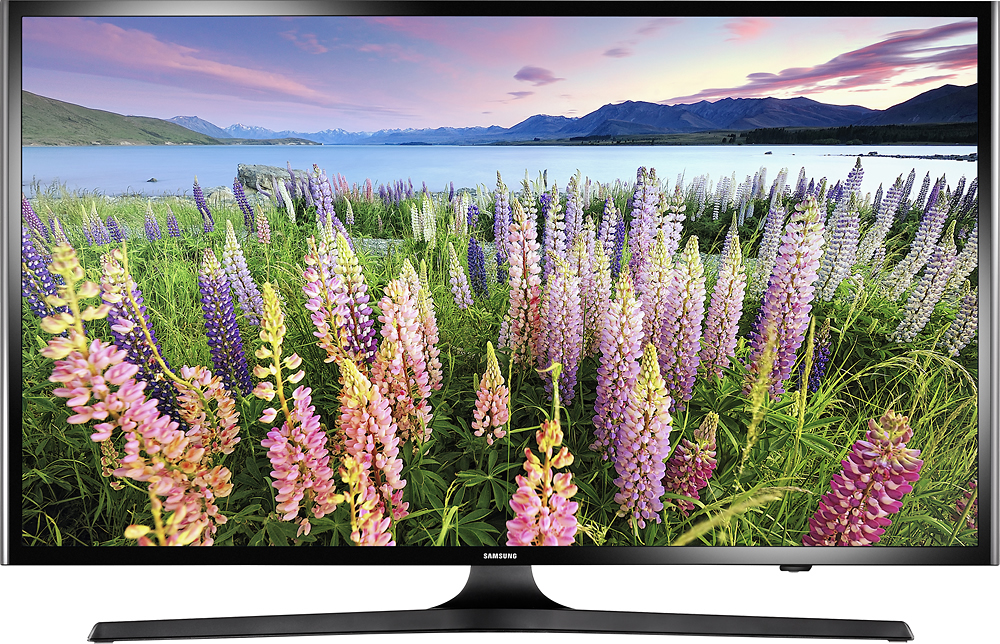
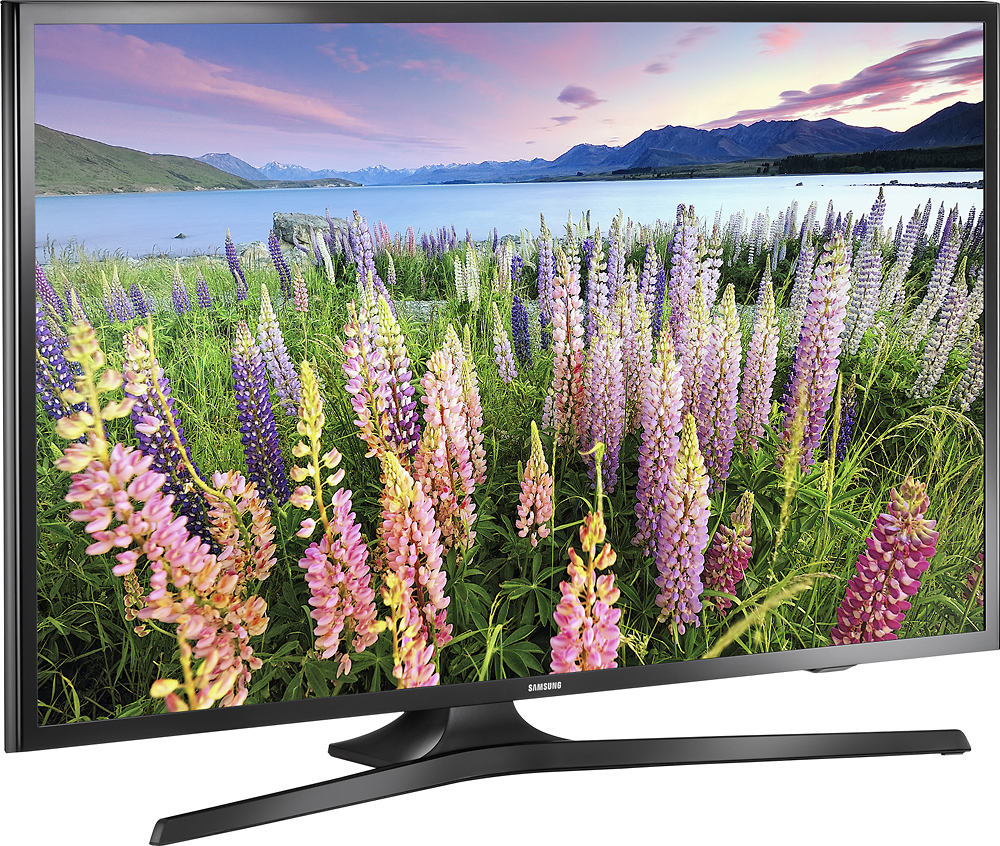
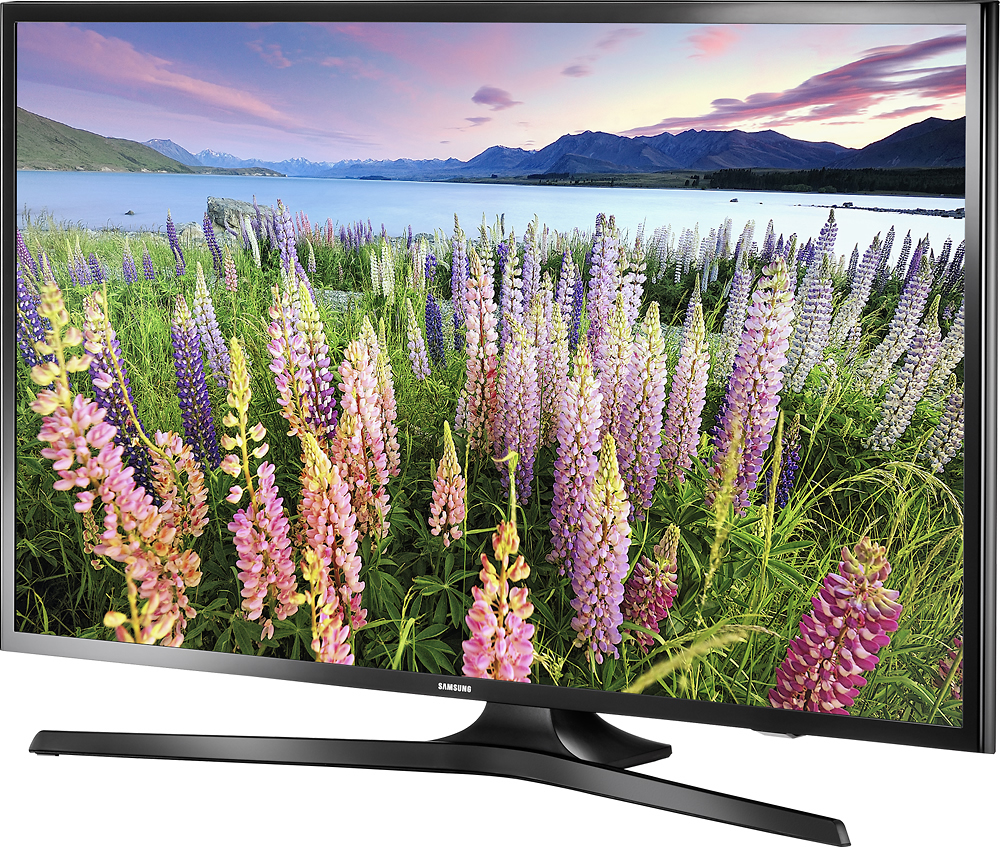
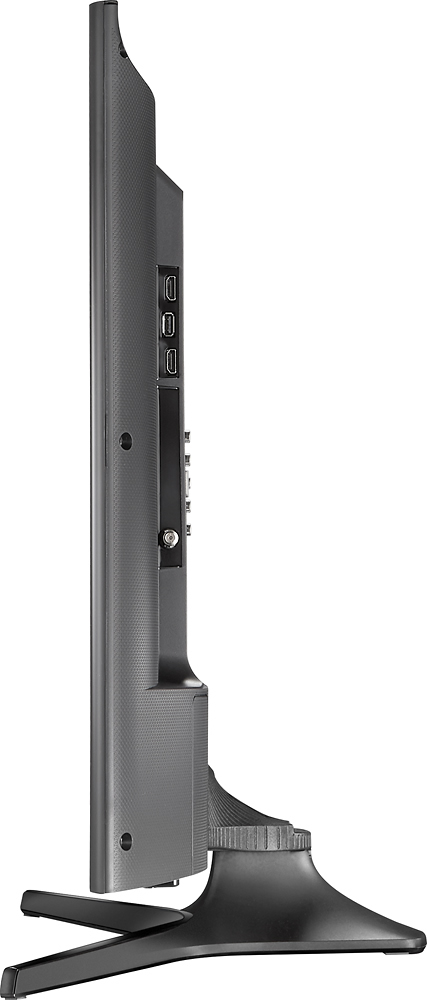
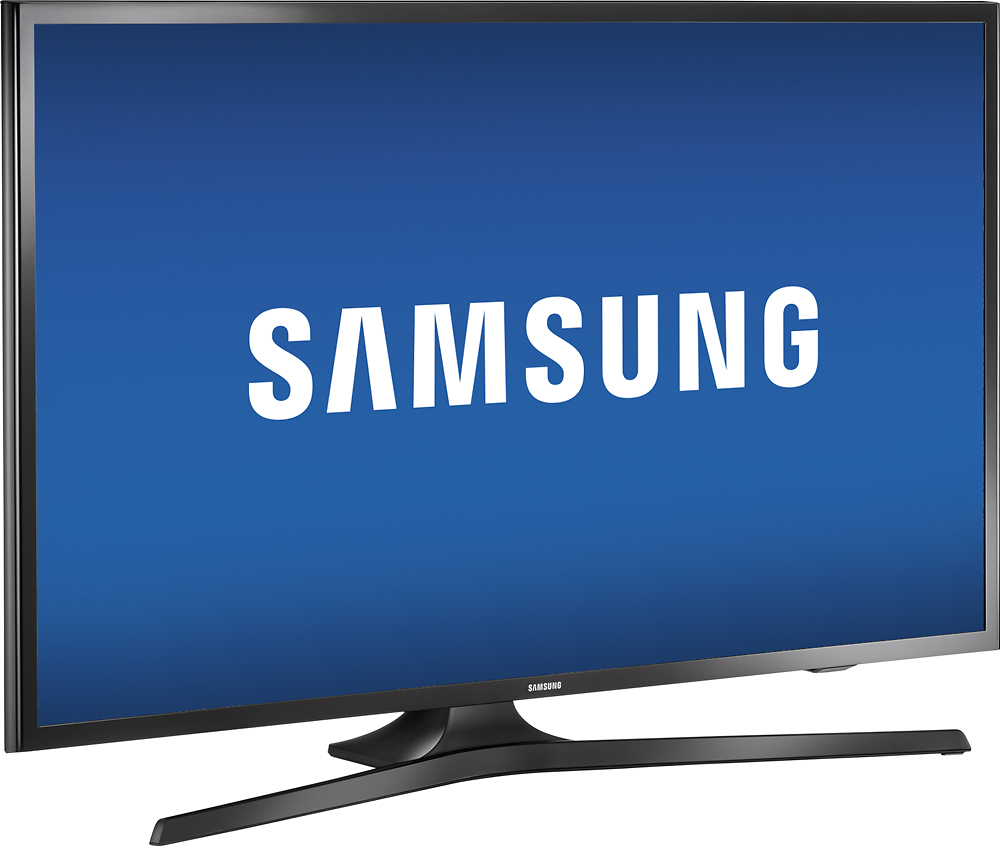
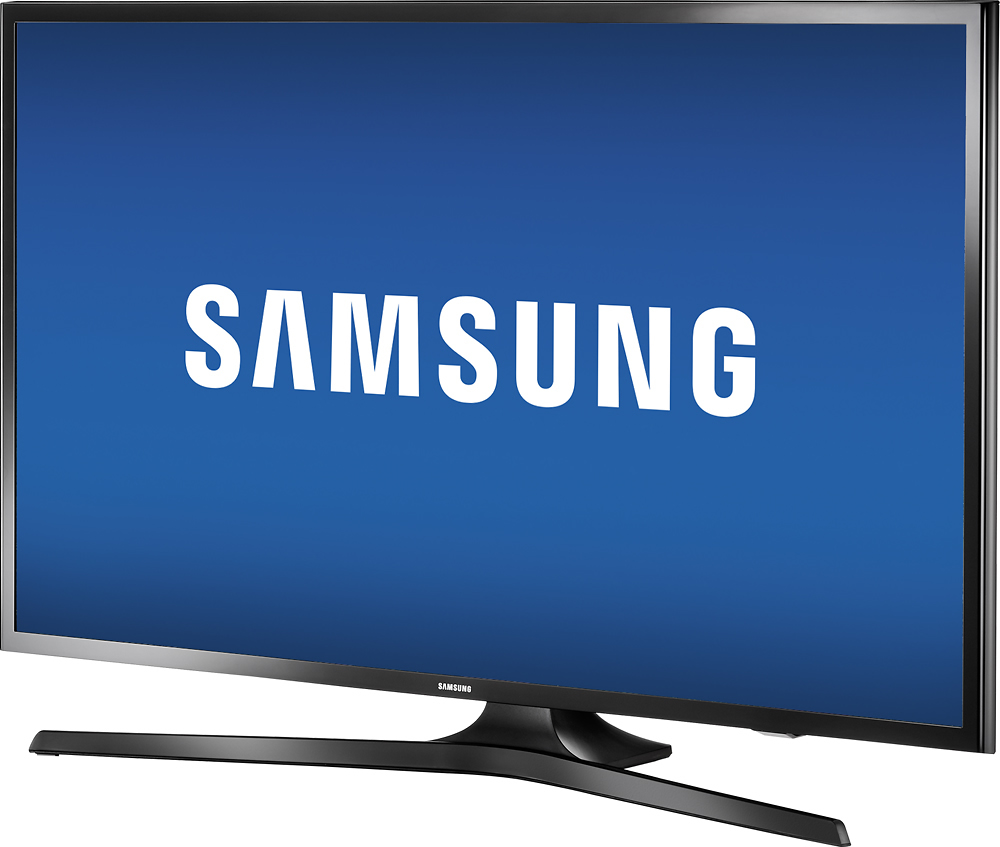
A:AnswerYou can view from the side but if the TV is near a window, the colors get washed out. Otherwise, side viewing is not a problem if you are not too far to the side.
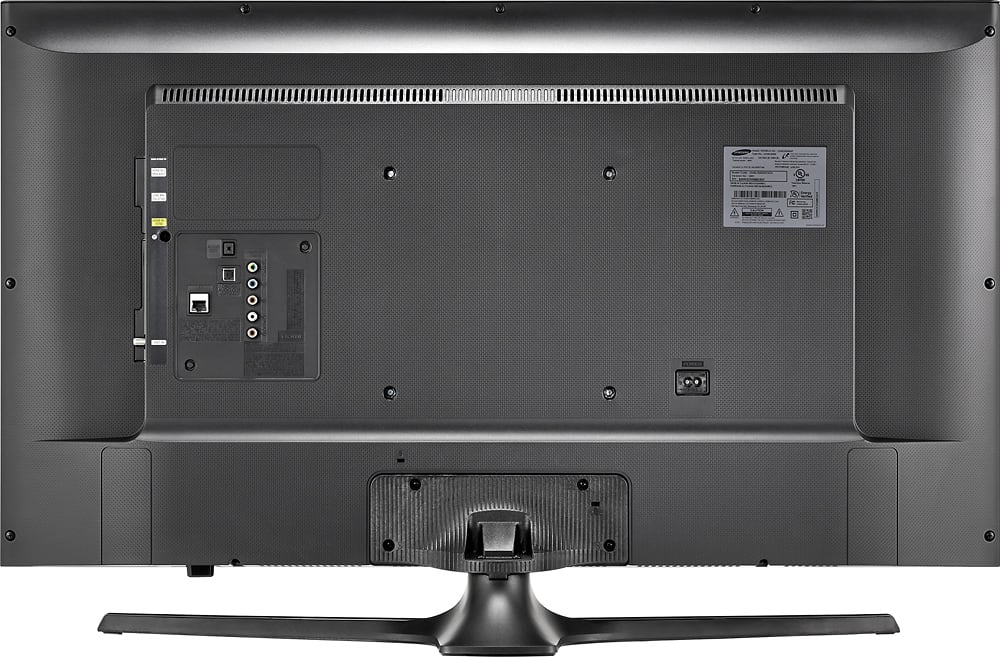
A:AnswerYes. We used them to connect a wall anchor to prevent our toddlers from knocking it over. I saw four holes in total on the back that I assume are for the mounting bracket.
A:AnswerNo. I was told by Xfinity customer service they are working on providing support in the near future. You will need to connect a computer to the TV via HDMI, browse to xfinity.com and utilize Xfinity live TV streaming portal.
A:AnswerYes. Using the TV remote control, select menu. Press the middle select key or the right arrow key and go down the picture settings list and select "Picture Off". Your screen will go black and sound will continue. Pressing a key other than volume will return your picture.