A:AnswerCinema works best for most viewing. The image will look close to what the director intended. The Standard setting cuts down on power consumption and helps earn the Energy Star label but it provides a very dim picture.
A:AnswerI have not been able to connect to DirecTV without a set top box. The research i have done shows DirecTV being very resistant to providing access via an app versus a separate box. Their cost model favors them renting another box to you over providing it for free over an app.
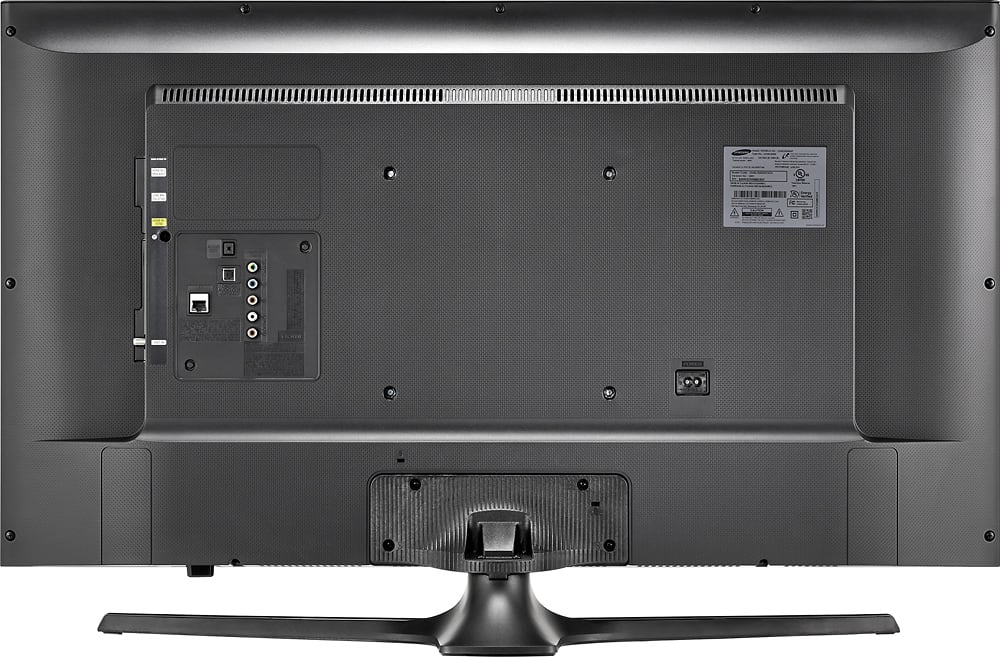
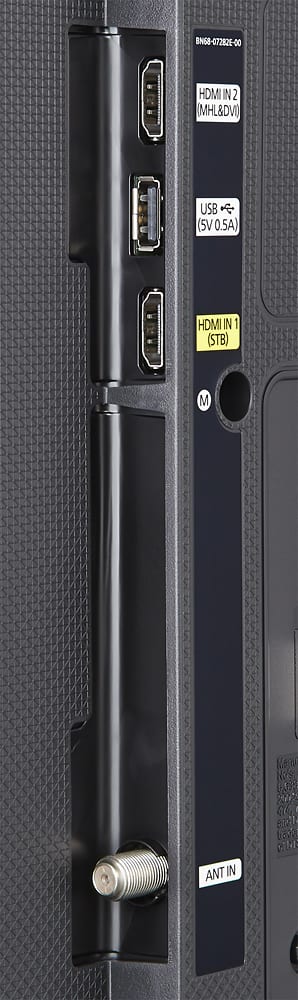
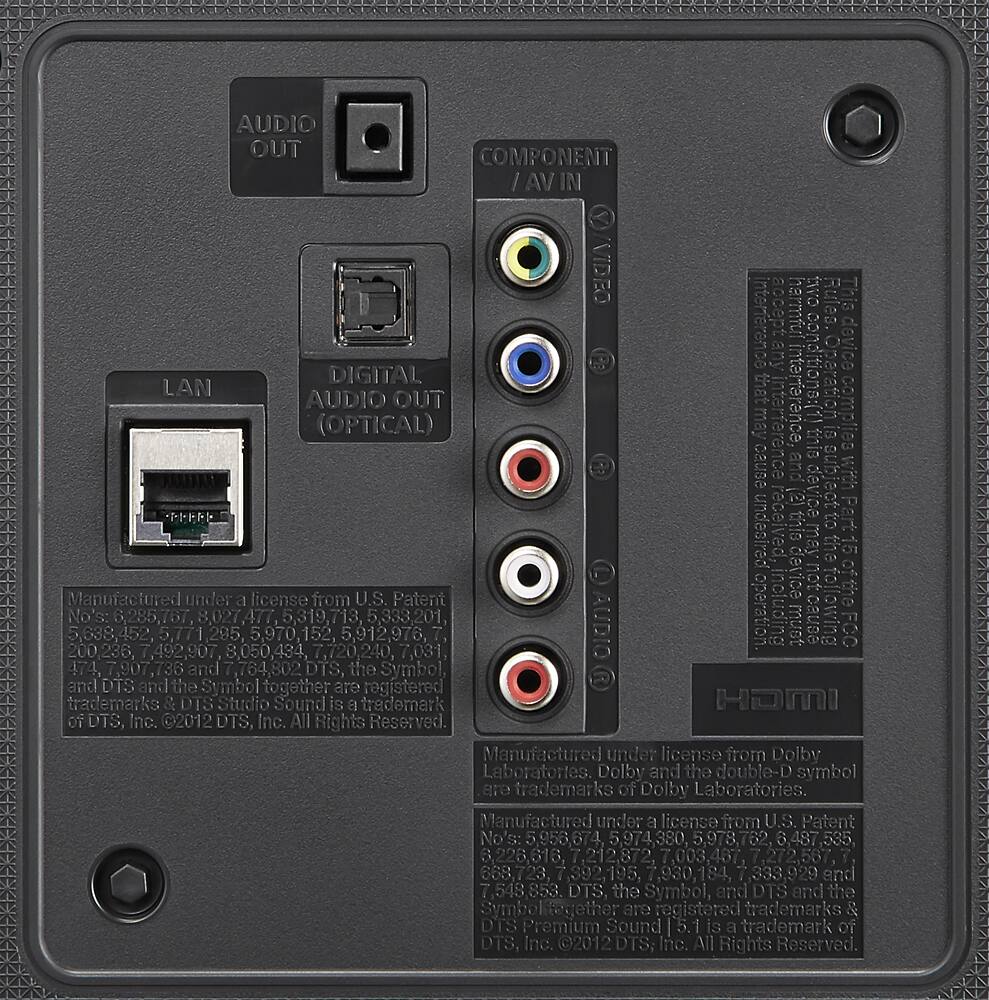
A:AnswerDoes have standard 3.5mm jack for headphones. But your parents might say you're sitting too close to the television. Bluetooth headsets are perfect!!!!
A:AnswerPress menu using your remote control and select the Sound setting. Go down to Speaker Settings and select it. On the next screen make sure TV Sound Output TV Speaker is shown unless you have connected a sound bar or speakers to your TV. If you have make sure the Aux speaker setting is selected. Also depending on if you are using the supplied TV stand that comes with the TV or using a wall mount make sure the proper TV Installation Type is selected. Stand or Wall Mount. Hope that helps.
A:AnswerYes. My husband uses wireless headphone for this Samsung smart tv and it works great. You have to buy specific headphone for a TV. Little box plugs into back of TV, set little box to face out towards room. Headphone works fine.