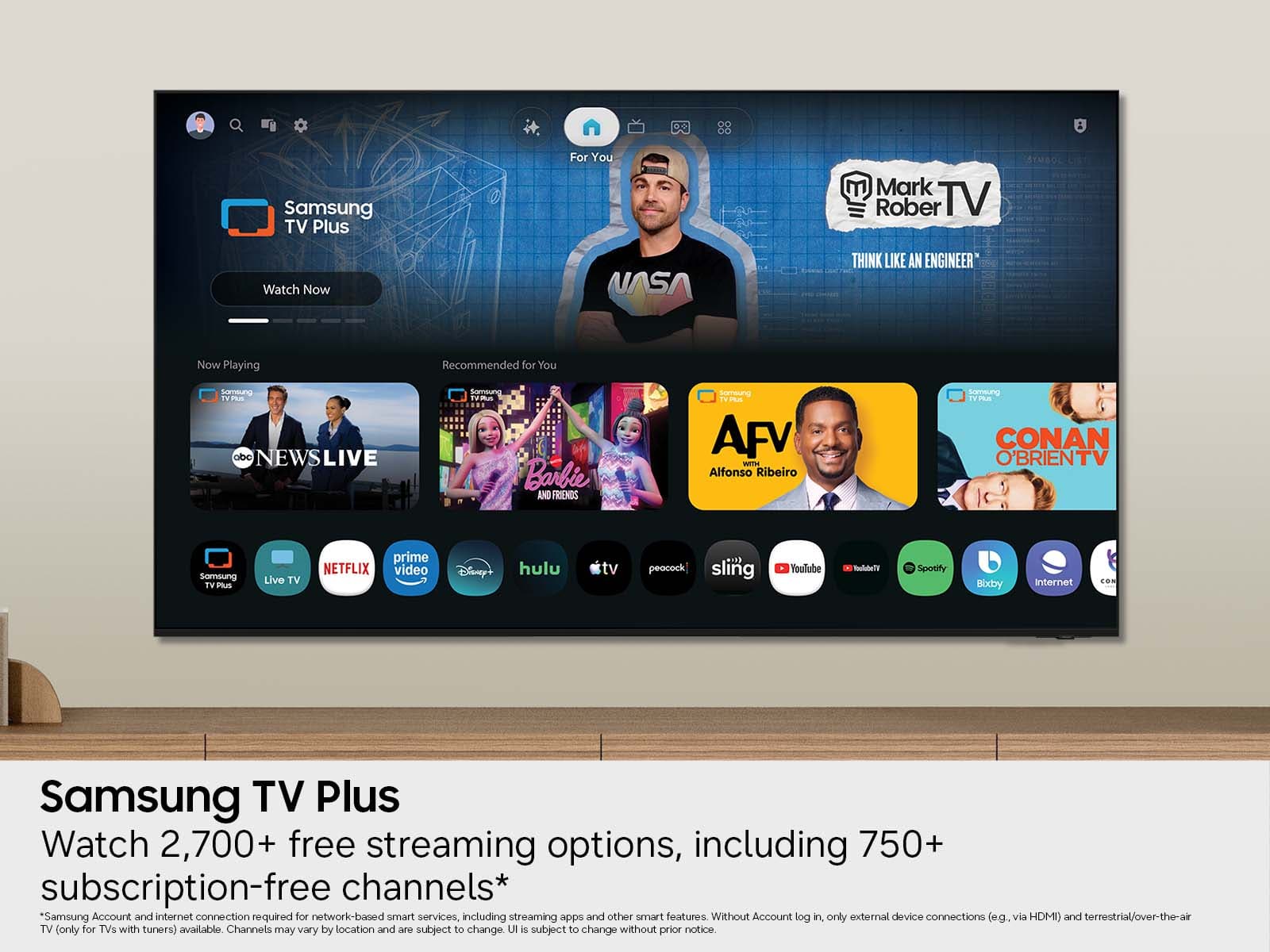
A:AnswerAngie - You can customize what happens when the TV powers on. Go to: Settings > All Settings > Advanced Features > Start Screen Option, then enable or disable:
• Start with Smart Hub Home
• Autorun Multi View Casting
• Autorun Multi View Mirroring
~ Samsung Specialist
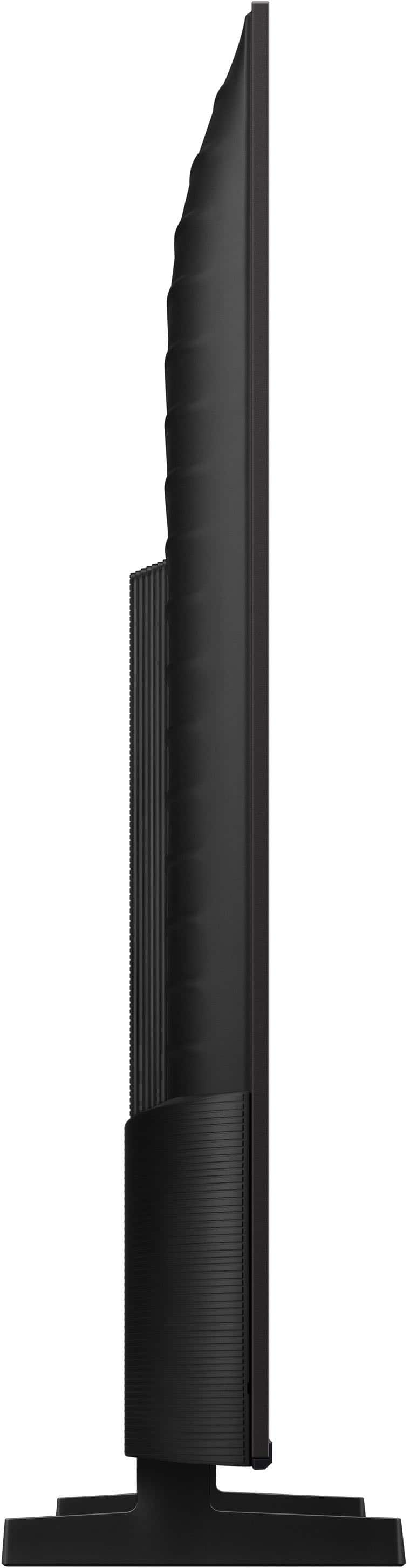
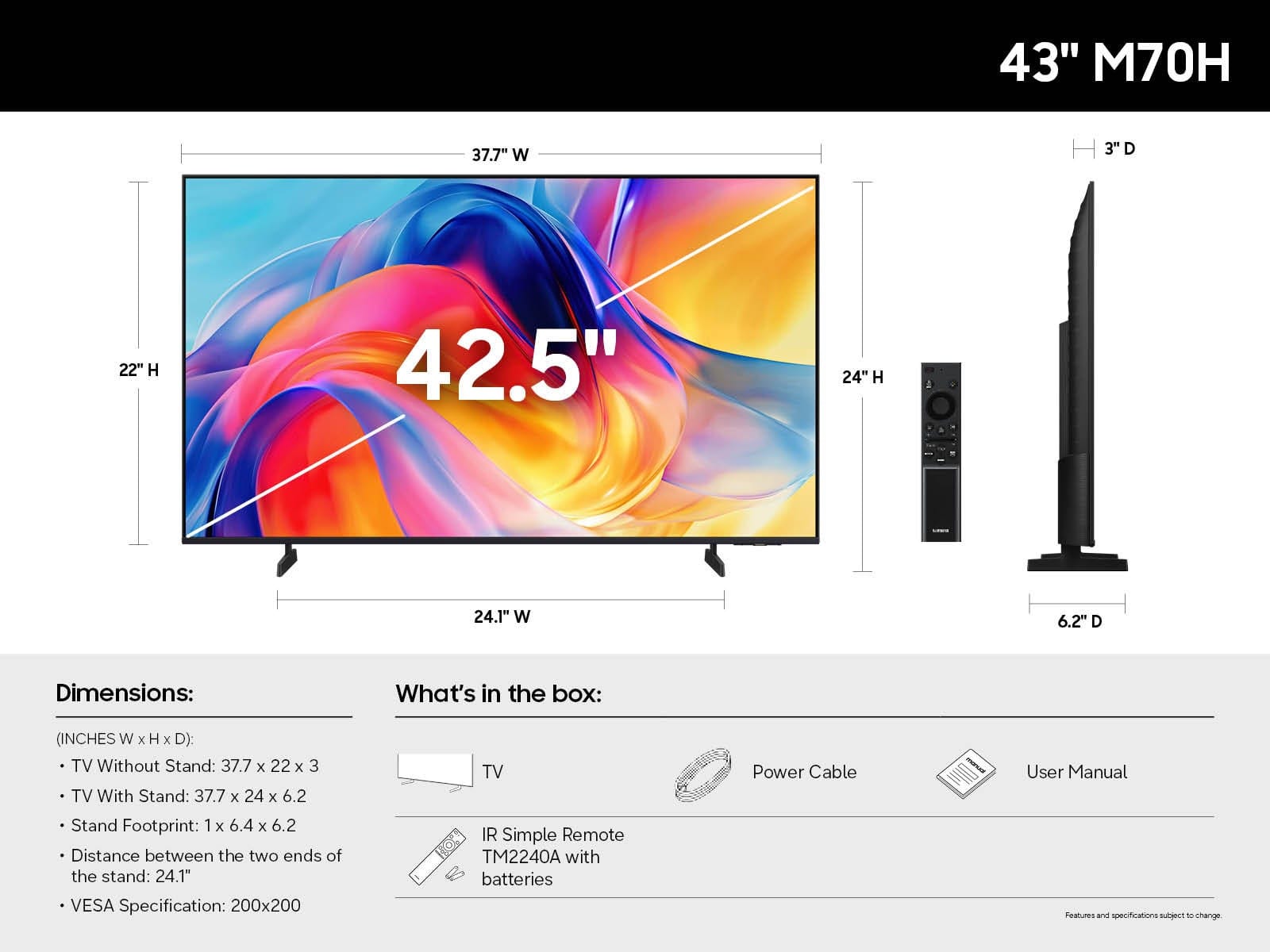
A:AnswerYou can find this information on this model’s product page – just click Specifications and scroll down to Dimensions: https://www.bestbuy.com/product/samsung-43-class-m70h-series-mini-led-4k-uhd-samsungvision-ai-smart-tizen-tv-2026/JJGRF3QGSH
~ Samsung Specialist
A:AnswerHi Kell,
The M70H is Bluetooth-enabled and can connect to external Bluetooth devices such as hearing aids. We recommend getting in touch with your specific hearing aid manufacturer to confirm compatibility.
~Samsung Advisor
A:AnswerHi Mick,
The M70H TV is backed with a limited 1-year Manufacturer’s Warranty when purchased brand-new from an authorized dealer. You can enter the model number to review the full warranty details here: https://www.samsung.com/us/support/legal/LGL10000312/#standard-limited-warranty
~Samsung Advisor