A:AnswerHad to try myself since tv was recent purchase. I already knew my Bluetooth headphones worked with tv so I switched over to DVD player and played dvd. Headphones still worked. Went back to watching tv - still working. Headphones remained on till I turned them off.
A:AnswerI have not had this issue with this TV before but I have experienced it with other TVs. Typically it is not actually the TV at fault. I once replaced the HDMI cables and it seemed to fix it, while other times it was actually the cable box (in our case Xfinity) that was causing the problem. Once we replaced it all the problems were fixed.
A:AnswerUntil the end of those "glass bubble face" TVs with the big hump on the back, recordings were saved 4:3 shape, not wide-screen like a movie theater, so there is nothing but black bar "pillars" that a panel TV (all of them wide 16:9) can show you, on the sides, for last-century programs. You'll see that also for new commercials made "on the cheap".
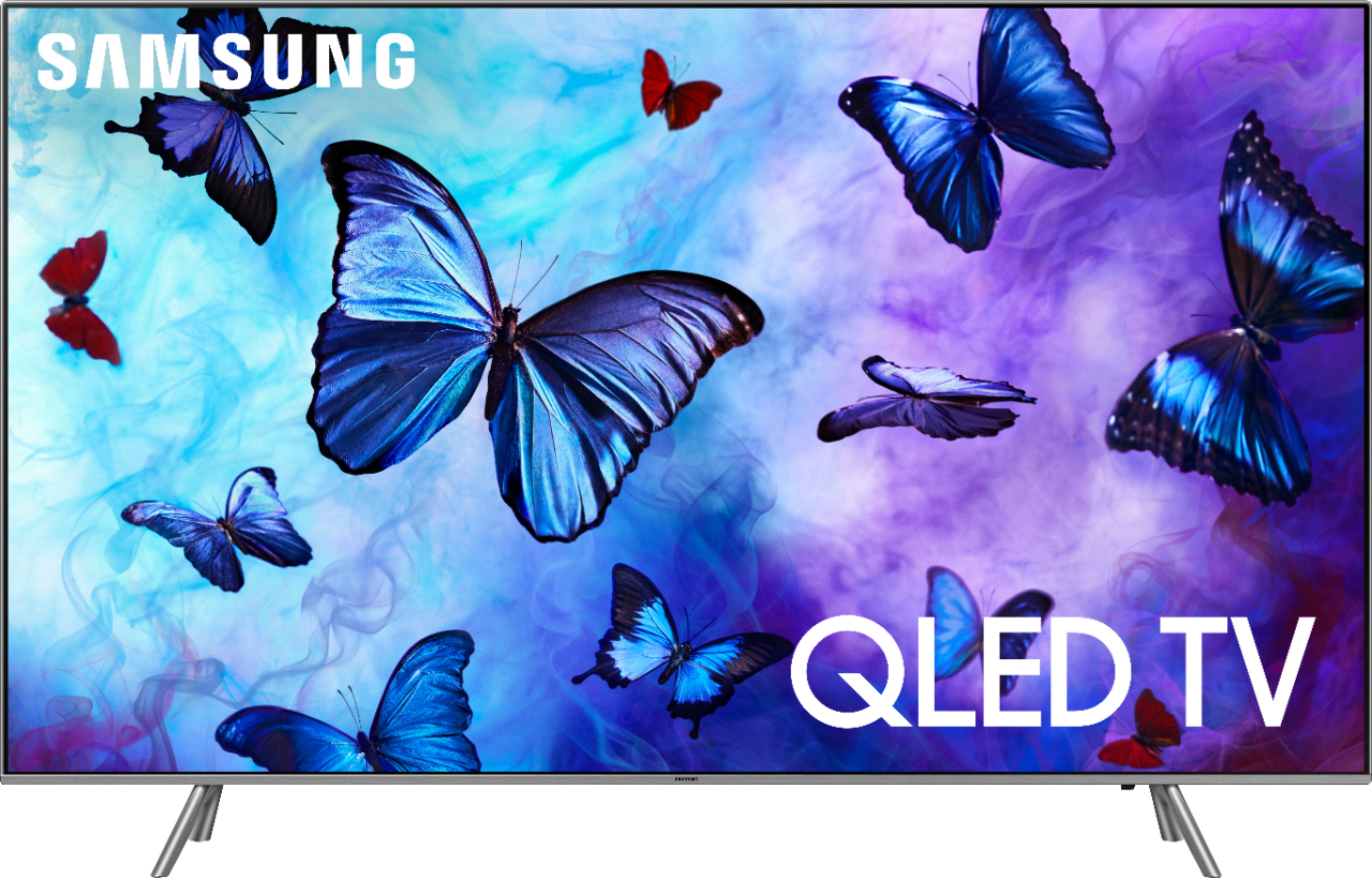
A:AnswerYou can only receive over the air broadcasts with an antenna. Anything that is subscription you will not get. So that means you won't get most channels. Surround sound works great with this TV.
A:AnswerHdmi cables are certified at a certain rating shown on the box, so unless your looking for a certain style you don't need to purchase expensive cables from a specific brand. Look for "category 2" or "premium high speed" on the box and you'll be guaranteed it can handle the 4k and has been certified as emf interference resistant. If it just says certified high speed it still 4k compatible but without the extra interference certification. Ultra high speed certified cables are available and can handle 10k resolution, but your TV can't yet :)
source: https://en.m.wikipedia.org/wiki/HDMI