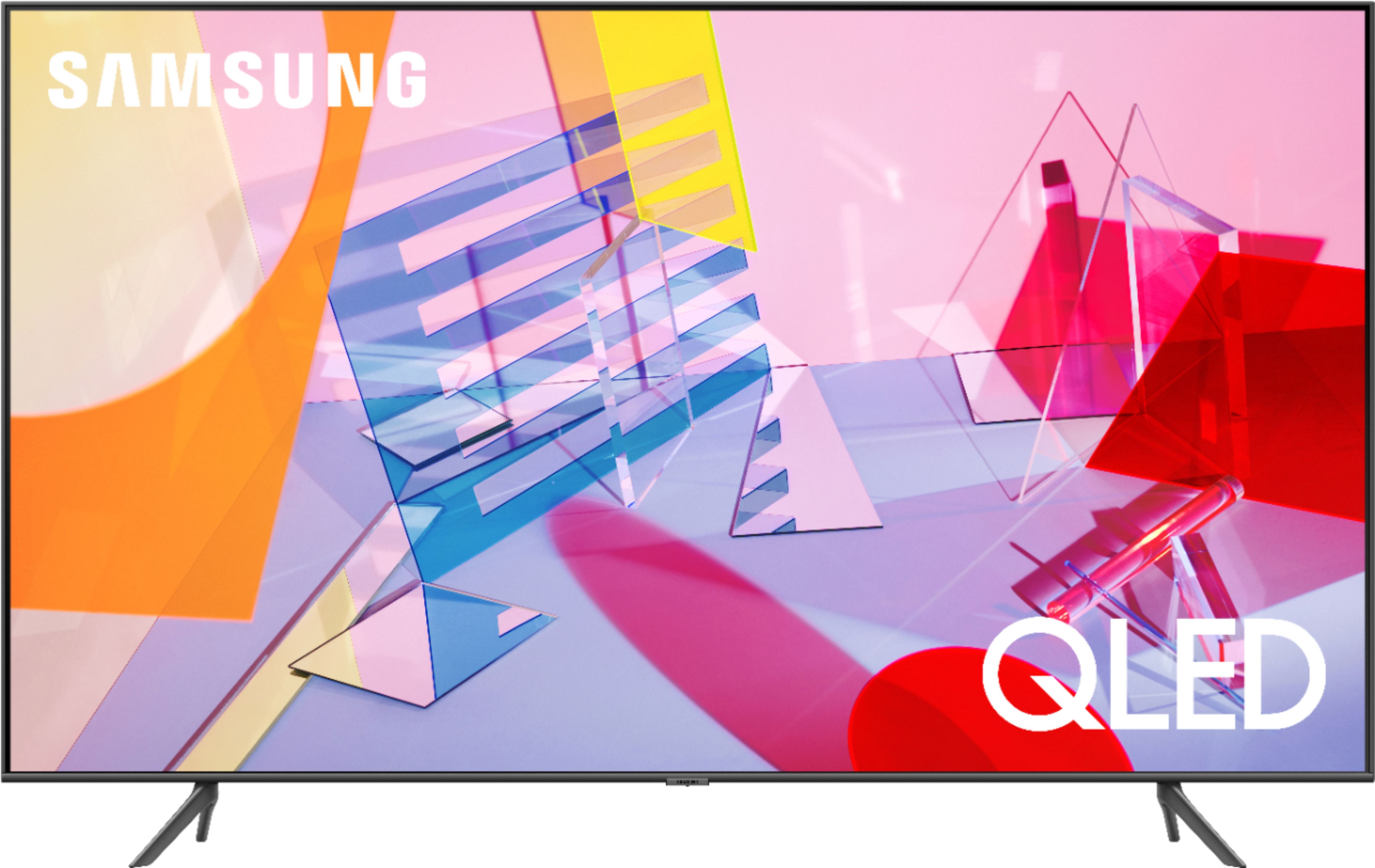
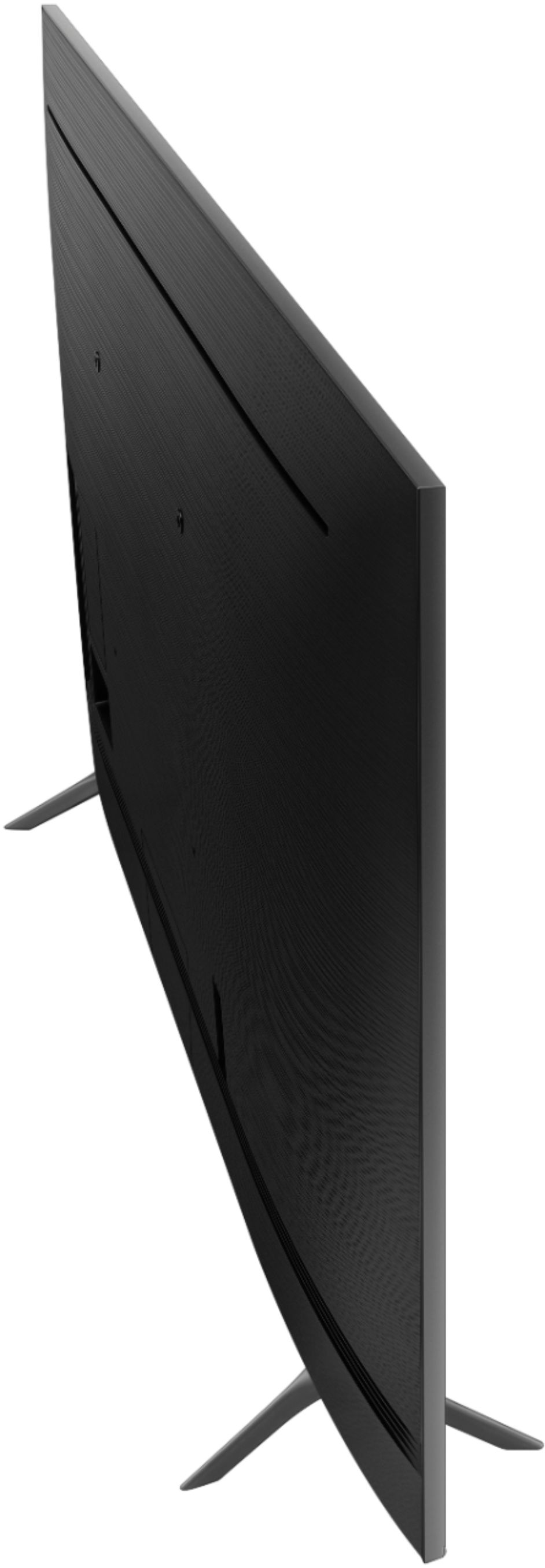
A:AnswerThe M8 screws provided did not work for my wall mount bracket either. So I went to Lowe’s and bought three other lengths of the M8 screws (there were four in a pack) and one of them worked perfectly. Take one of the M8 screws you have with you so you can gauge what length might work. I don’t recall which one worked best for me or I would tell you.
A:AnswerHi Bubbles! Yes, the Q60T features Airplay 2 technology built in allowing you to wirelessly connect your Apple devices to the TV to put more of your content on the big screen. ^Tim
A:AnswerHi Jimbo! To get the optimal sound quality out of your audio equipment, it is recommended to use HDMI ARC with a high speed or 4K rated HDMI cable connected. ^Tim
A:AnswerHi mossy! We do not recommend utilizing the Q60T outside, as it is not rated for outdoor use. The Terrace is Samsung's new 2020 TV that is perfect for outdoor covered patios - The Terrace also features a bright screen with Anti-reflective technology! Check it out at Best Buy: https://www.bestbuy.com/site/samsung-the-terrace-series-55-class-led-outdoor-partial-sun-4k-uhd-smart-tizen-tv/6420351.p?skuId=6420351 ^Gina
A:AnswerHi LooseScrew! That is the correct screw size you are looking for. Wall mounting solutions from Best Buy include a universal screw kit with a wide range of different sizes. If the screw size required is not included, the best place to find the correct size would be a local hardware store. For additional support contact Samsung at:
― Phone: 1-800-SAMSUNG / Available 8 AM - 9 PM EST, Mon - Fri
― LiveChat or Email: https://www.samsung.com/us/support/#contact_us_for_support
We look forward to hearing from you.
^Tim
A:AnswerHi there, If you're asking about the difference between the Q60T and TU8300, there are many. I'll make a list of Q60T benefits to keep things easy.
• Better processing with the Quantum Processor 4K Lite
• Dual LED (better skin tones)
• 100% Color Volume
• Adaptive Picture (helps you see better in very bright or dark rooms)
While there are others, those are the biggest ones. If you are set on a curved model however, go with the TU8300. Cheers! ^Scott
A:AnswerHi Doc! You can adjust the picture size through the Picture settings in the menu. Using your TV remote, press Home, then navigate to Picture settings and select Picture Size. The following link from Samsung is a support article showcasing the different picture customization options and how to access them. https://www.samsung.com/us/support/answer/ANS00079295/
^Tim
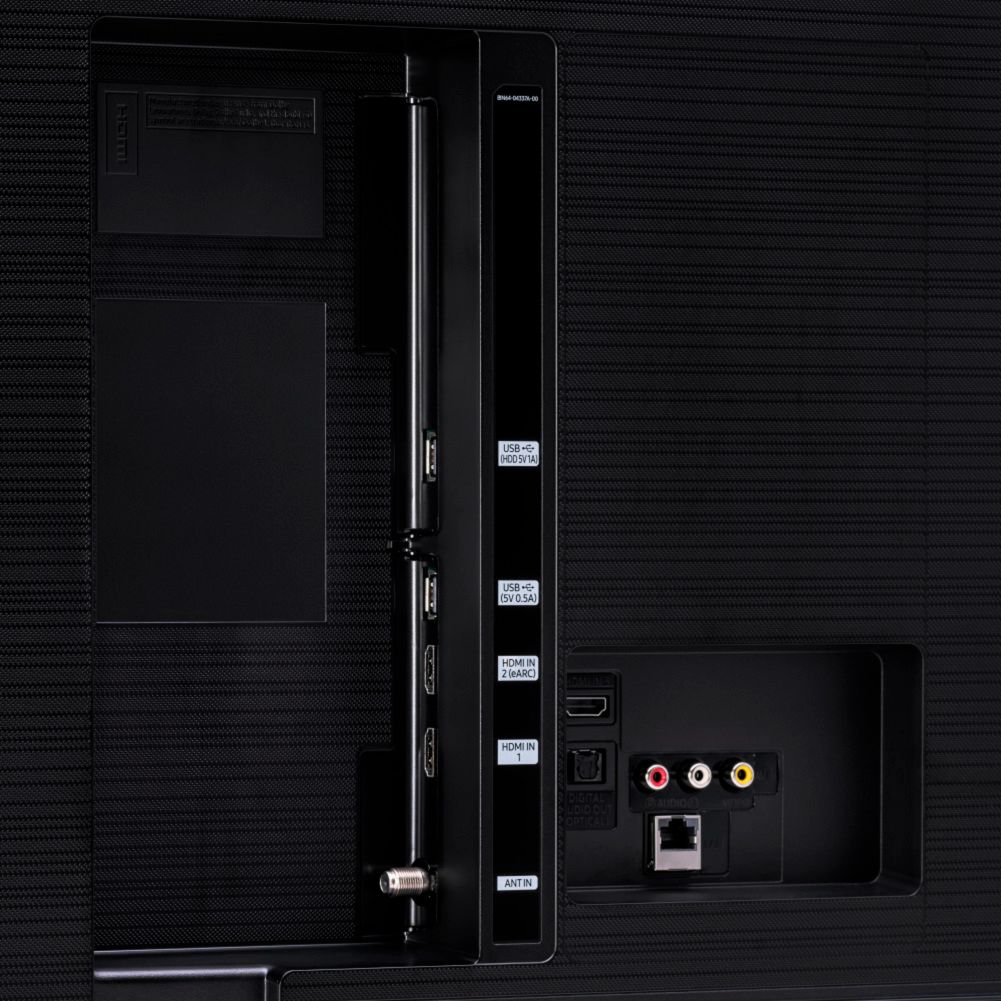
A:AnswerDick - The Q60T has HDMI inputs for Blu-Ray and some newer DVD players. The TU8000 offers the red, white and yellow connections for legacy items. However, you are converting analog to digital, so a good suggestion would be to get a Blu-Ray player . The player would work well for your movies and will play your DVDs, Blu-Rays and CDs as well as upscaling DVDs. ^Cris
A:AnswerHi there, the Samsung - 55" Class - Q60T Series will display captions in any programming which supports it. To turn it on go to Settings: General Accessibility: Caption Settings: On. ^Scott
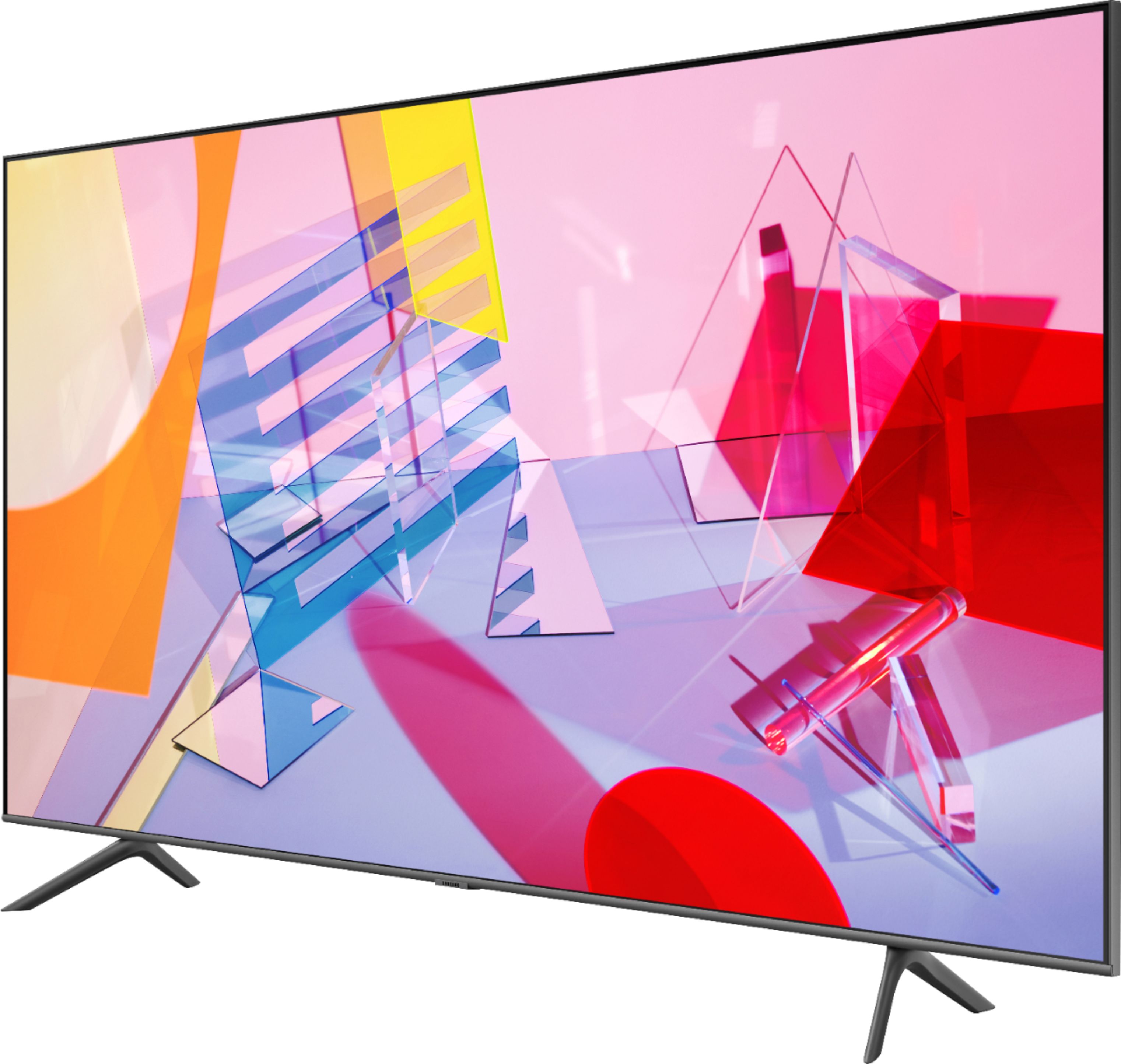
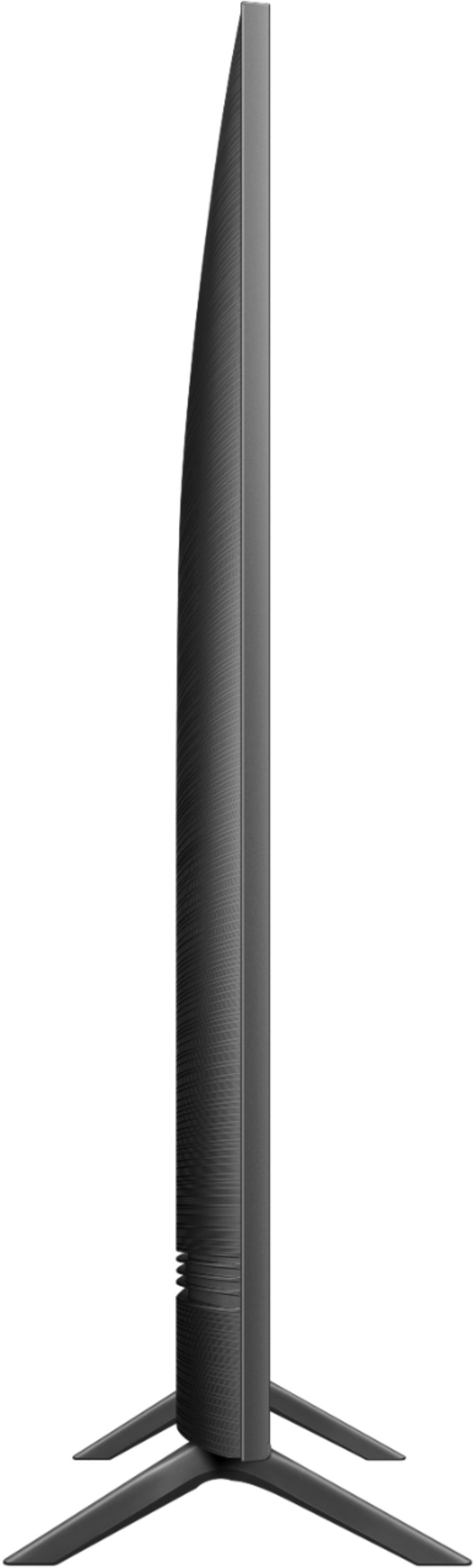
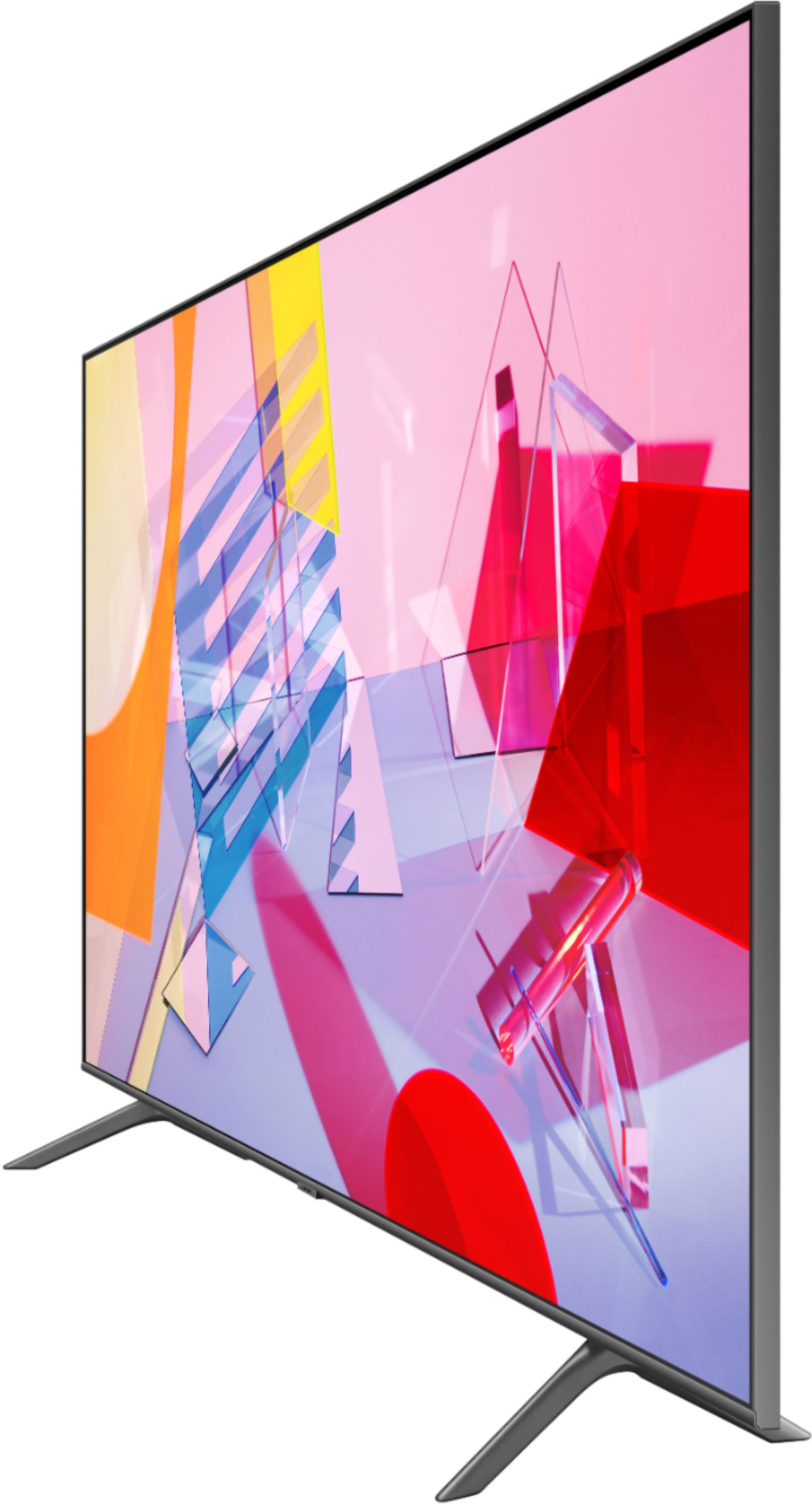
A:AnswerThe TV measures 48" from end to end.
The foot holes are placed 7" in from each side of the TV so the feet are really 34" apart.
The TV would fit but each side is going to hang out 3.25" on either side of your TV Stand.
A:AnswerHi there! While our Q60T utilizes Dual LED Technology to bring you better contrast and temperature control, we do recommend taking a look at our Q80T. Our Q80T brings you Ultra Viewing Angle Technology which gives you consistent picture at all angles while providing more accurate color representation, allowing more versatility in TV placement and seating. The Q80T also has Anti-Reflective Technology Anti-Reflection Technology, which reduces ambient light reflections on the TV screen to let you enjoy richer contrast and more colorful images without distracting glare. ^Gina
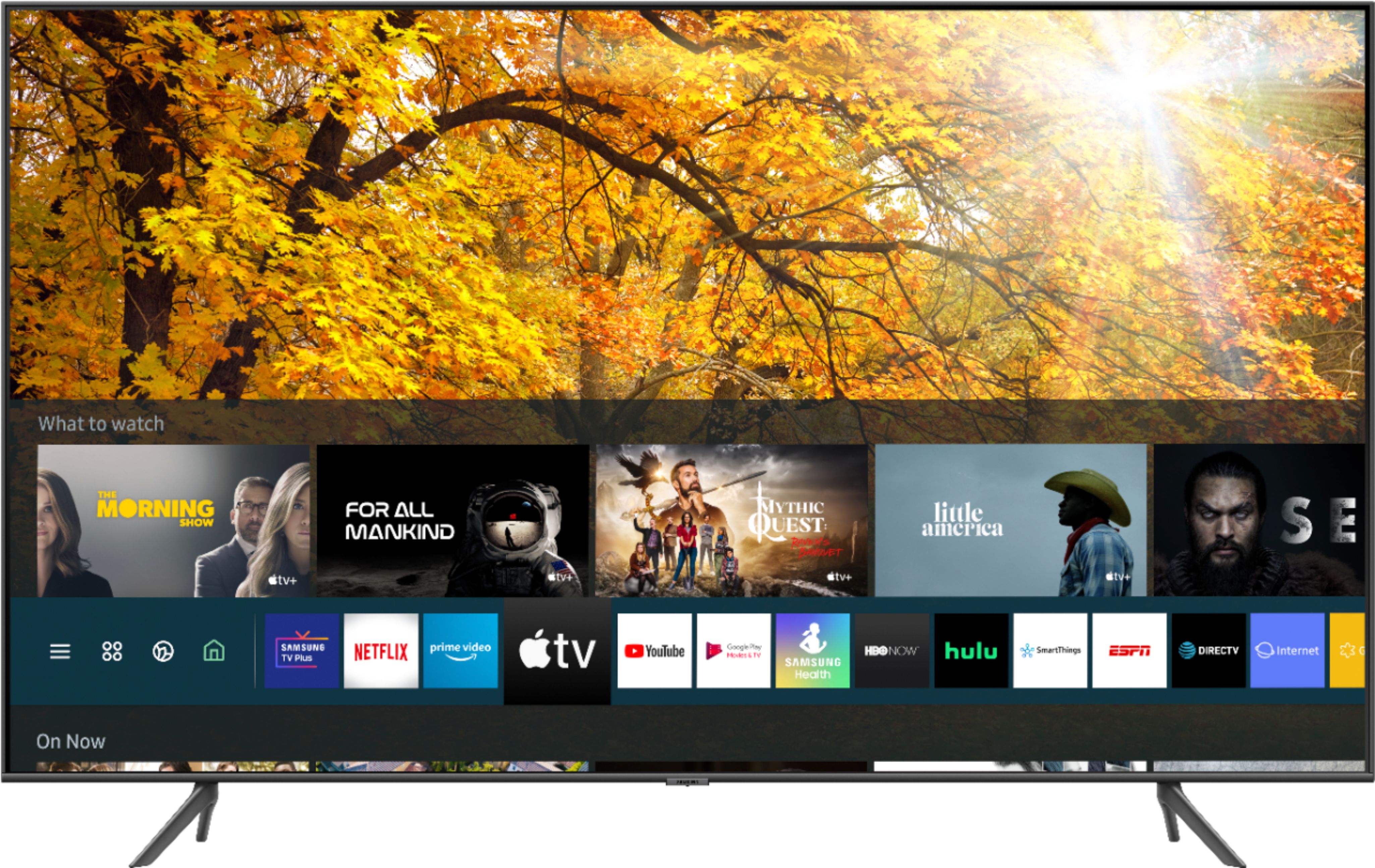
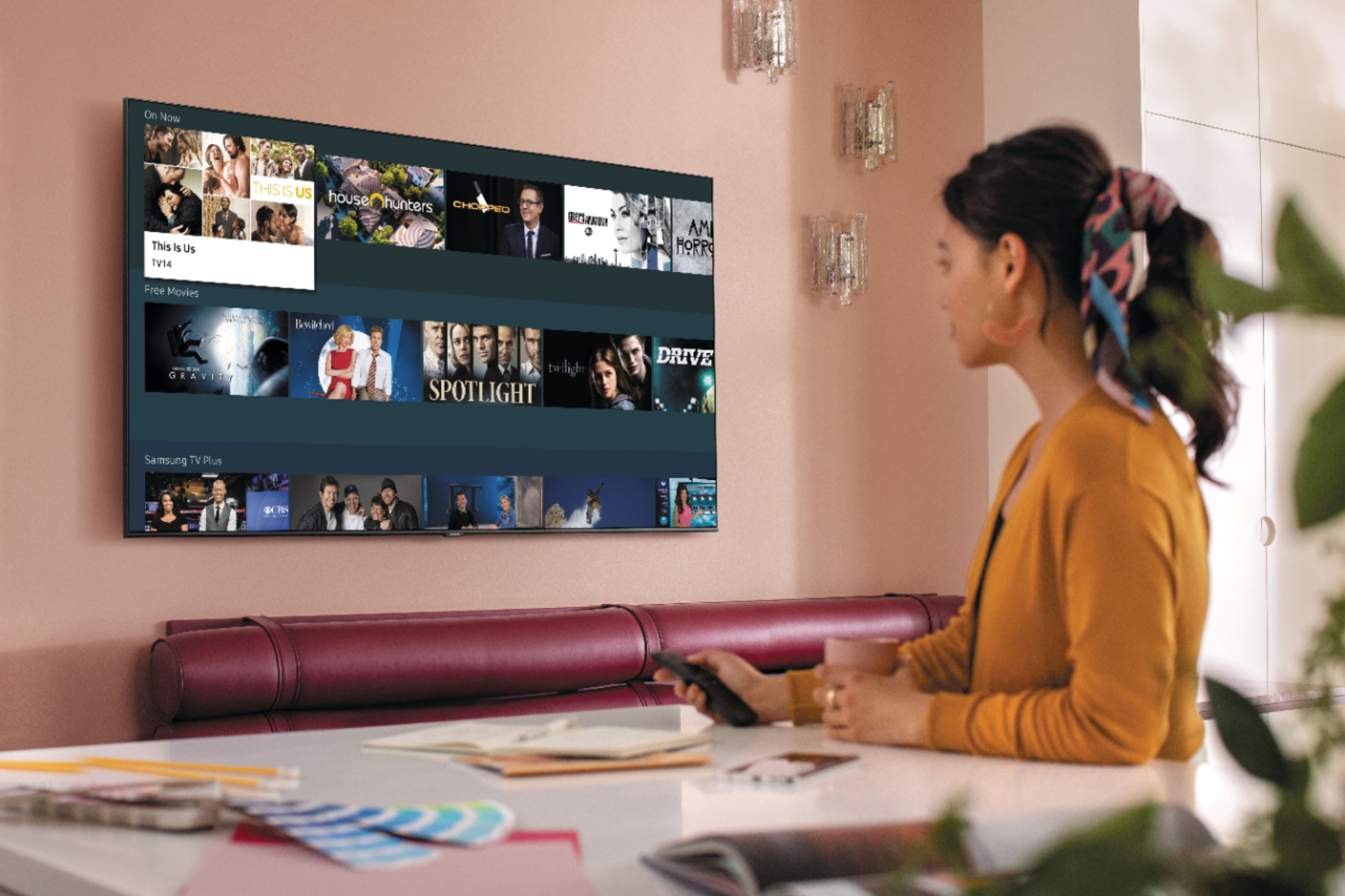
A:AnswerHi, Terri! There are hundreds of apps you can choose from and download from your TV's built-in App Store, such as AppleTV+, Netflix, Hulu, SlingTV, HBO Now, YouTubeTV, Disney+, Prime Video, and many more! ^Gina