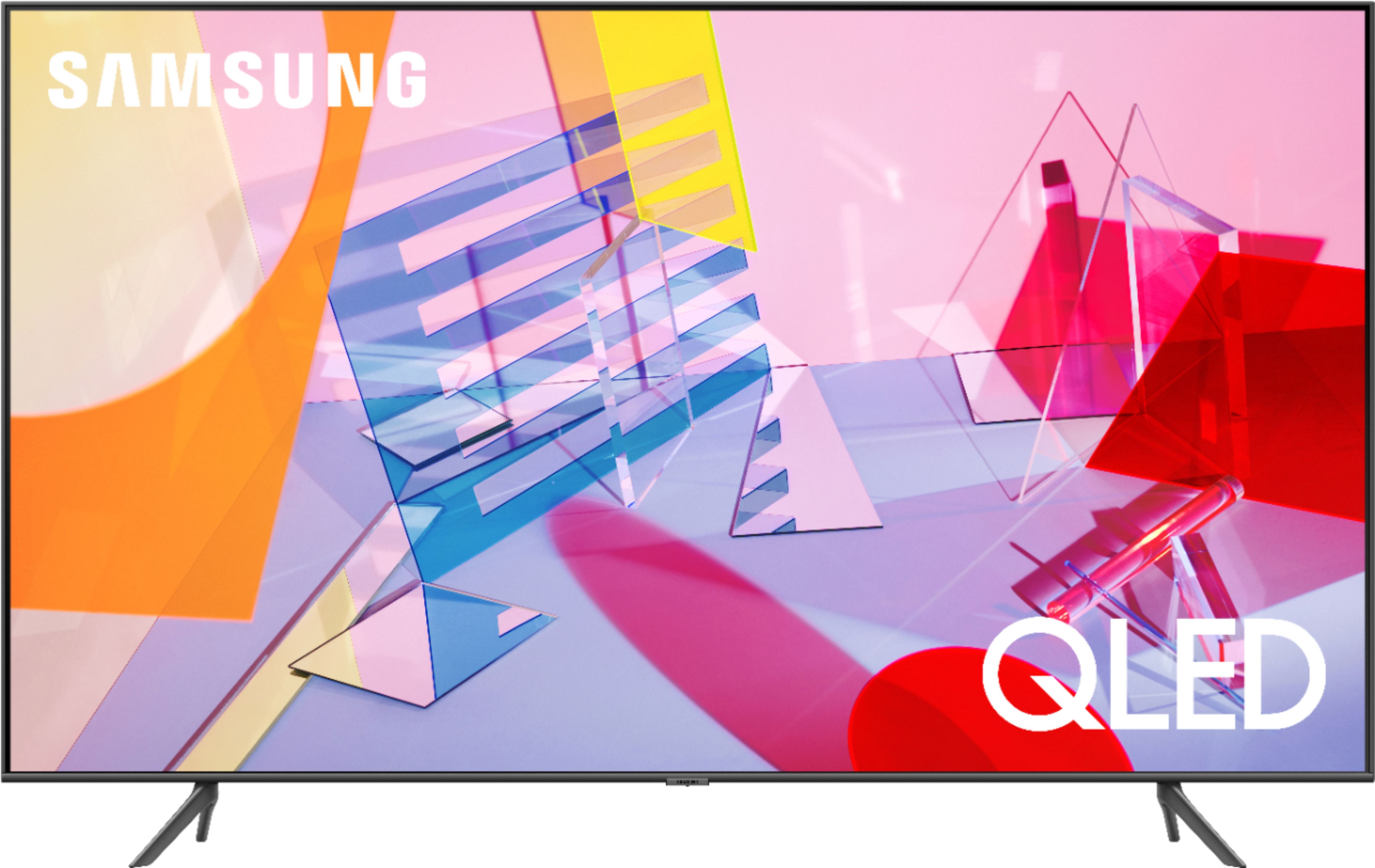
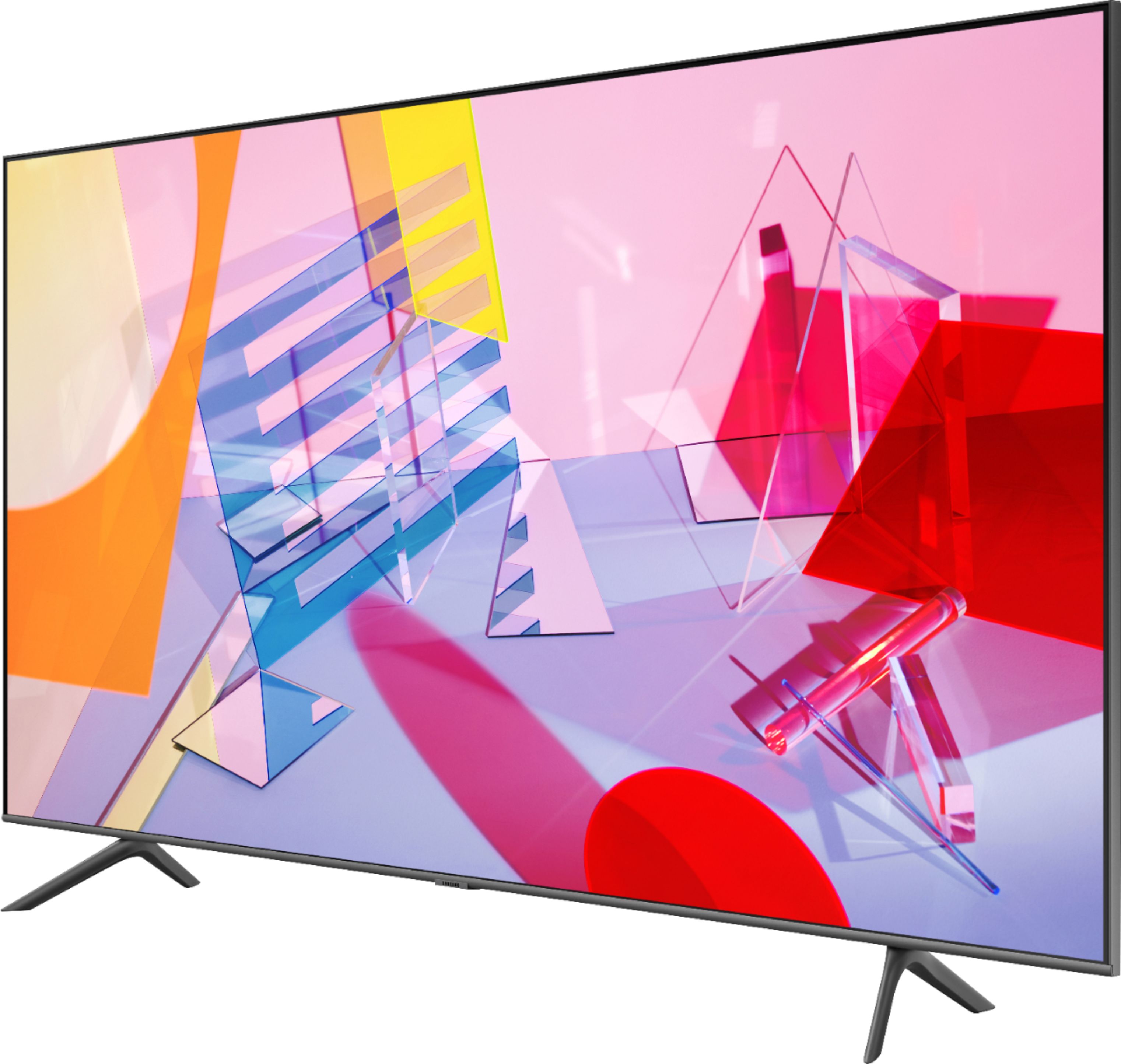
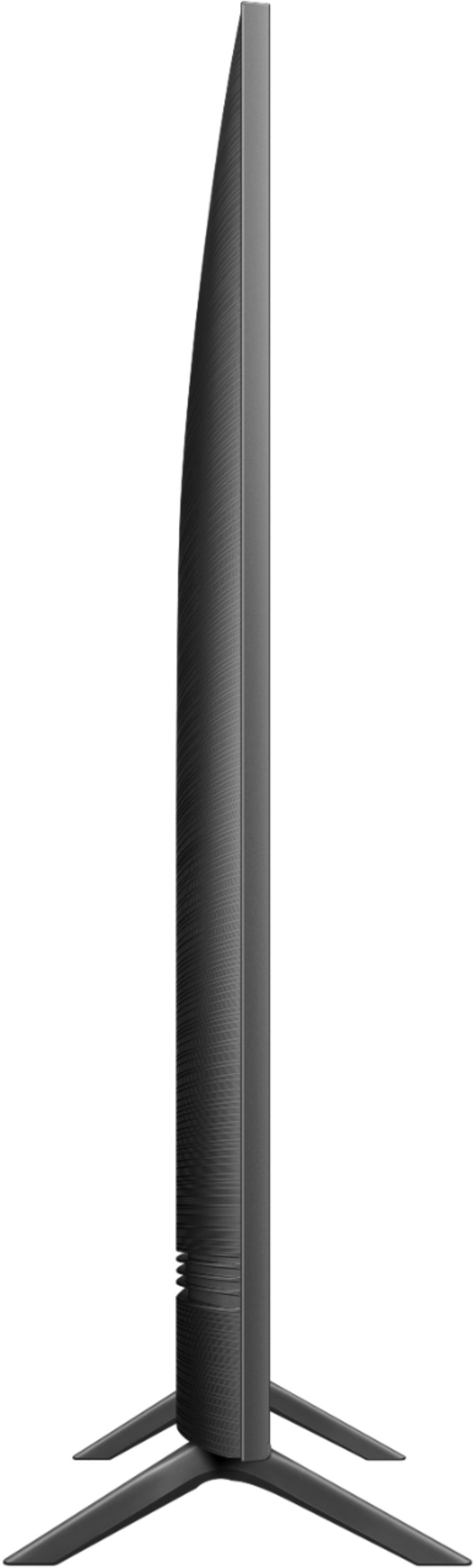
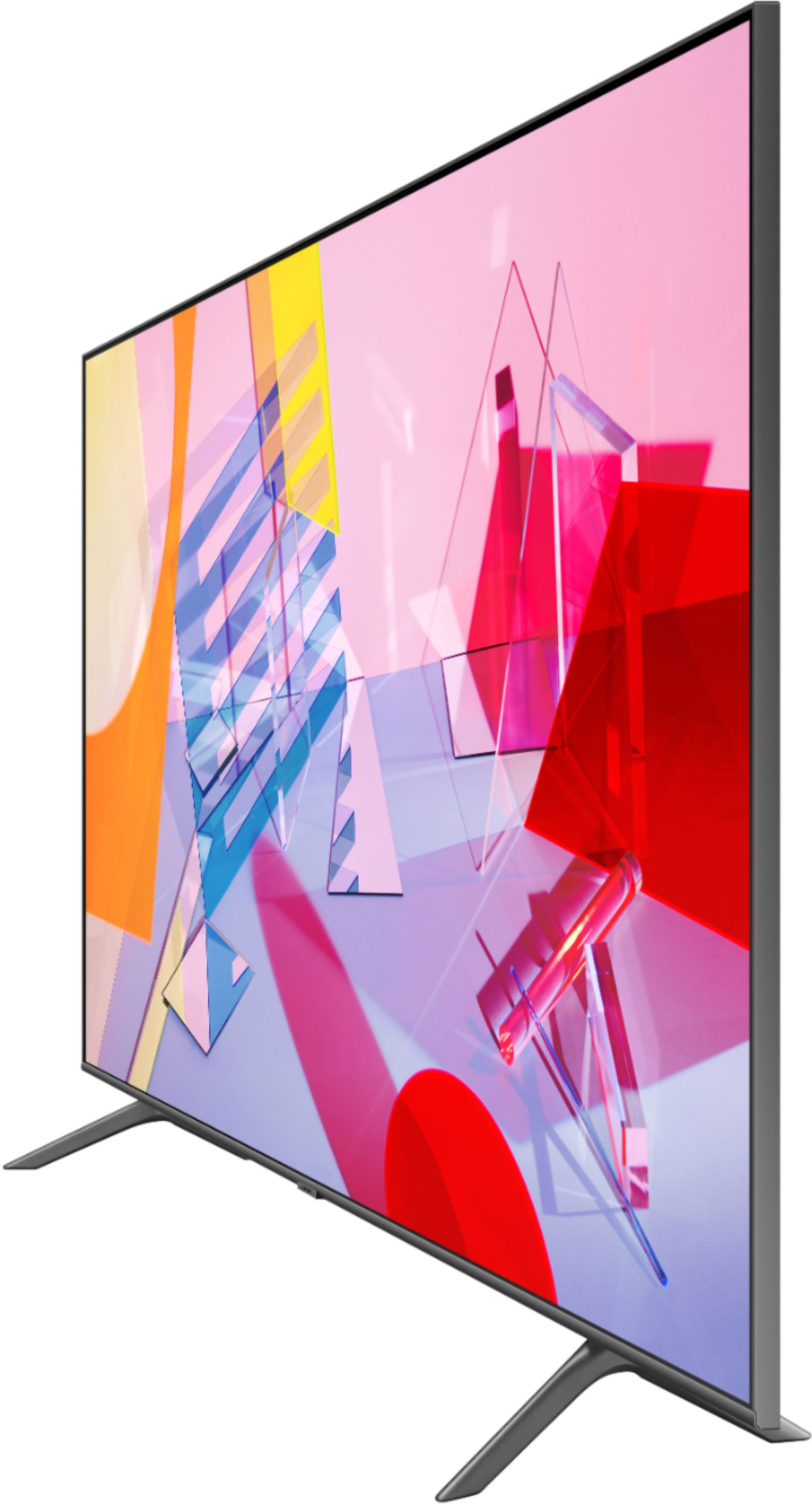
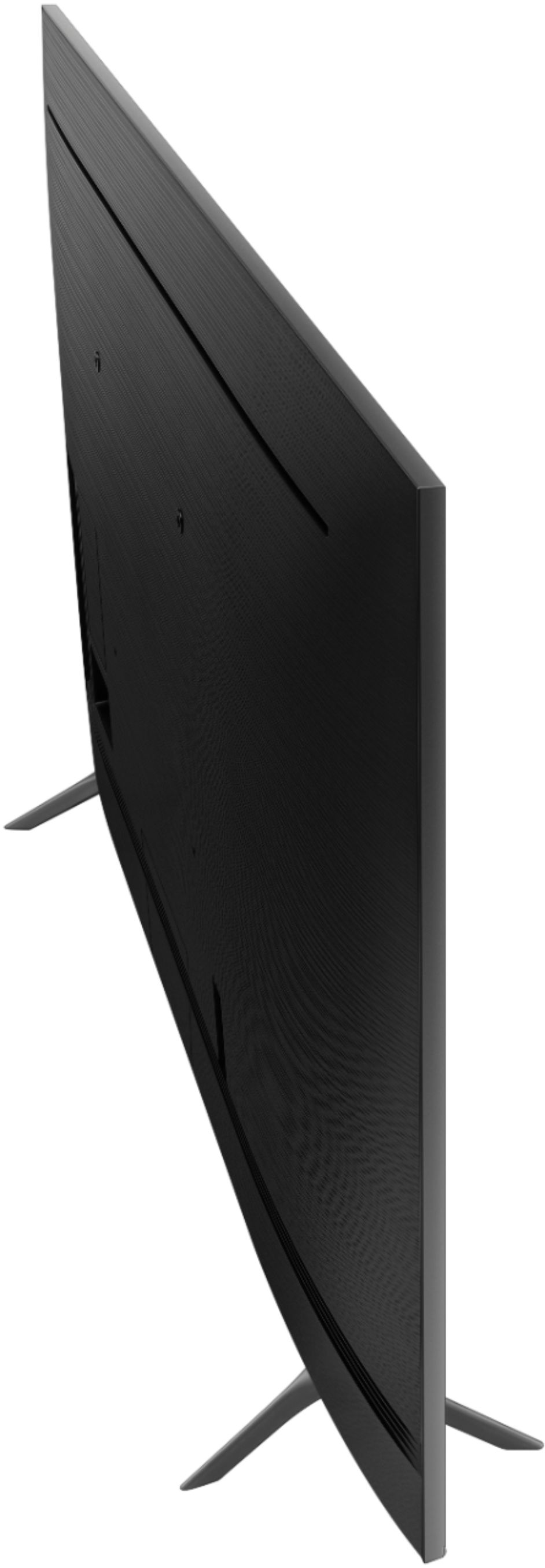
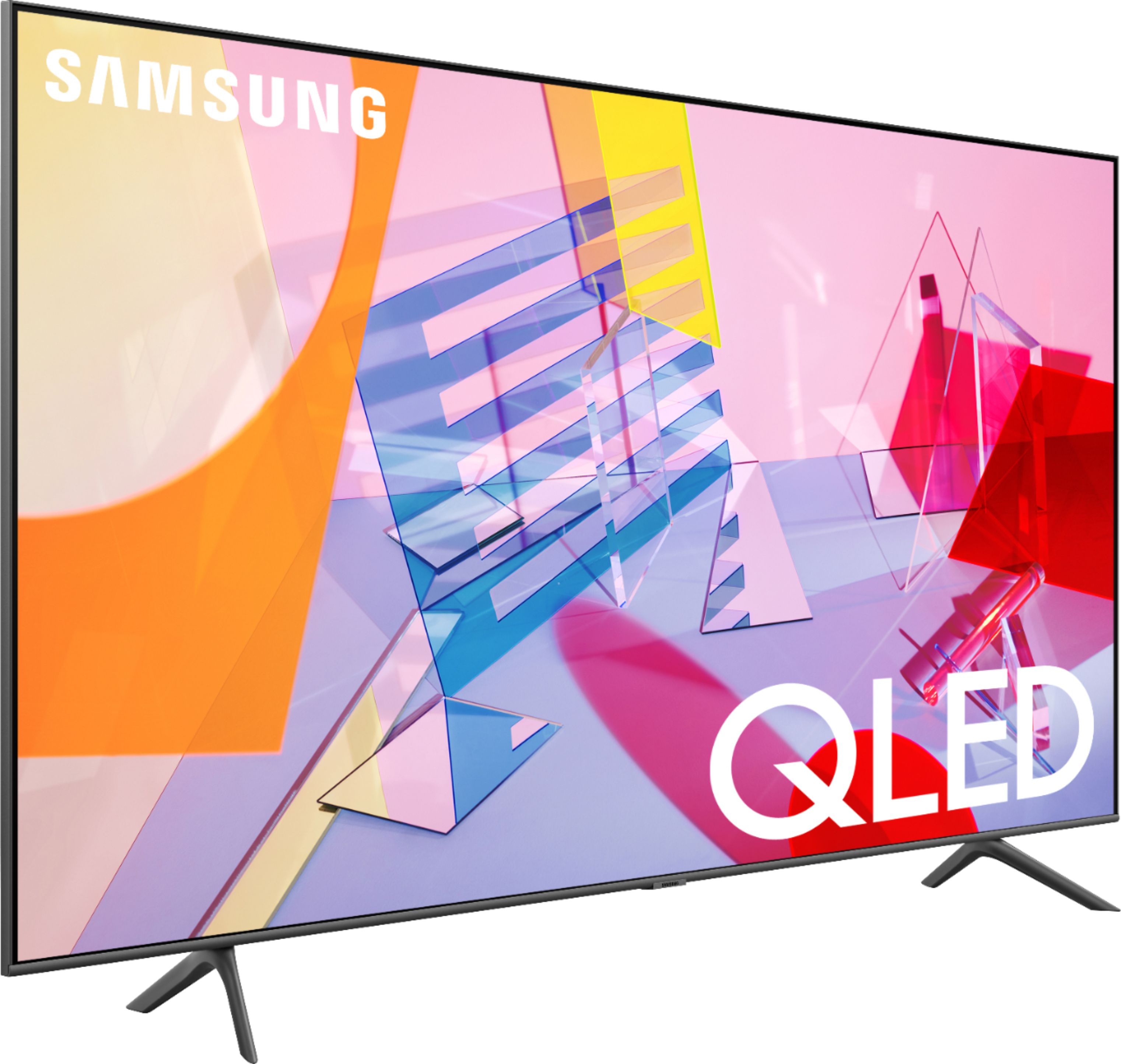
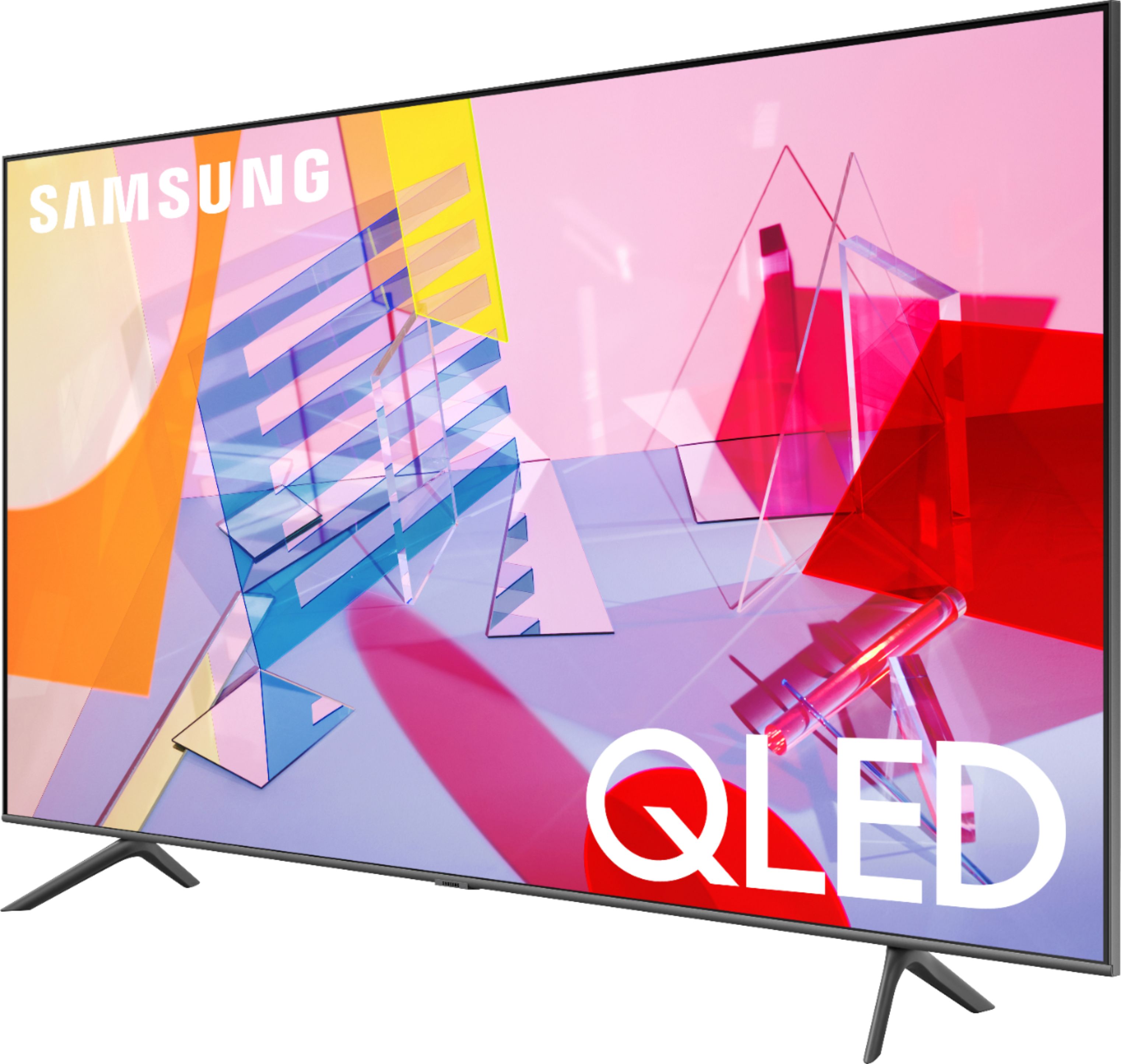
A:AnswerHi Silver! The 55Q60T has one fixed position for the legs. The leg width of the 55Q60T is 40". You can also utilize a universal center base such as this one found at Best Buy: https://www.bestbuy.com/site/sanus-premium-swivel-tv-base-for-most-32-60-tvs-black/5463304.p?skuId=5463304 ^Gina
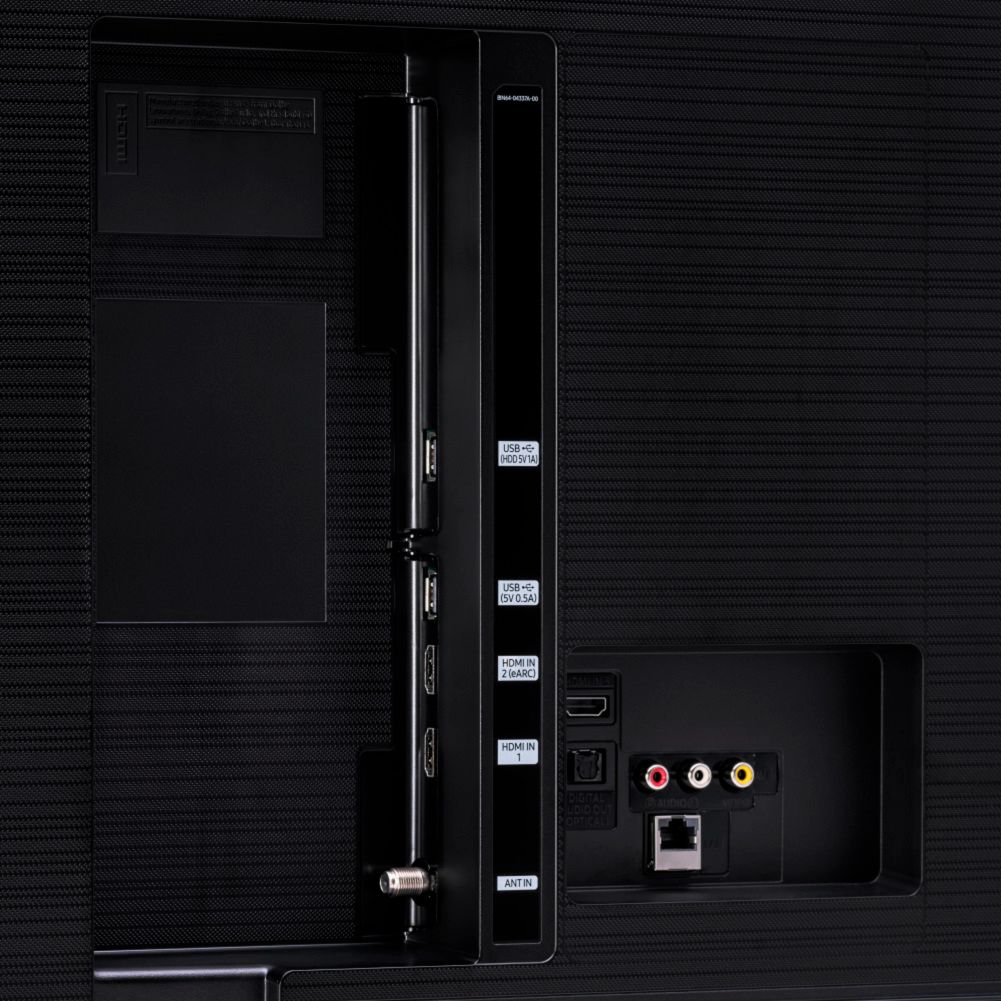
A:AnswerHi Chris! The Q60T features three ways to connect external audio devices; HDMI ARC, digital optical audio, or Bluetooth audio. The Q60T does not feature support for RF audio. ^Tim
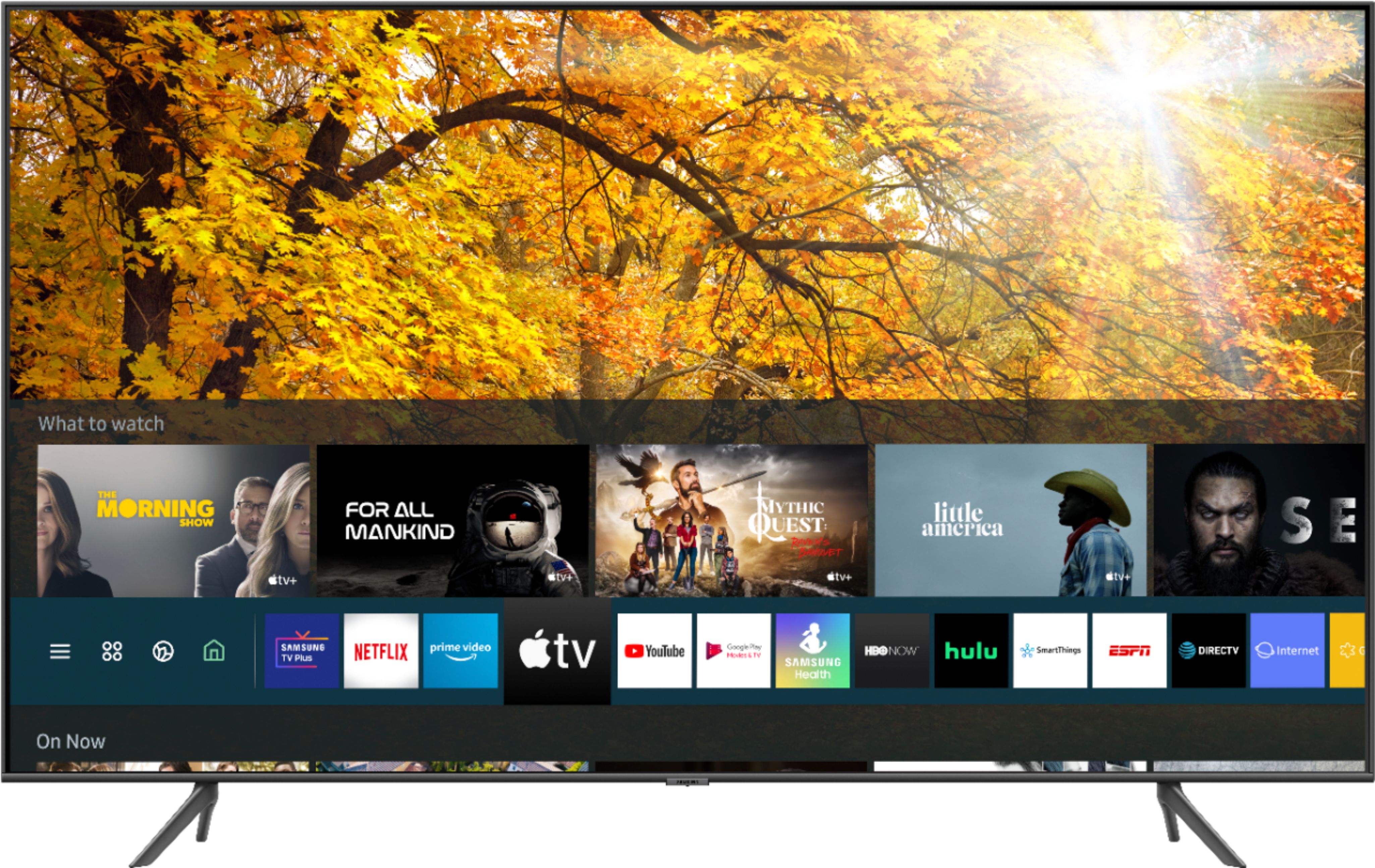
A:AnswerHi Beast76! Samsung TVs feature a user friendly smart system built in called Tizen allowing you to access all of your favorite streaming content and cast or mirror your mobile devices. To use the casting feature, ensure both the mobile device and the TV are connected to the same network, load the content on your mobile device and select the cast icon through the application. You can also utilize the mirroring feature without the need for an internet connection. ^Tim
A:AnswerHi GGG, This TV does not have a component connection (red, yellow, white). It can connect through USB, HDMI, Optical, etc, however. Thanks! ^Scott
A:AnswerHello Fonse,
No, the legs come standard with the TV. Please check out swivel TV bases at Best Buy.
https://www.bestbuy.com/site/sanus-premium-swivel-tv-base-for-most-32-60-tvs-black/5463304.p?skuId=5463304
^Cristian
A:AnswerHello! The Q60T comes with Bluetooth capabilities, which means they can wirelessly connect to speakers, headphones, hearing aids, and other devices. ^Celina
A:AnswerHello Fran,
Smart TVs do not use the cell phone network. They use WiFi. You can use 5G to access the internet on your smart phone then enable the phone to be a WiFi hot spot so the TV can access the internet through it. It's not a mobile device, it's stationary so it would likely only use WiFi or Ethernet for internet connection. ^Cristian
A:AnswerHi there, That sounds like a great choice. I can't do that from here however, give your local Best Buy a call at (518) 583-1785 and they would love to set something up for you. I'm up north here too, good luck this winter! ^Scott
A:AnswerHi Bill - using the remote included with the Q60T, gently press the "Volume" bar either up or down, which allows you to increase or decrease your TV's volume. ^Gina