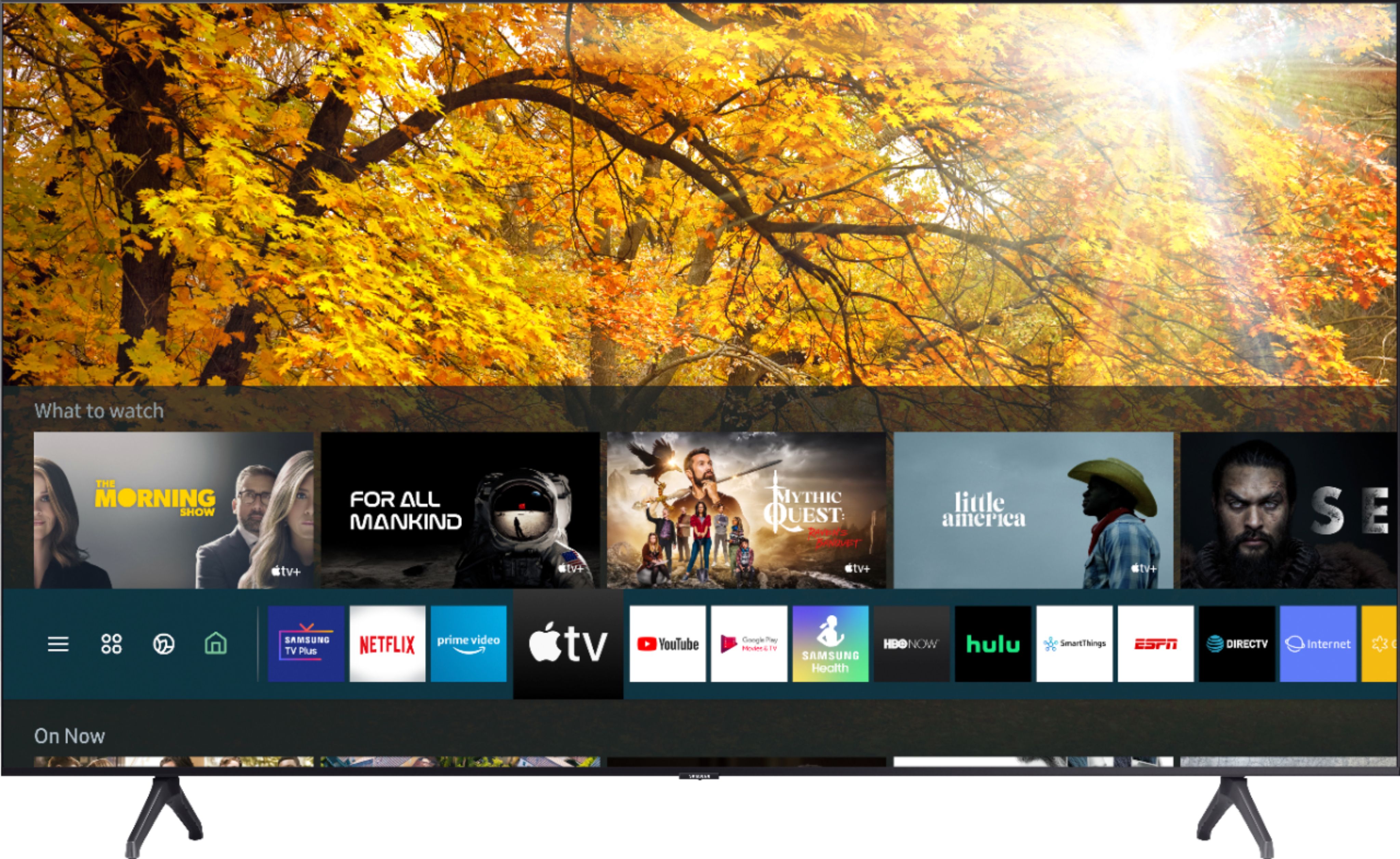
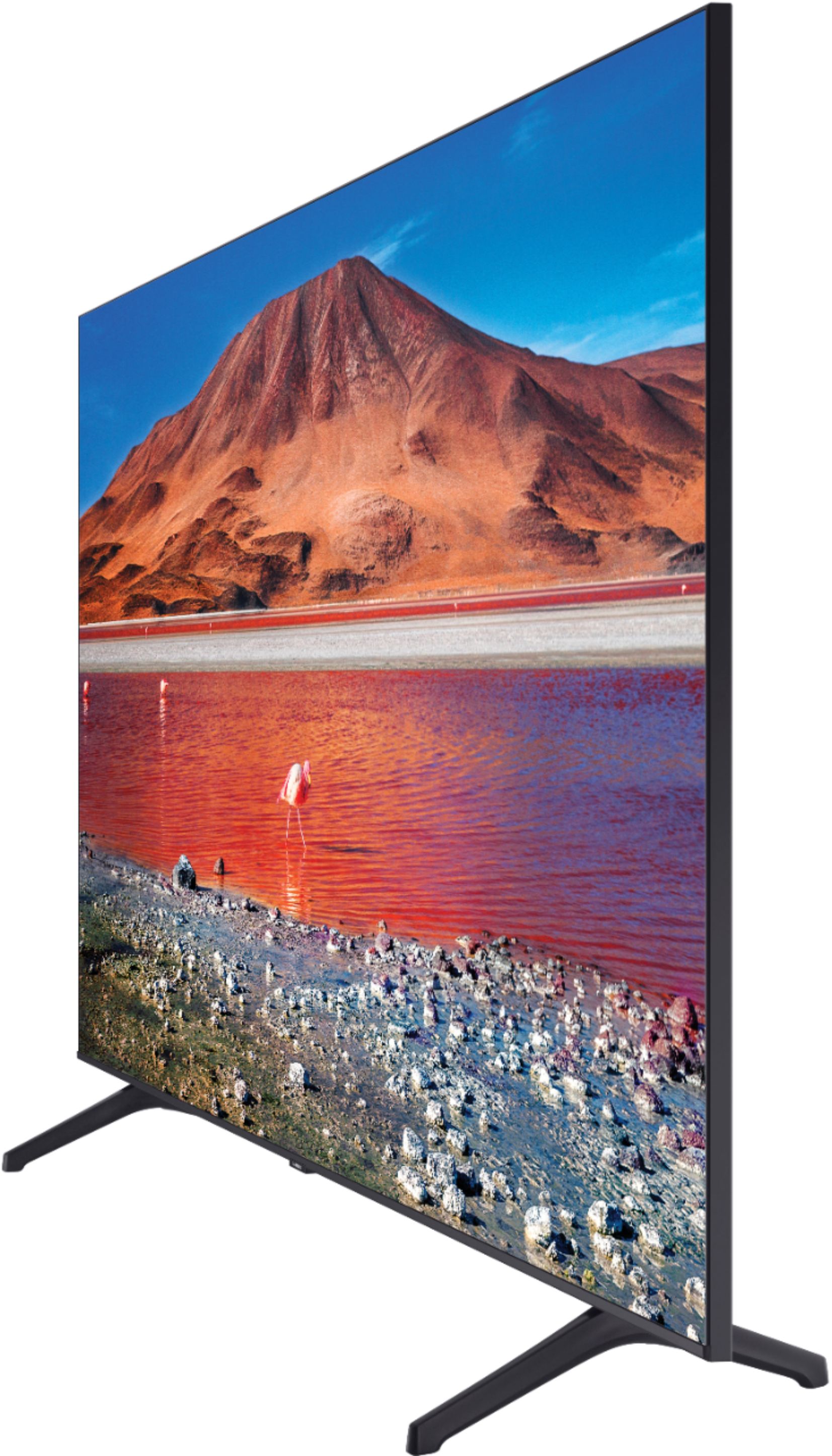
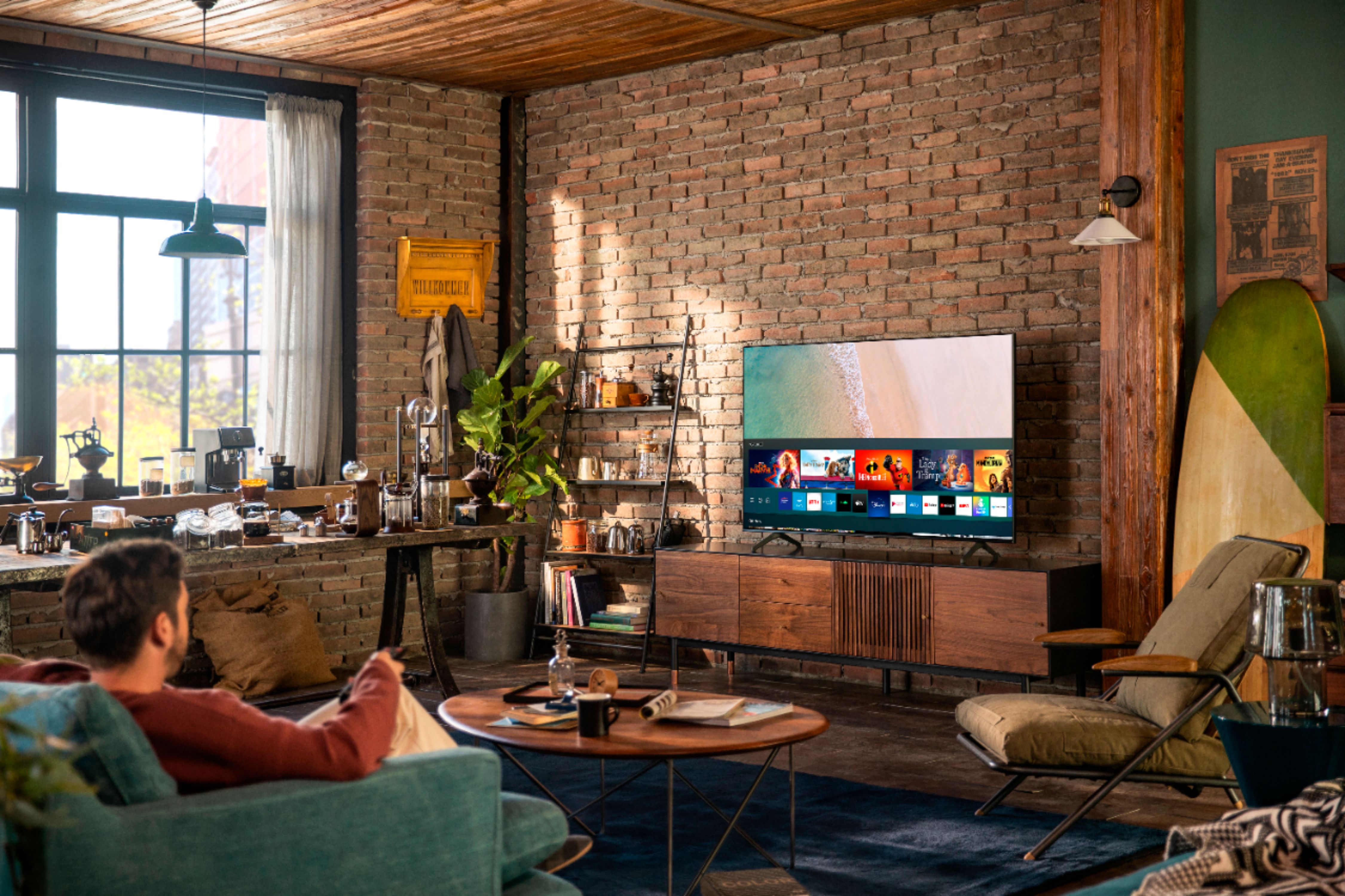
A:AnswerHi! Our Samsung Smart TVs such as this feature the ability to download additional apps through the built in app store on your TV thanks to our Tizen smart platform. ^Tim
A:AnswerDano, you can utilize a specific mount to mount your soundbar to your TV. Check out this one at Best Buy: https://www.bestbuy.com/site/rocketfish-universal-soundbar-mounting-system-black/6354301.p?skuId=6354301 ^Gina
A:AnswerHi BLT8 - It will work with one Bluetooth speaker or you are able to connect a soundbar via bluetooth. It will also work with a series of speakers via WiFi. ^Cris
A:AnswerSusan, if apps are not working correctly, we recommend first checking for firmware updates on your TV (Home > Settings > Support > Software Update). If your TV is up to date, try a cold boot. There are two ways to cold boot your TV. With the Remote: For most people, the easiest way is to hold down the Power button on the Samsung TV remote until the TV turns off and on again. This should only take about 5 seconds. With the Plug: If you do not have the remote, unplug your TV from the wall outlet or surge protector, leave it unplugged for 30 seconds, and then plug it back in. If the issue persists, please reach out to Samsung TV Support at: ― Phone: 1-800-SAMSUNG / Available 8 AM - 9 PM EST, Mon - Fri ― LiveChat or Email: https://www.samsung.com/us/support/#contact_us_for_support We look forward to hearing from you. ^Gina
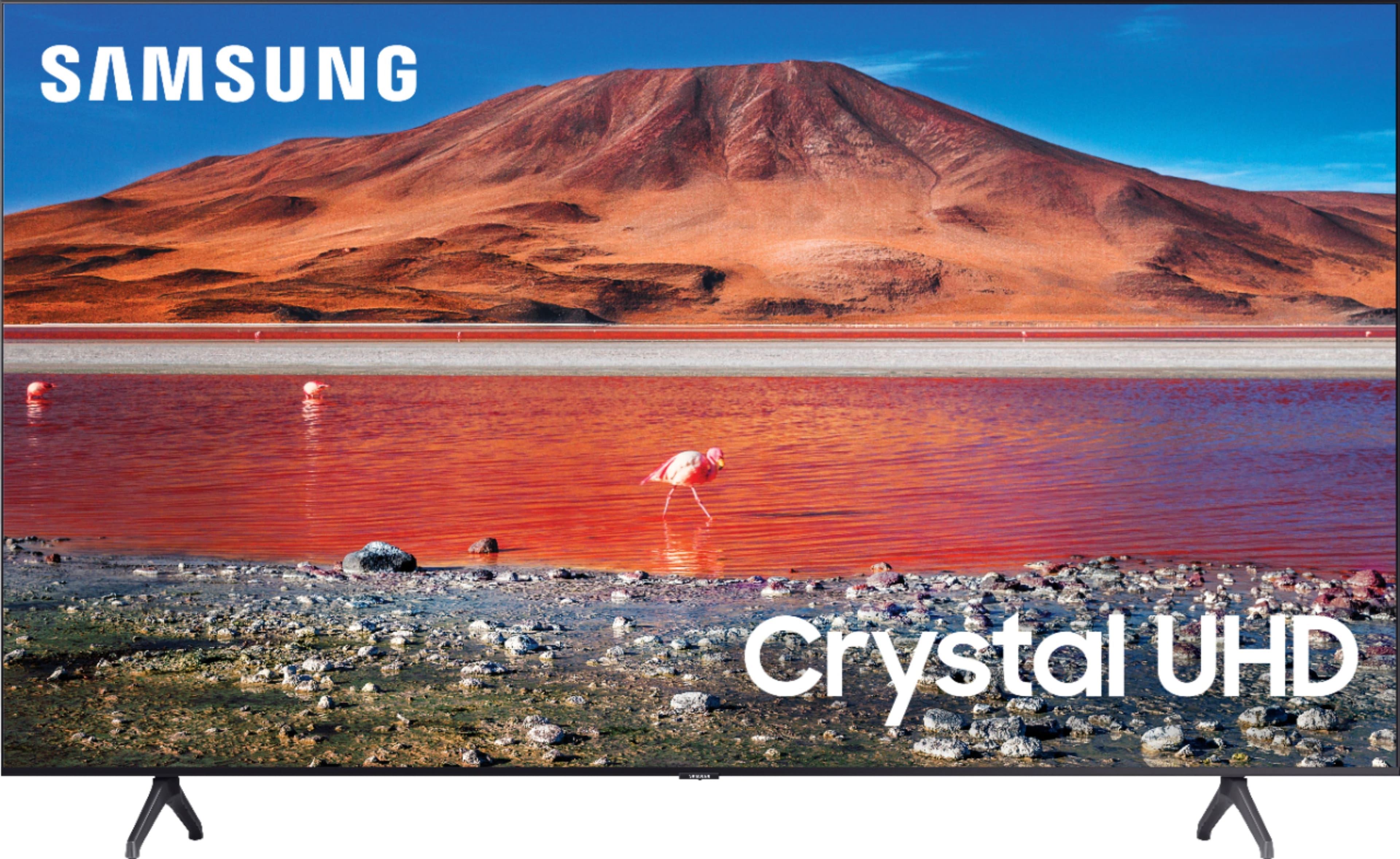
A:AnswerHi Dave - Yes you can use this as a computer monitor. It has 2 HDMI Connections, 1 eARC Port 2,

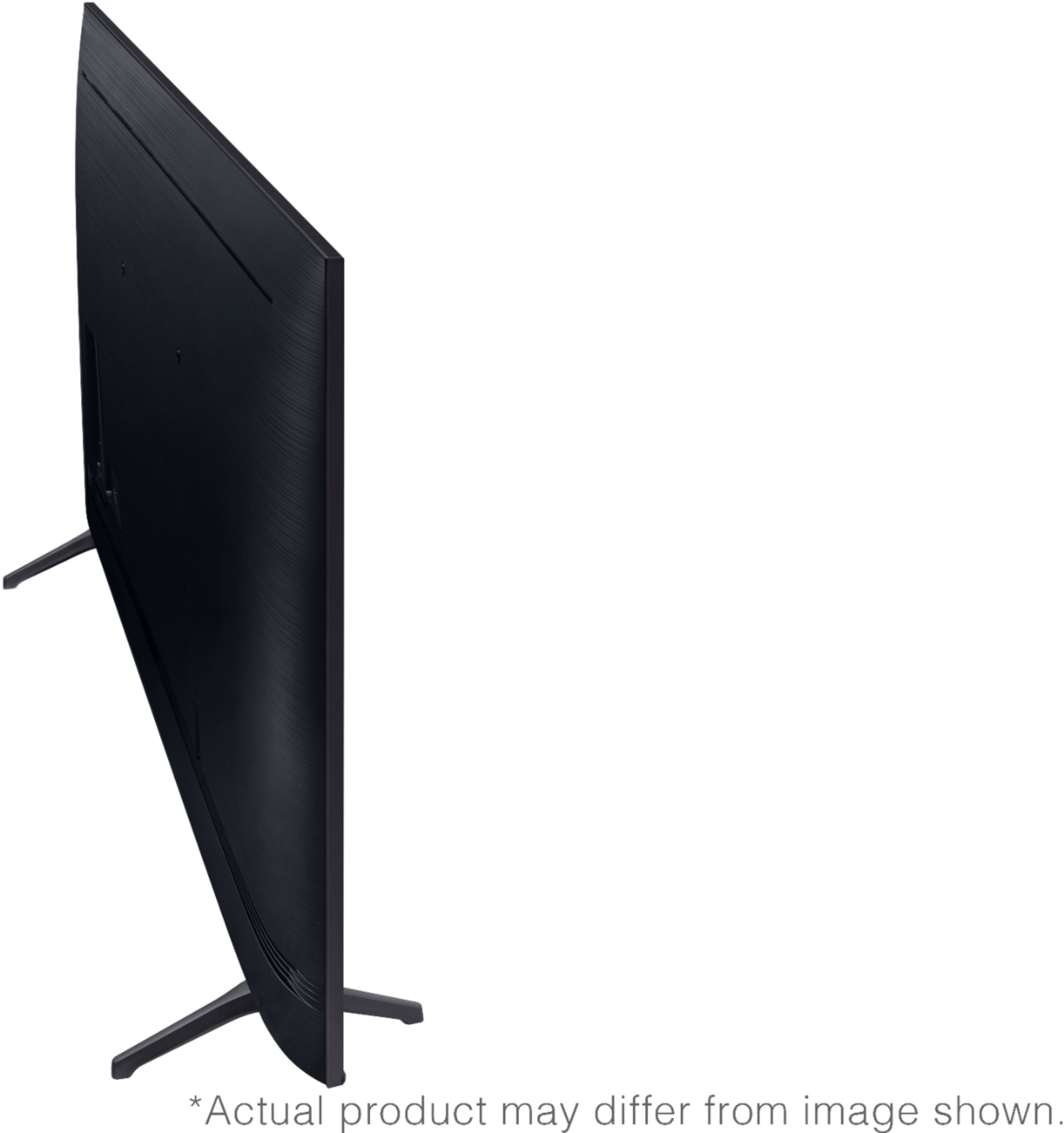
1 USB Connection, LAN Port, 802.11AC built-in Wi-Fi, Bluetooth®, and an Optical Audio Output Port. Here are some camera options at bestbut.com https://www.bestbuy.com/site/searchpage.jsp?st=web+camera&_dyncharset=UTF-8&_dynSessConf=&id=pcat17071&type=page&sc=Global&cp=1&nrp=&sp=&qp=&list=n&af=true&iht=y&usc=All+Categories&ks=960&keys=keys ^Cris
A:AnswerHi NavyBlue - If you have a cable box and connect it to the TV, you can watch Spectrum cable. You will only need an internet connection to access the Smart TV features. ^Cris