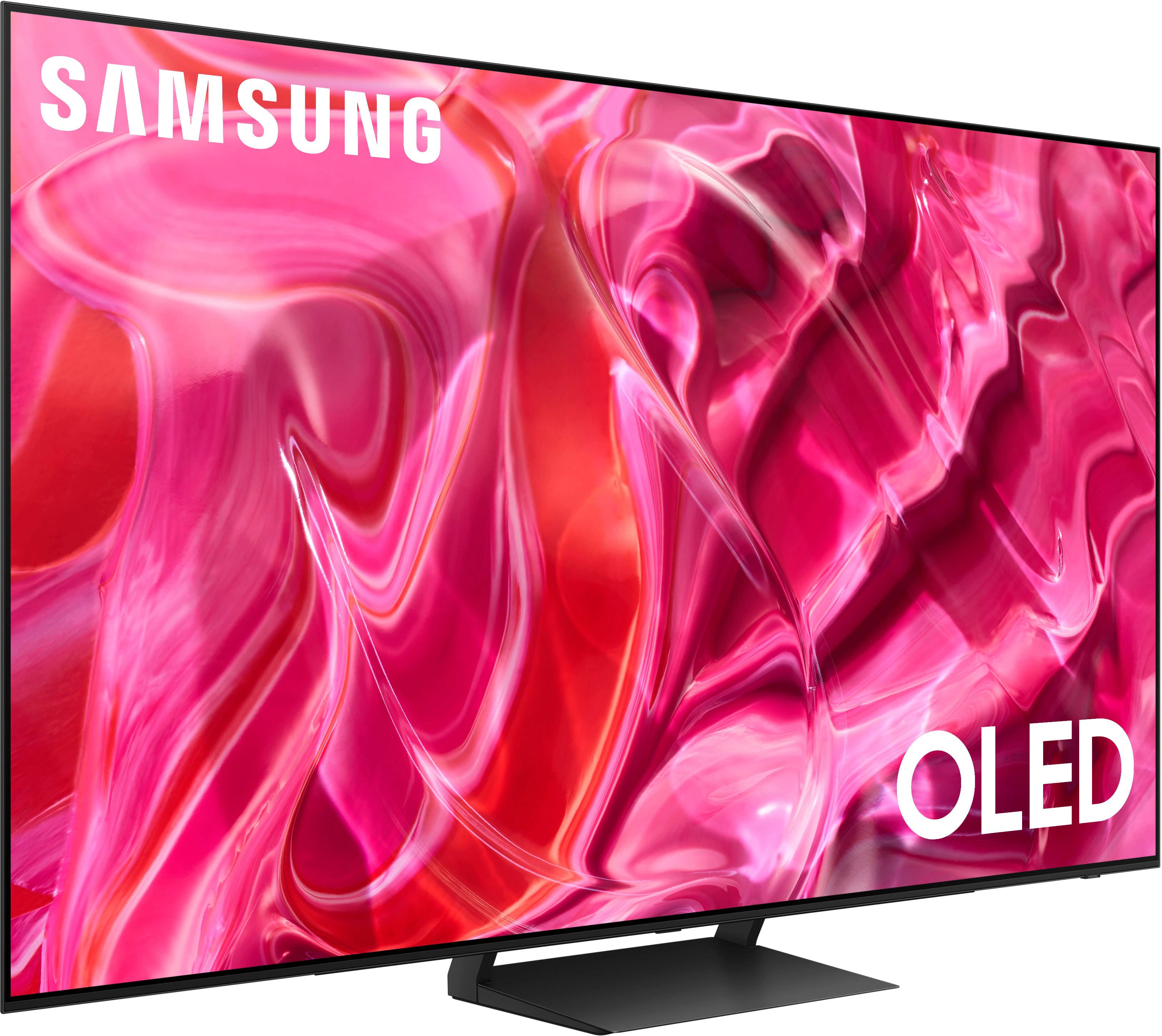
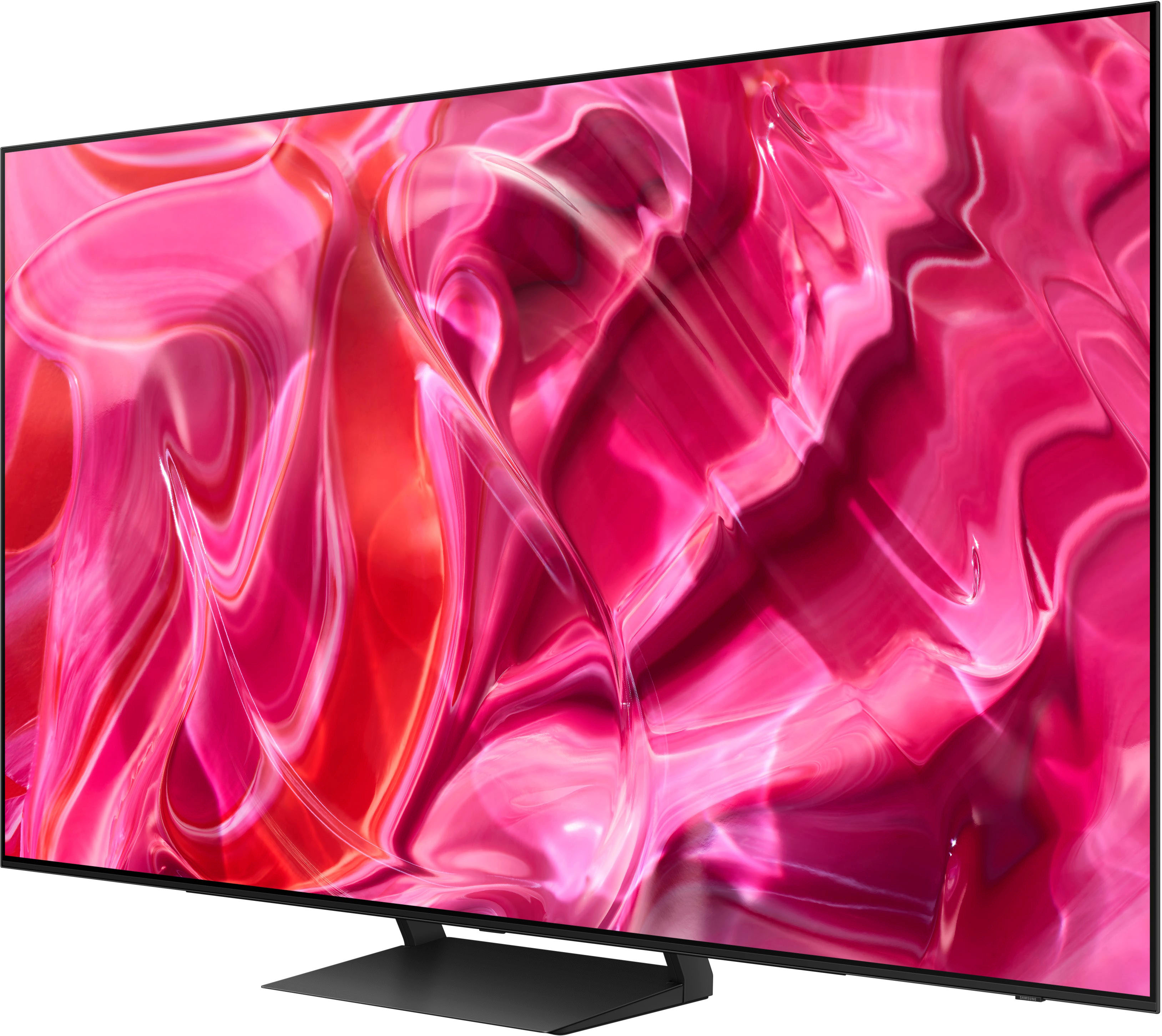
A:AnswerTD - The S90C features Ultra Viewing Angle technology, giving you the best seat in the house no matter where you sit. It's also designed with Anti-Glare to reduce ambient light reflections on the TV screen.
~ Samsung Specialist
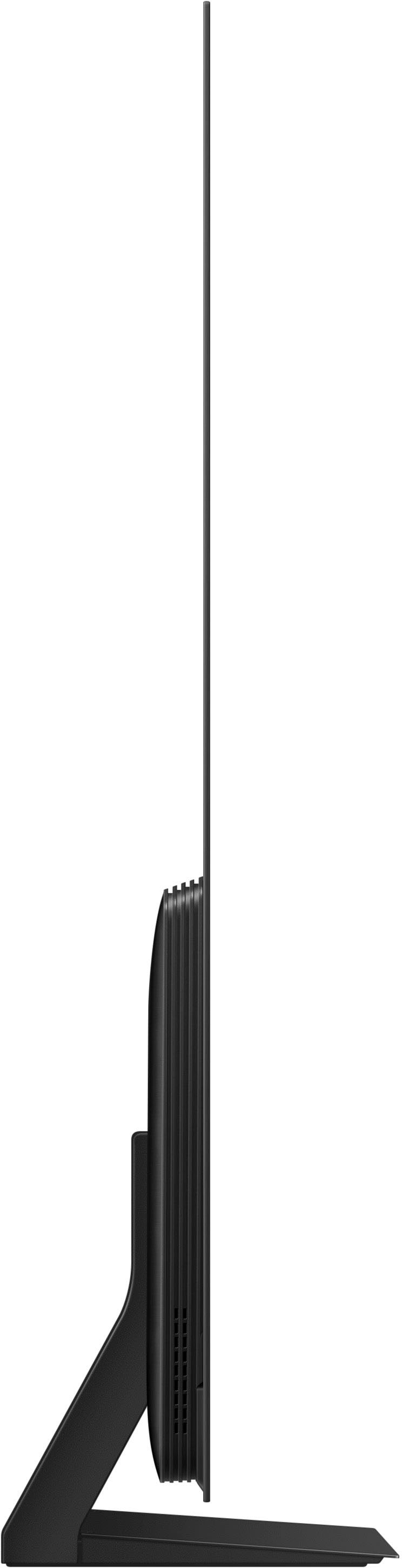
A:AnswerYou can find all measurements on this model's product page - just click Show Full Specs and scroll down to Dimension: https://www.bestbuy.com/site/samsung-65-class-s90c-oled-4k-uhd-smart-tizen-tv/6536964.p?skuId=6536964
~ Samsung Specialist
A:AnswerGaryinLA - Should you choose to add a Samsung Soundbar to your TV, please know that our S- or Q-Series Soundbars (such as the HW-S800B) feature Q-Symphony which will synchronize with the speakers of the S90C TV for an immersive 3D sound experience.
~ Samsung Specialist
A:Answermost TV's are 120hz unless connected to PC. Any higher is useless for TV and Gaming consoles as they are locked at 120 and content will not look good at any higher as it would be uneven frames.
A:AnswerThat has never been possible on any TV. This is why universal remotes exist,cost 50 to 200usd. A cable remote can only control TV power, volume, input and channels. That still means you will always need your tv remote for picture changes and settings. The ability to do such a thing has nothing to do with the TV but your cable remote, as control inputs are sent via IR , Not inputs on the tv, and it would require the ability to program codes so it could work. Cable remotes only have storage for 1 code, the TV. The brand being the same does not matter as there's several codes for each brand and they are definitely different given DVD players are ancient tech while this TV is new.
A:AnswerTheir own reps would know better than best buy and others . It's not gonna be a big difference in quality when it comes to OLED. It's one thing to search for specs between models that differ but caring about the gen of panels is overkill and unnecessary. It will look good regardless of which one.
A:AnswerThe wall mount type used will depend on your preference; if you prefer the mount stationary, we recommend using a fixed mount or our Slim Fit mount. If you prefer the mount to move, take a look at tilting or full motion mounts. The 65" S90C TV can use any type of universal wall mount with a VESA pattern of 300mm x 200mm.
~ Samsung Specialist
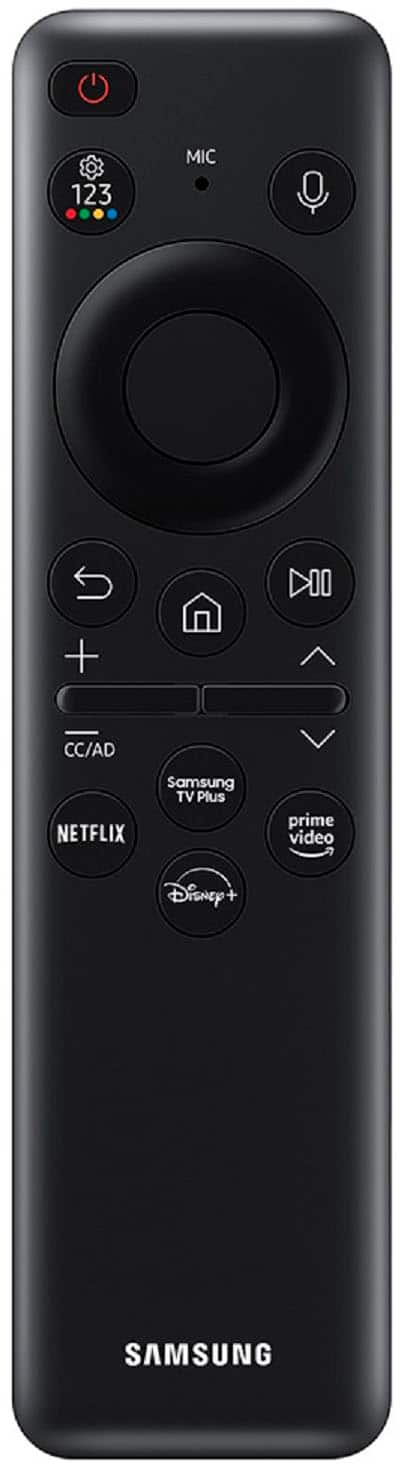
A:AnswerOn the remote there is a button that has the play/pause symbols on the right side of the remote. When you pause the video you can use the the large right and left buttons to go forward or rewind. At the bottom of the television screen it will show the buttons you use. It will also tell you to hold the back button for five seconds when you get ready to return to the regular screen and program.