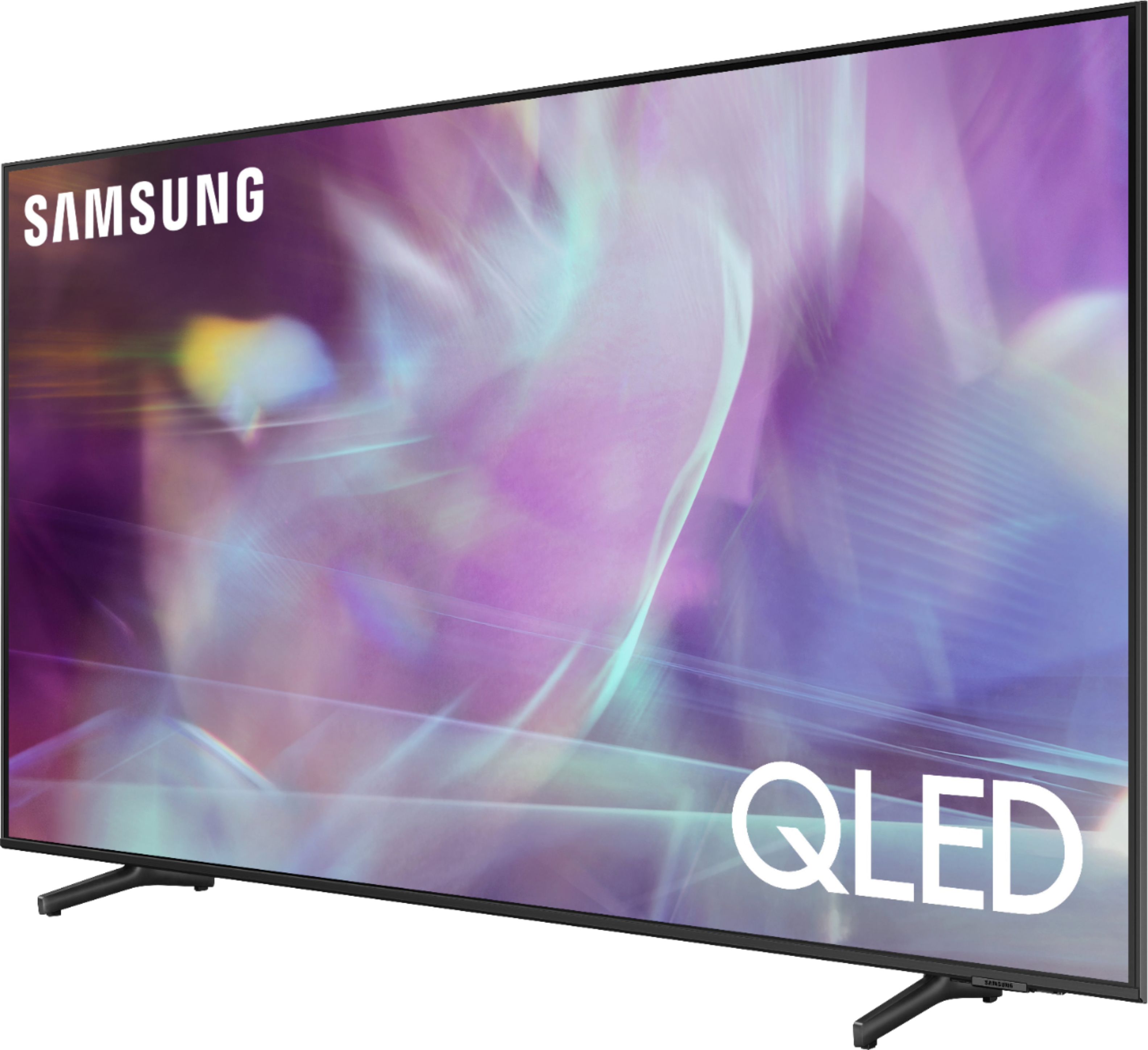
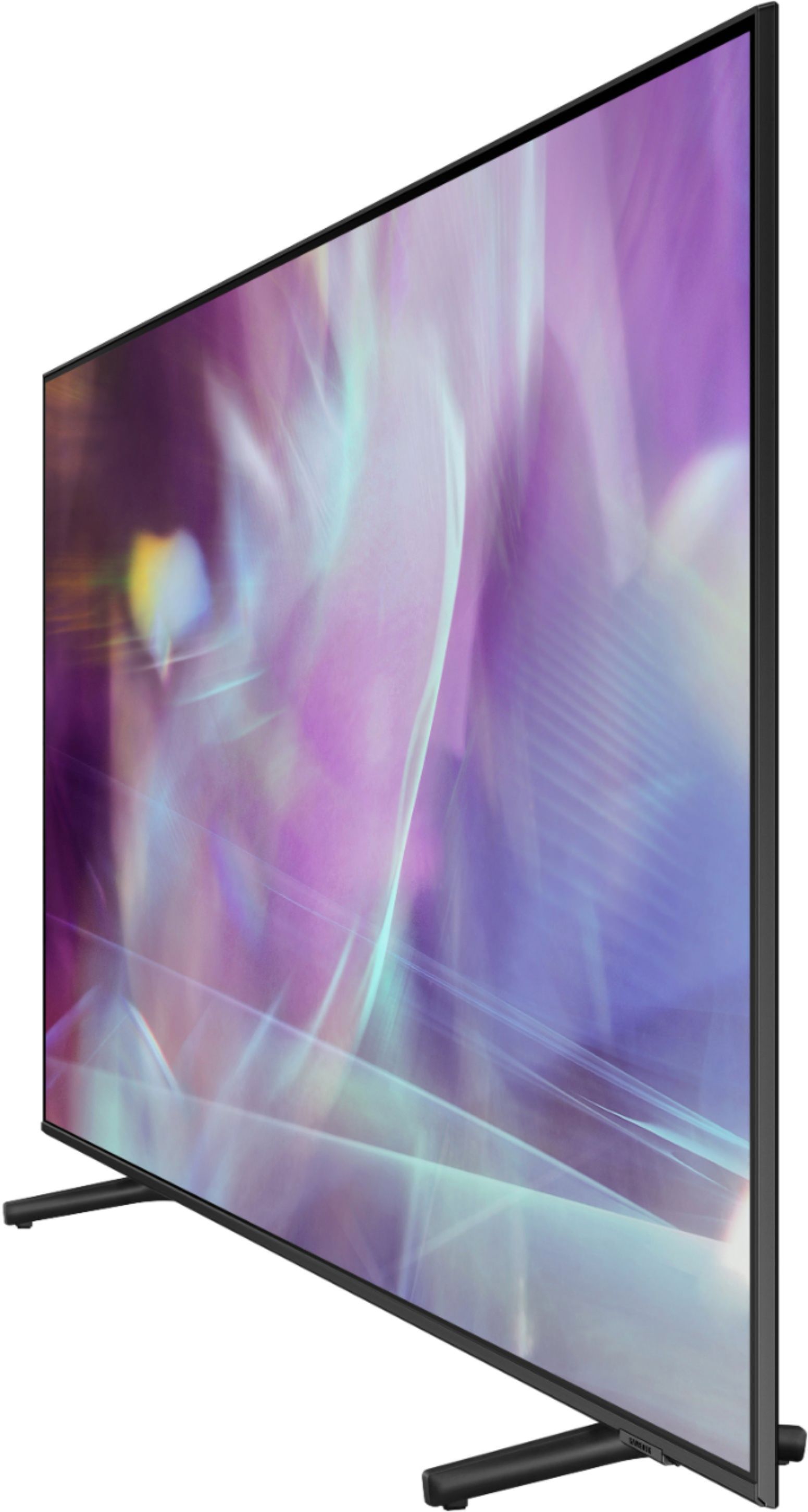
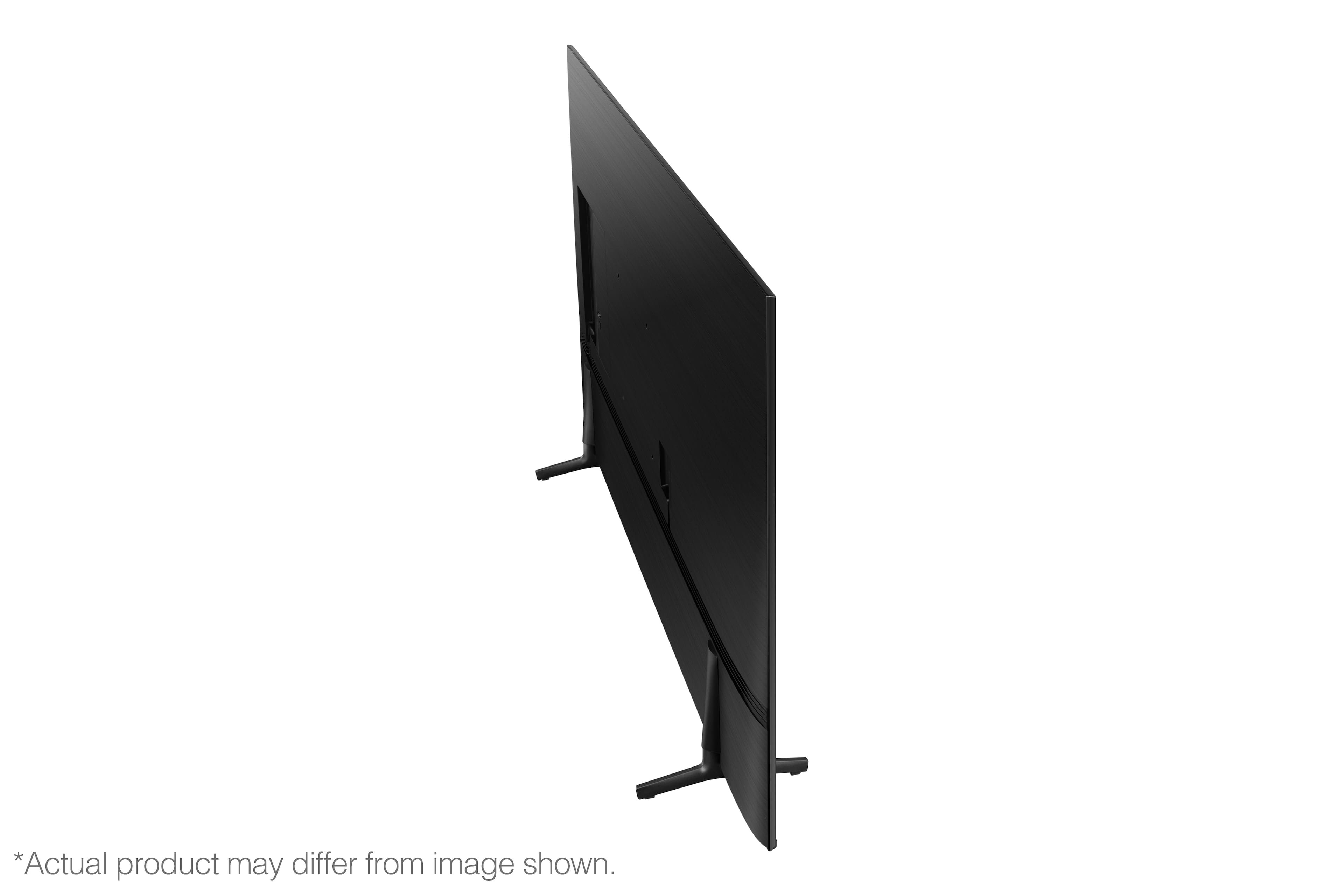
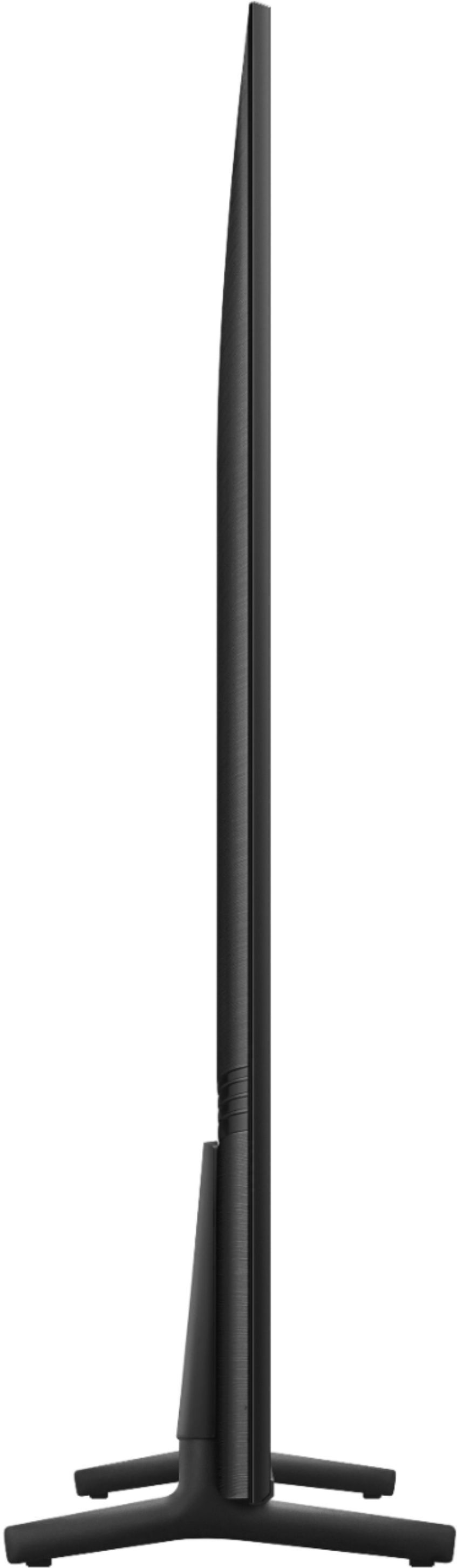
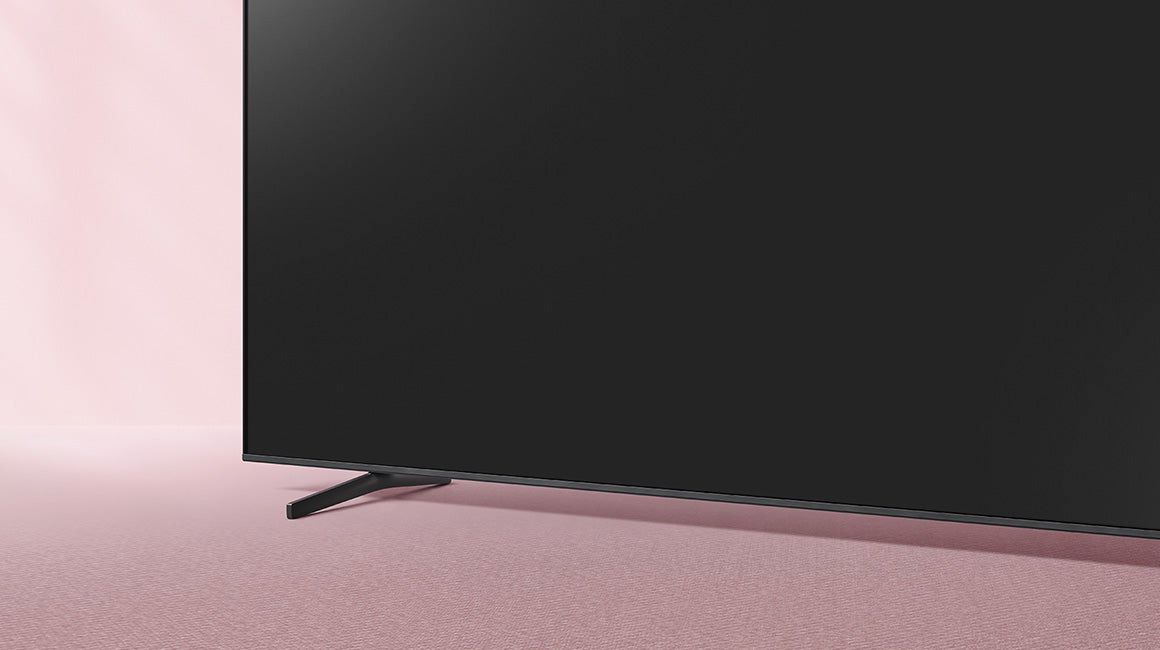
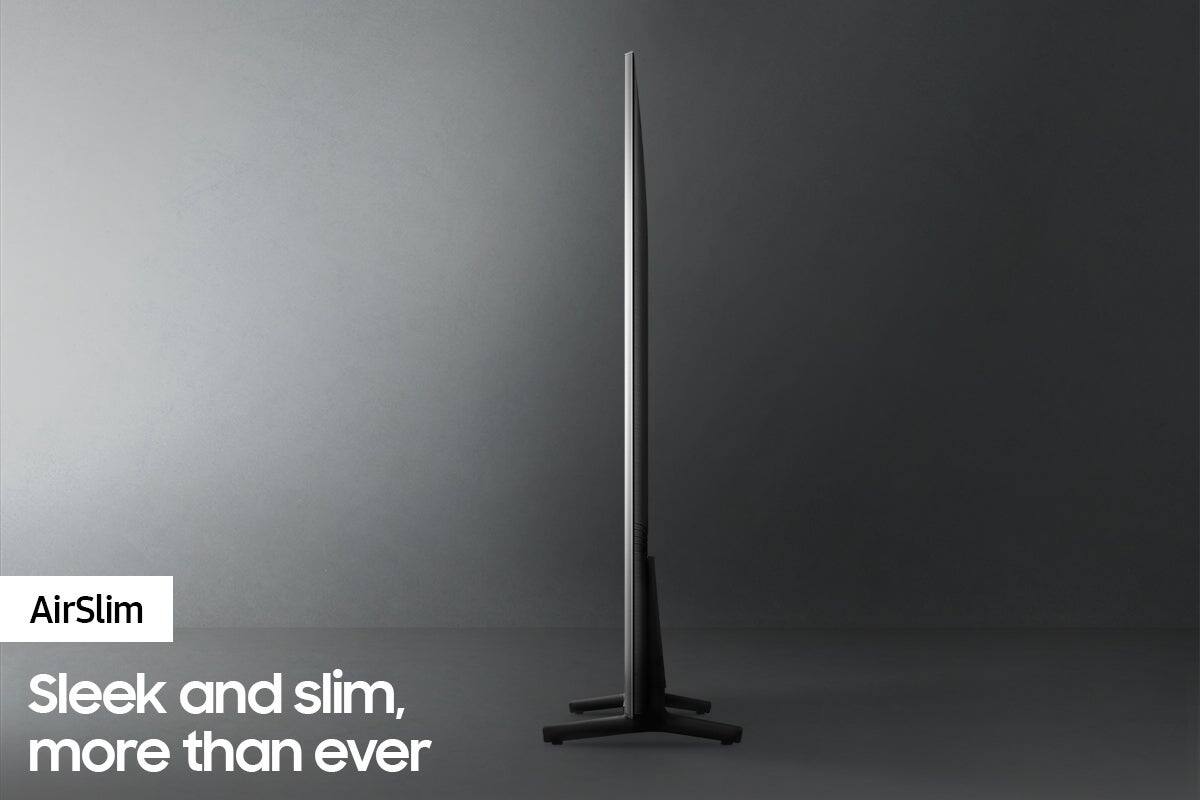
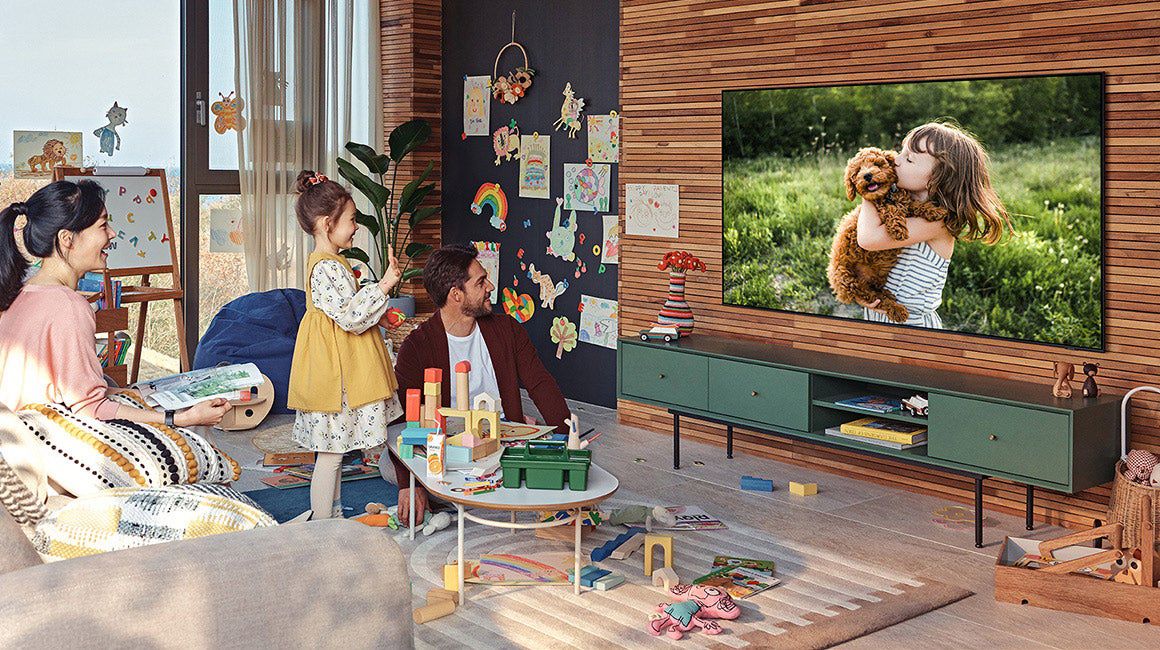
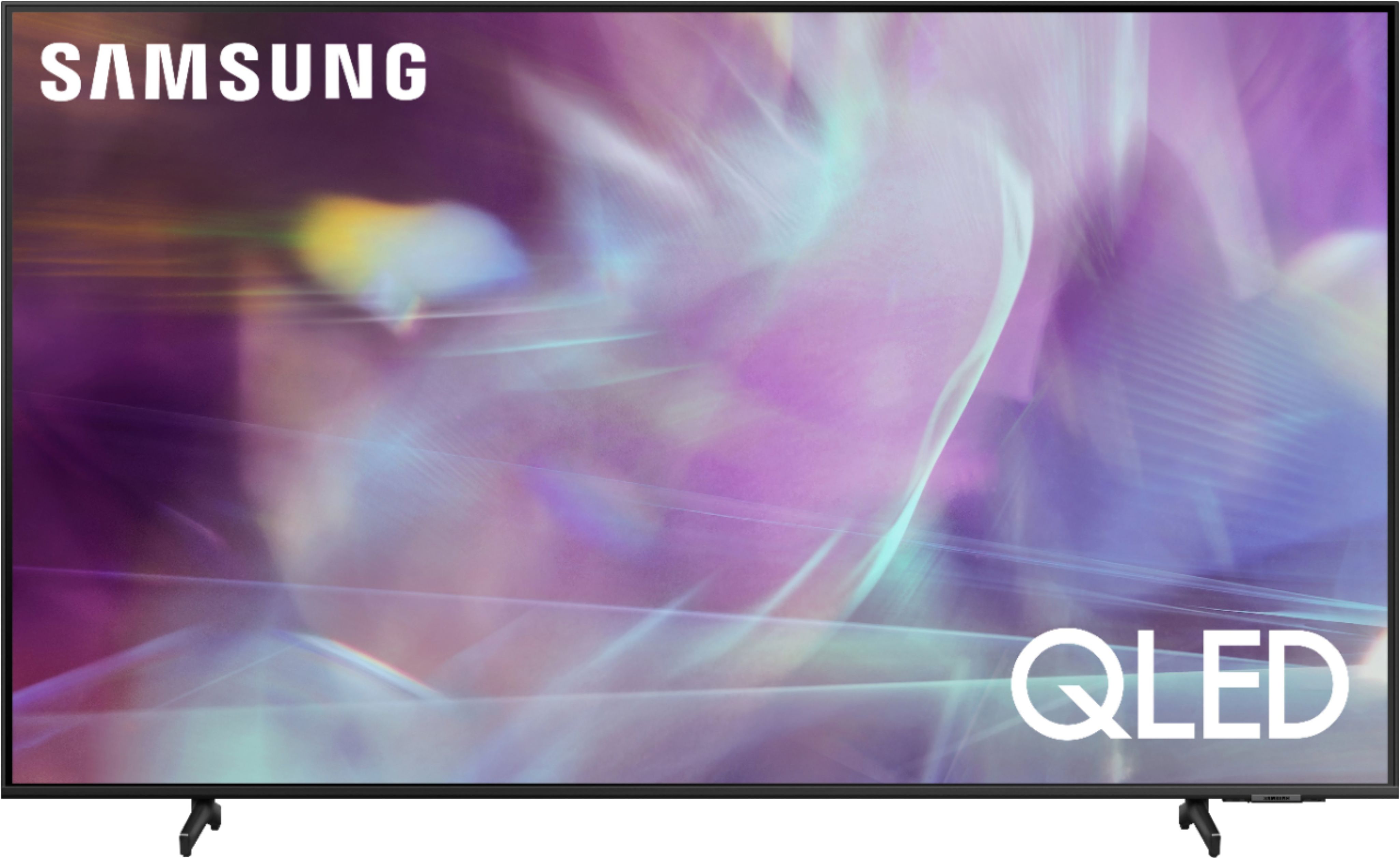
A:AnswerTwil - The 70" Q60A features legs with adjustable height, giving you the flexibility to set your TV to your preference — raise it up to make room for a device or lower it to keep the TV close to your table. ^Gina
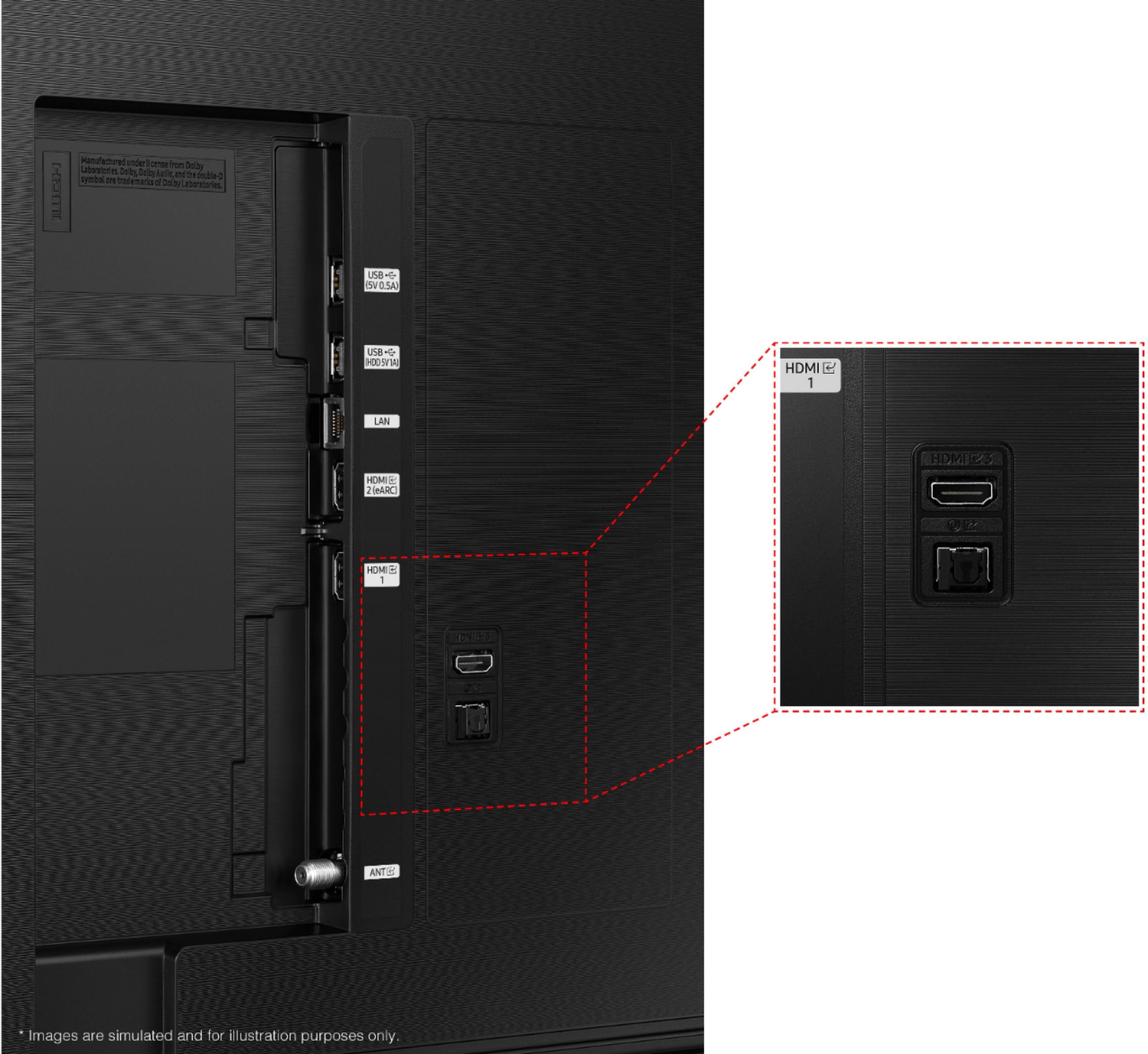
A:AnswerDom09 - With HDMI 2.1 being such a complex topic, we feel it is clearer to highlight the specific features supported by each TV model. This model has 3 HDMI ports, all of which support HDR10+ and Auto Low Latency Mode (Auto Game Mode). The “HDMI In 2” port further supports eARC. If you are looking for a TV capable of 4K@120fps (FRL), please consider a step up to Q70A Series, which supports “FRL on HDMI In 4”. ^Gina
A:AnswerHi - You can set the TV to allow Dolby Digital+ with Atmos streams that are input from external devices. Set to ON if the audio device connected via HDMI (eARC) supports Dolby Atmos. eARC will allow uncompressed Atmos. As long as your external device supports Atmos, you can pass-through Atmos via eARC without issue. ^Gina

A:AnswerBrad - You can use the Q60A TV's built-in voice assistants to easily change the channel, play music, control smart home devices, and more. ^Gina

A:AnswerHi Duka! The Auto Volume function automatically adjusts the sound to a certain level when changing channels or switching to another external input. Go to: Settings > Sound > Expert Settings > Auto Volume = On. ^Gina

A:AnswerThe remote has a built-in solar charger. All you have to do is place the remote upside down near sunlight and it will recharge the internal battery.