A:AnswerRegister your email under the product to be notified when it is back in stock in your preferred store. That why you would be on the look out and be ready to purchase it when it is available.
A:AnswerSanus - Premium Series Swivel TV Wall Mount for Most 42" - 90" TVs - Extends 28" - Black
I love this mount! Lets me turn the TV every way I need to be able to turn it!
A:AnswerHi RDino, you will need an HDMI to RCA converter like this one. https://www.bestbuy.com/site/insignia-hdmi-to-rca-converter-black/6134314.p?skuId=6134314 ^Val
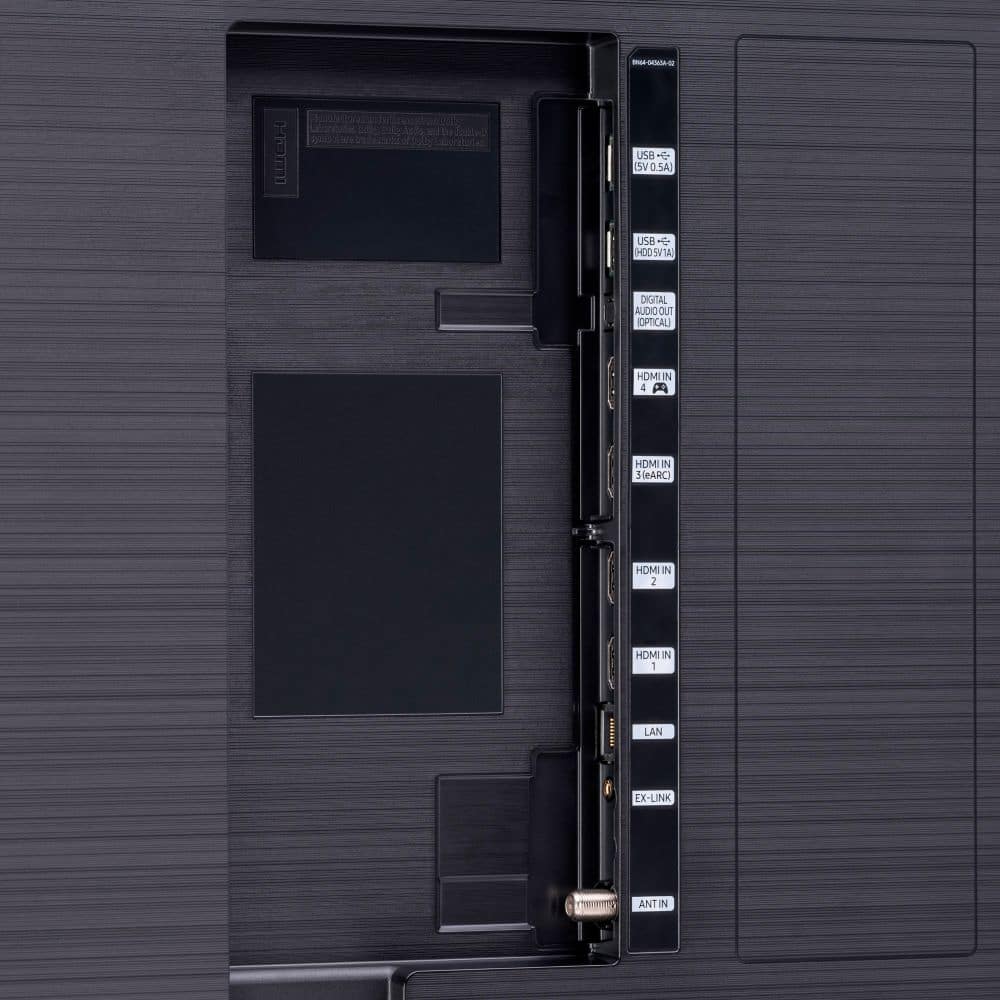
A:AnswerActually the HDMI 2.1 port is HDMI#4, ARC/eARC Port is HDMI#3.
I would plug Xbox into HDMI#4 and your Sonos into HDMI#3.
I believe all of Samsung TVs only have 1x HDMI 2.1
A:AnswerHi Radleyjm! I’m sorry to see that you are having issues with the image in certain scenarios on your new TV.
So that we can better troubleshoot towards a solution, please reach out to Samsung Support at:
― Phone: 1-800-SAMSUNG / Available 8AM - 12AM EST, 7 days a week
― LiveChat or Email: https://www.samsung.com/us/support/#contact_us_for_support
We look forward to hearing from you.
^Tim
A:AnswerHi Earl! The Q90T does not feature 3.5mm or phono connection for audio devices. Instead, you can use both TV and Bluetooth device audio simultaneously on 2020 Samsung TVs. When this function is active, you can set the volume of the Bluetooth headphones or hearing aid higher than the volume of the TV speaker. First, make sure your Bluetooth device is paired. Press HOME on your Q90T remote. Then go to Settings > General > Accessibility > Multi-output Audio. Find the device you'd like to pair.
If you need assistance or have questions, please call us at 1-800-SAMSUNG, available 8AM - 12AM EST, 7 days a week.
^Tim
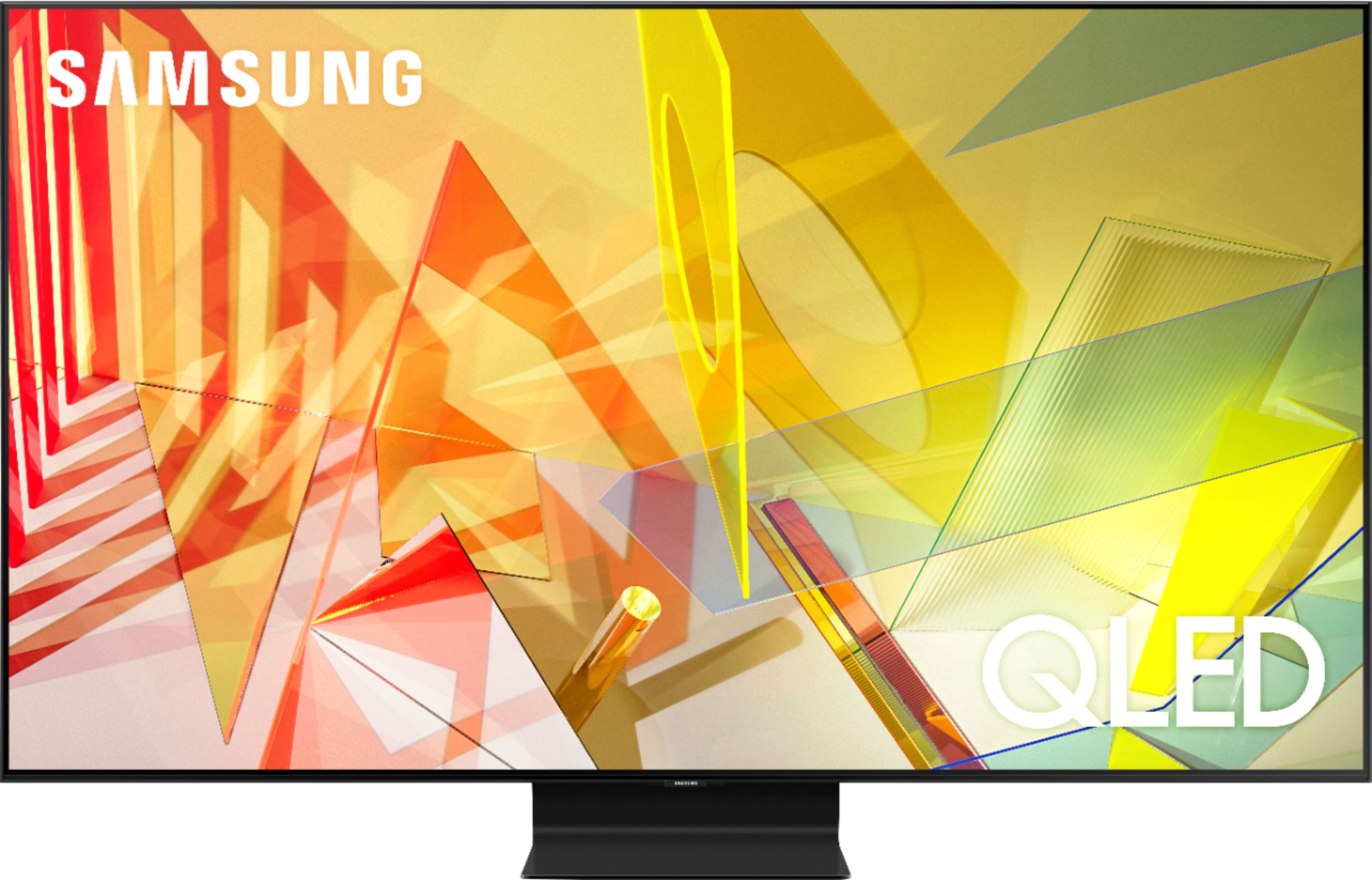
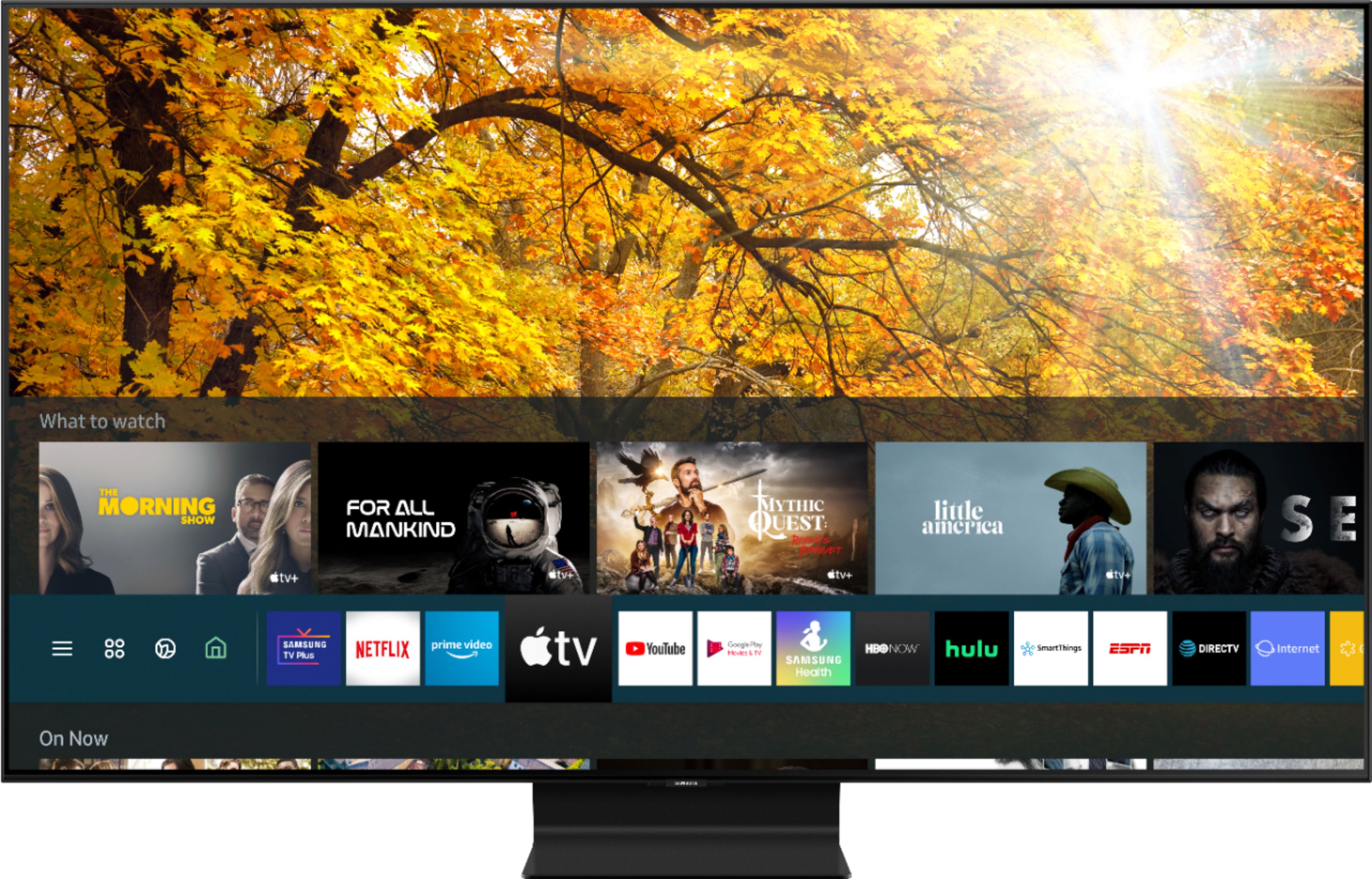
A:AnswerHi Hondo49! Yes, the Q90T can connect to the internet via Wi-Fi or a hardwired connection with an ethernet cable. Samsung TVs feature a user friendly smart system built in called Tizen allowing you to access all of your favorite streaming content, a built in Samsung web browser, free TV with Samsung TV Plus, and a wide range of other great smart features. You can even connect wirelessly to a PC, Android, or Apple device to put more of your favorite content on the big screen. ^Tim