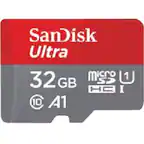
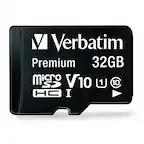
A:AnswerThis tends to be a question for the phone manufacturer. Call their Customer Service and ask them to check their specs. The brand of card is not necessarily the critical detail, it's the capacity and generation of micro-SD that matter more.
A:AnswerYes. Simply insert it, go into settings. Look for storage and when you find it you can format it to your phone or it should work automatically.
A:AnswerGiven the very wide variety of digital devices now in use and the many options regarding image resolution, this question can't be answered in any simple way. Let's just say that 32 GB is adequate or better storage for most purposes, but you probably can't put all of your latest 90 minute hi-res video on it - or can you? Give it a try...
A:AnswerGenerally, you would either add another hard drive if possible, or use an external drive. However, if you can put a MicroSD or SD card in your laptop, you could use it as storage space for your stuff.
A:AnswerThis free item is either an 8X8 Photo Book from Shutterfly, or a $20 credit to use towards any purchases on the Shutterfly website. It is not a Best Buy credit.