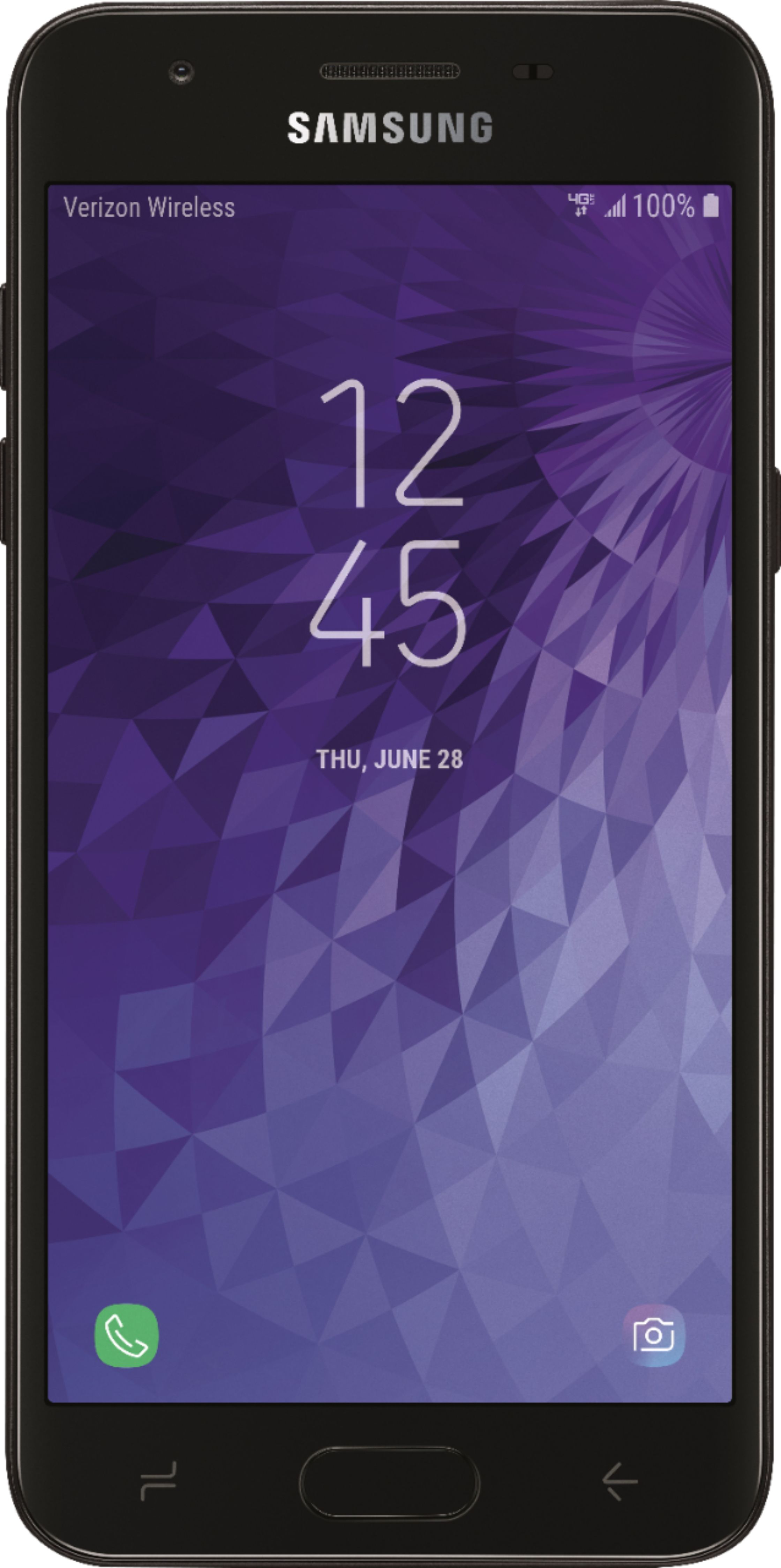
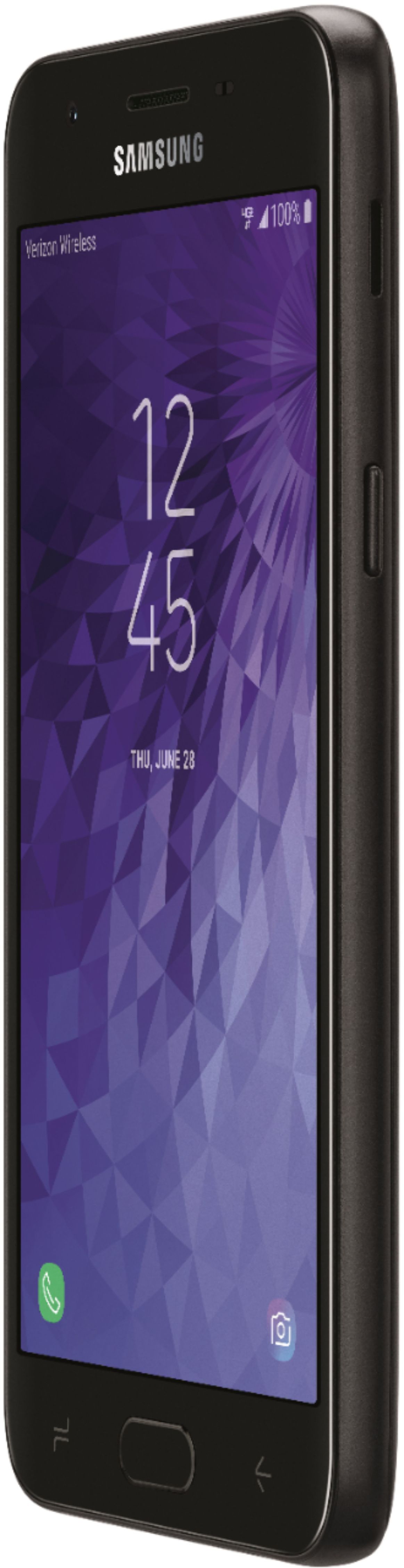
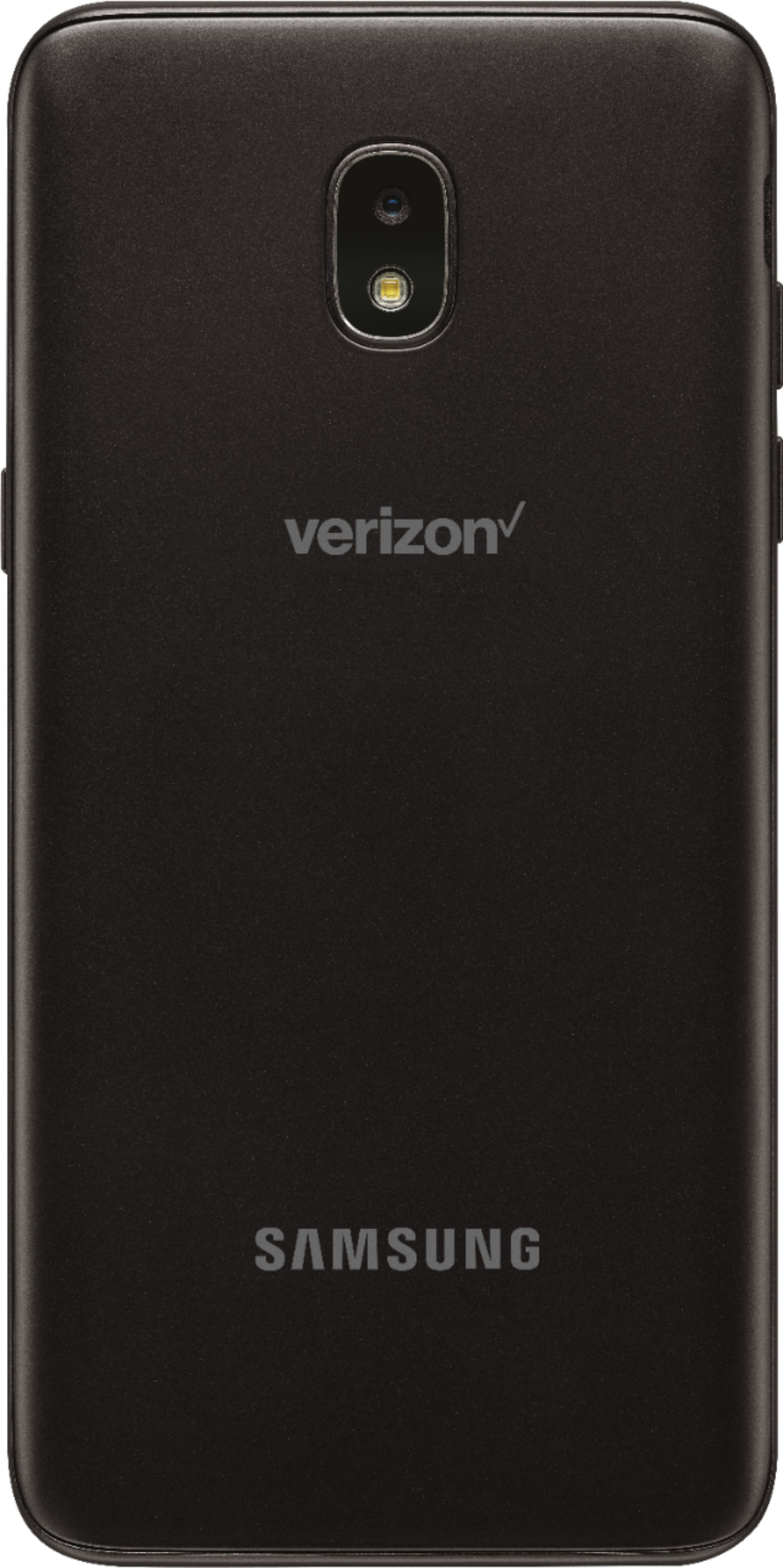
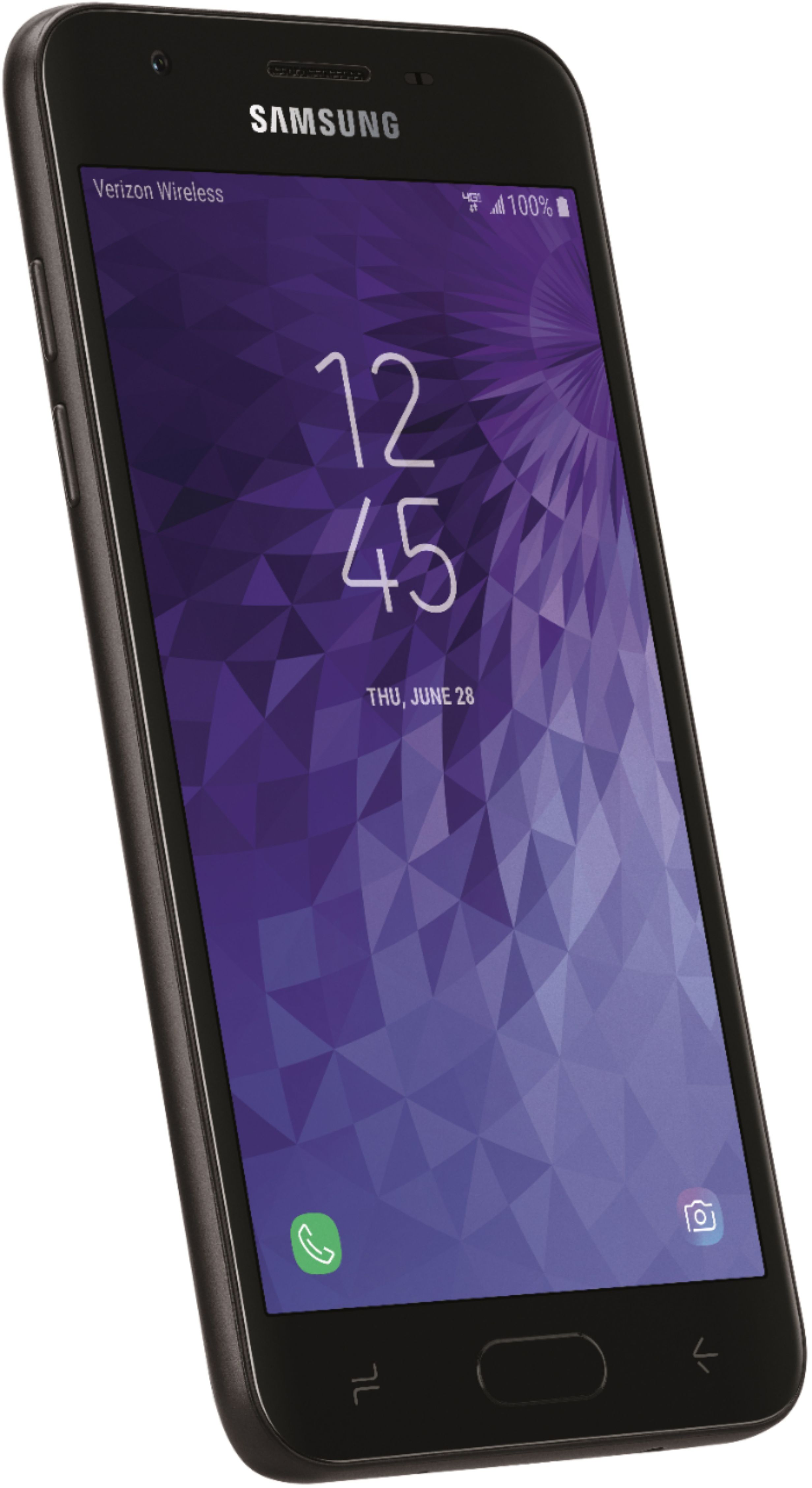
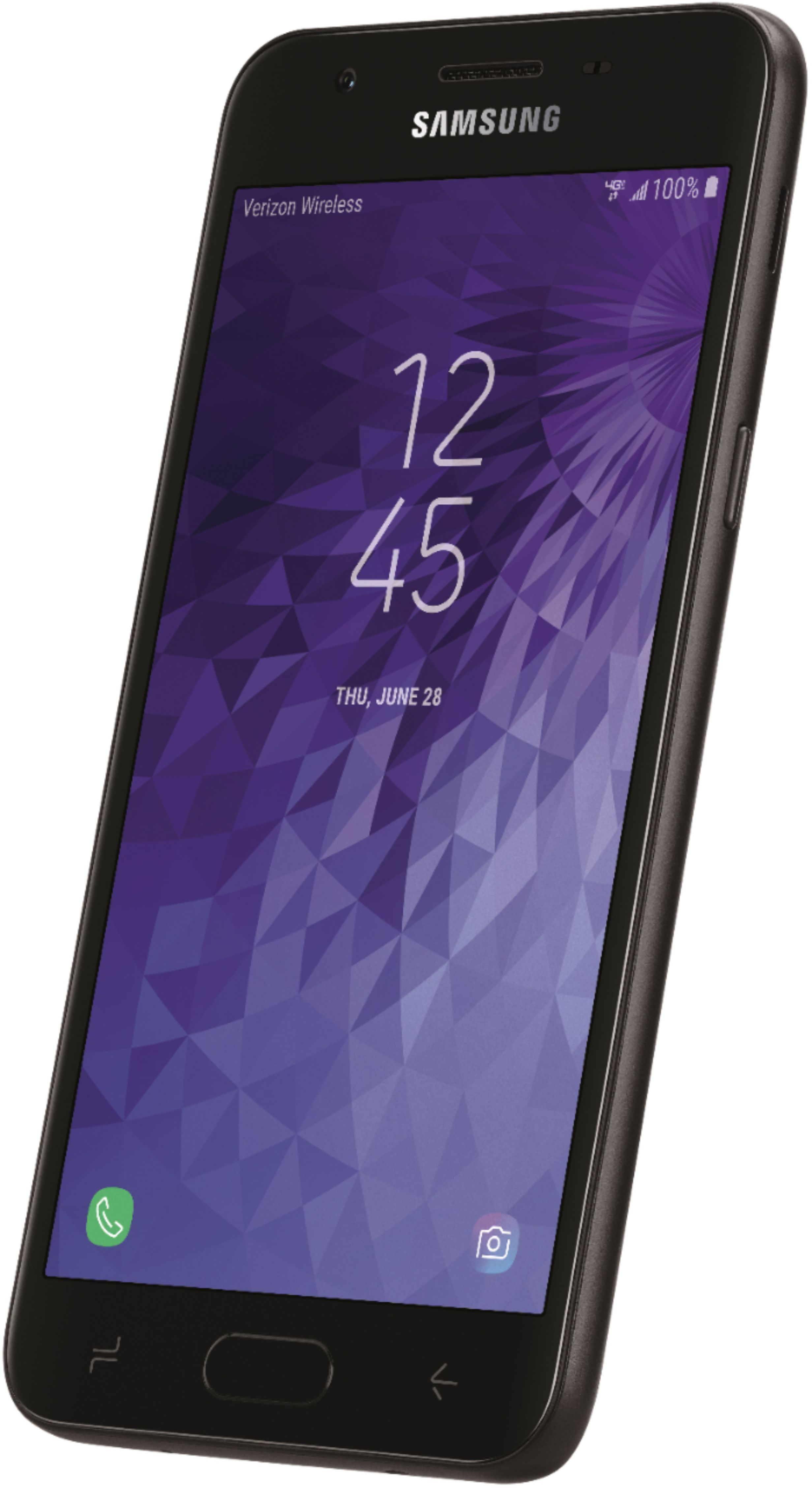
A:AnswerHi. This is Cristy from TracFone Wireless. Yes, you can just purchase the phone without a plan. Also, we can rebrand the phone for it to be used on NET10 Wireless service. Thank you.
A:AnswerIf by use your headphones to take a picture you mean by pressing the volume button to snap a pic, that is not possible on this device. The only ways to take a picture are to open the app. For speed needs, you can map the camera app to the button on the front to open when you press it twice rapidly.
Hope this was helpful.
A:AnswerFirst - my battery works very well. I am vigilant about the charging process though. You DO NOT want to over-charge. You also want to use the full battery, then charge to the max (100). When it charges up to 100, you want to promptly remove! It has been excellent. I have only charged it two times and we have had them for about 3 ish weeks now. I am NOT a heavy cell phone user though too! My priority for the cell phone is very low!
Second - I think the phone is a little big for me. My husband LOVES his phone. We both have the same exact ones (LG306G). However, even though I feel it is a little big - it still fits in a smaller sized clutch/wrist-let. It still fits in my normal pocket (jeans). The husband wears cargos and fits easy into those pockets. I put a case on mine, he didn't put one on his. So mine might feel bulky because of that. Overall size is not really an issue - it is def. smaller than some that I have seen. It's a good size. I can easily set mine up and cook with mine (off of you-tube videos). Very good and still easy to travel and go!
Overall I am happy we upgraded. We did the non/smart to smart upgrade 1 phone ago. Our family averages about 3 years with the phone before switching. We were happy that we did make the switch. Trac is def. the way to go - because it is NO hassle. The minutes/talking are still so cheap and easy if you are consistent. My mom has one of those trac plans. You may end up using more data than you though - we did. The nice thing about these phones - they seem to find the wifi hotspots without you having to do anything (so you are using less of your own data - it seems). I would def. recommend putting the tracfone app right on your main screen so you can check it regularly. It does not update on it's own which is a pain in the but. You can still put normal trac cards on it or you can add minutes directly through the app. Both ways are easy! I have done both routes in the past!
I hope this has helped you. I do think this phone might be a very nice starter phone! I like it very much!
A:AnswerHi. This is Cristy from TracFone Wireless. Before I answer your question, are you referring to voicemailbox? If so, yes. Voicemailbox feature is included in our service. Thank you.
A:AnswerWill not work with Safelink!! . You need a phone that has a AT&T SIM card in it!!! This phone has a Verizon sim card. Hope that helps you. Look for a Tracfone Alcatel Raven LTE it will work with Safelink!!.