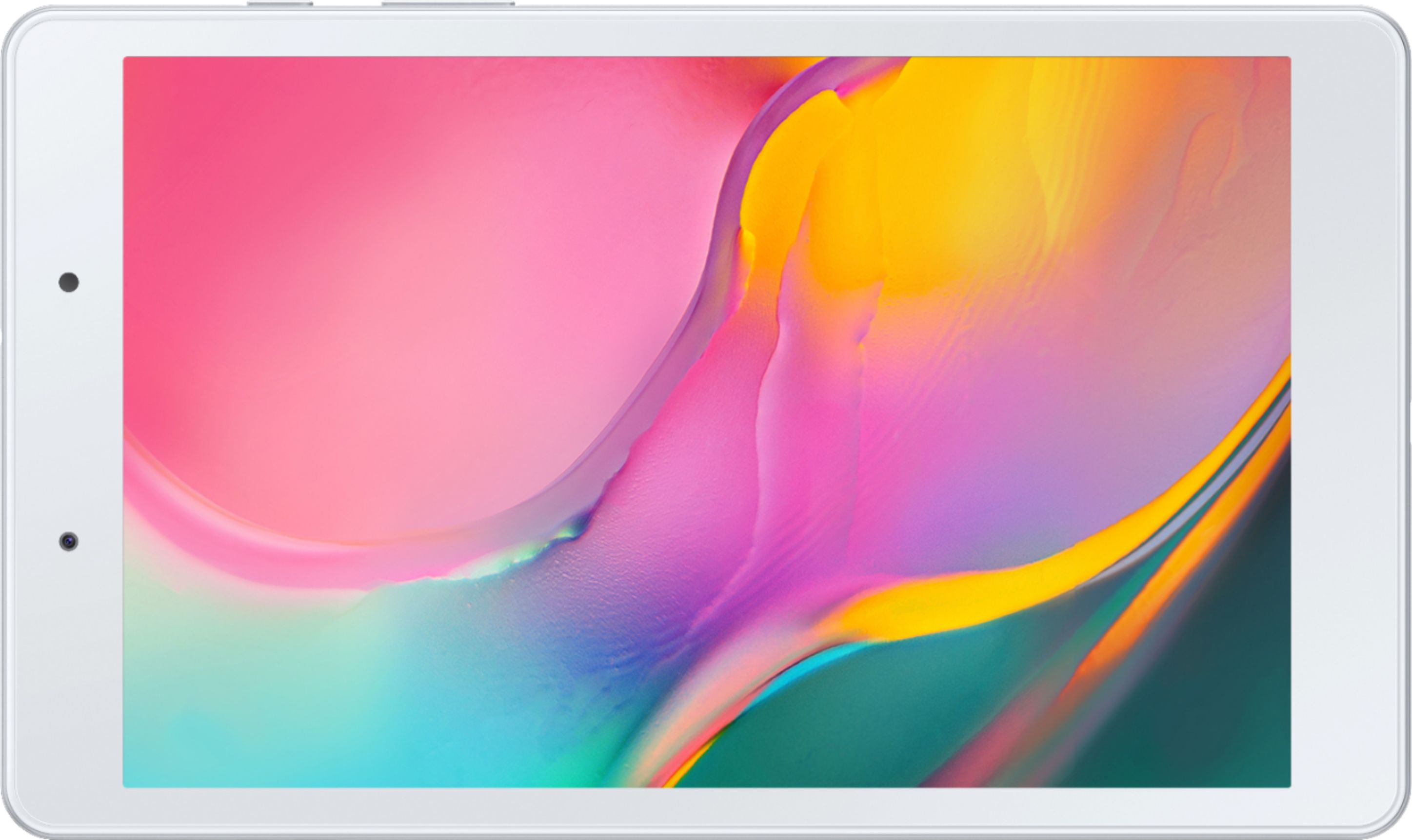
A:AnswerIf able to check side of tablet, may need flashlight to locate. Sometimes tough to find. Gently use provided tool to insert into notch. The SD card holder will slide open. Place card into slide. Again gently push/tap SD slide close.
A:AnswerHi Chief,
Thank you for reaching out. I appreciate your concern regarding putting a SIM card and making phone calls on the Galaxy Tab A (2019). Unfortunately, the tablet doesn't include any SIM card slot and cannot make phone calls. However, you can still make one-to-one video calls via the DUO app.
Please see the user manual on Page 12, 13, and 73 for your reference:
https://downloadcenter.samsung.com/content/UM/201909/20190907063624457/WIF_SM-T290_Galaxy_Tab_A_EN_UM_P_9.0_072919_FINAL_AC.pdf
Should you need more assistance, you may reach us via the following for immediate support:
1. Samsung Community: https://us.community.samsung.com/t5/Samsung-Community/ct-p/us
2. Facebook Messenger: http://m.me/samsungsupport
3. Twitter: https://twitter.com/messages/compose?recepient_ id=18768513
Reference Number: 1144271350
Thank you for choosing Samsung. Have a great day!
^Chrystel
A:AnswerHi Gracie,
Thank you for reaching out. I appreciate your inquiry regarding if the Galaxy Tab A (2019) has a preinstalled Google Play Store application. To answer your question, it has the Google Play Store App.
For your reference, please visit the user manual on Page 74:
https://downloadcenter.samsung.com/content/UM/201909/20190907063624457/WIF_SM-T290_Galaxy_Tab_A_EN_UM_P_9.0_072919_FINAL_AC.pdf
Should you need more assistance, you may reach us via the following for immediate support:
1. Samsung Community: https://us.community.samsung.com/t5/Samsung-Community/ct-p/us
2. Facebook Messenger: http://m.me/samsungsupport
3. Twitter: https://twitter.com/messages/compose?recepient_ id=18768513
Reference Number: 1144280193
Thank you for choosing Samsung. Have a great day!
^Chrystel
A:AnswerHi Mark,
Thank you for reaching out to us. I appreciate your inquiry regarding if you7're able to add a cellular plan on the Galaxy Tab A (2019). Unfortunately, the tablet doesn't have a cellular network capability as its carrier network is WI-FI only.
You may visit the user manual on Pages 12 and 13 for more information:
https://downloadcenter.samsung.com/content/UM/201909/20190907063624457/WIF_SM-T290_Galaxy_Tab_A_EN_UM_P_9.0_072919_FINAL_AC.pdf
Should you need more assistance, you may reach us via the following for immediate support:
1. Samsung Community: https://us.community.samsung.com/t5/Samsung-Community/ct-p/us
2. Facebook Messenger: http://m.me/samsungsupport
3. Twitter: https://twitter.com/messages/compose?recepient_ id=18768513
Reference Number: 1144279856
Thank you for choosing Samsung. Have a great day!
^Chrystel
A:AnswerHi Lee,
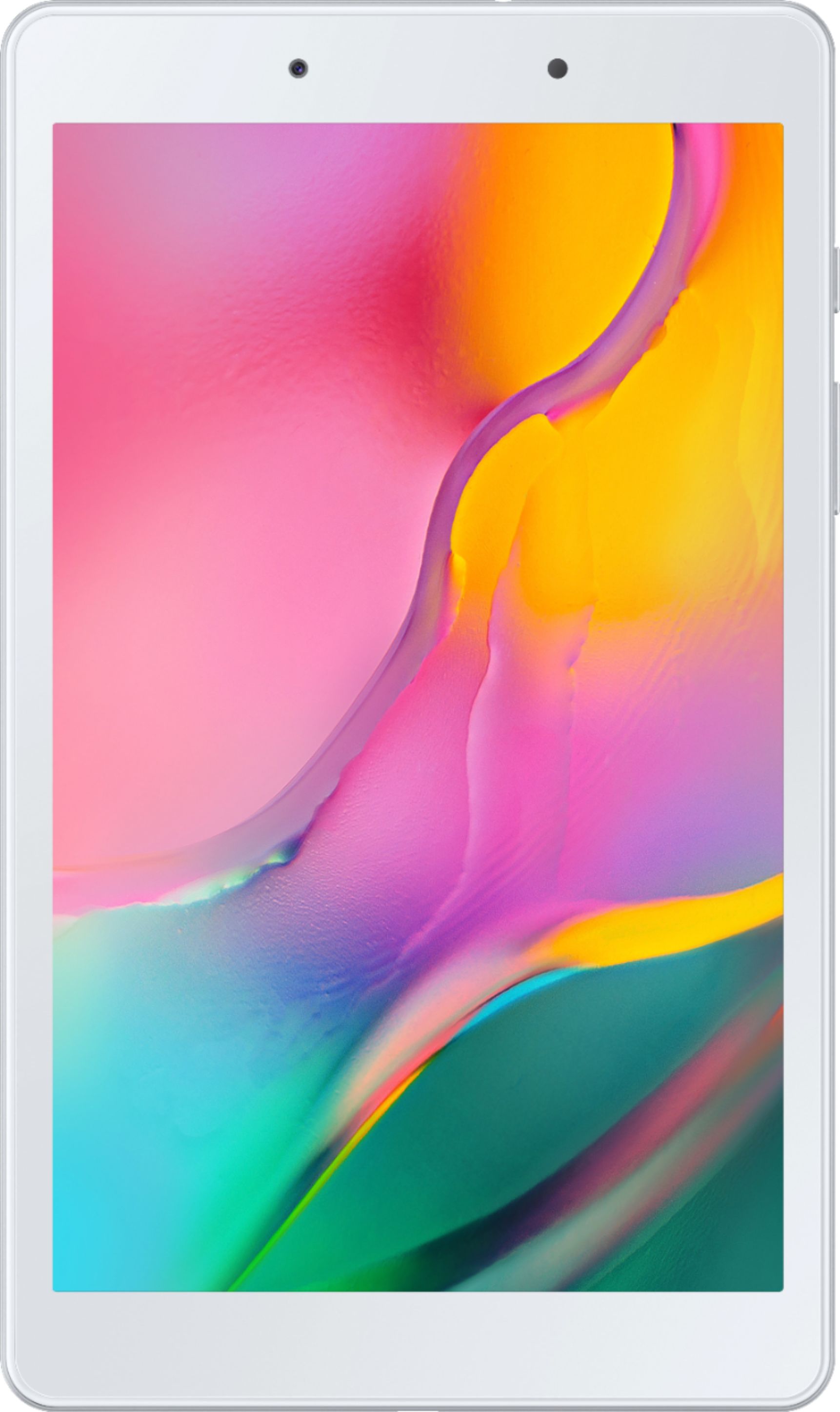
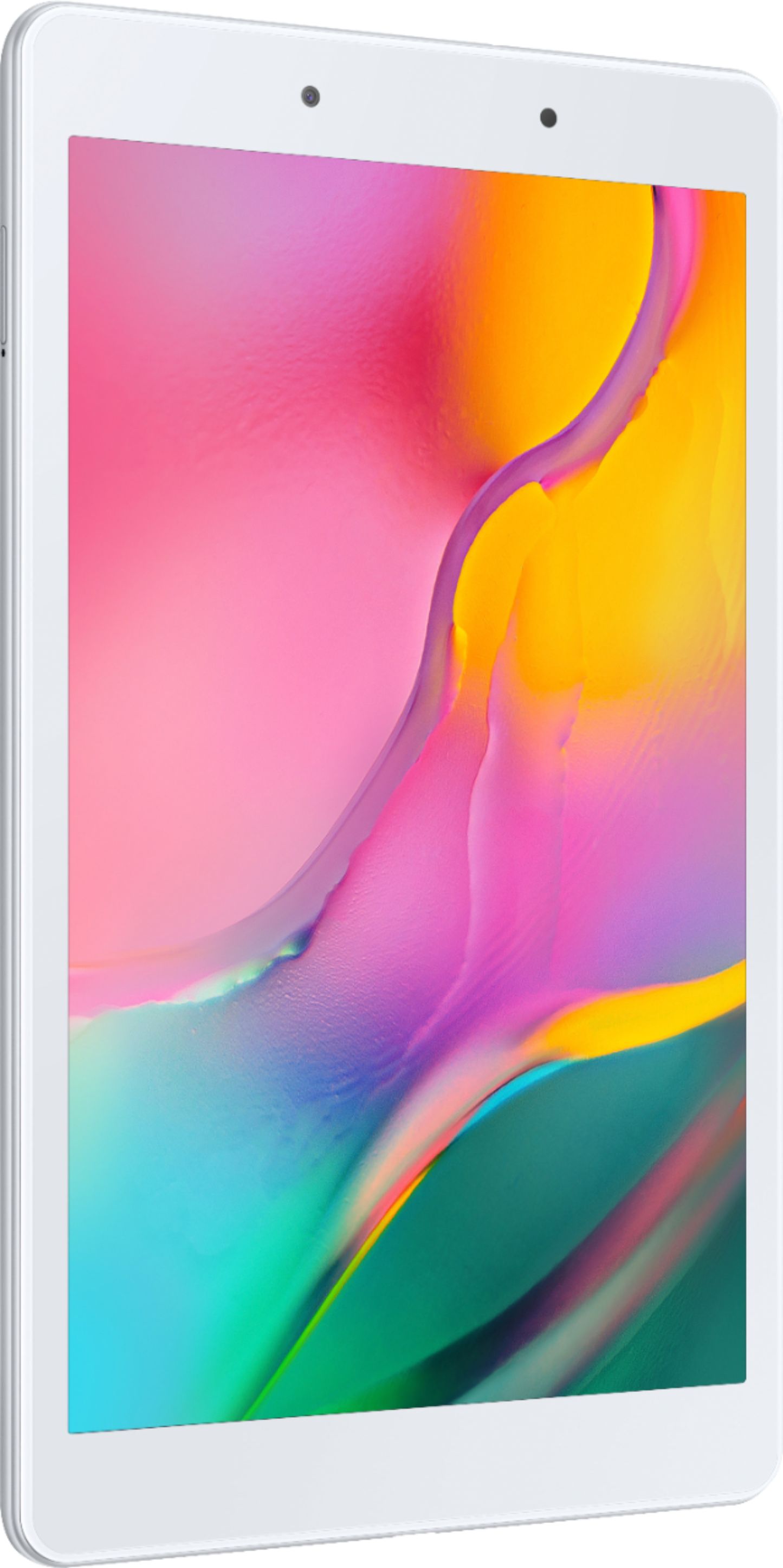
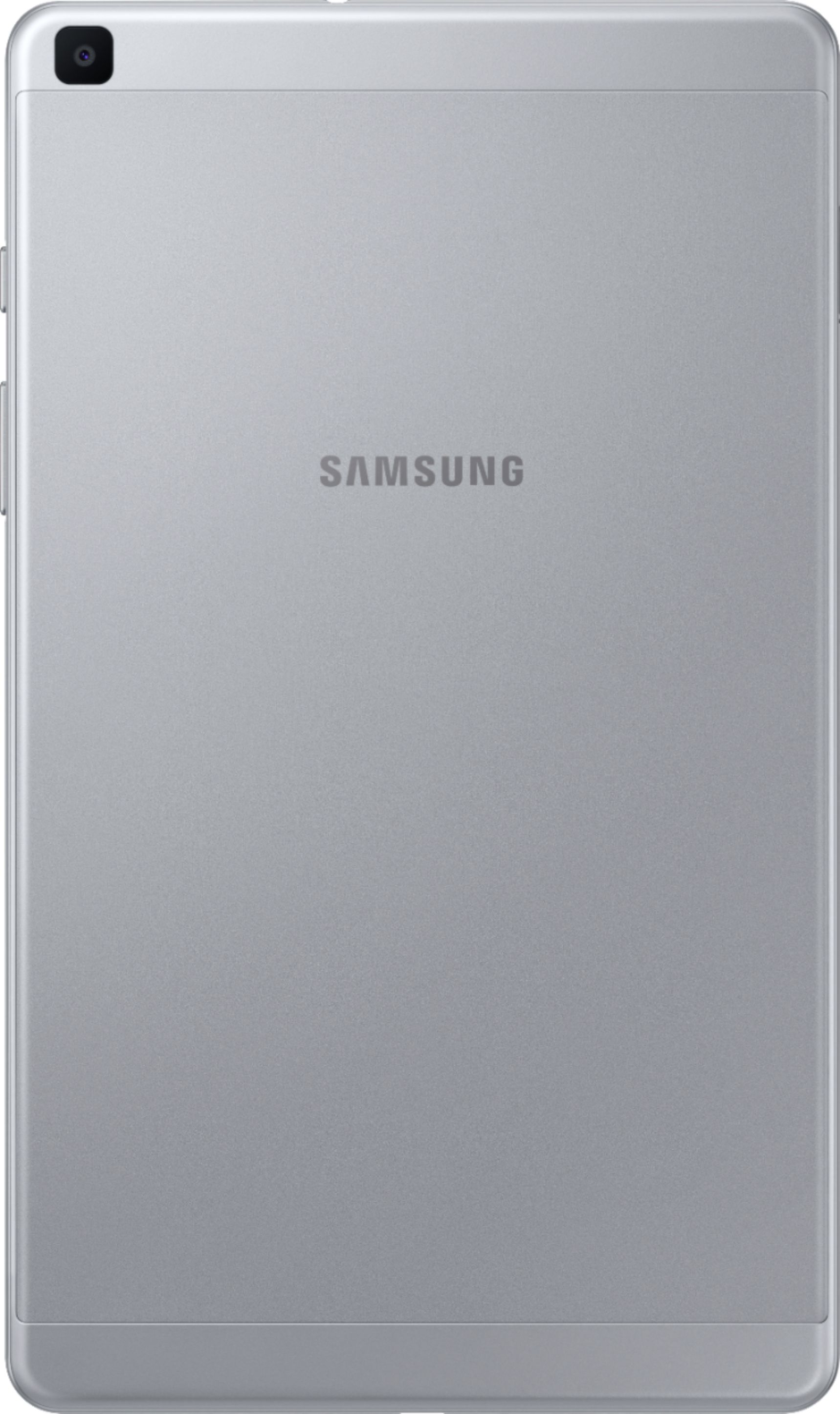
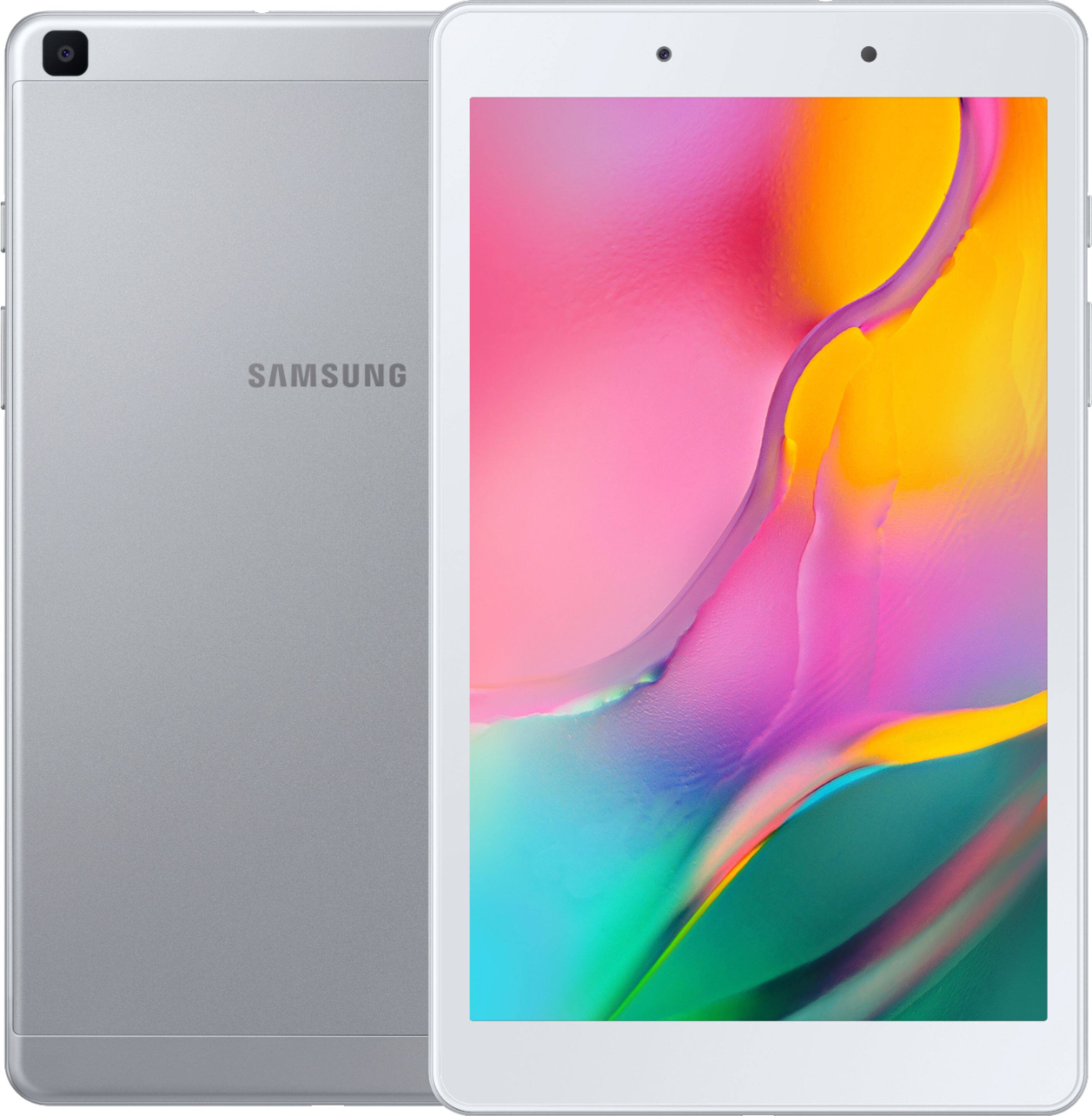
Thank you for reaching out. I appreciate your taking the time to raise your query about whether the Galaxy Tab A has a built-in camera. It does have a front camera and a rear camera to answer your question.
Please see the user manual on Page 12 for your reference:
https://downloadcenter.samsung.com/content/UM/201909/20190907063624457/WIF_SM-T290_Galaxy_Tab_A_EN_UM_P_9.0_072919_FINAL_AC.pdf
Should you need more assistance, you may reach us via the following for immediate support:
1. Samsung Community: https://us.community.samsung.com/t5/Samsung-Community/ct-p/us
2. Facebook Messenger: http://m.me/samsungsupport
3. Twitter: https://twitter.com/messages/compose?recepient_ id=18768513
Reference Number: 1144256734
Thank you for choosing Samsung. Have a great day!
^Chrystel
A:AnswerHello There,
Thank you for reaching out to us and taking an interest in seeing if the Galaxy Tab A (2019) can have a Google Play Store. The device already has an installed Play store application in line with this.
For your reference, please visit the user manual on Page 74:
https://downloadcenter.samsung.com/content/UM/201909/20190907063624457/WIF_SM-T290_Galaxy_Tab_A_EN_UM_P_9.0_072919_FINAL_AC.pdf
Should you need more assistance, you may reach us via the following for immediate support:
1. Samsung Community: https://us.community.samsung.com/t5/Samsung-Community/ct-p/us
2. Facebook Messenger: http://m.me/samsungsupport
3. Twitter: https://twitter.com/messages/compose?recepient_ id=18768513
Reference Number: 1144281822
Thank you for choosing Samsung. Have a great day!
^Chrystel
A:AnswerThis Samsung tablet is wifi only does not work with Verizon. Also iPads are Apple products and Galaxy tablets are Samsung. Two very different products with very different operating systems.
A:AnswerHi Blake1989,
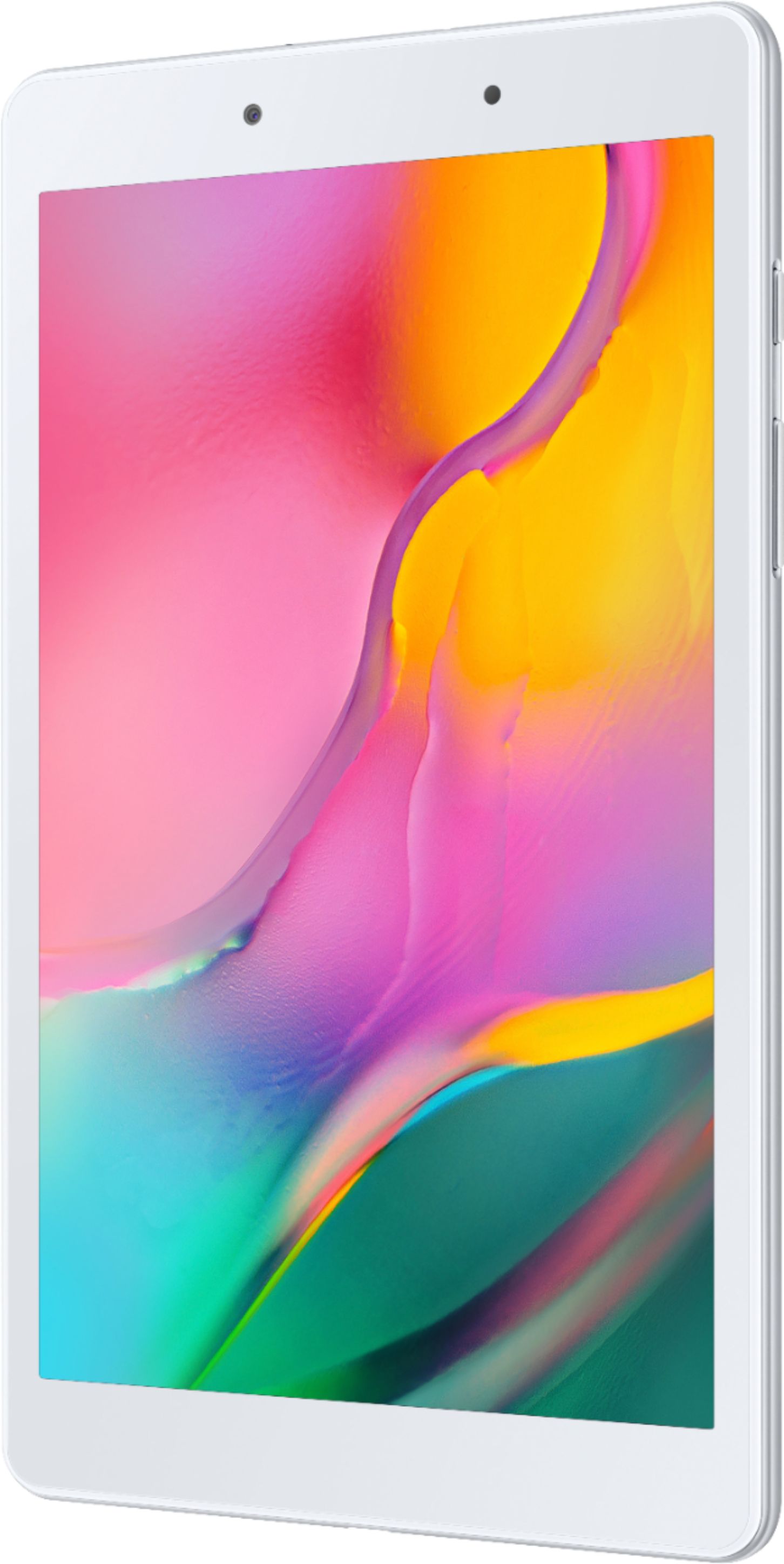
Thank you for reaching out to us. I appreciate your inquiry about whether the power button is located. In line with this, the power key is found at the upper right side of the device.
For your reference, please visit the user manual on Page 12:
https://downloadcenter.samsung.com/content/UM/201909/20190907063624457/WIF_SM-T290_Galaxy_Tab_A_EN_UM_P_9.0_072919_FINAL_AC.pdf
Should you need more assistance, you may reach us via the following for immediate support:
1. Samsung Community: https://us.community.samsung.com/t5/Samsung-Community/ct-p/us
2. Facebook Messenger: http://m.me/samsungsupport
3. Twitter: https://twitter.com/messages/compose?recepient_ id=18768513
Reference Number: 1144281006
Thank you for choosing Samsung. Have a great day!
^Chrystel