A:AnswerYes. My grandson has Netflix and Disney + on it and those apps work perfectly.
I’m not sure about PBS or Amazon Prime but I’m assuming that if the other 2 work that those would as well.
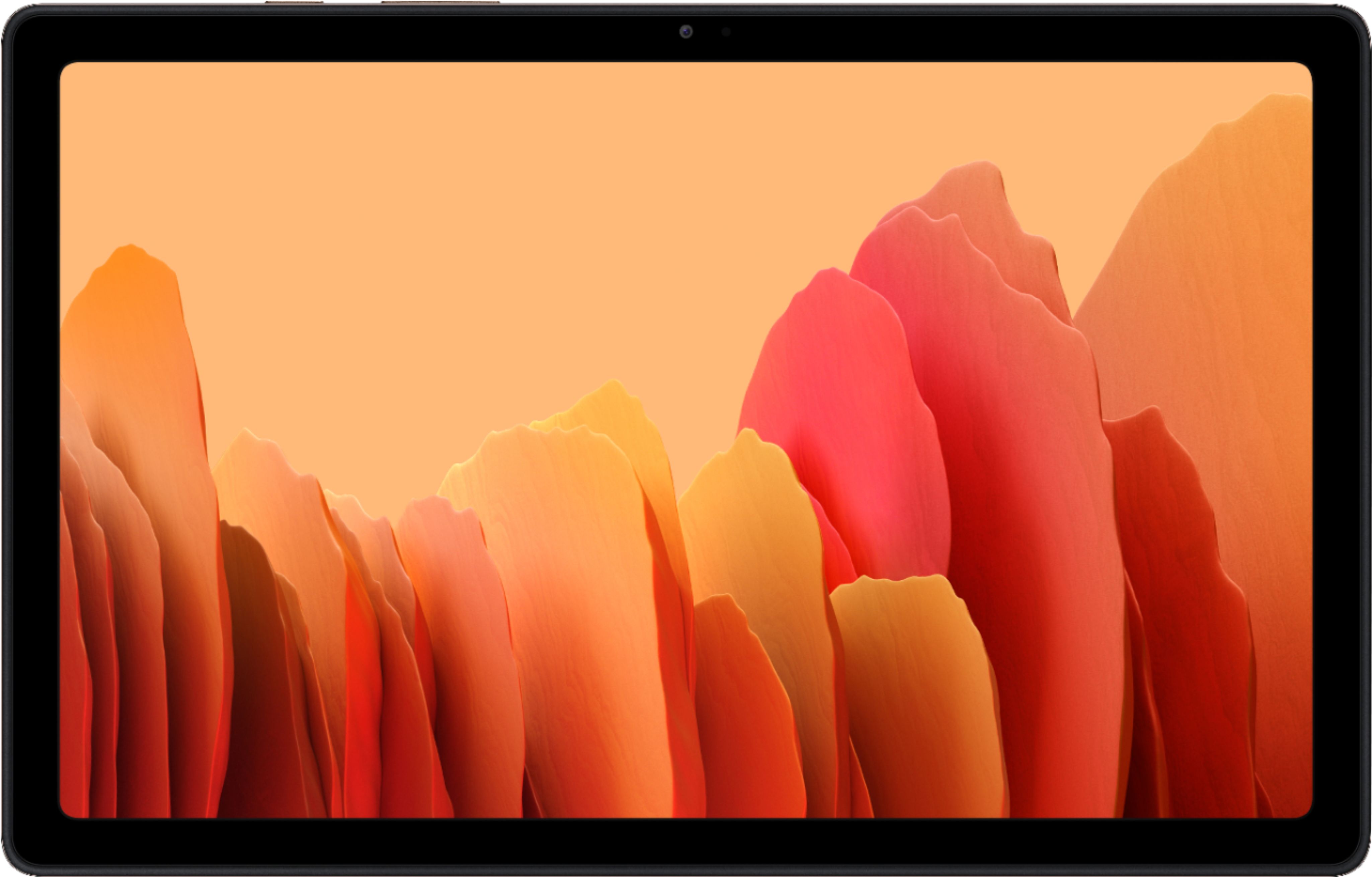
A:AnswerYes, this can do 1080p. You can also tell what tablet can support by their screen resolution. This samsung is 2000 x 1200, which is more then 1080p so youtube app will have the 1080p option.
A:AnswerIt doesn't come with a keyboard, but you can purchase a generic keyboard with bluetooth to connect the keyboard to the device. Google has their own writing application, so you can write a letter that way. You can also download Microsoft Word on to the device. I use Microsoft Word just because it simpler and I have more experience with it. Without the keyboard, you can have to click/clack on the letters which can take awhile. Hope this helped!
A:AnswerIf Tab A is android platform, there is an app that the tablet will walk you through to transfer all files, apps, and data to new device very easily. Not sure if Tab A is an apple device that it will transfer as I used android to android OS transfer.
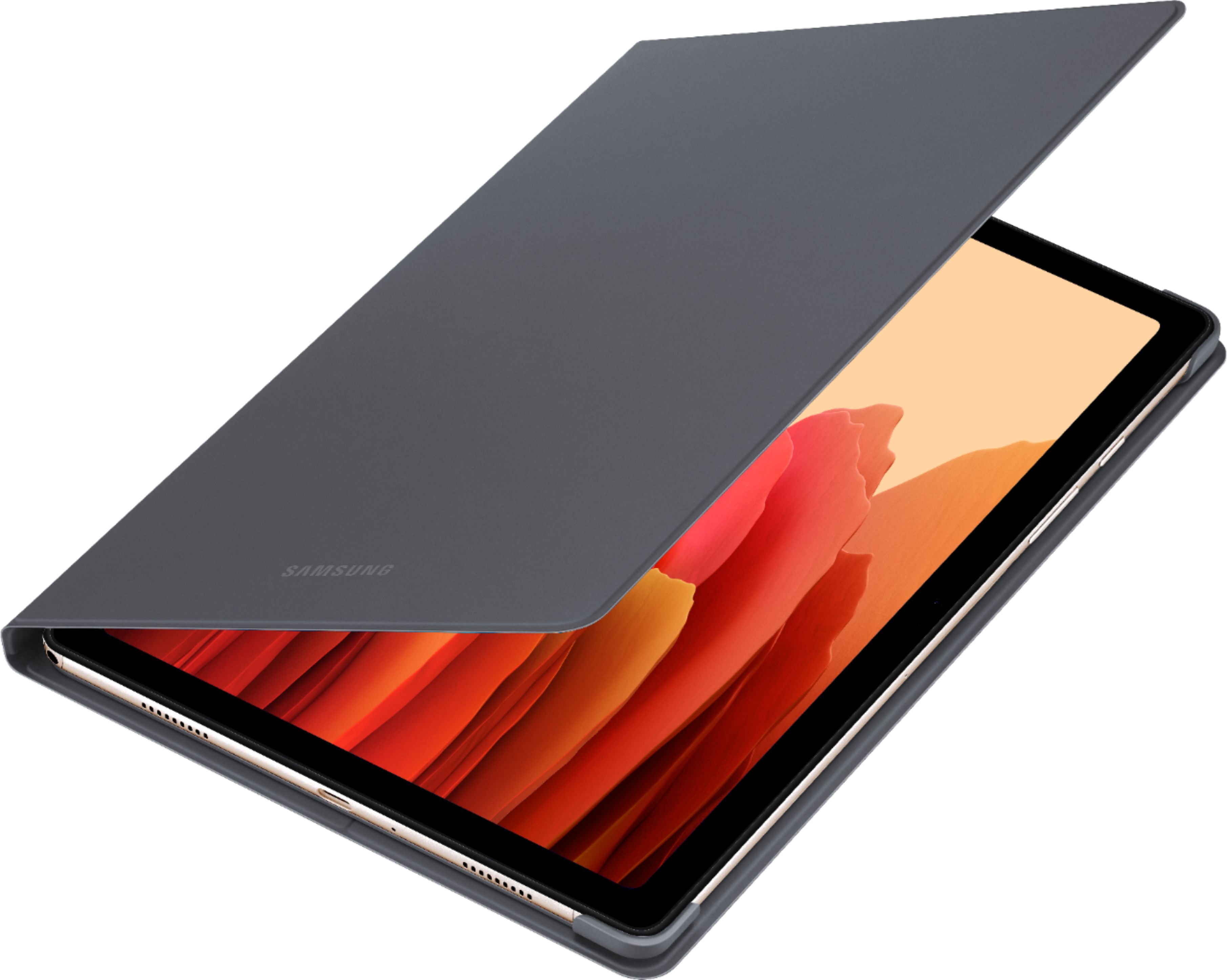
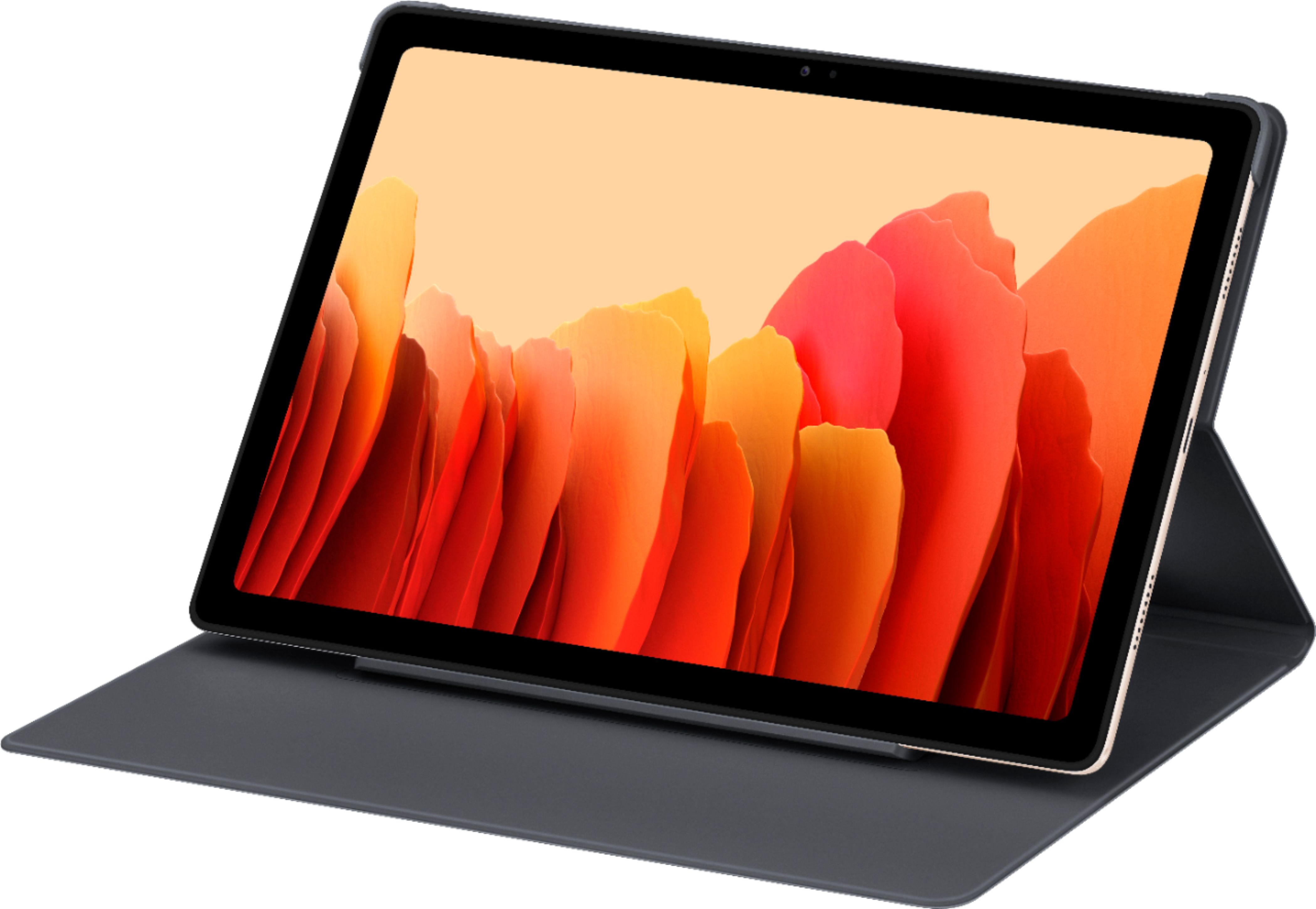
A:AnswerIt has a kids mode where it locks out some functions but apart from that it would depend on the kind of case you get for it. It's a large tablet that does have some heft to it so a good case should definitely be bought along with it.
A:AnswerNot sure about that, but look into the polaroid frames.
I bought one for each of my family members. Paid under $100 per frame at Target.
You can add a sim card to them for extra storage.
I have over 500 pictures on my frame and it still has room.
The cool thing, as long as your frame is hooked to wifi, I can send pictures to my family and vise versa from all over the country.