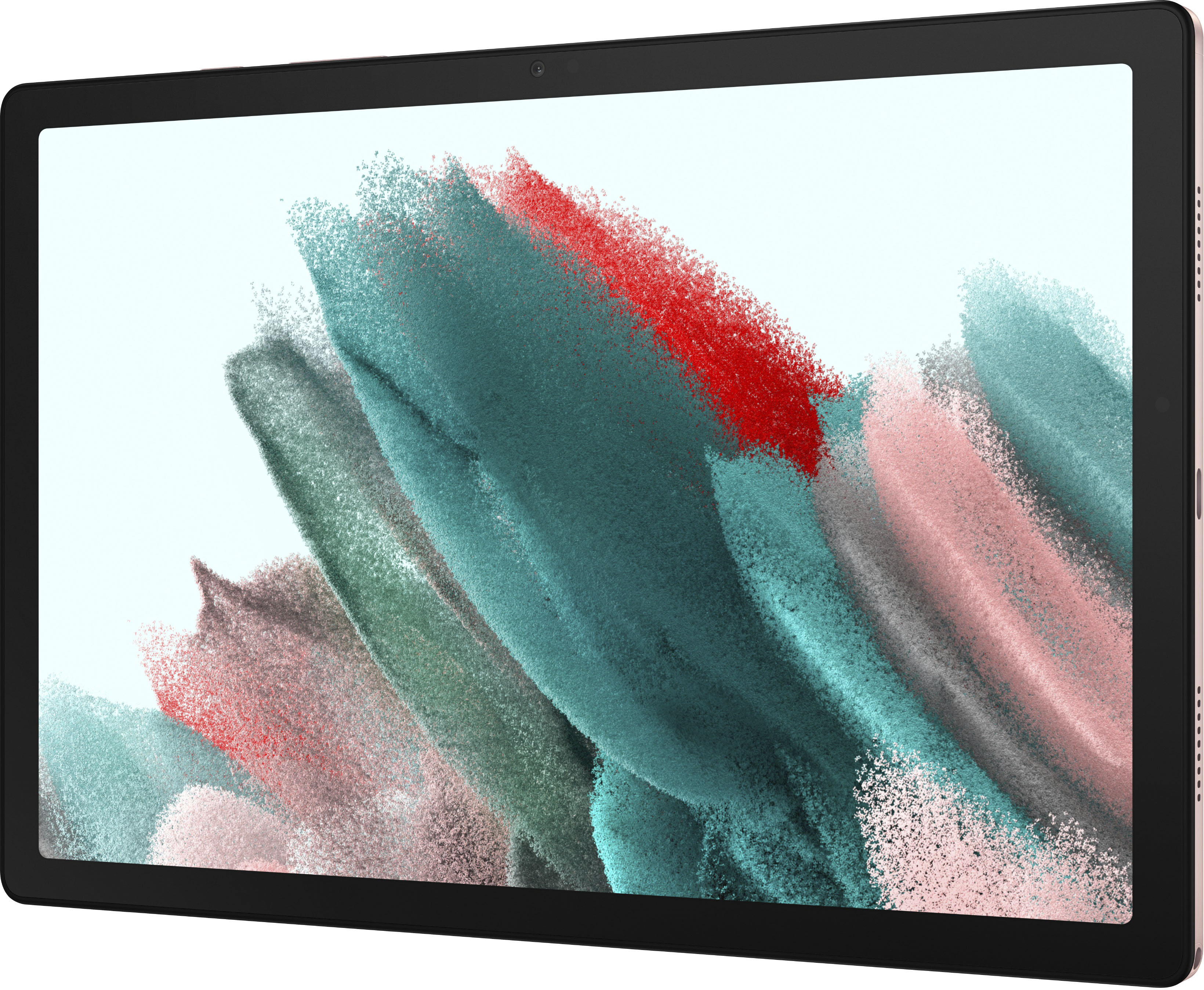
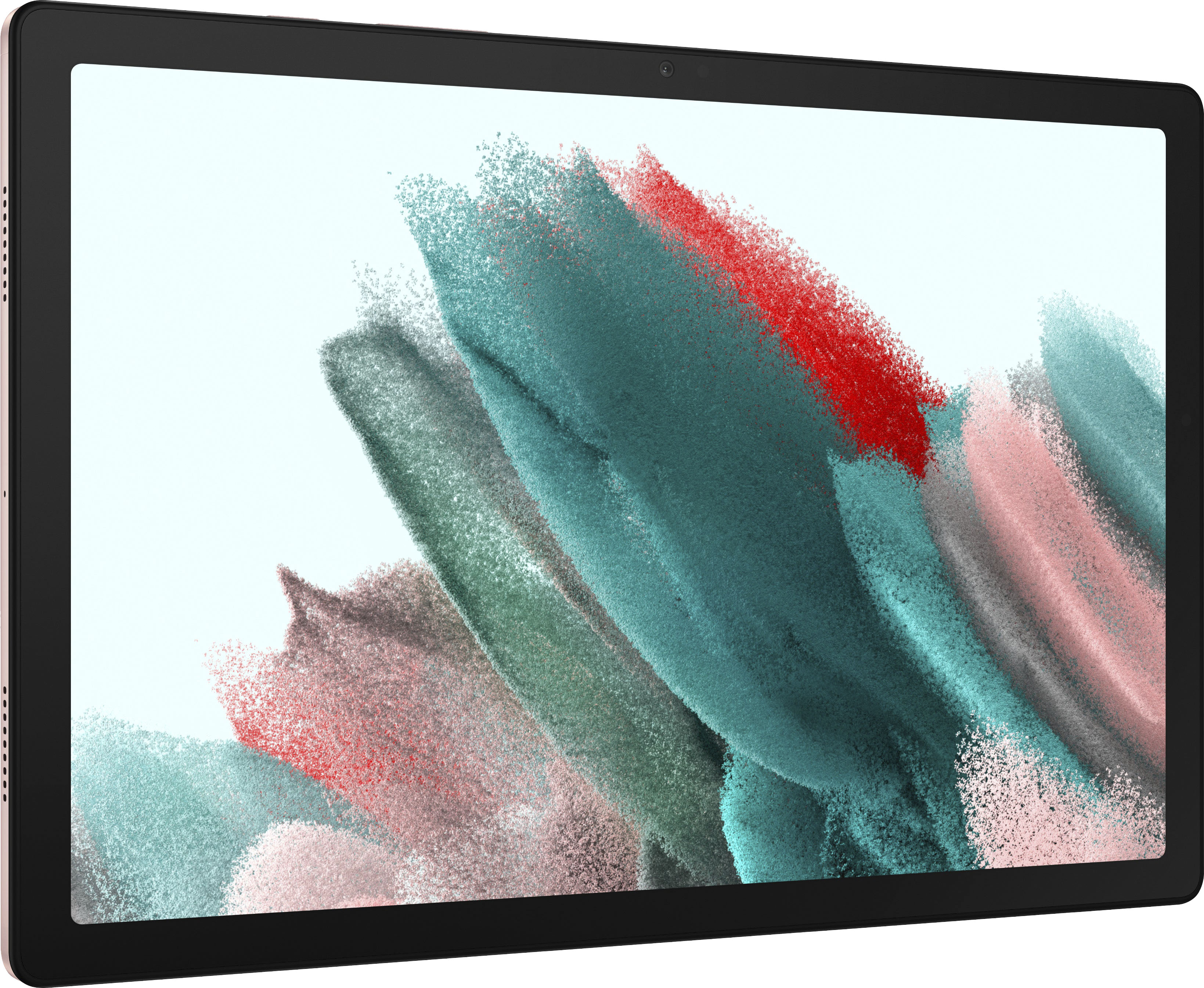
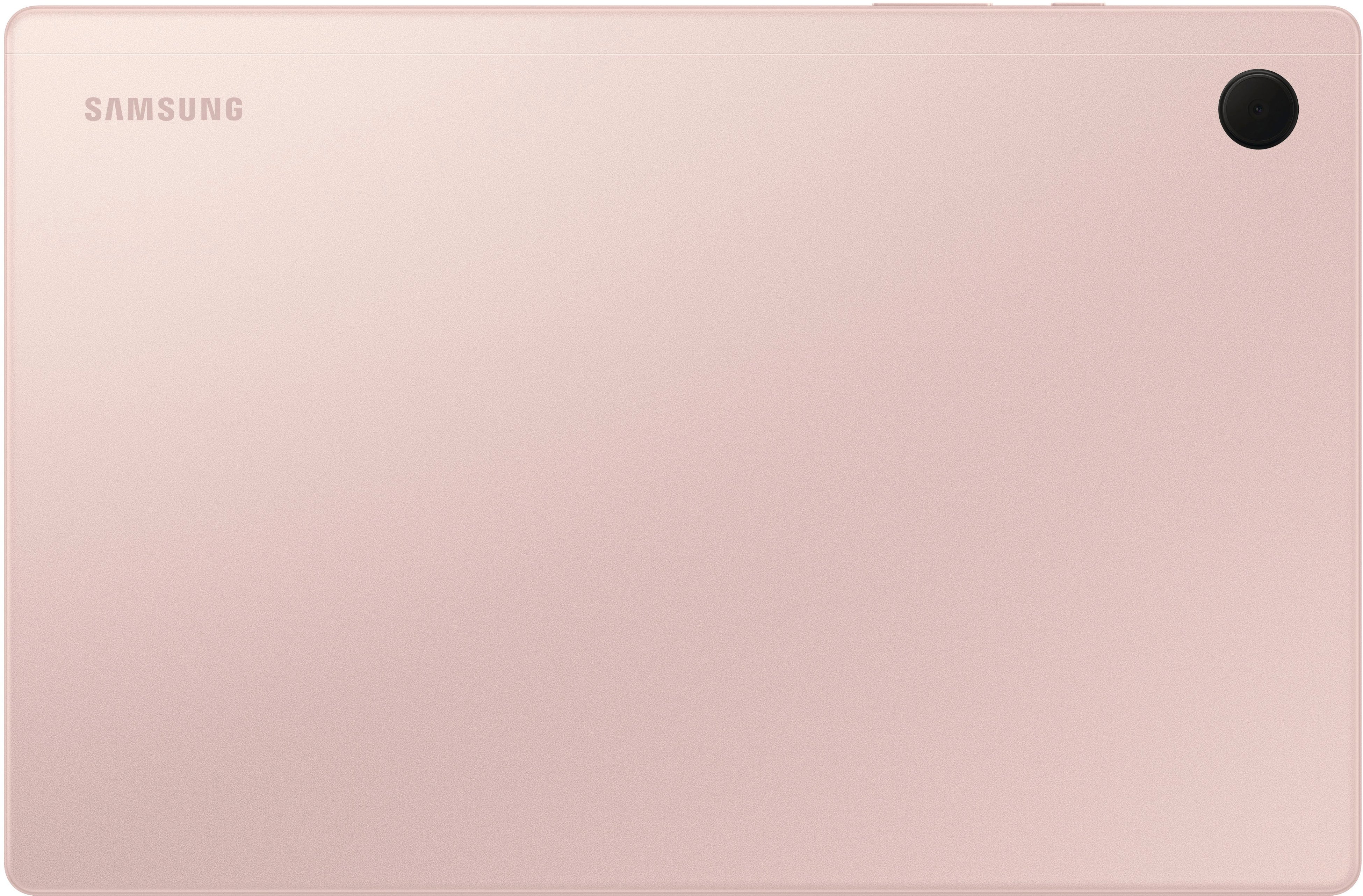
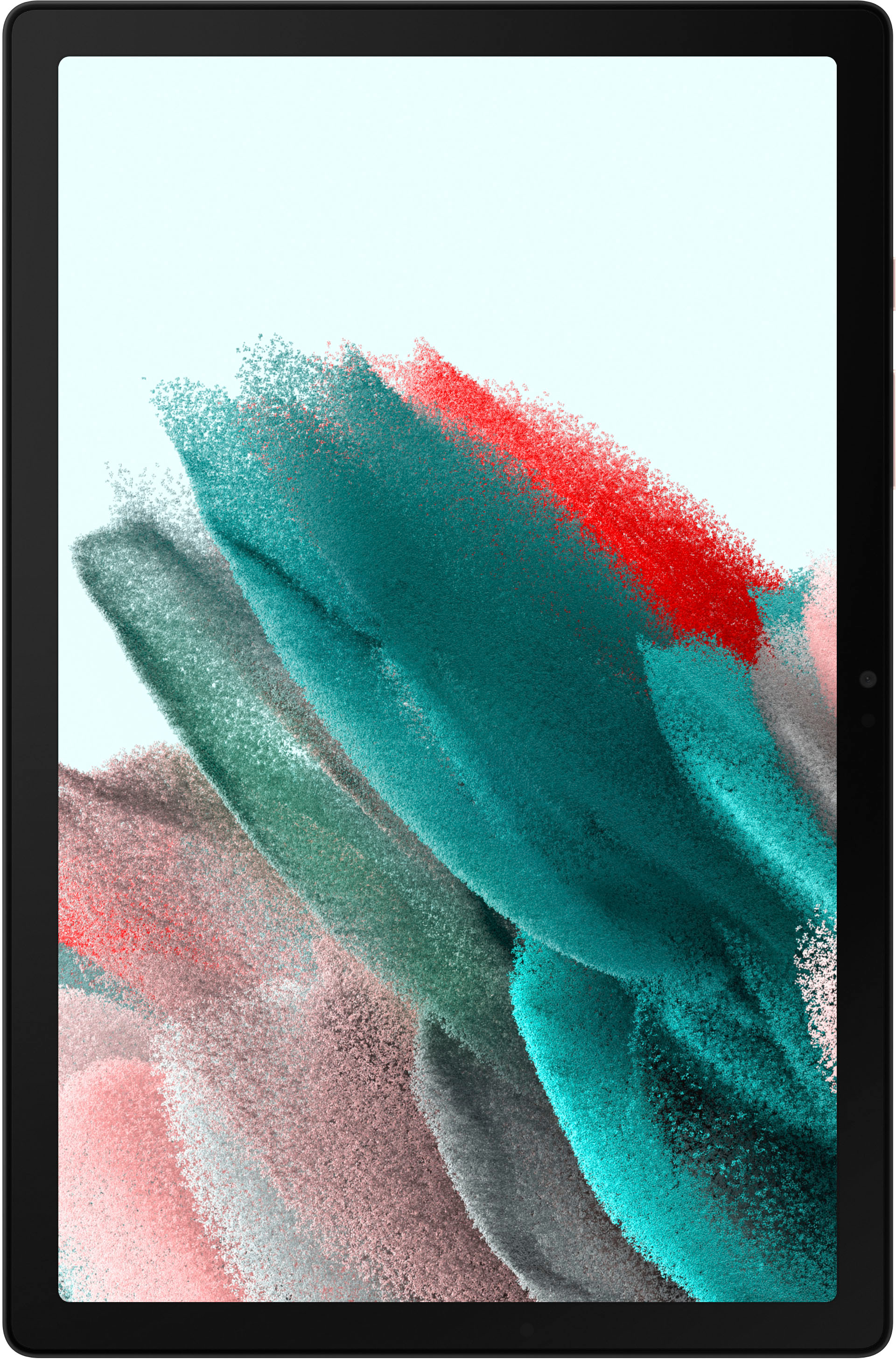
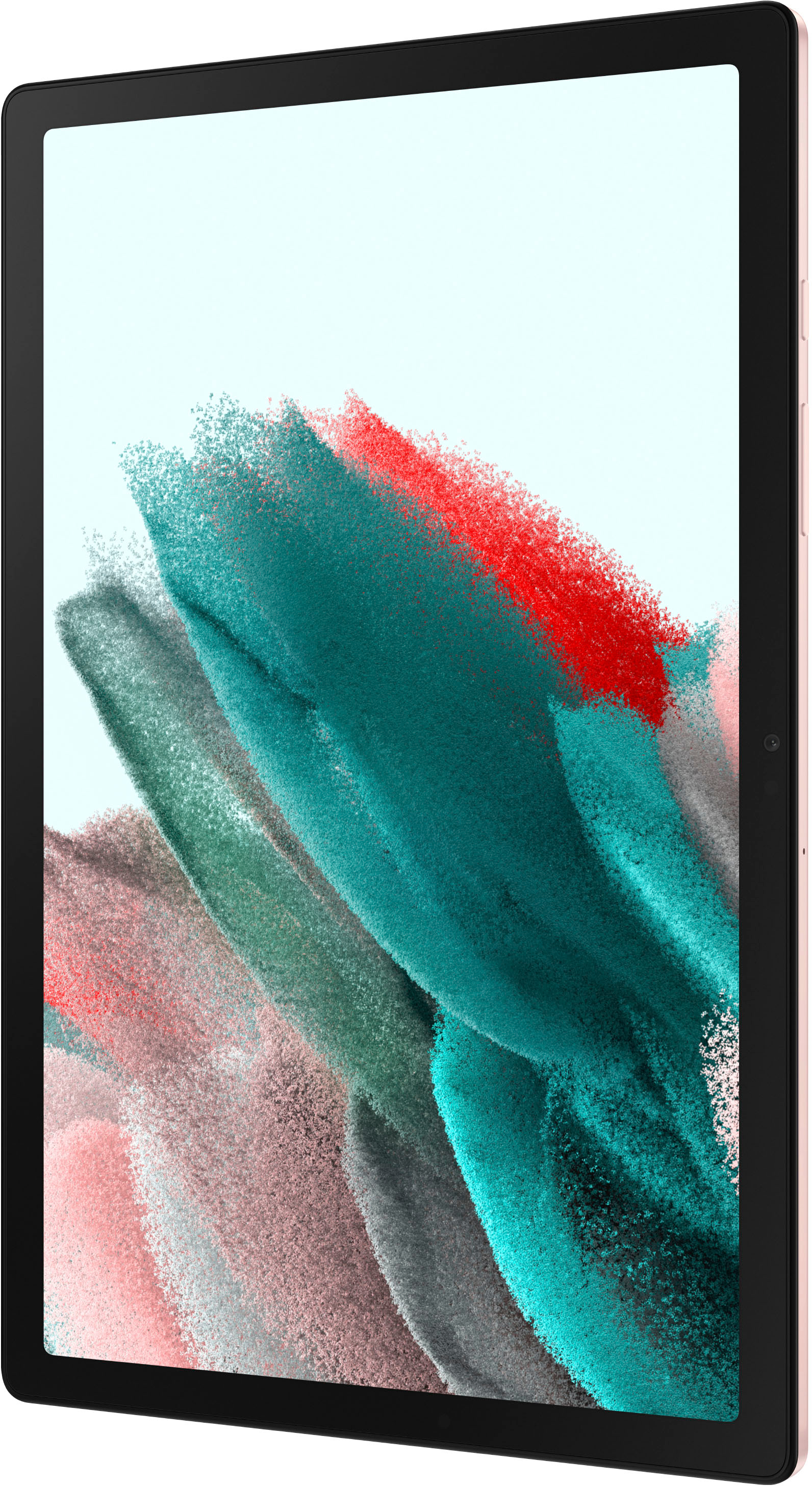
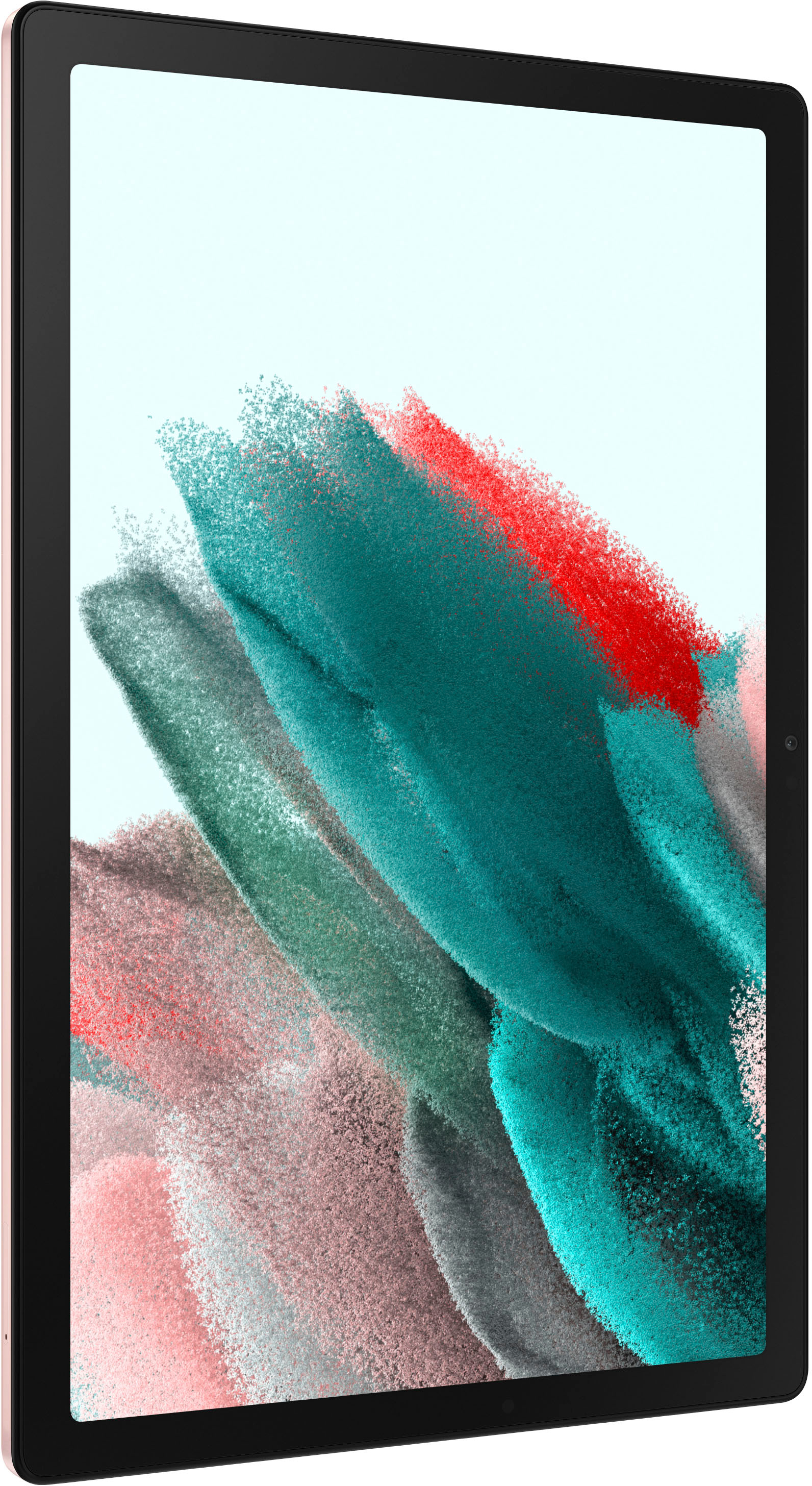
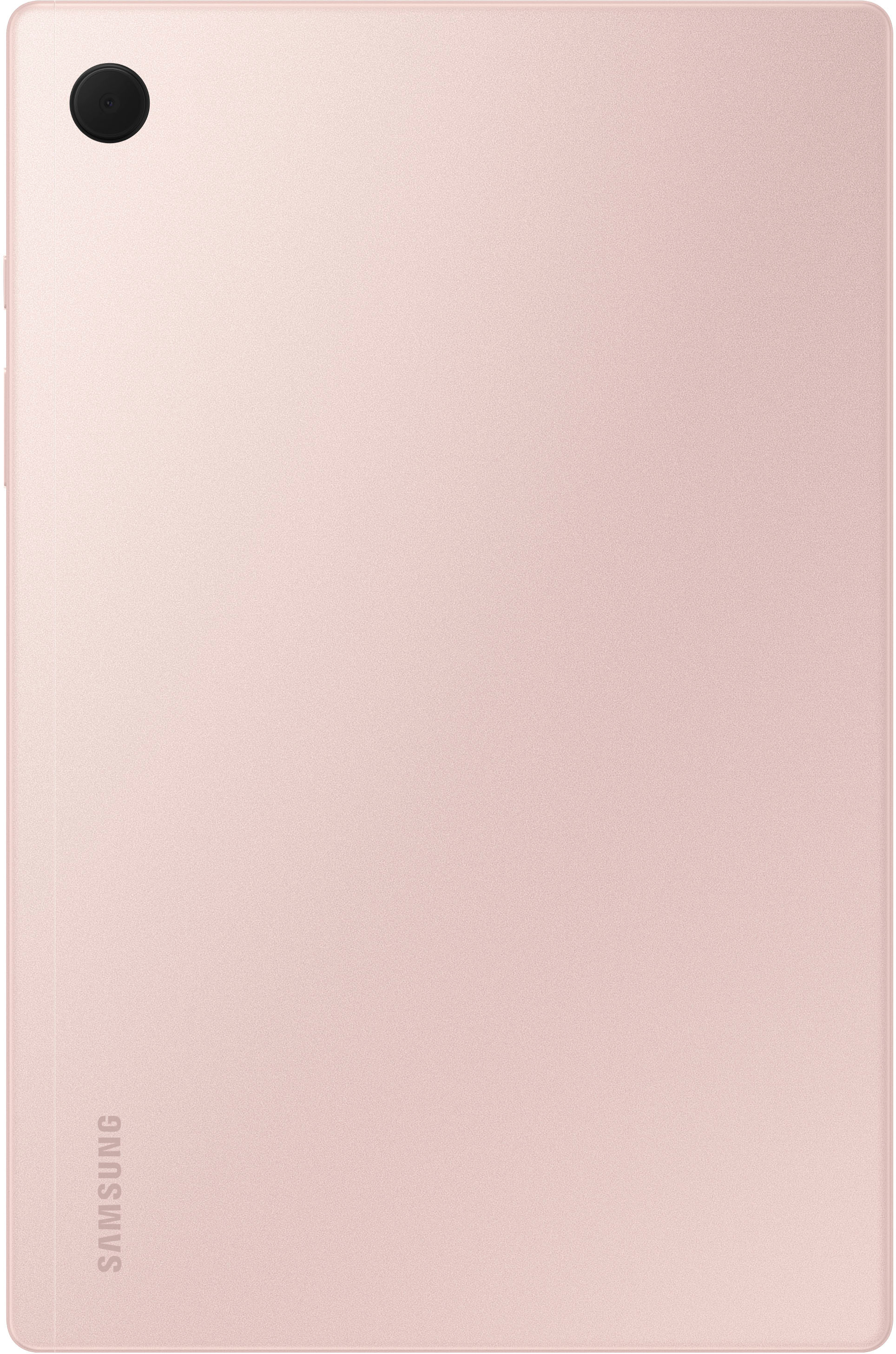
A:AnswerHello, we appreciate you reaching out to us with your question about the Samsung Galaxy Tab A8. You can absolutely use multitasking with this device and use these steps to do so, tap Recents in the Navigation bar. Tap your desired app's icon (not on the preview field), and then tap Open in split screen view. To open another app in split screen view, tap on a second app from Recents or through the Apps screen. The apps will display next to one another, and you can use both at the same time. Please reach out to us if you have any additional questions about your Samsung products. Thank you for being a Samsung customer. -Elizabeth
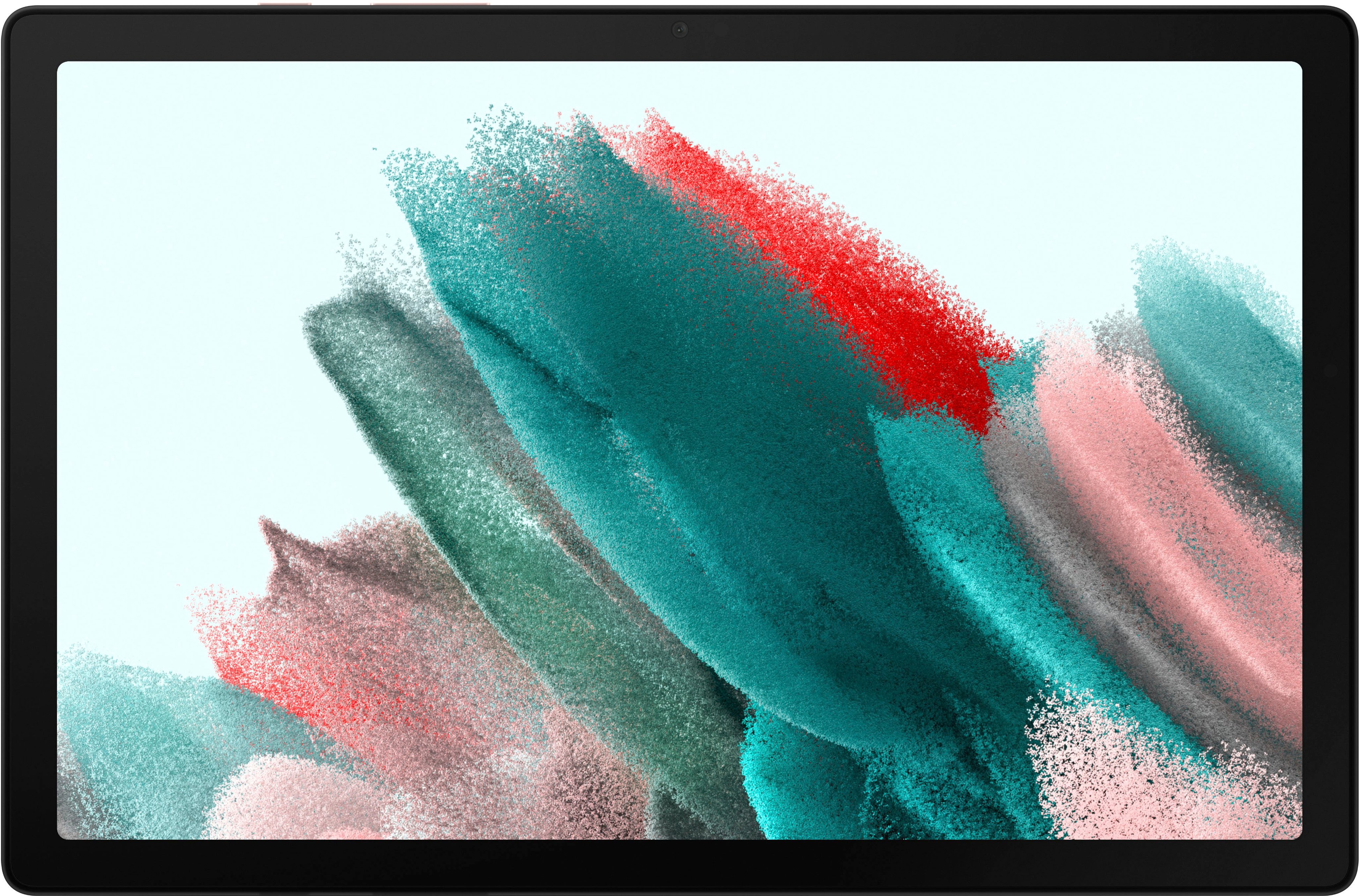
A:AnswerYour outreach is greatly appreciated. We understand that you are interested in what is included with the Tab A8. Below is a list of everything that comes in the box: a travel adapter, a data link cable, and an ejection pin. The A8 features an Octa-core processor with up to 4GB of RAM and 128GB of memory. You can expand the memory further with a micro SD card of up to 1TB. If you have any additional questions, please contact us at Support. -Kelvin
A:AnswerHello, thank you for finding the available time out of your lively day to ask us your question about the Samsung Galaxy Tab A8. Without having more information available regarding what you may be currently experiencing with your tablet and without being able to ask you any follow up questions, I recommend reaching out to Samsung Support at your earliest convenience for troubleshooting. Thank you for being a treasured Samsung customer. - Debra
A:AnswerGreetings Chris, thank you for finding the unobstructed time out of your bustling day to ask us your question about the Samsung Galaxy Tab A8. You cannot directly install or natively run Windows 11 OS on the Galaxy Tab A8. Let us know if you think of any other questions for us by contacting Samsung Support. Thank you for being a dedicated Samsung customer. - Debra
A:AnswerHowdy, thanks for taking the time out of your hectic day to ask us your question about the Samsung Galaxy Tab A8. You would want to visit the Google Play Store to download the apps of your choosing, like Facebook, and install them on this tablet. Please feel free to reach out to Samsung Support if you would like any further assistance. Thank you for being a devoted Samsung customer. - Debra
A:AnswerHowdy Jg, thanks for taking the available time out of your busy day to ask us your question about the Samsung Galaxy Tab A8. Please login to the Google Play Store to view the compatible devices. Feel free to reach out to Samsung Support if you have any other questions for us. Thank you for being a valued Samsung customer. - Debra