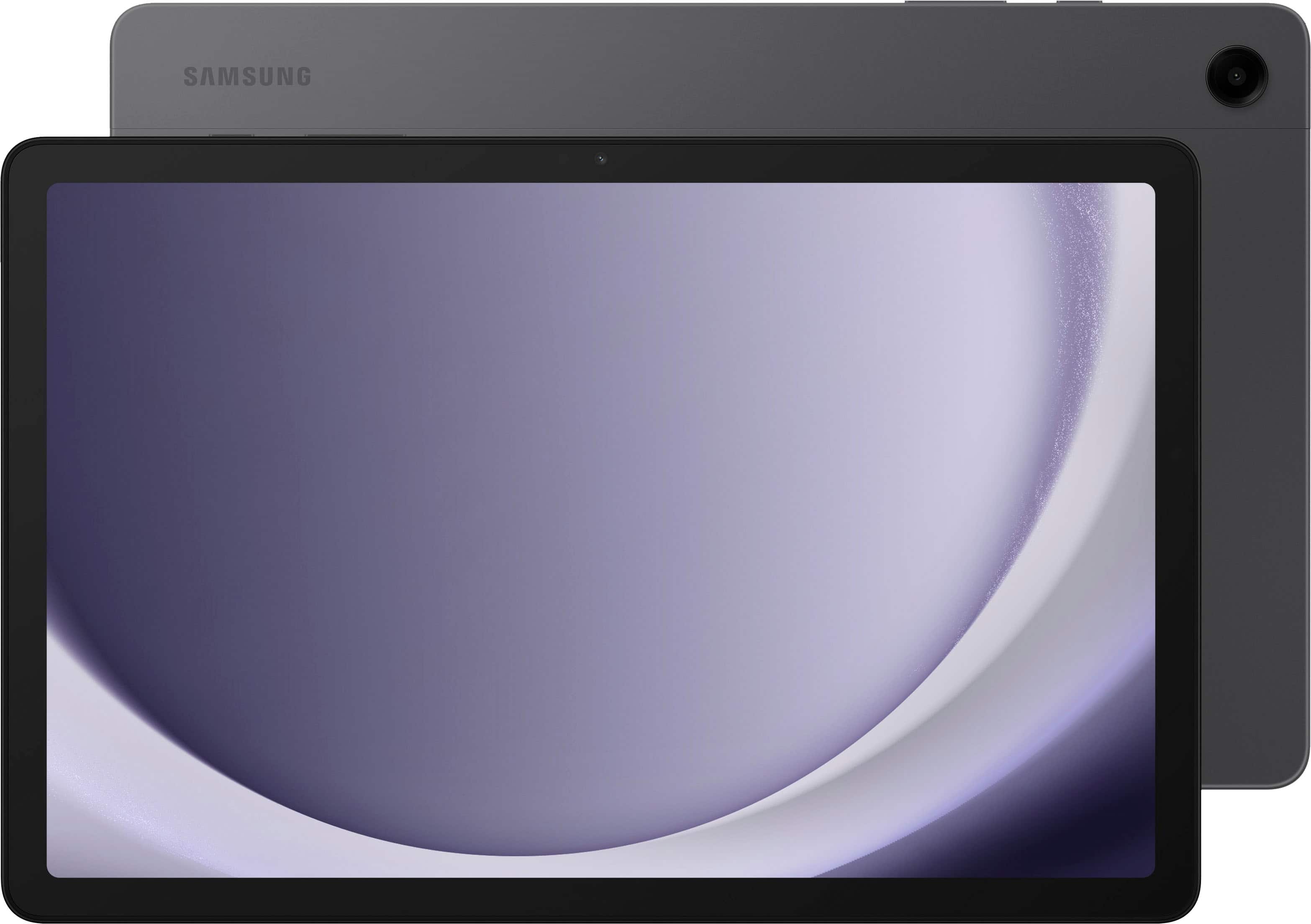
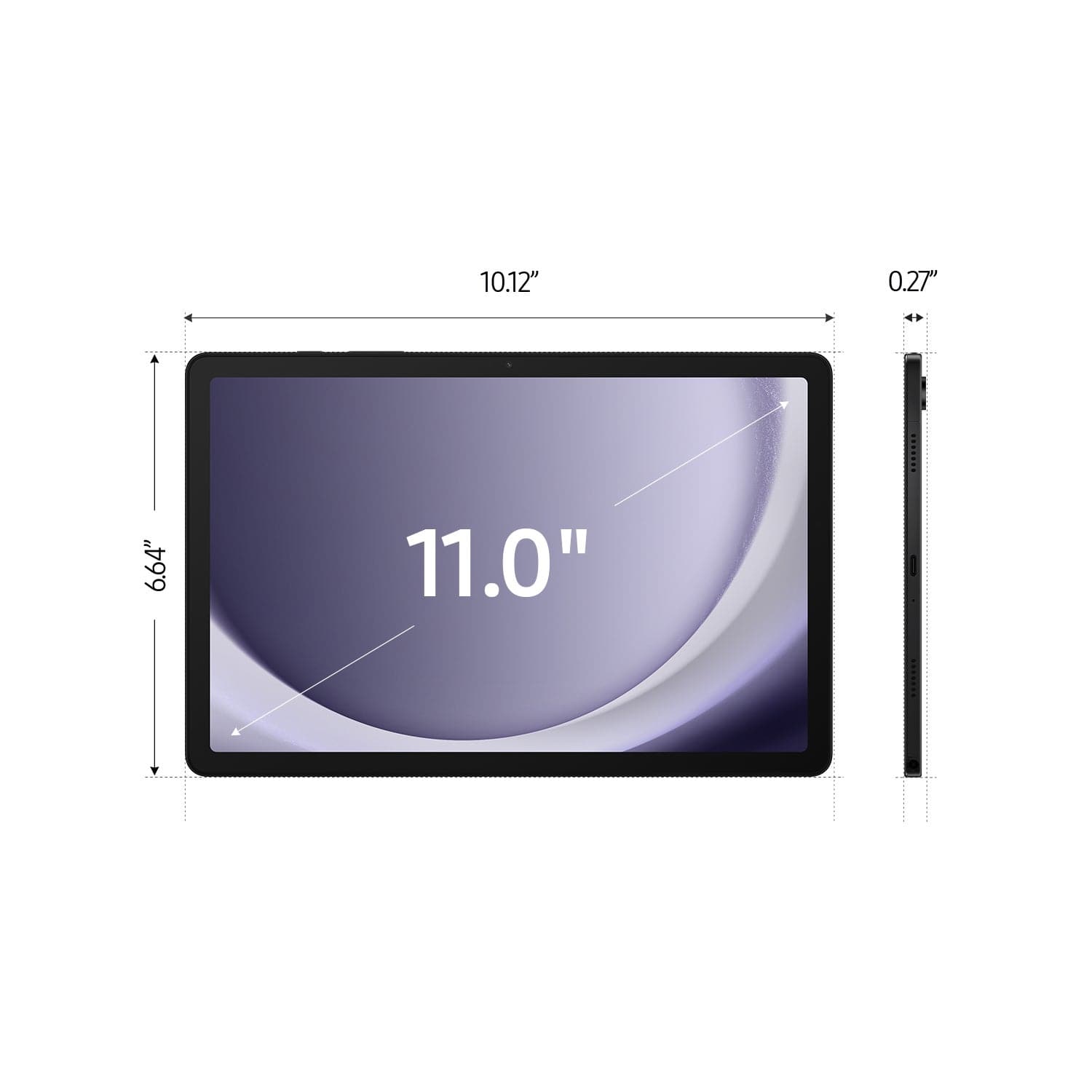
A:AnswerHowdy Harry, thanks for reaching out with your question about the Samsung Galaxy Tab A9+. No, the advertised Galaxy Tab A9+ lacks a SIM card slot so it cannot be added to a wireless carrier's network, however, it is fully functional while in the presence of a steady Wi-Fi signal. An LTE enabled tablet is what you may be looking for if you would like to add a tablet to your wireless plan. If you have additional questions for us, please do not hesitate to contact Support. Thanks for being a valued Samsung customer. - Debra
A:AnswerHowdy CuriousOne, thanks for taking the time to ask us your question about the Samsung Galaxy Tab A9+. The Galaxy S Pen is not supported on this device. If you have any other questions, do not hesitate to contact Support. Thank you for being a dedicated Samsung customer. - Debra
A:AnswerHello TJ, thank you for asking us your questions about the Samsung Galaxy Tab A9+. Yes, the advertised Galaxy Tab A9+ supports split-screen multitasking, allowing you to use two apps simultaneously, and it can be mounted in a truck atmosphere using various mounting solutions. If you have additional questions or if you would like further assistance, please feel free to reach out to Support. Thank you for being a treasured Samsung customer. - Debra
A:AnswerHi there Me, thank you for taking the time to ask us your question about the Samsung Galaxy Tab A9+. No, the Galaxy Tab A9+ RAM cannot be upgraded after purchase, as it is soldered to the board. If you have any other questions for us or if you would like further assistance, please feel free to contact Support. Thank you for being a devoted Samsung customer. - Debra
A:AnswerGood day, thanks for reaching out with your question about the Samsung Galaxy Tab A9+. No, the Galaxy Tab A9+ does not offer a built-in kickstand, however, a protective case may be best suited for your needs. If you have additional questions for us or if you would like further assistance, please feel free to reach out to Support. Thanks for being a steadfast Samsung customer. - Debra
A:AnswerAloha DAVE, with the Call & text on other devices feature, you can make and receive calls on your tablet as long as it's signed into the same Samsung account as your phone. You can also send messages. However, the connected phone will need to have active service. Call & text on other devices currently does not work with Verizon and AT&T phones, and may not be available on all models from other carriers. Check out, "Make calls and send messages from your Galaxy tablet" if you would like to learn more. The Tab A9+ is also capable of multi-tasking and you can absolutely enjoy your movies from this device. If you have additional questions for us or if you would like any further assistance, please feel free to contact Support at your earliest convenience. Thank you for being a faithful Samsung customer. - Debra
A:AnswerHey there Nina, thanks for reaching out with your question about the Samsung Galaxy Tab A9+. The Galaxy Tab A9+ looks to be compatible with WhatsApp. Feel free to download all of your compatible apps from the Google Play Store. If you have any other questions, feel free to contact Support. Thank you for being a valued Samsung customer. - Debra
A:AnswerHello Nina, thanks for taking the opportunity to ask us your question about the Samsung Galaxy Tab A9+. The advertised Galaxy Tab A9+ looks to be compatible with WhatsApp. Please do not hesitate to download all of your compatible apps from the Google Play Store at your leisure. If you have additional questions, please reach out to Support. Thank you for being a devoted Samsung customer. - Debra
A:AnswerGood day Mani, thank you for asking us your question about the Samsung Galaxy Tab A9+. No, the advertised Galaxy Tab A9+ lacks a SIM card slot. This tablet is fully functional while in the presence of a steady Wi-Fi signal. If you have any other questions for us or if you would like any further assistance, do not hesitate to contact Support at your leisure. Thanks for being a faithful Samsung customer. - Debra
A:AnswerHello, thank you for taking the time to reach out and ask us your question about the Samsung Galaxy Tab A9+. Yes, the Galaxy Tab A9+ is a touch screen enabled device. If you have additional questions for us or if you would like any further assistance, please feel free to reach out to Support. Thank you for being a valued Samsung customer. - Debra
A:AnswerHowdy Rene, thanks for asking us your question about the Samsung Galaxy Tab A9+. The advertised Galaxy Tab A9+ was released in 2023. There is no "Generation" version for this tablet. "A9+" refers to the specific model name of this product. If you have additional questions or if you would like any further assistance, please feel free to reach out to Support. Thanks for choosing Samsung! - Debra
A:AnswerHey Jin, thanks for asking us your question about the Samsung Galaxy Tab A9+. Yes, you can share files through a USB pendrive adapter on the Galaxy Tab A9+. It supports USB On-The-Go (OTG) and has a USB-C port. You need a USB-A to USB-C adapter (if your USB drive has a standard USB-A connector) or a USB-C pendrive, then plug it into the tablet's USB-C port. Open the My Files app on your tablet, find the file you want to copy, and then select and paste it to your USB storage. Feel free to contact Support if you have any other questions for us. Thanks for being a valued Samsung customer. - Debra
A:AnswerAloha BillyQ, thank you for taking the time to ask us your question about the Samsung Galaxy Tab A9+. No, the advertised Galaxy Tab A9+ is not compatible with the S Pen. Feel free to review, "Learn about the different Samsung S Pens" if you would like to learn more about our S Pen compatibility. Let us know if you have additional questions for us by reaching out to Support. Thank you for being a loyal Samsung customer. - Debra