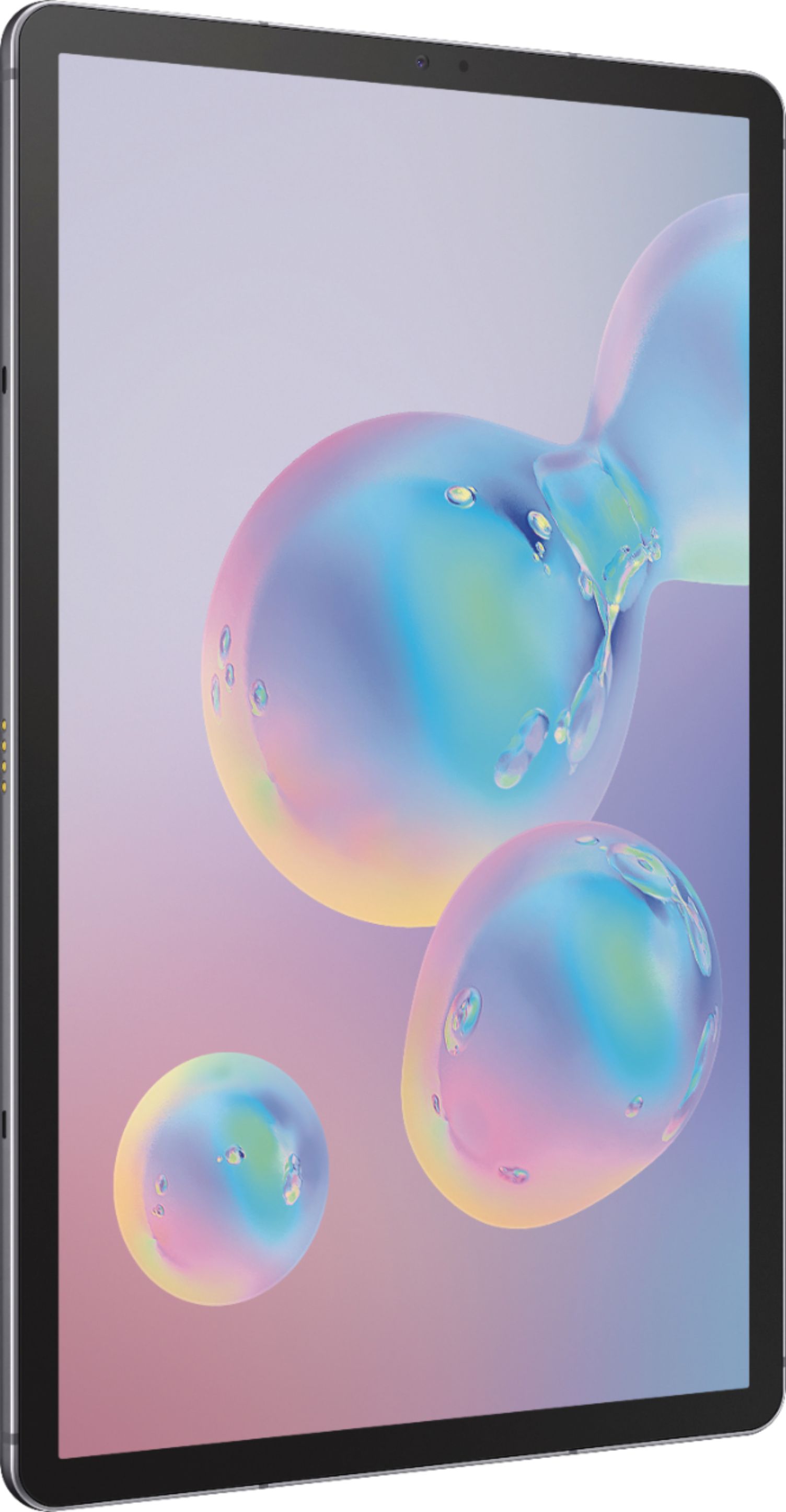
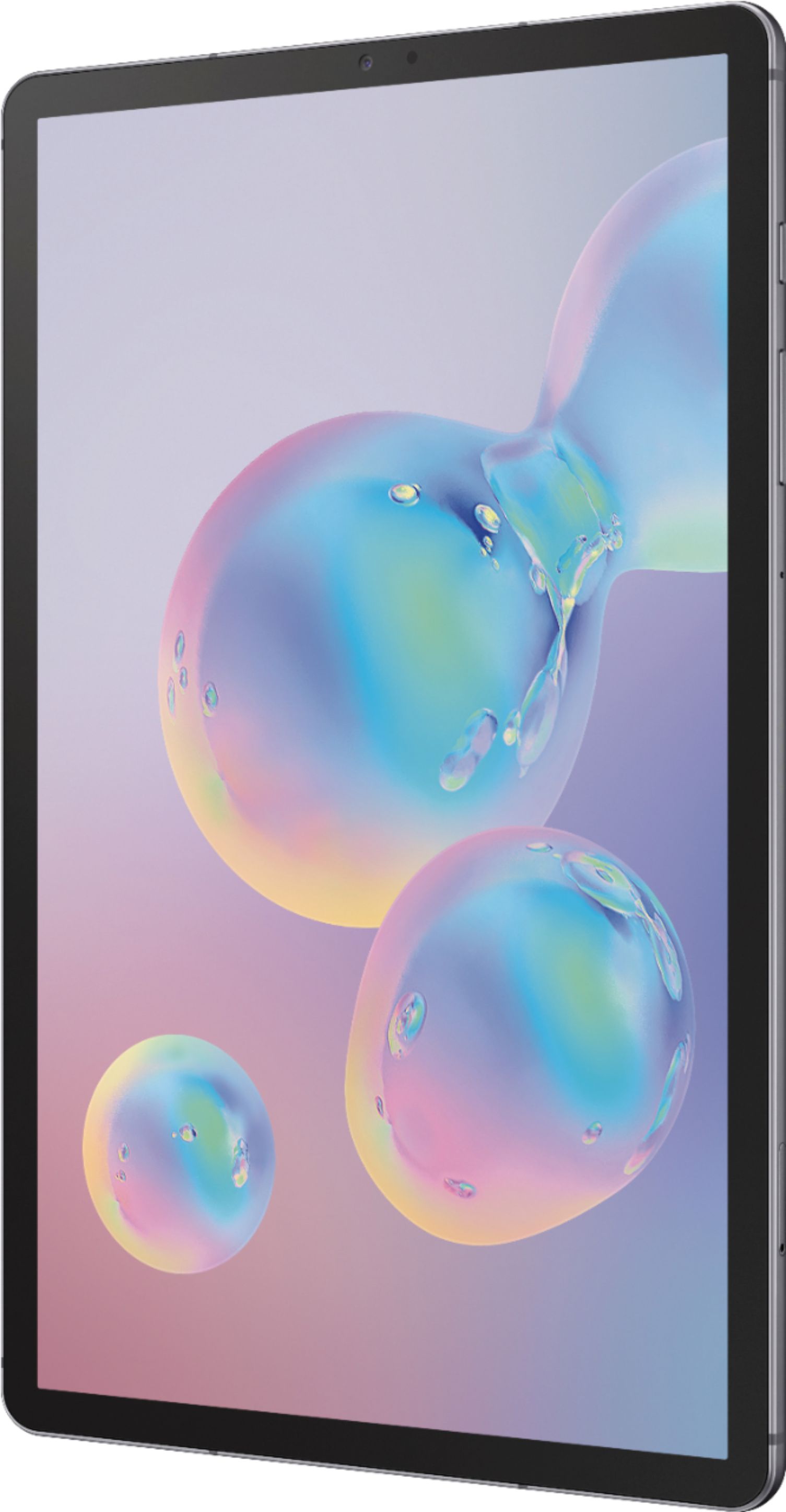
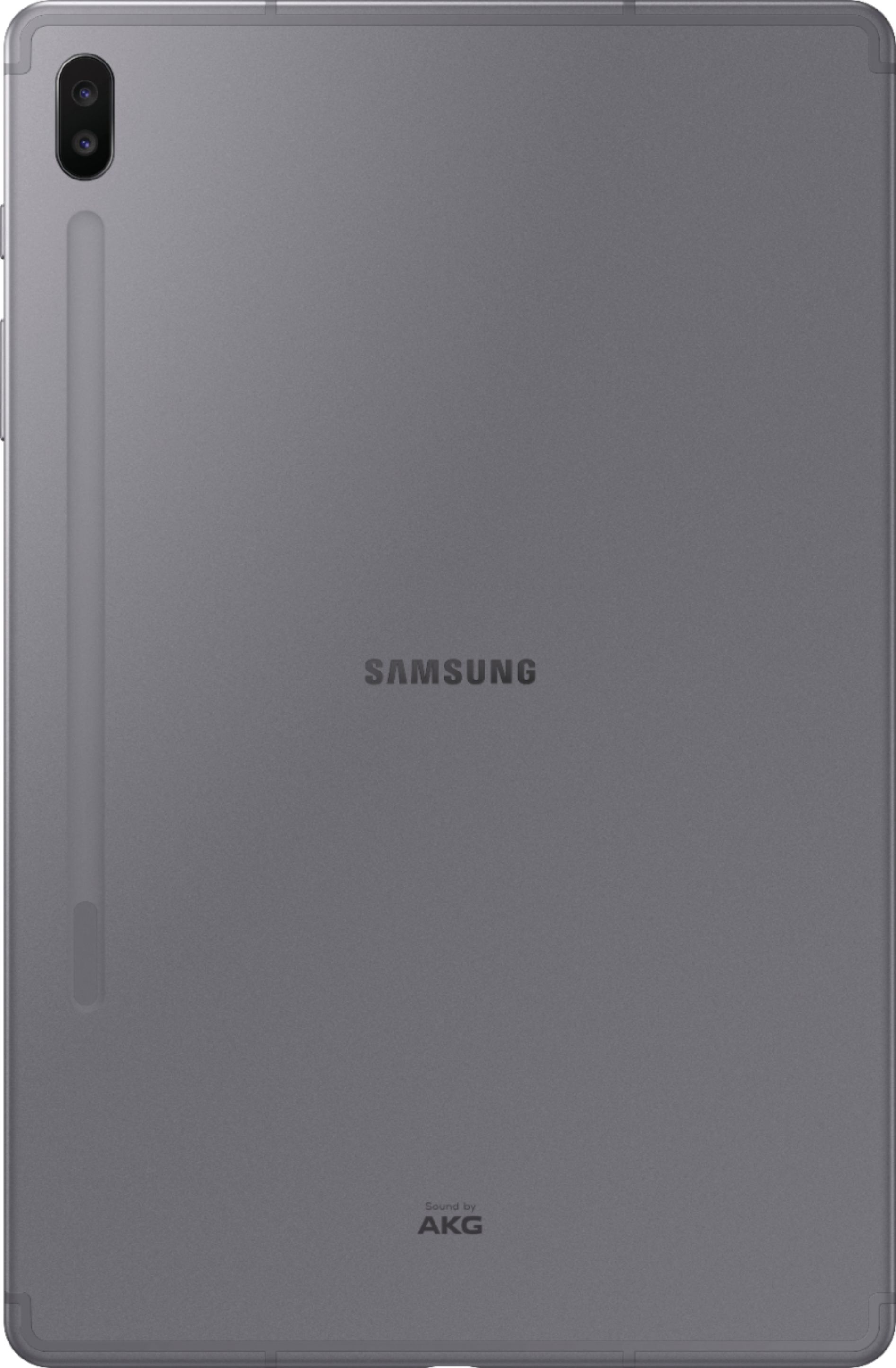
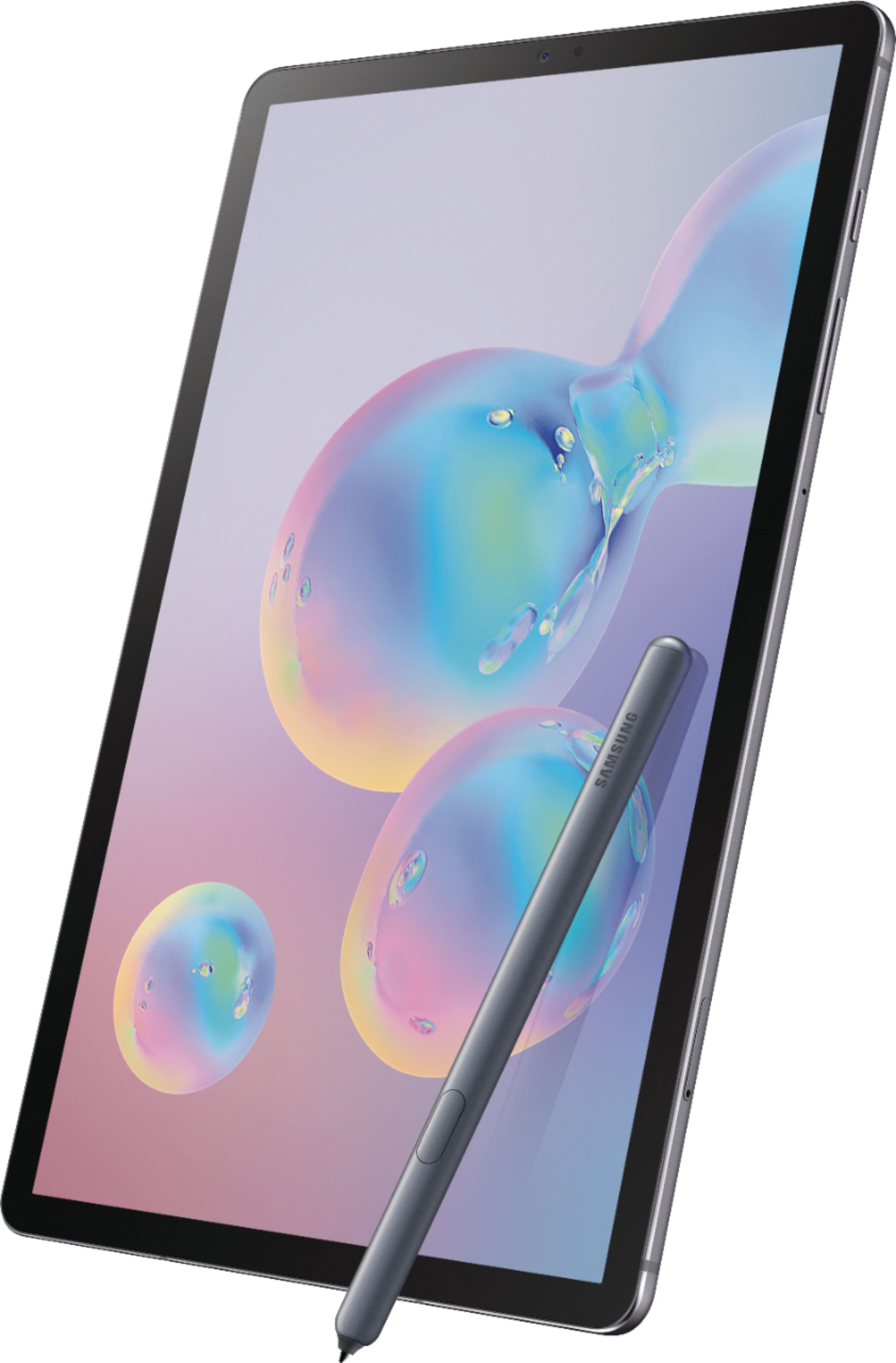
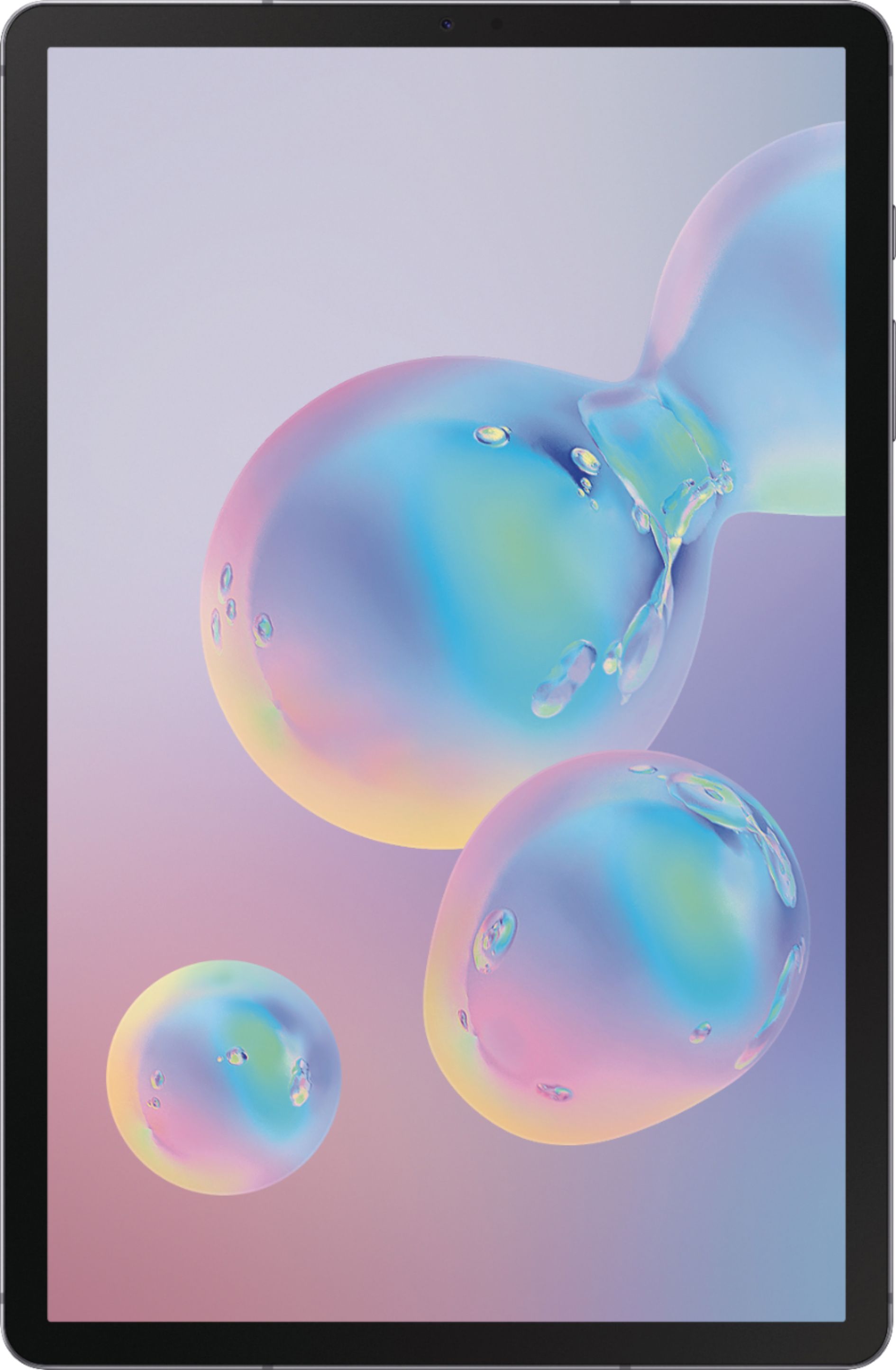
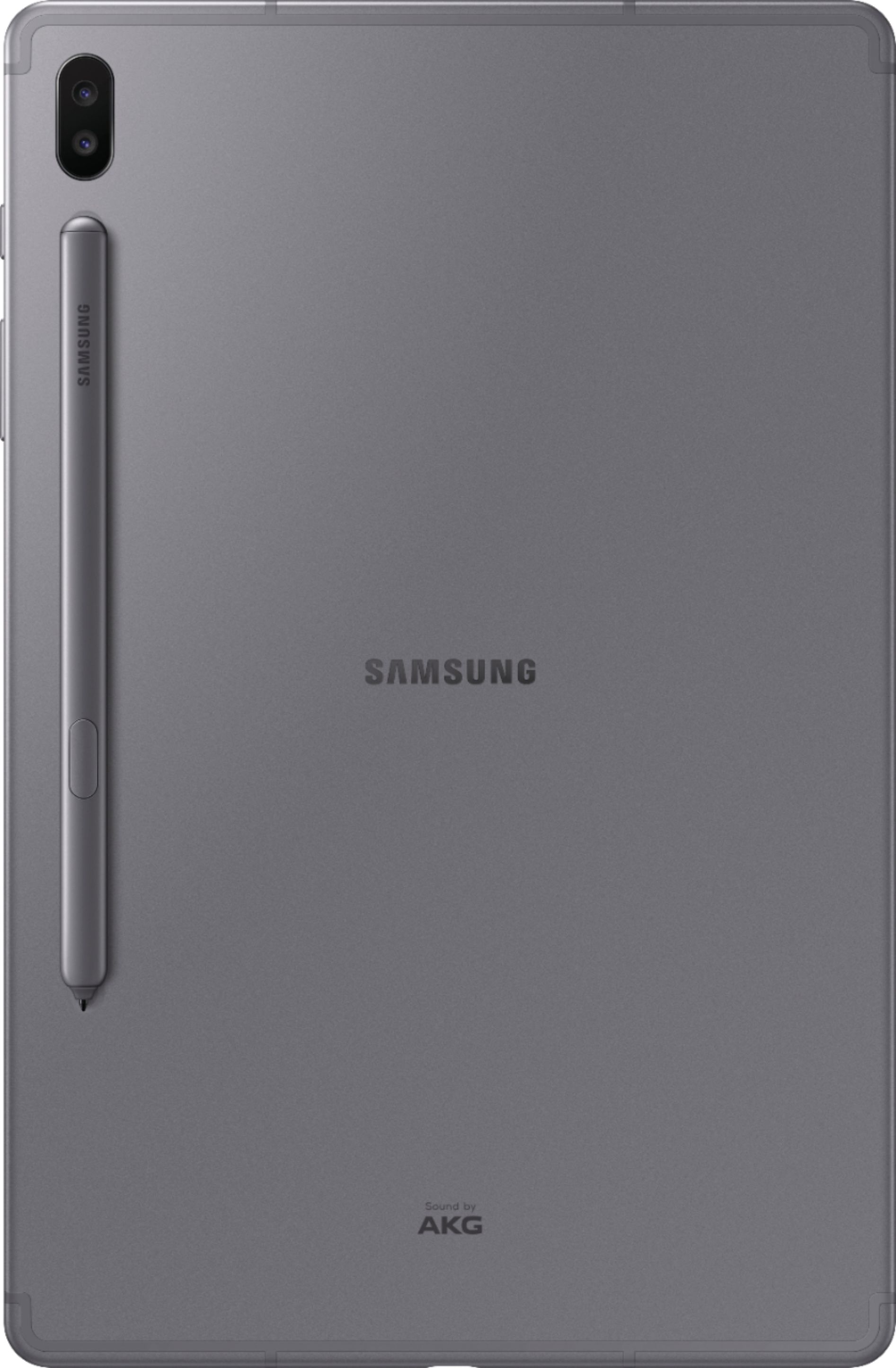
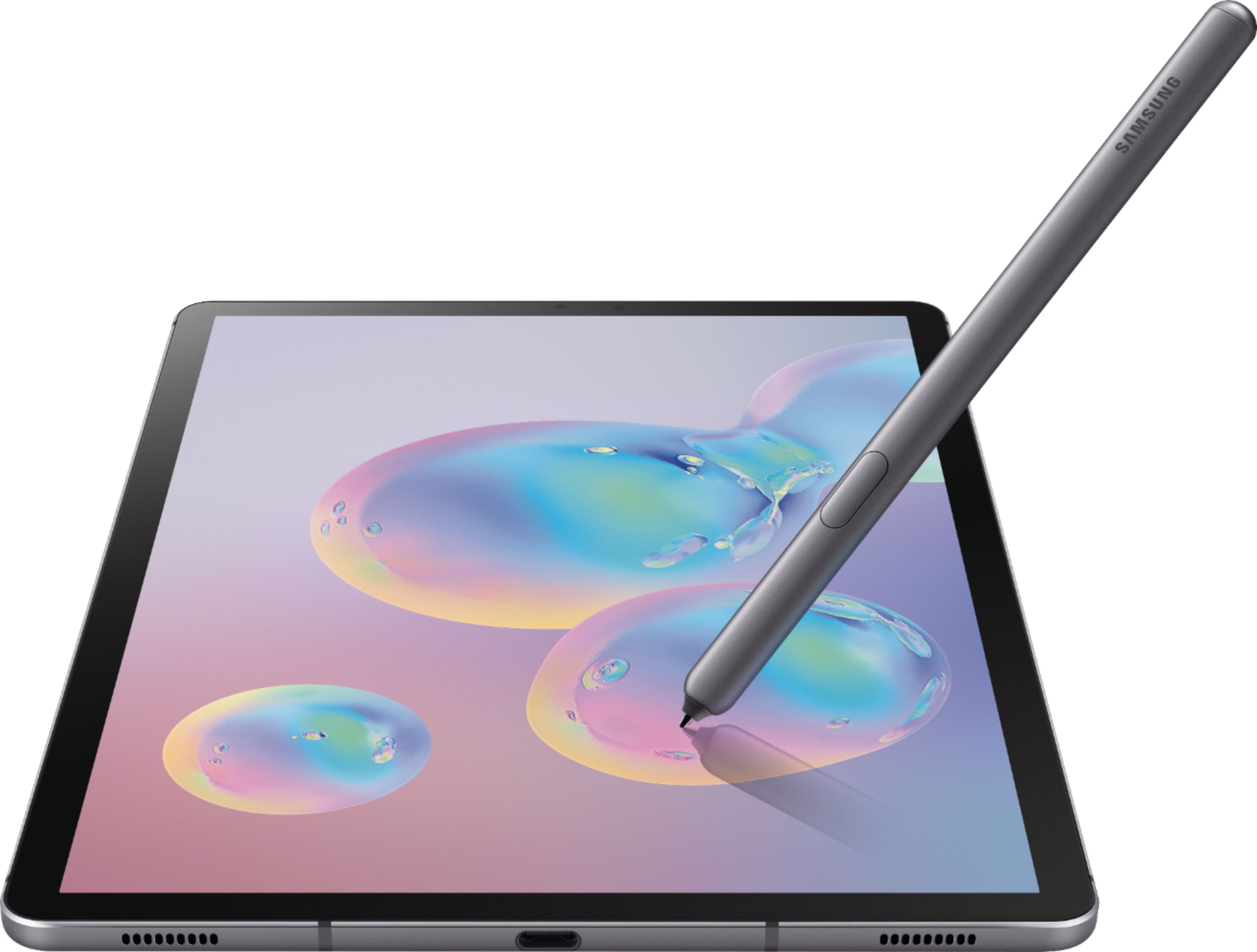
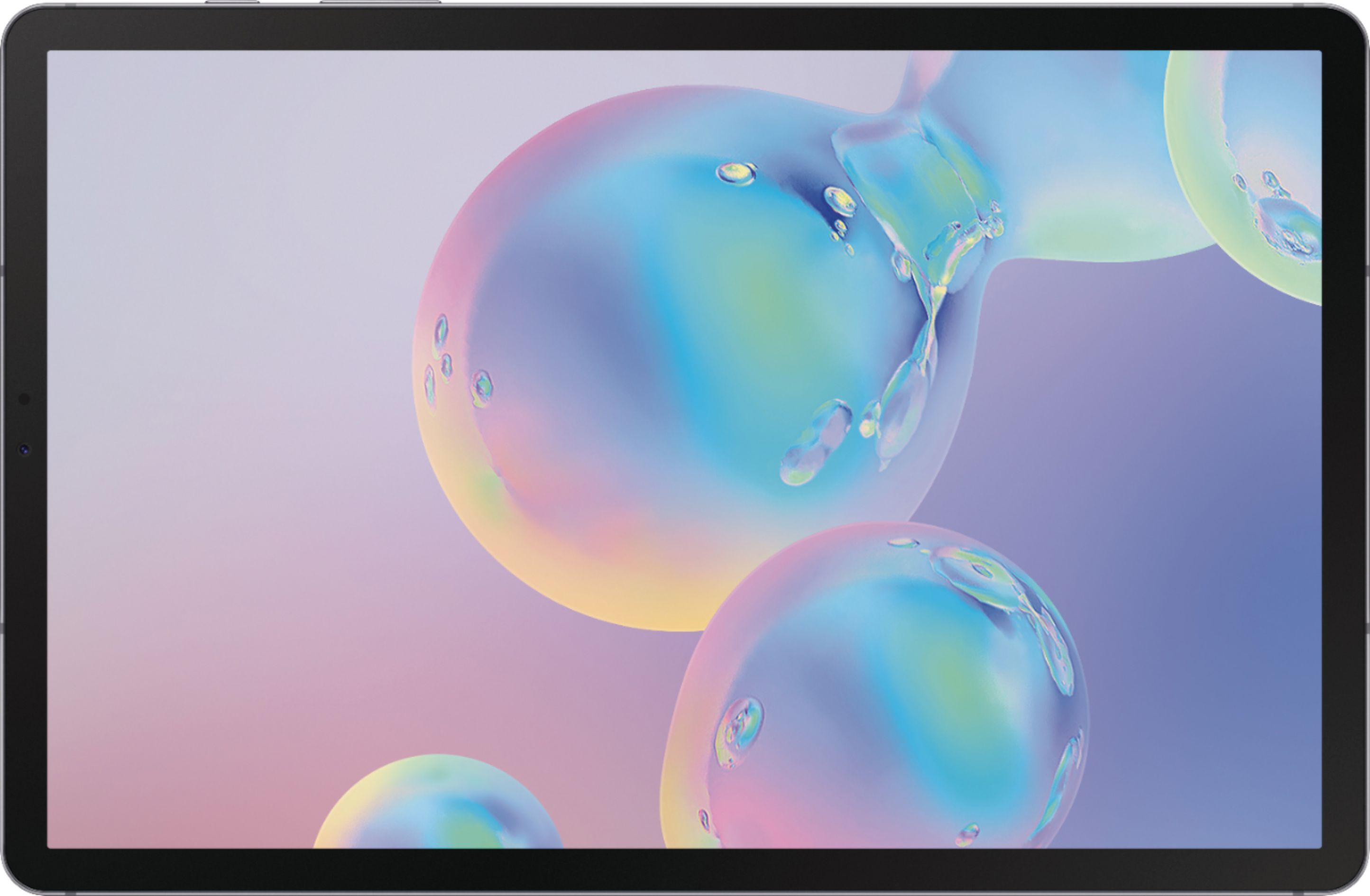
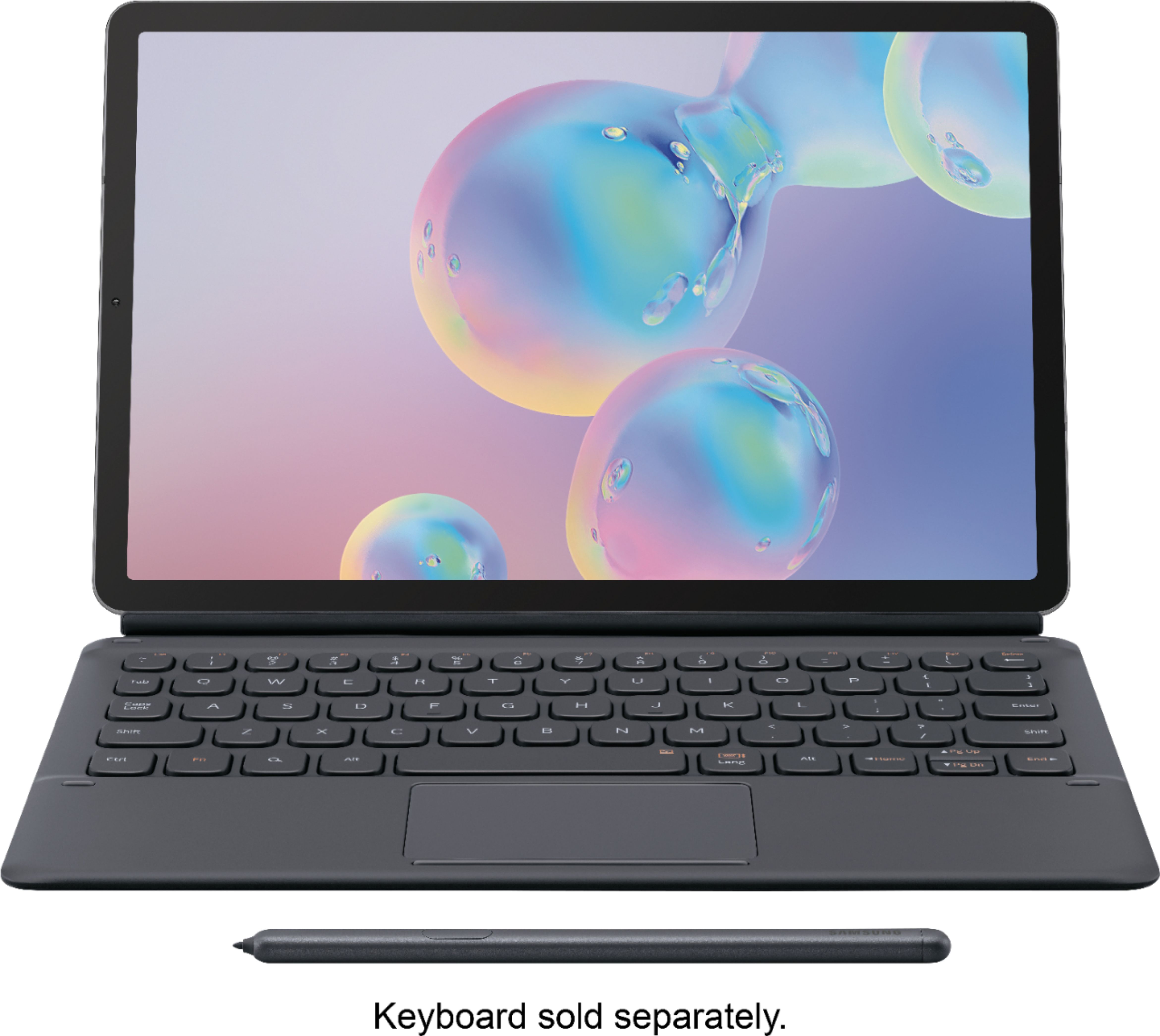
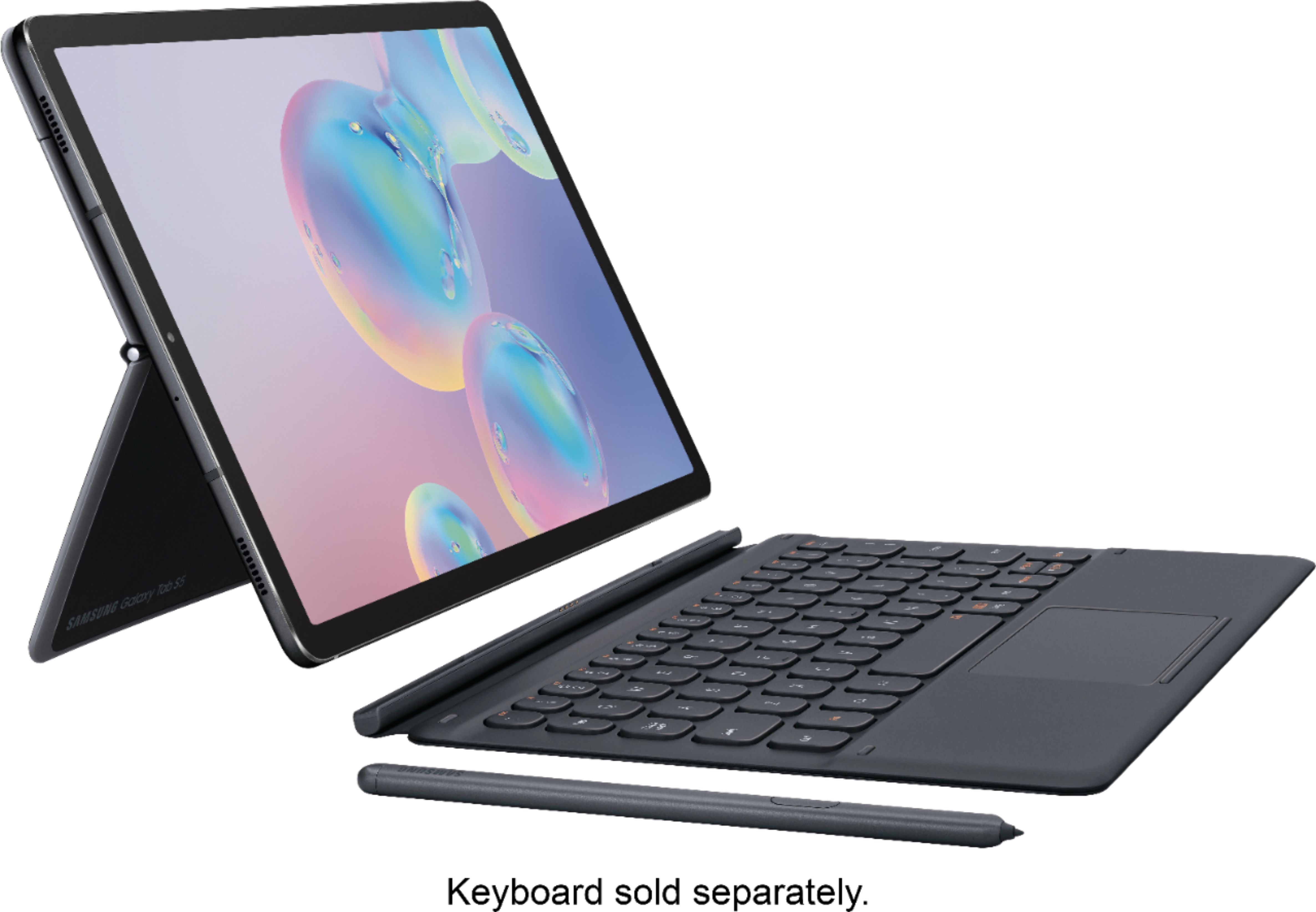
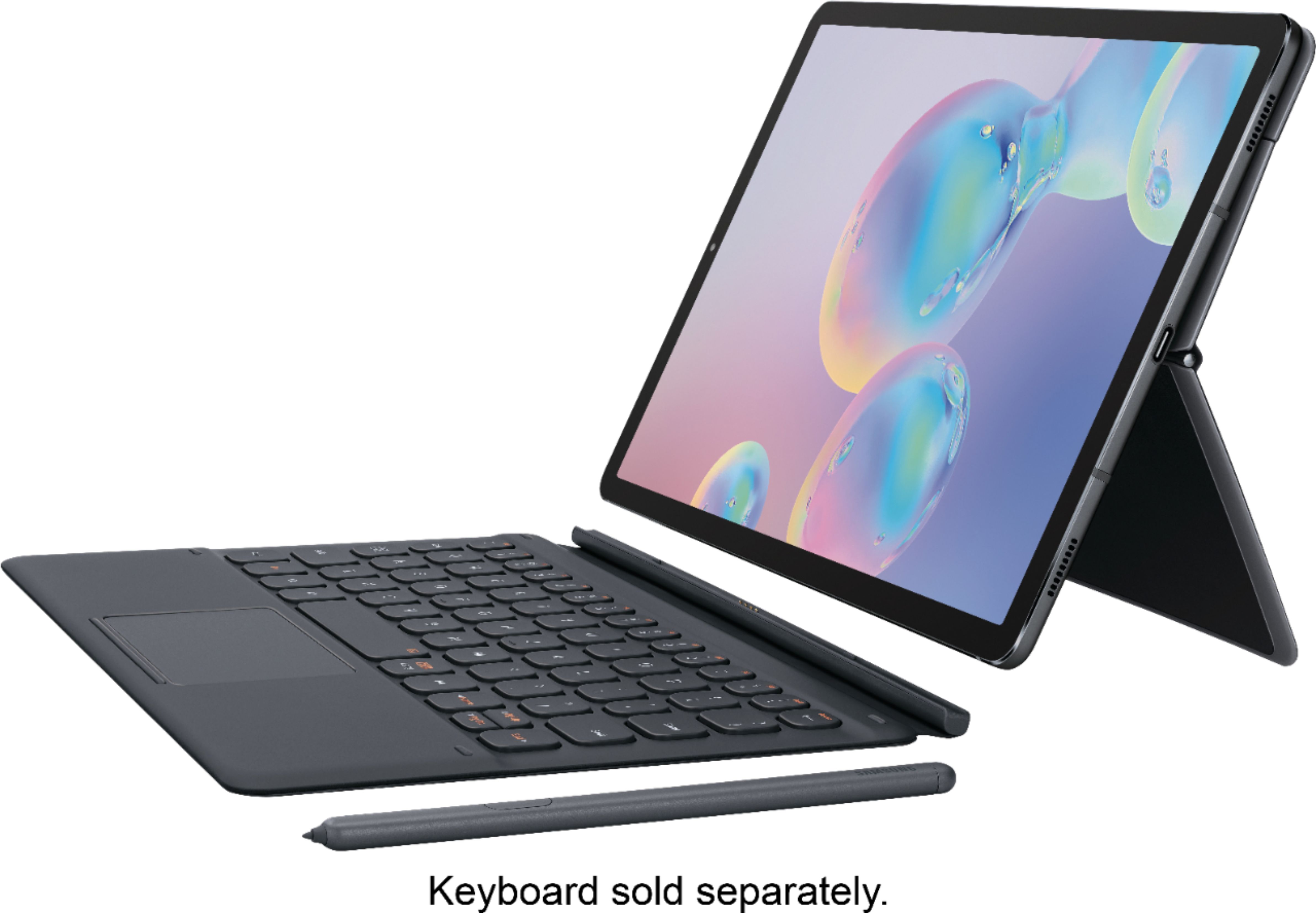
A:AnswerIt all depends on the software that you plan to use on the device. Adobe makes a good Illustrator Draw app for this device, but does not make a full Adobe Illustrator app that I know of. The other thing to consider is the pen. The S6 comes with a good pen at no extra cost, but it may be a little skinny for some people. The pen works great for my needs, but I'm no illustrator. I would check with professional artists or illustrators to see what they use. My guess is they use iPad. The screen on the S6 is superior to the iPad in my opinion, and I have looked closely at both and the S6 feels more durable. Good luck in your choice.
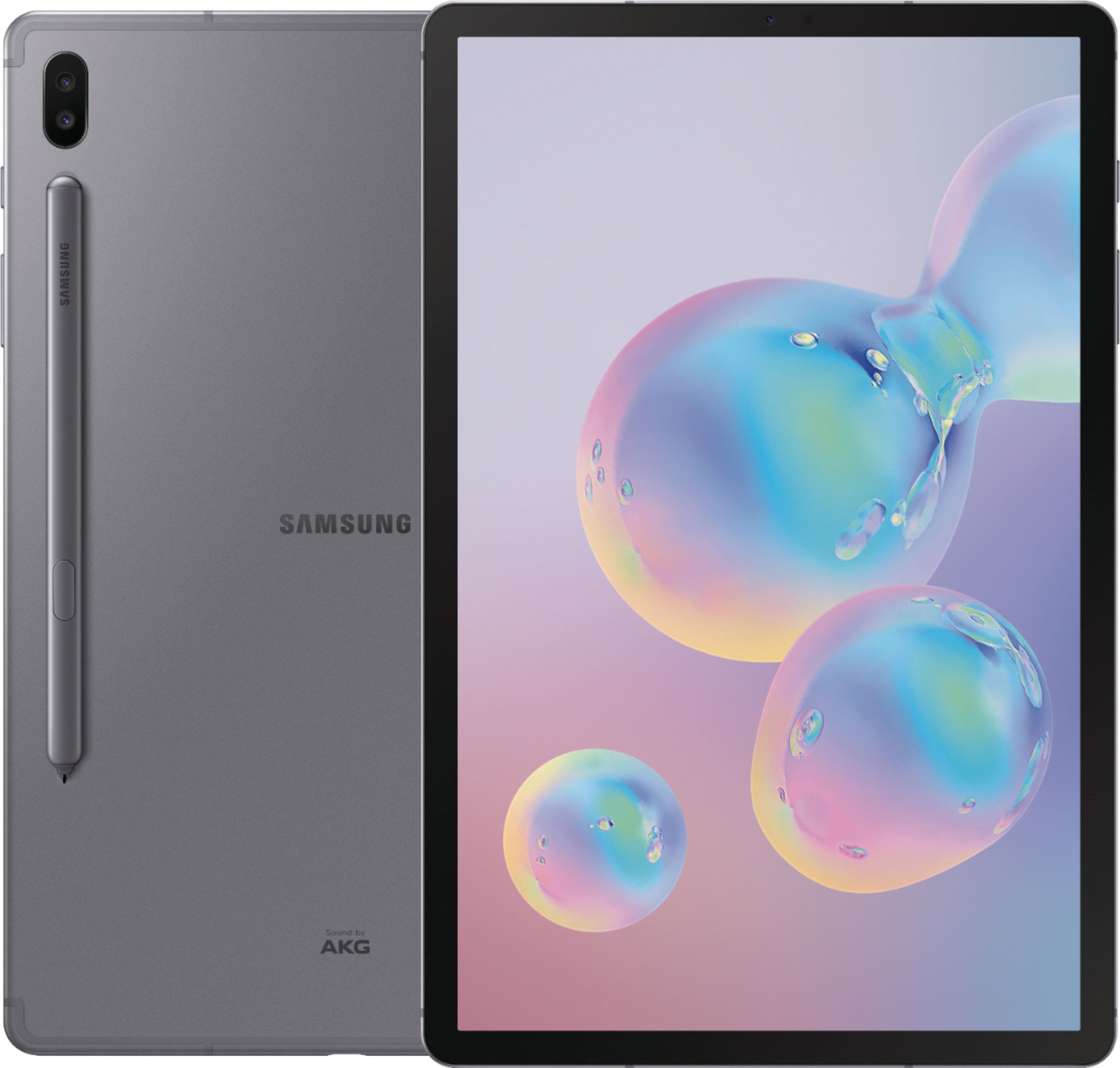
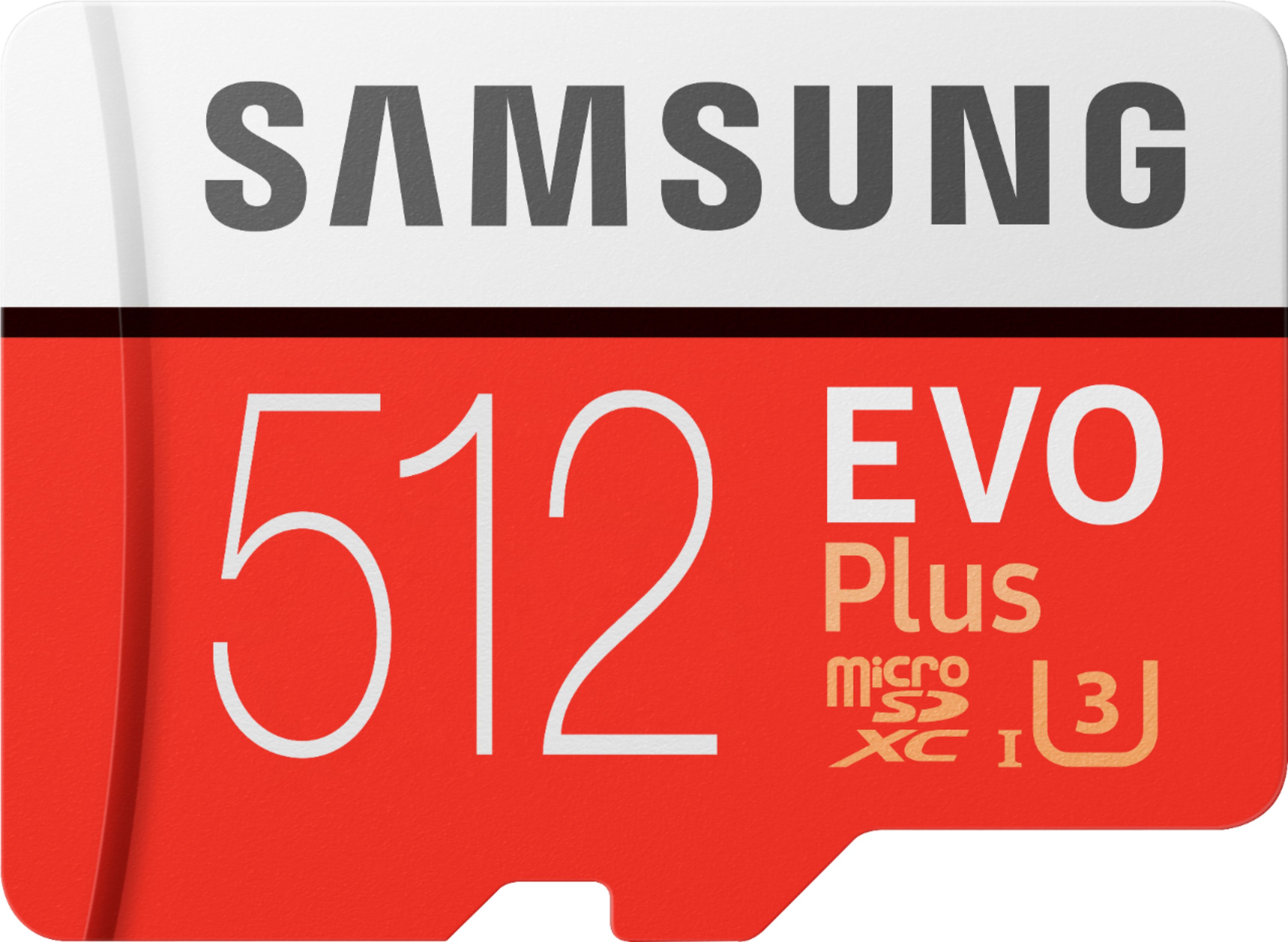
A:AnswerThe elegant solution for off-loading files is to use the internal MicroSD Card slot with an after-market high capacity drive... I added a 256GB MicroSD to my 256GB S6Tab and save all files to the MicroSD location. I have everything password protected for access there, giving me elegant privacy. The clunkier option is to buy a USB-C to USB-B Adaptor and plug the external hard drive directly to the tablet. A third solution is to use a cloud-based file storage location like Dropbox and upload/save all of your sensitive data there password protected. With this device your have several great options for making use of the solid power of the device while protecting your privacy.
A:AnswerWifi variants are only offered right now....I have sprint as my cell phone carrier. But if your reffering to the feature of taking calls and replying to messages yes it works for sprint.
A:AnswerThis particular model has a US warranty to my knowledge. There is no SIM card as this model is WIFI only. I believe the carriers sell a 128 GB version but they are usually locked to that carrier unless you pay it off.