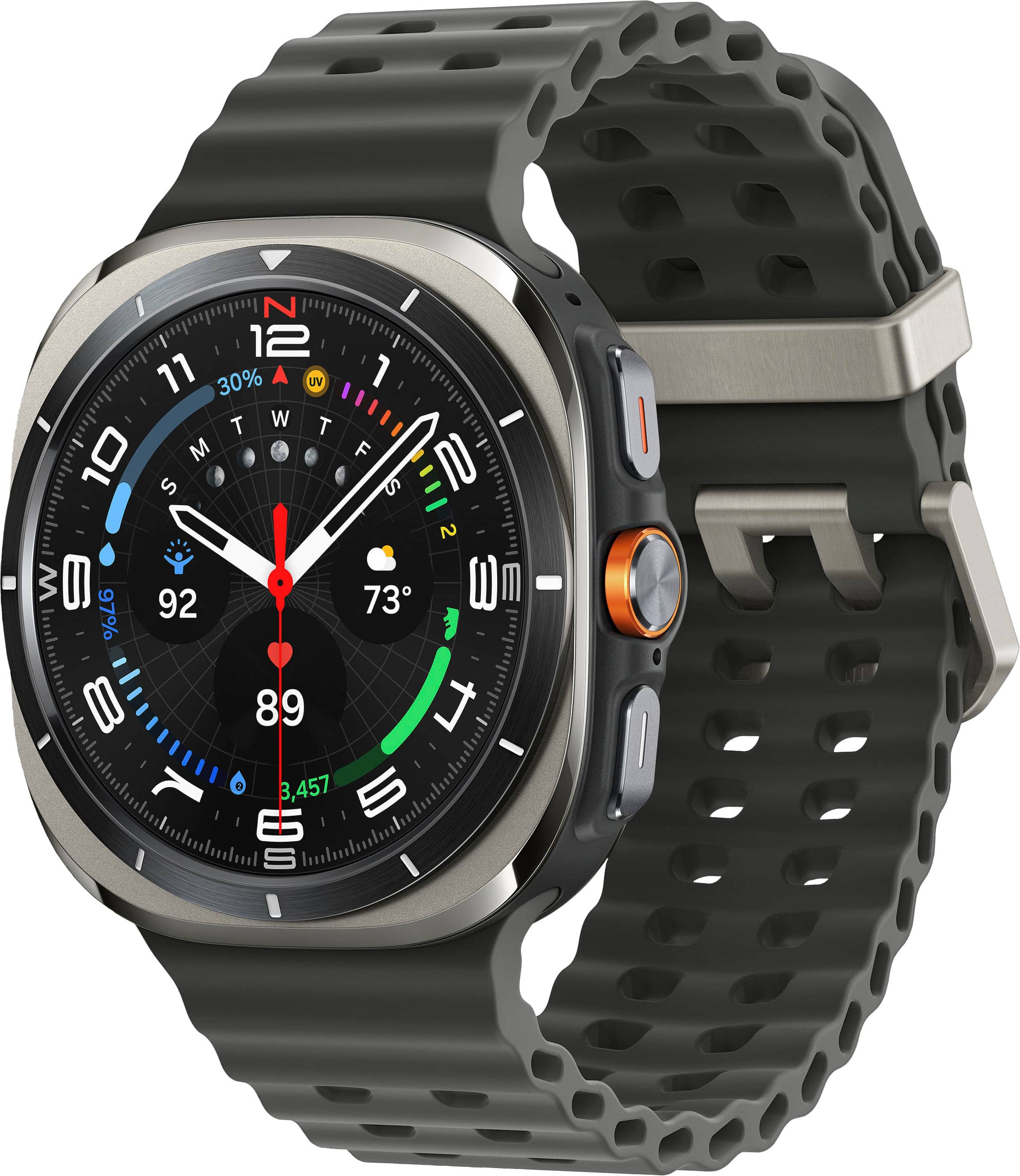
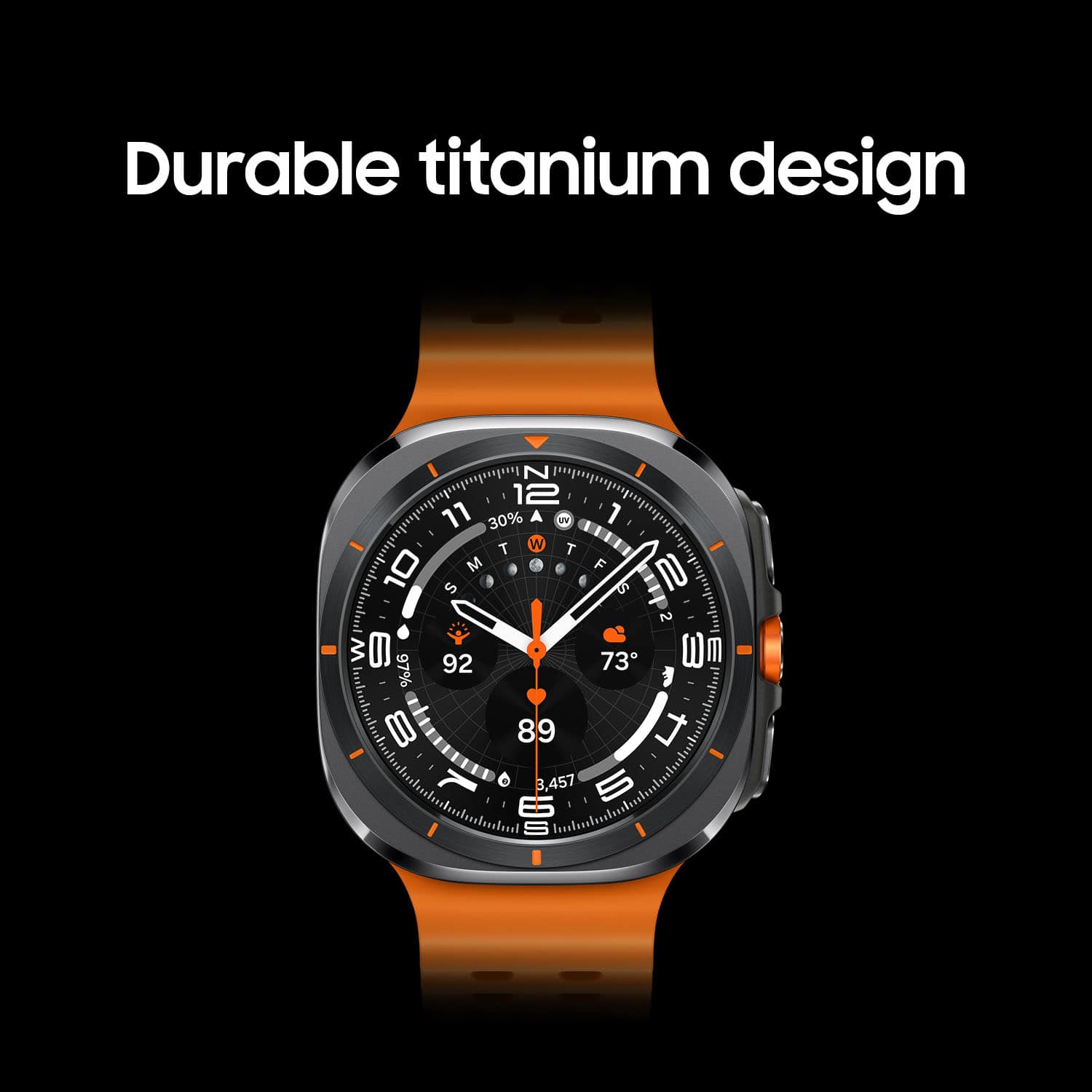
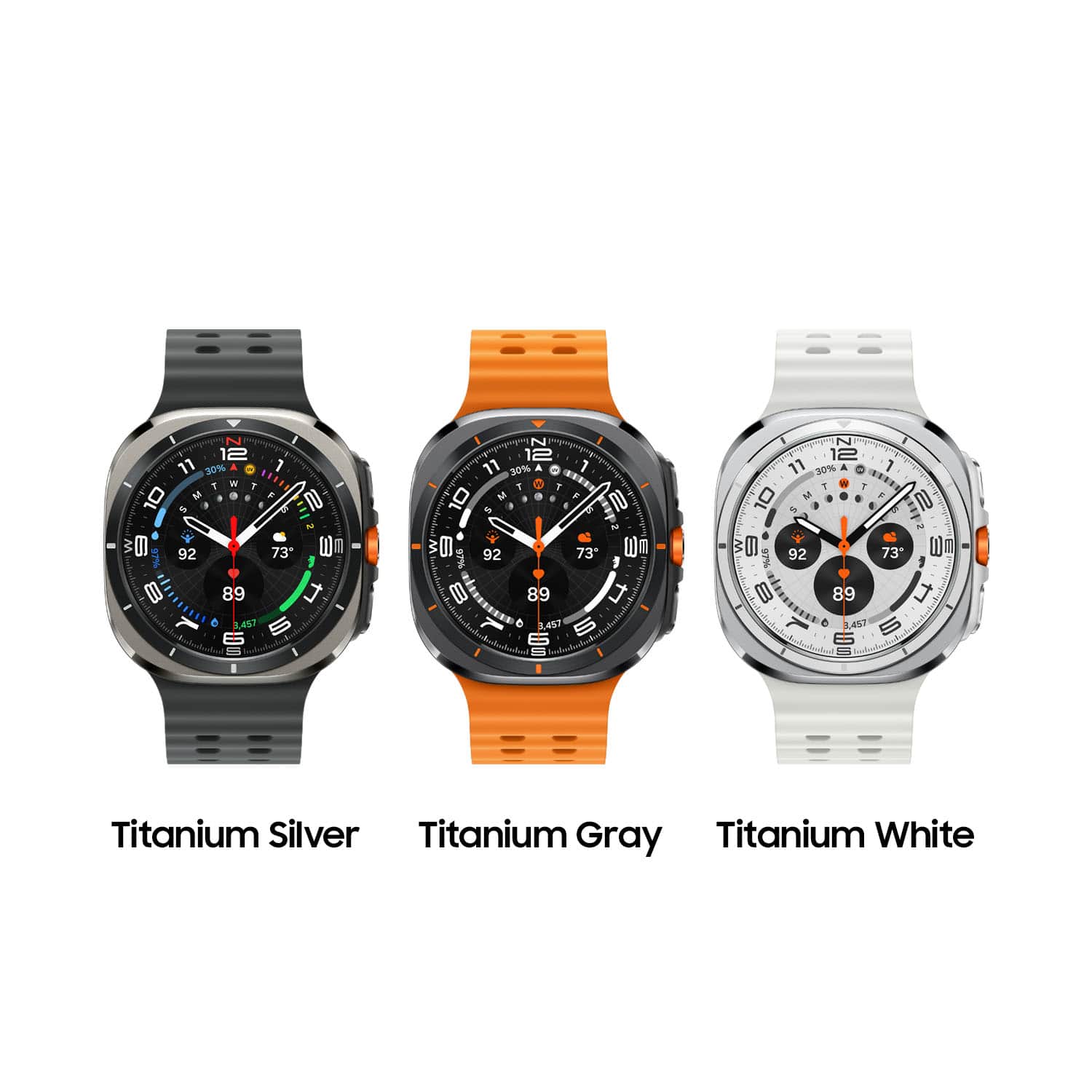
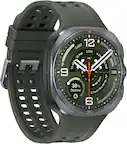
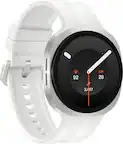
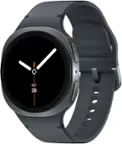
A:AnswerIn the wear app you have to download if your Fillmore with wirh like useing other samsung products ie ear buds or other smart watches they give you an option to switch your watch face they have some really nice ones for free but you can go to thd google play store and down load some more that might cost a few $ though all depends on your preference
A:AnswerGood day, thank you for finding the free time out of your busy day to ask us your question about the Samsung Galaxy Watch Ultra. That's a great question! No, the Galaxy Watch Ultra is unable to monitor/read glucose levels in the blood due to FDA regulations. If you have any other questions, feel free to contact Support. Thank you for being an unwavering Samsung customer. - Debra
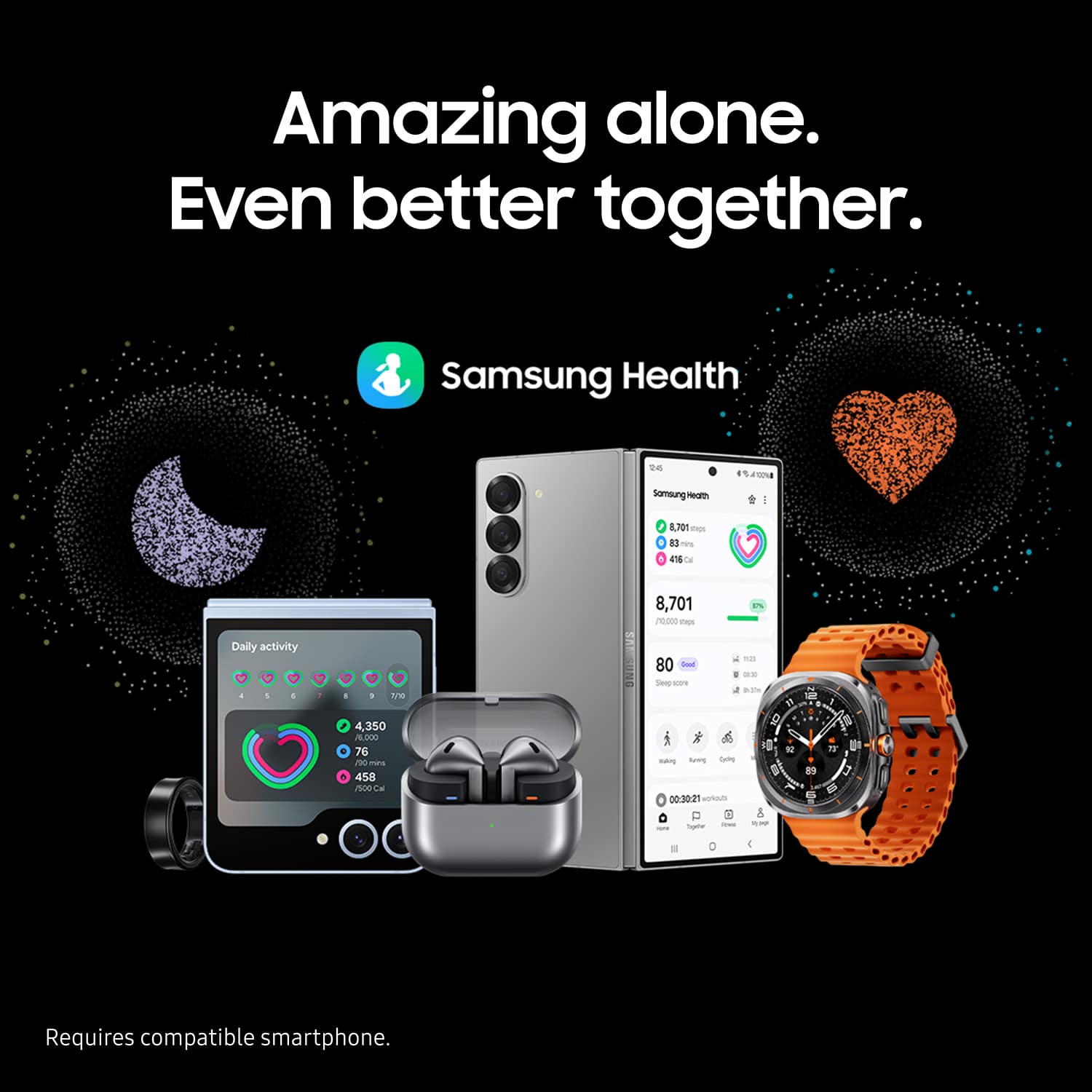
A:AnswerYes, this watch can be used with the Pixel 7. You will need to install the Samsung wearable apps and plugins as well as Samsung pay if you want that functionality. From my experience it mostly works as expected compared to using it with a Samsung device.
A:AnswerI guess what you want to ask is " Can watch make WiFi call" by itself。 I don't think so。 It can make WiFi call when it's connected to the phone。
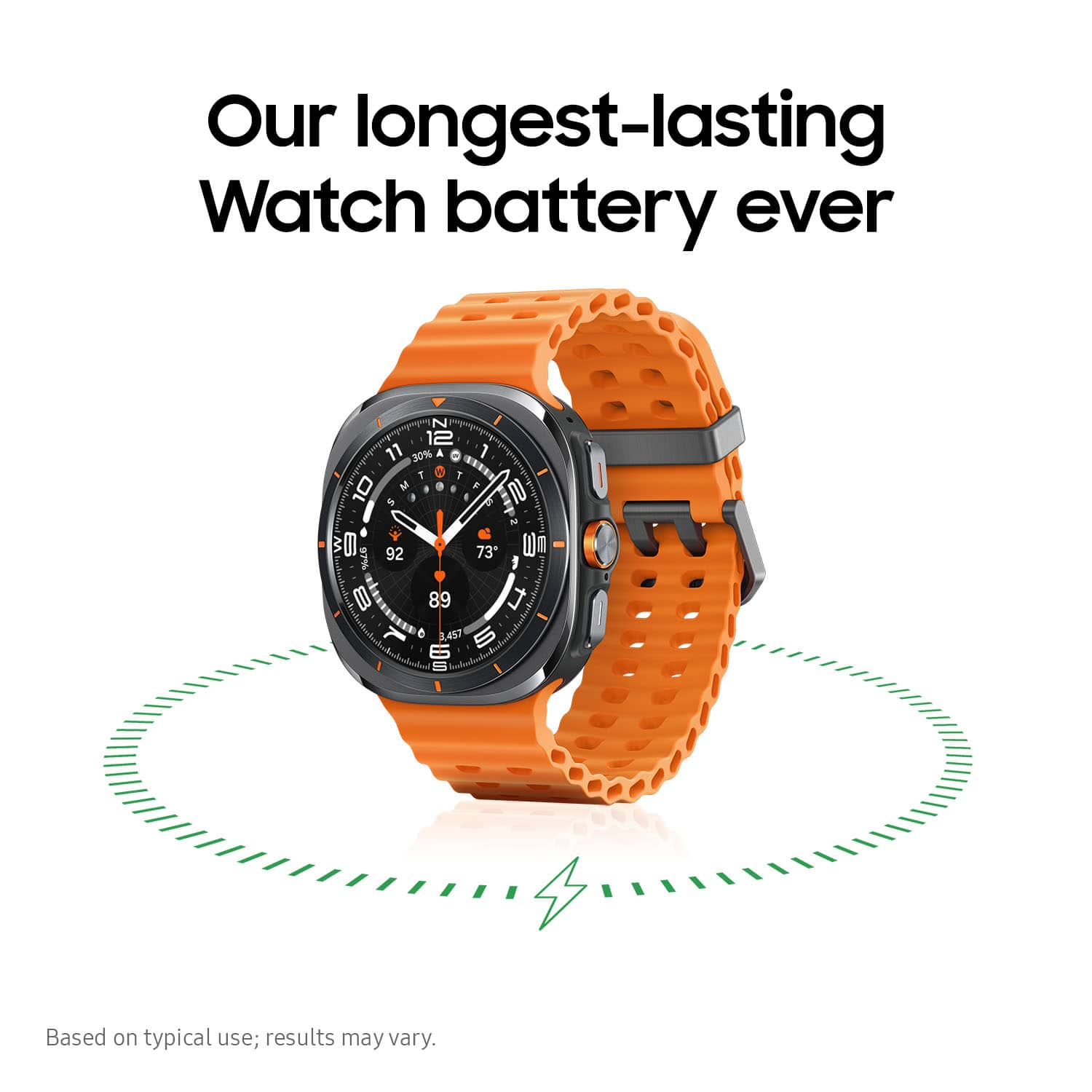
A:AnswerHello TM56, thank you for finding the time out of your lively day to ask us your question about the Samsung Galaxy Watch Ultra. The Watch Ultra offers up to 60 hours of battery life without Power Saving mode. This is based on typical usage so results may vary. Feel free to contact us again if you think of any other questions you have. Thank you for being a treasured Samsung customer. - Debra
A:AnswerHowdy, thanks for taking the time out of your hectic day to ask us your question about the Samsung Galaxy Watch Ultra. You can easily download your favorite apps from the Google Play Store. If you have any other questions for us, feel free to contact Samsung Support at your leisure. Thank you for being a devoted Samsung customer. - Debra