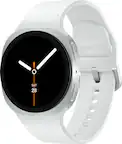
A:AnswerThe watch pairs with samsung health app on phone. It will do phone push notifications but does not seem to have a default feature to push those to a 3rd party.
A:AnswerI experience the same. Sounds like your activity level is similar to mine. I don't think it's all that uncommon for our heart rates to reach 90-130 when active. I notice that same thing
A:AnswerGood day James, thanks for asking us your question about the Samsung Galaxy Watch8. You are able to use the advertised Galaxy Watch8 without a paired smartphone for basic tasks like tracking, but a compatible phone is required for initial setup, software updates, and full functionality of this device. Please feel free to reach out to Support if you have additional questions. Thank you for being a steadfast Samsung customer. - Debra
A:AnswerGood day Nani, thank you for taking the opportunity to ask us your question about the Samsung Galaxy Watch8 - LTE. Activating the LTE service requires a plan from your mobile carrier (AT&T, T-Mobile, or Verizon) matching the one for your phone. Feel free to check out, "Activate LTE service for your Samsung Galaxy Watch" to learn more. If you would like further assistance afterward, please feel free to reach out to Support. Thank you for being a valued Samsung customer. - Debra
A:AnswerGreetings Mike, thanks for asking us your question about the Samsung Galaxy Watch8. Yes, you will be able to read and reply to group messages on the advertised Watch8. The watch supports MMS and RCS group messages through both Google Messages and Galaxy Messages. Feel free to contact Support if you have additional questions for us. Thank you for being a loyal Samsung customer. - Debra
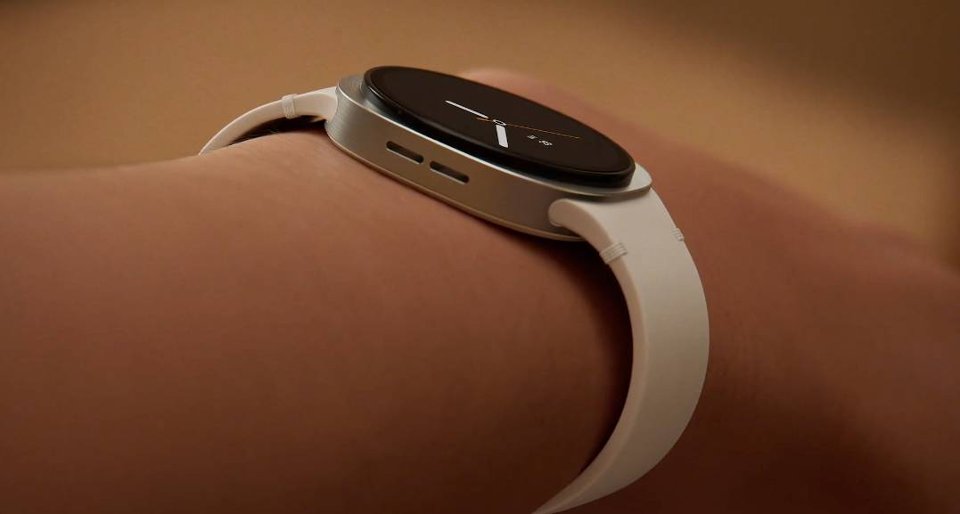
A:AnswerHey Leslie, thanks for asking us your question about the Samsung Galaxy Watch8. The Galaxy Watch8 has been designed for water exposure with a 5ATM and IP68 rating, meaning it can withstand pressures equivalent to 50 meters depth. Be sure to utilize your "Water Lock mode" to prevent accidental screen touches and rinse your device with fresh water afterward. Ensuring that your watch is completely dry before using it again after water exposure is also important. If you have additional questions for us, please feel free to reach out to Support. Thank you for being a valued Samsung customer. - Debra
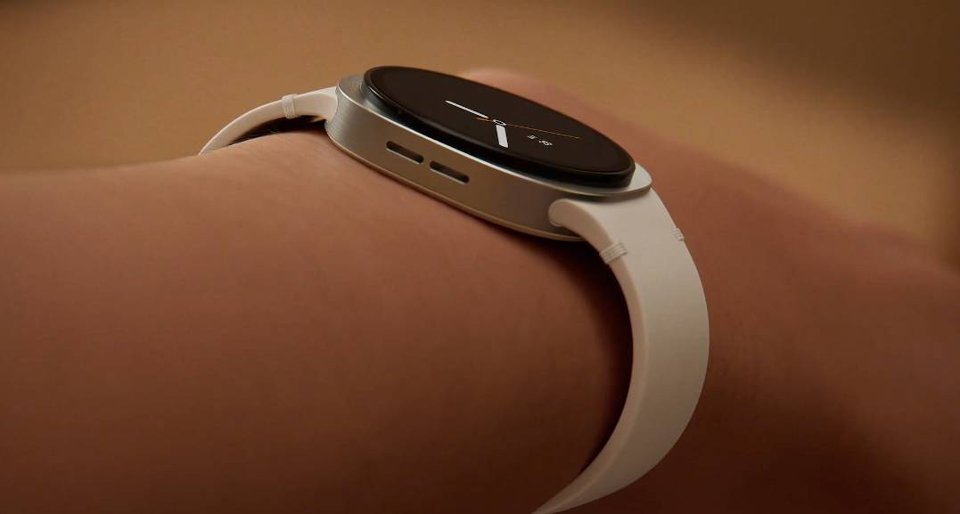
A:AnswerHello Luke, thank you for asking us your question about the Samsung Galaxy Watch8. The advertised Galaxy Watch8 has been designed as a versatile, unisex smartwatch suitable for both men and women. If you have additional questions for us, please feel free to contact Support. Thank you for being a valued Samsung customer. - Debra
A:AnswerHi there, thanks for asking us your question about the Samsung Galaxy Watch8. Yes, it is possible for the Galaxy Watch8 to be able to receive Comcast/ Xfinity emails, but not directly through the watch itself. The emails will be sent to the Gmail or Outlook app on your paired smartphone first, and then forwarded to your watch as notifications. Feel free to reach out to Support if you have additional questions for us. Thanks for being a loyal Samsung customer. - Debra
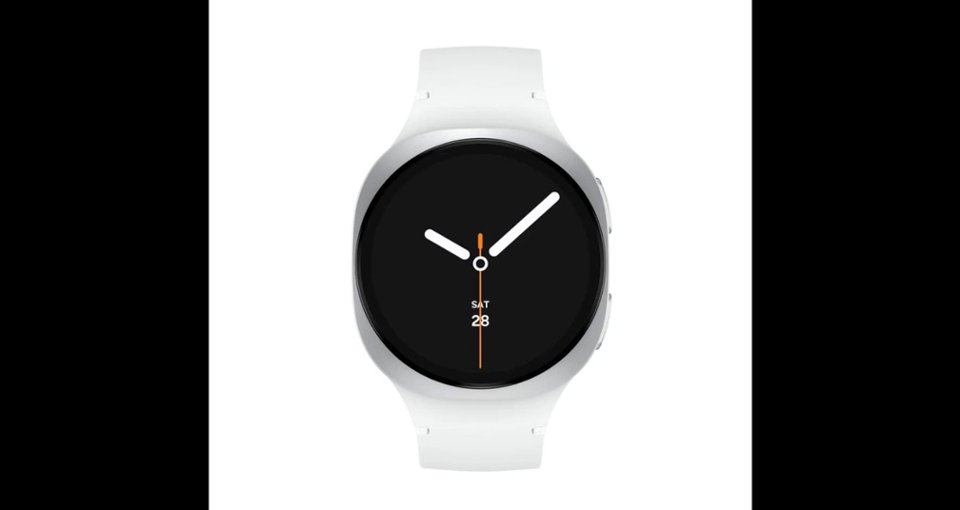
A:AnswerHello JLaufman, thank you for taking the time to ask us your question about the Samsung Galaxy Watch8. No, the advertised Galaxy Watch8 is not compatible with iPhones. Samsung requires an Android phone (running Android 10 or later) with Google Mobile Services to set up, activate, and use the Galaxy Watch8, as it relies on Wear OS and the Galaxy Wearable app, which is not available on iOS. If you have any other questions for us or if you would like further assistance, please feel free to reach out to Support. Thanks for choosing Samsung! - Debra