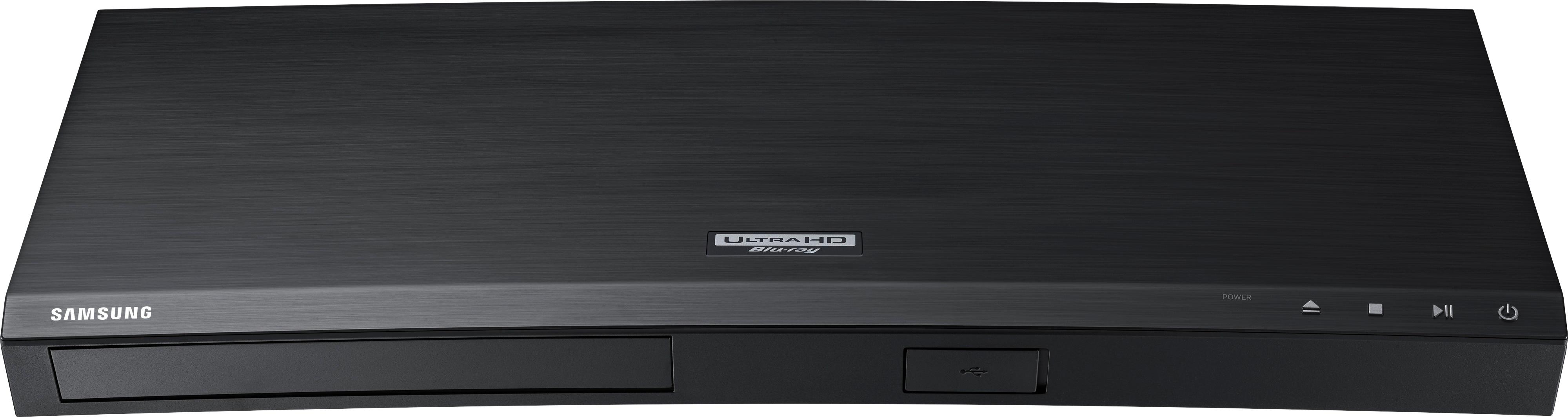
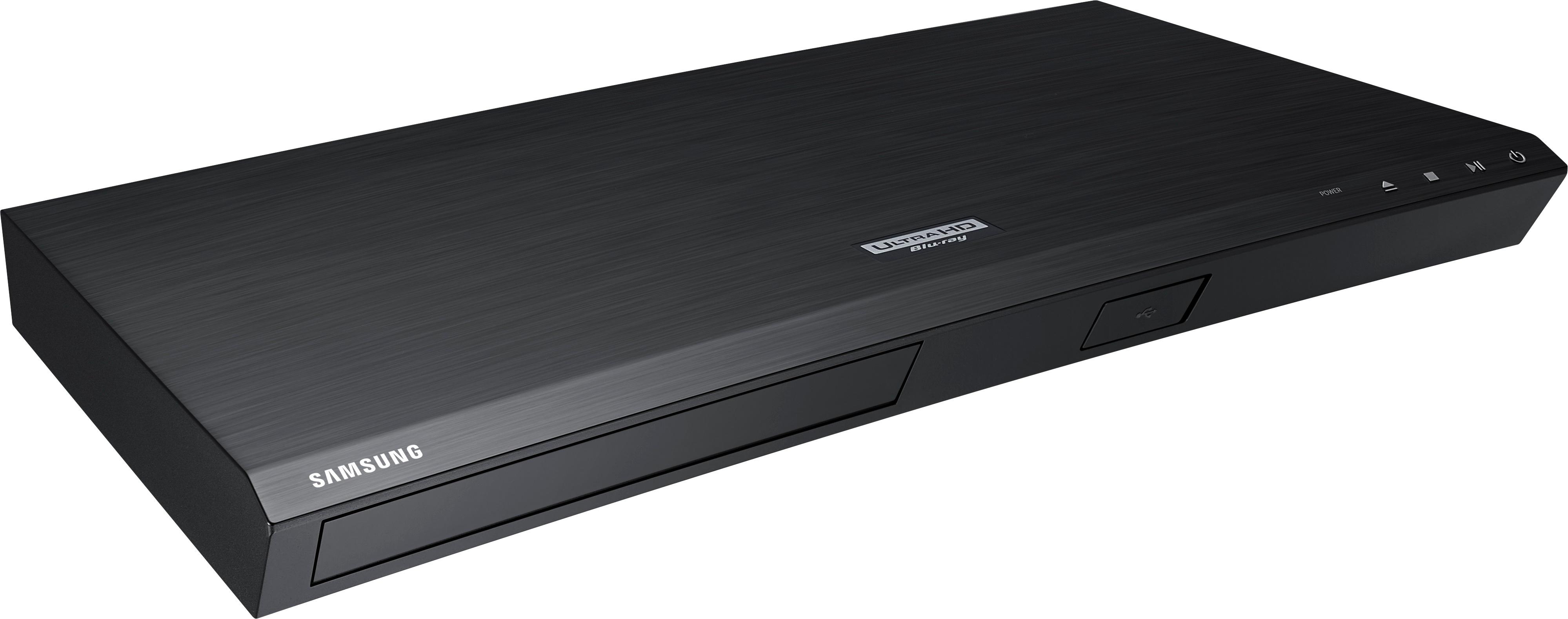
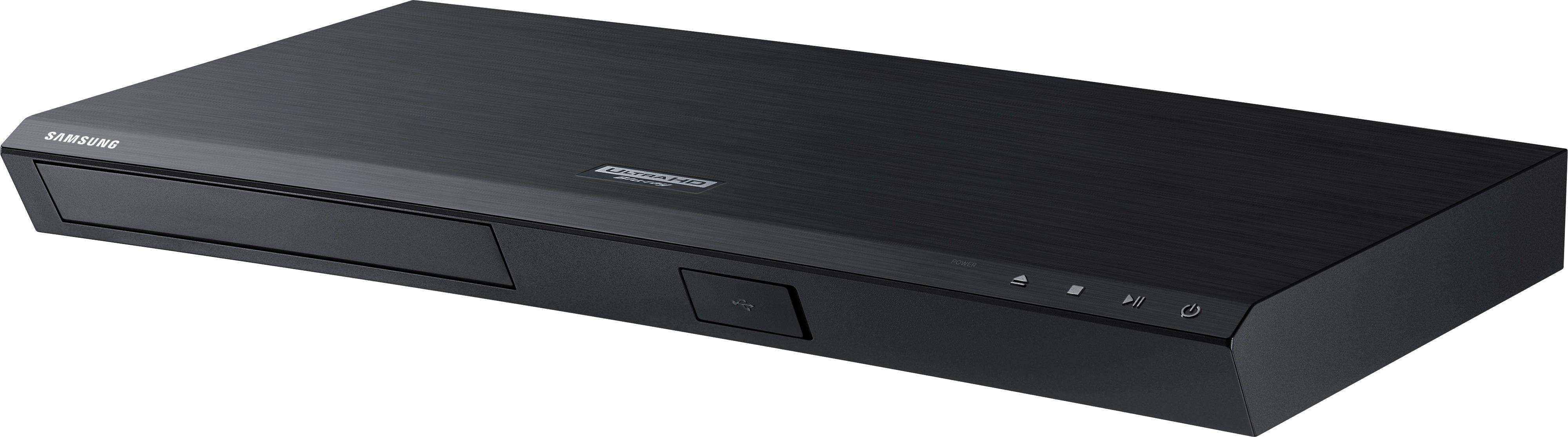
A:AnswerI am not sure. I was told that it will work as long as you can hook it up to a HDMI cable connection. Our small remote does work, but it took us a while to learn what the little icons were for.
A:AnswerHello Lizzy, I have attached a link below to compatible accessories.
https://www.samsung.com/us/televisions-home-theater/home-theater/blu-ray-dvd-players/ubd-m7500-4k-ultra-hd-blu-ray-player-ubd-m7500-za-rel-accessories
^Britt
A:AnswerThere are a number of things to consider. I’m sure you have a HDMI cable and if you do put it in one of the HDMI ports behind the TV. Remember which one you put it in. Then with your remote toggle to sources and choose the port you put the DVD player in. It should work
A:AnswerHi Mirii, we understand your concerns with the Blu-Ray Player. Please fill out the form below and one of our social media specialists would be happy to assist you. http://smsn.us/SamsungSupportUSA and we will respond accordingly. ^Britt
A:AnswerI have an xbox, apple tv, samsung 4k dvd player and direct tv all in the tv stand and connected to the tv via the one connect box. All are behind doors in the stand and work flawlessly with the doors closed.
A:AnswerOh yeah! Just got it to hook up to the Samsung 75" UHD TV I purchased at the same time. Definitely worth it! The TV is smart and wi-fi so I went with the wired version to save a few dollars since Ii didn't need that redundancy.