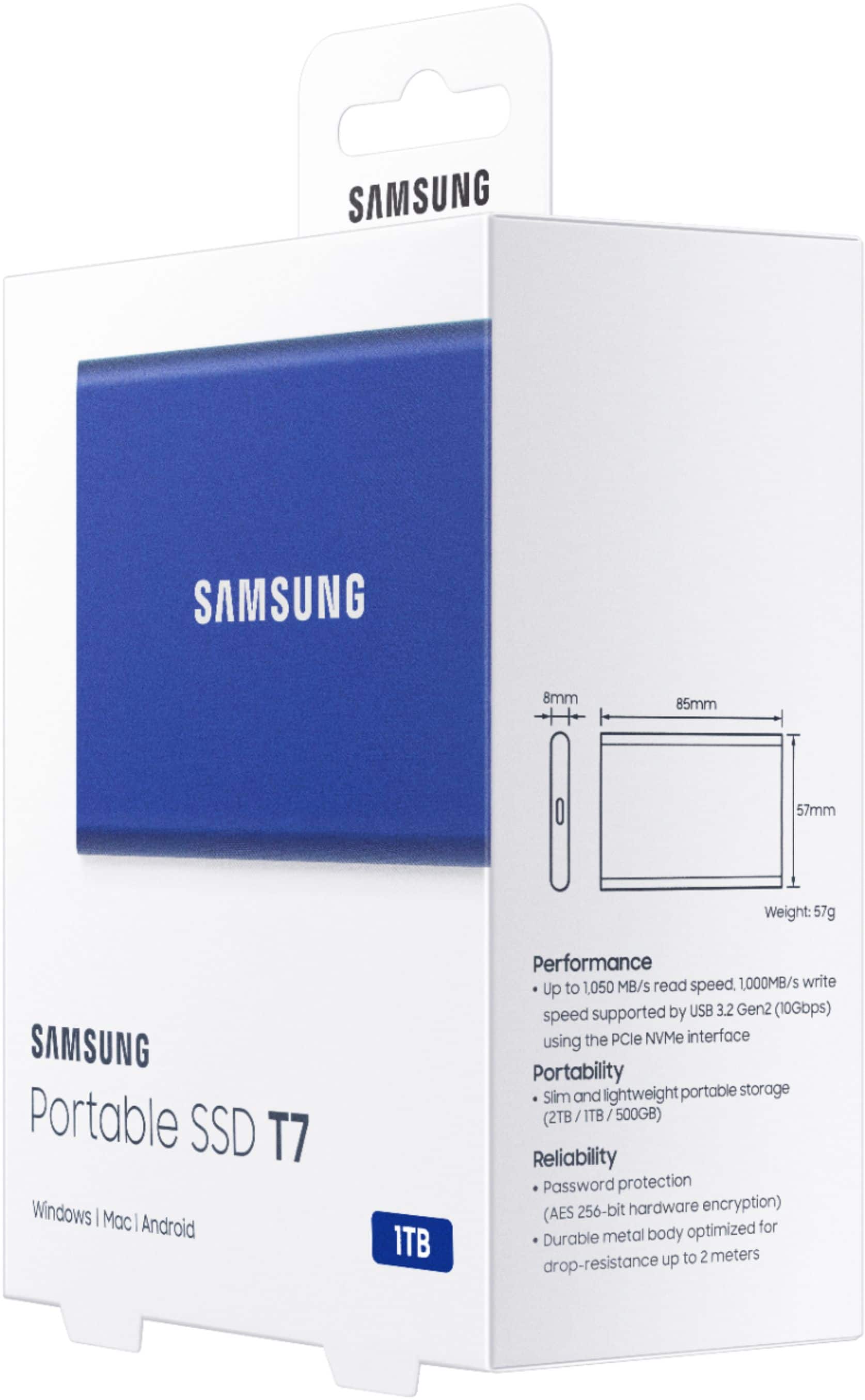
A:AnswerI use the Samsung SSD T7 and T5 (1 and 2 TB models) drives to store and transfer data between a Mac Book Pro and ASUS and HP windows 10 laptops. I have had no issue. However, I do NOT encrypt the data.
A:AnswerI use it with my iPad Pro, so I’d assume so. If you want to use a password on it then download Samsung Magician app and you can use it just fine. You just need the cable.
A:AnswerI can’t answer this question with any authority. As a minimum I think you would need some additional hardware in the way of an adapter and possibly a special cable. I say that because the Samsung drive requires power and I don’t think an iPad can supply to an external device.
A:AnswerThe life is better than regular hard disks. I had 5 tb western digital and it failed couldn’t recover any data. SSD drives are more stable and you can back up from your phones, laptop and tablets. Failure rate is low compare to regular external hard disks
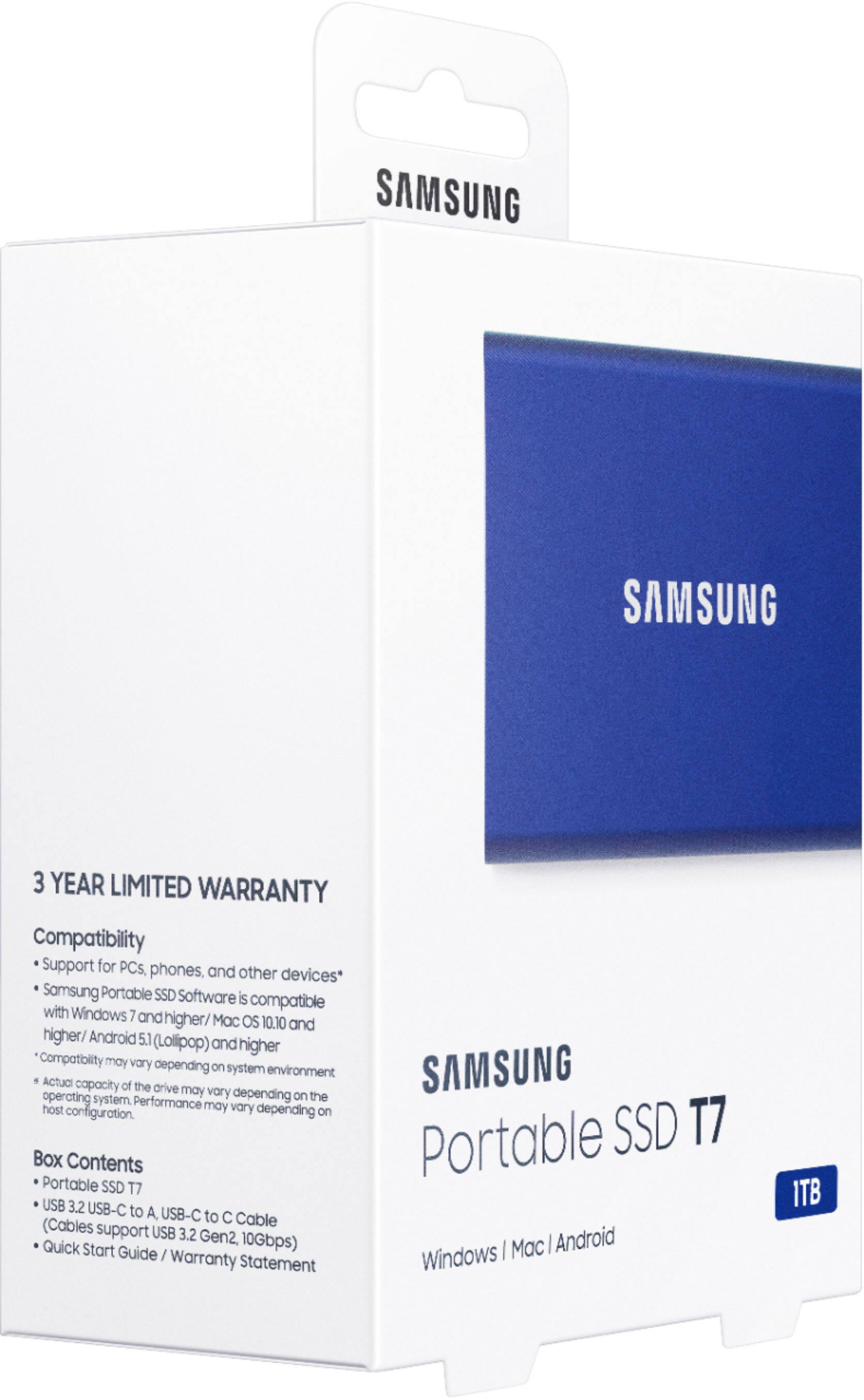
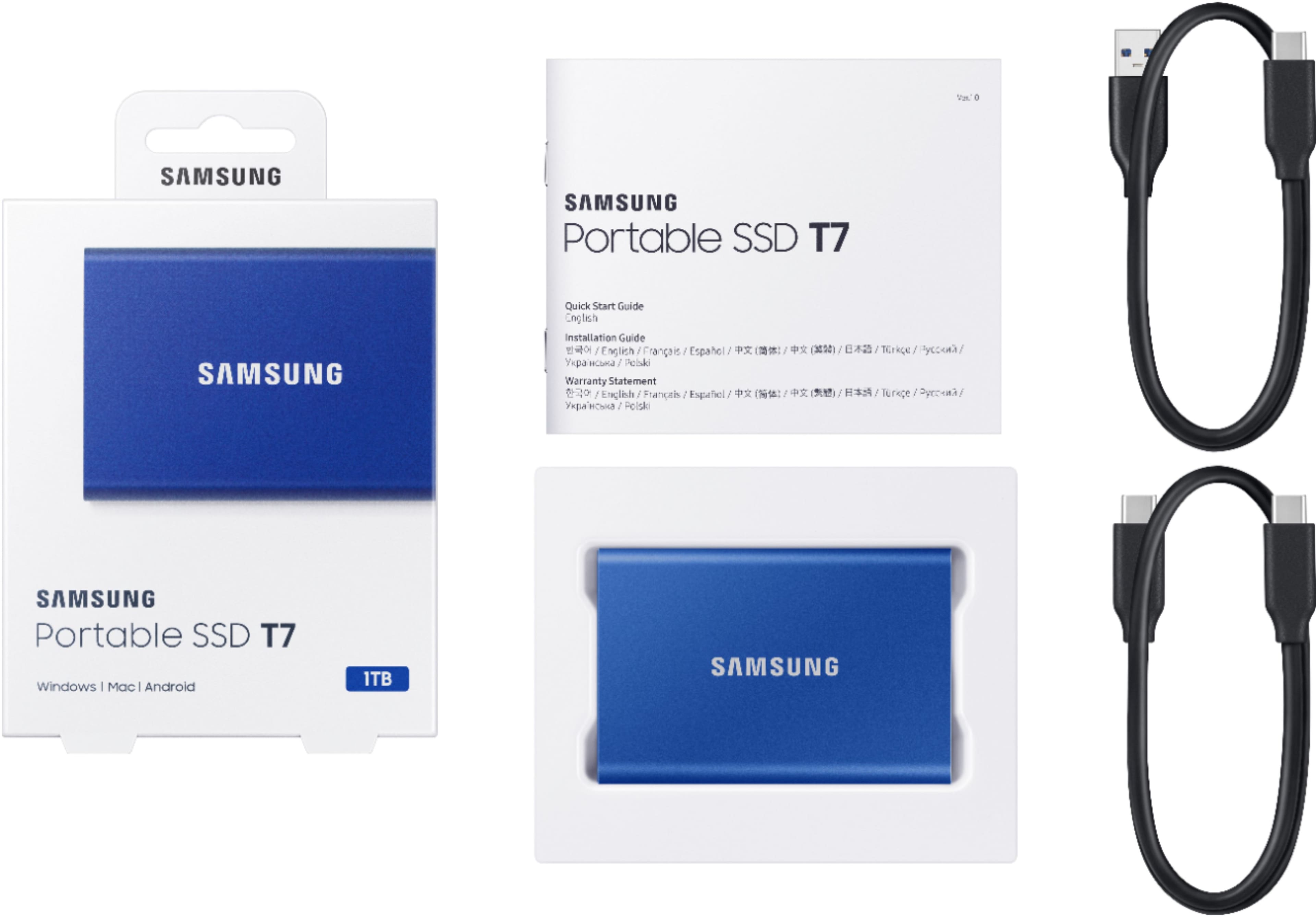
A:AnswerIt comes with 2 cables USB A to C which should work with your old iMac and a USB C-C which should work with new MAC. I do believe you could just do it with a cable from 1 iMac to the other. Google it
A:AnswerYes.
I use it with my samsung s24 ultra daily for work.
I am a youtuber and I use my phone for filming and editing.
You can connect to your phone with the cable it comes with. A message will pop up asking for permission to "allow file transfer " or "allow data read". Give it all permissions.
This hard drive works at lightening speed and I can record a 1 hour video on my phone and then transfer it directly to the hard drive in 30 seconds....freeing up more space on my phone to continue filming!
I loved it so much I bought a 2nd one.
A:AnswerYes, it just has to be formatted for macOS. When you plug the drive in and open Time Machine settings, you can assign the drive to Time Machine and Time Machine will format the drive for you.