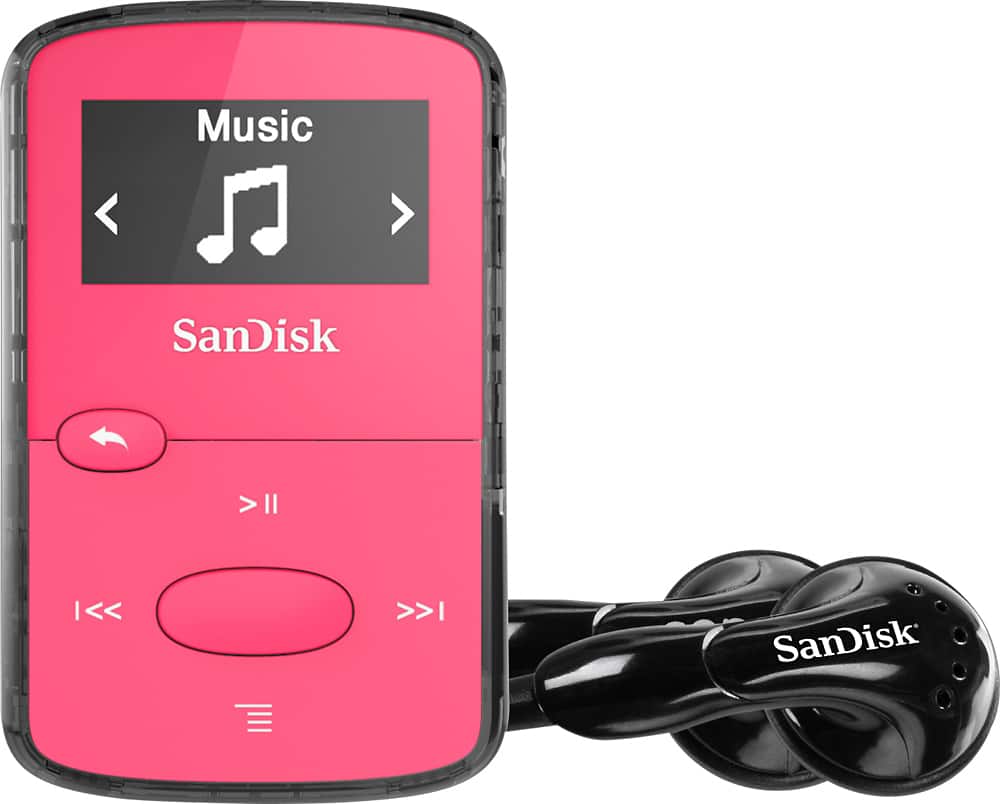
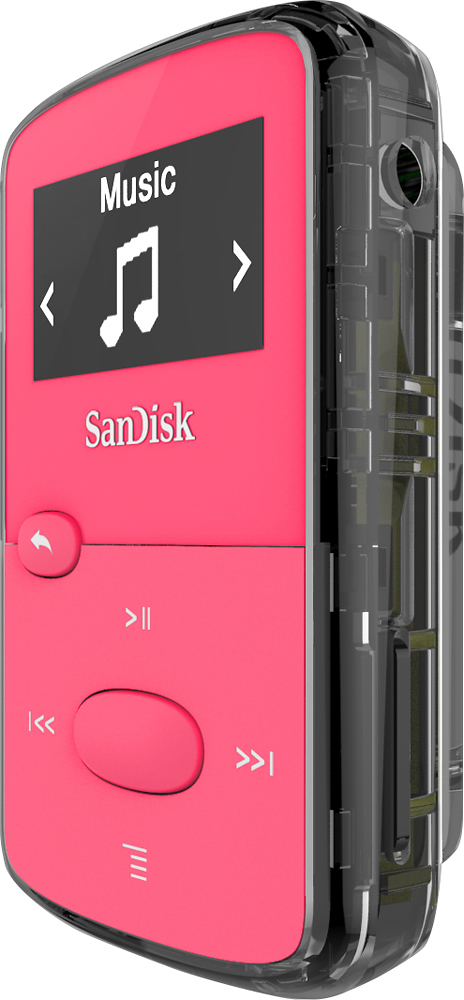
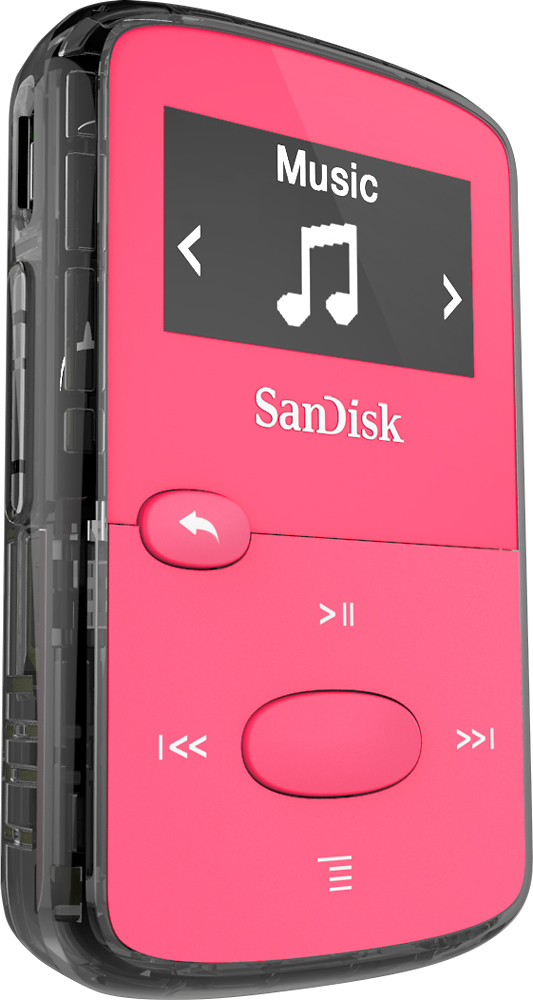
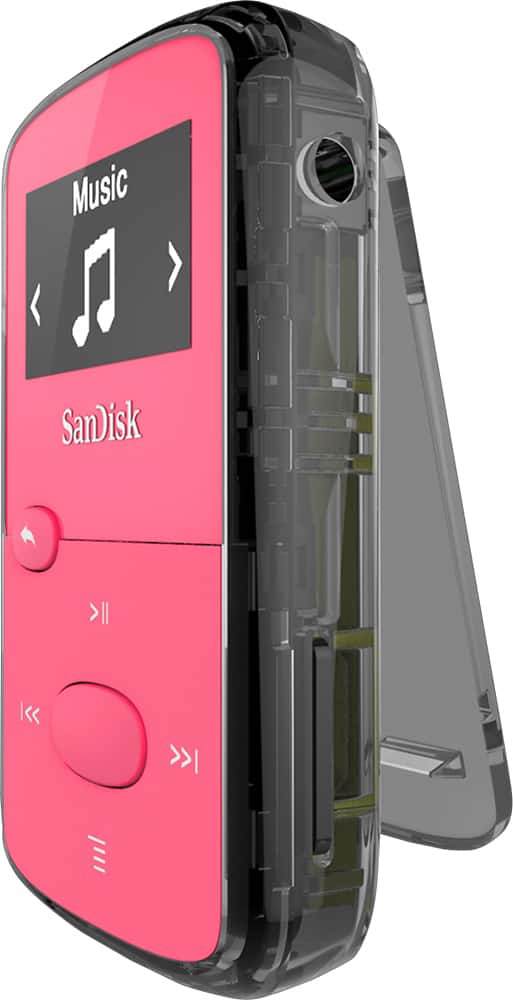
A:Answer You have to activate the device on the app "Audible Sync." Open the app, connect the device and a little icon will appear under your Audible library. Click on that and on the top right will appear a link that says "activate device" and you'll be required to sign in to your Amazon account from there. Once you get a little notification from your pc that says something like activation data transfer complete, you can start downloading onto the clip jam.
If your books aren't working, i noticed some of mine that are more than 10 hours don't, then you'll need to go into the settings and select where it'll split it up into parts, then download it in parts like that. The clip jam will keep them in order, and they don't use extra space, but you just have to deal with the weird extra intros and outros by Audible. Not all of them do that. I have one book that's 19 hours that i don't have to split up, but others that are like 10.5 hours that i do. If they don't show up in the device list, but show up in your clip jam, they aren't going to play correctly. They'll start at like the middle, and only play for 30 minutes. So make sure you see them in the device list.
Hope this helps