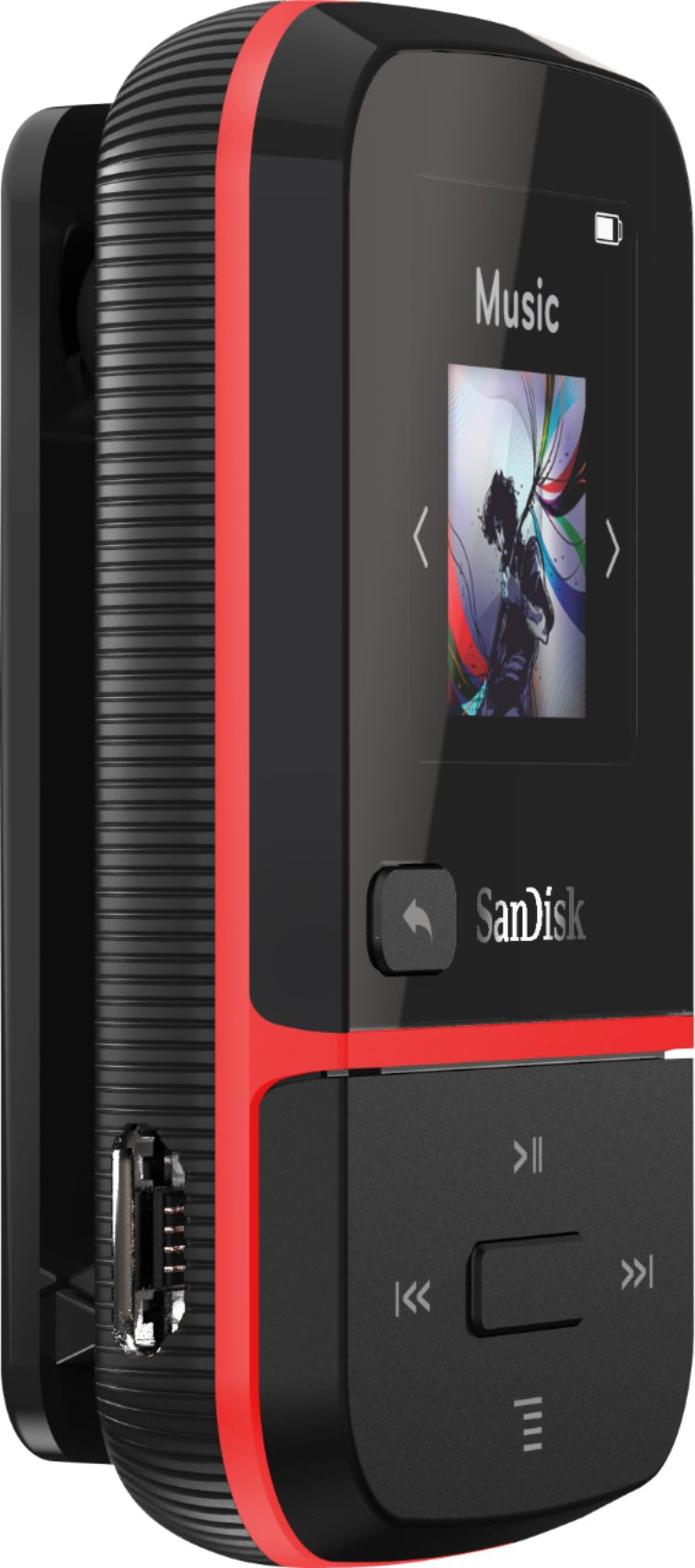
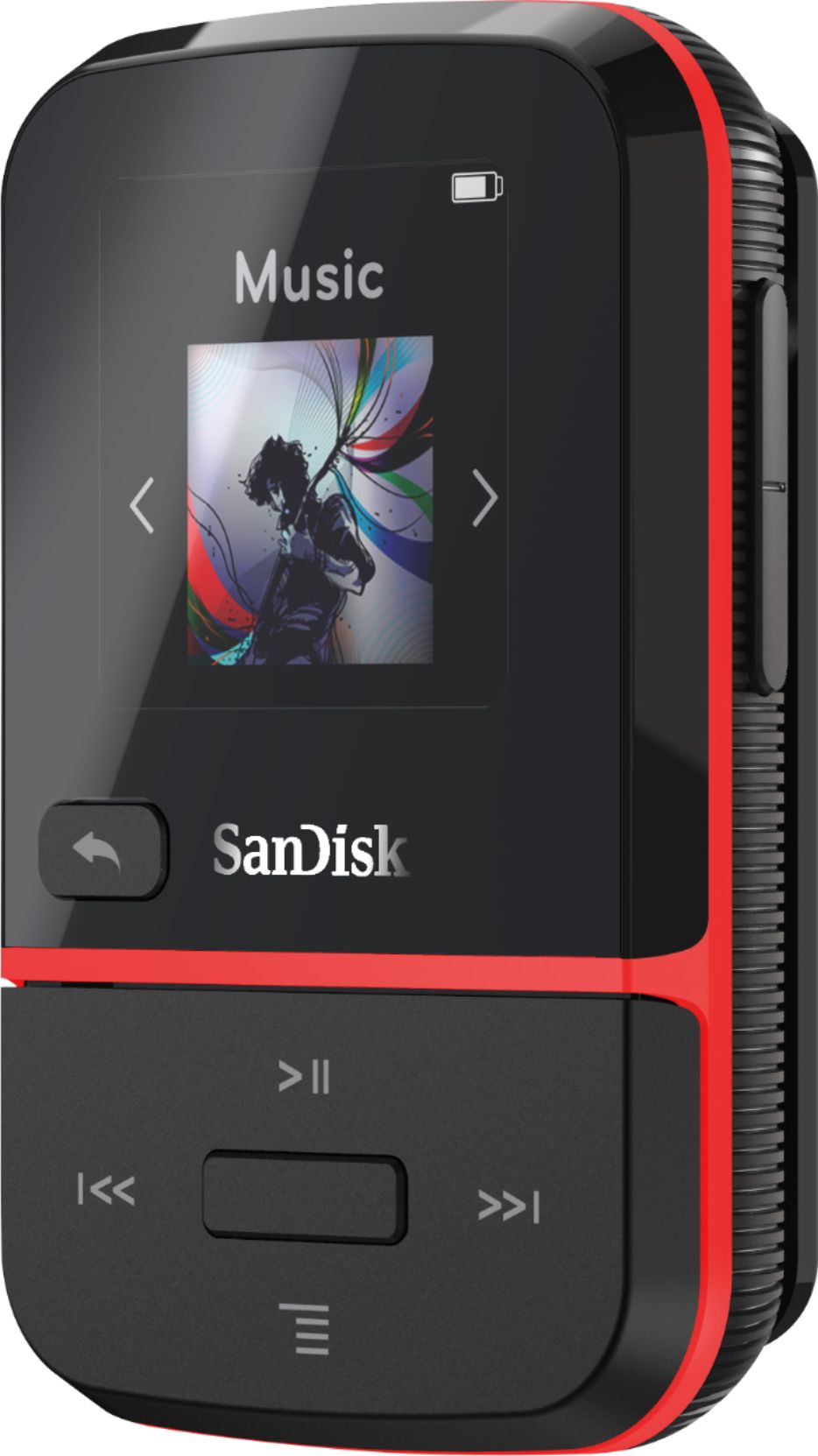
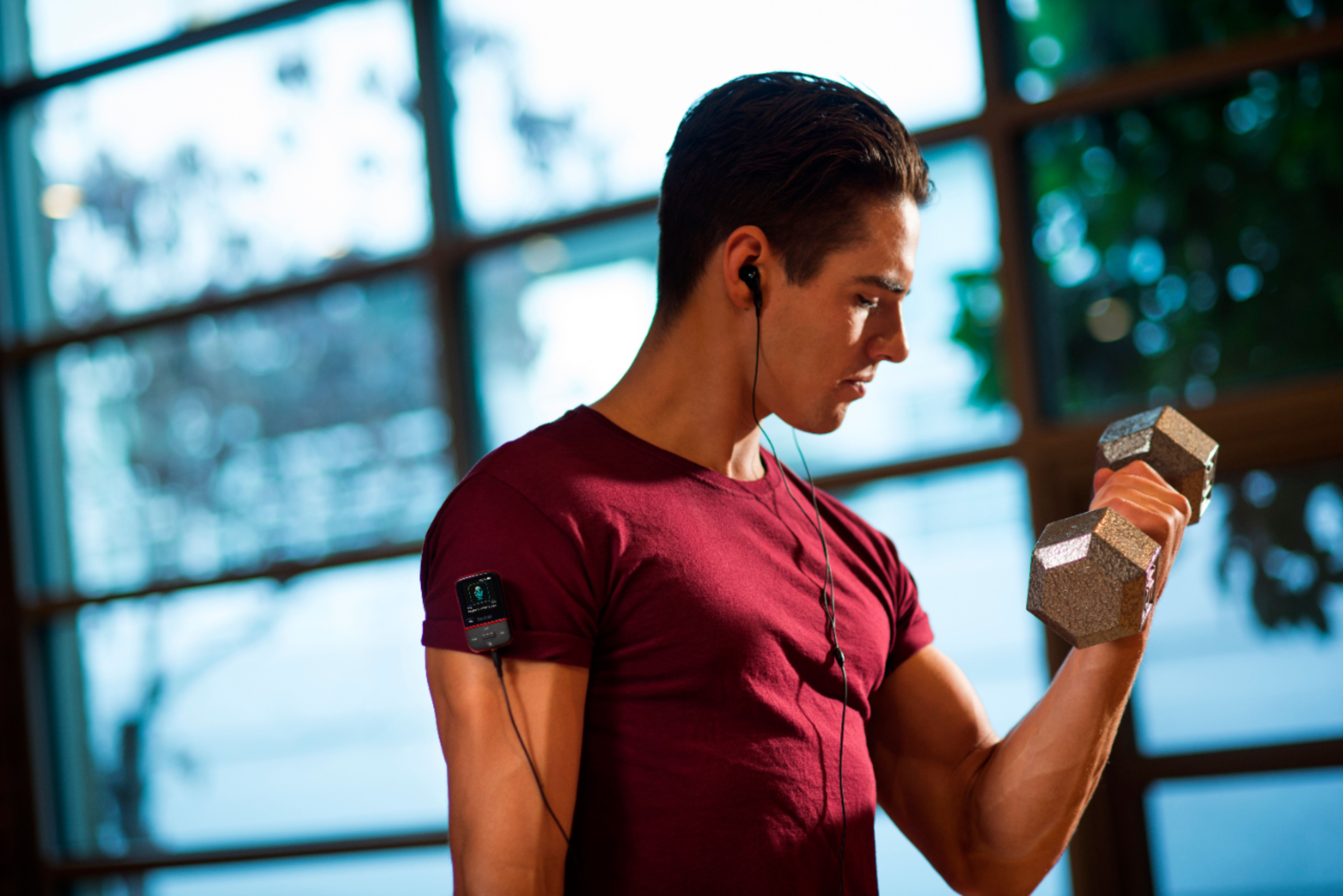
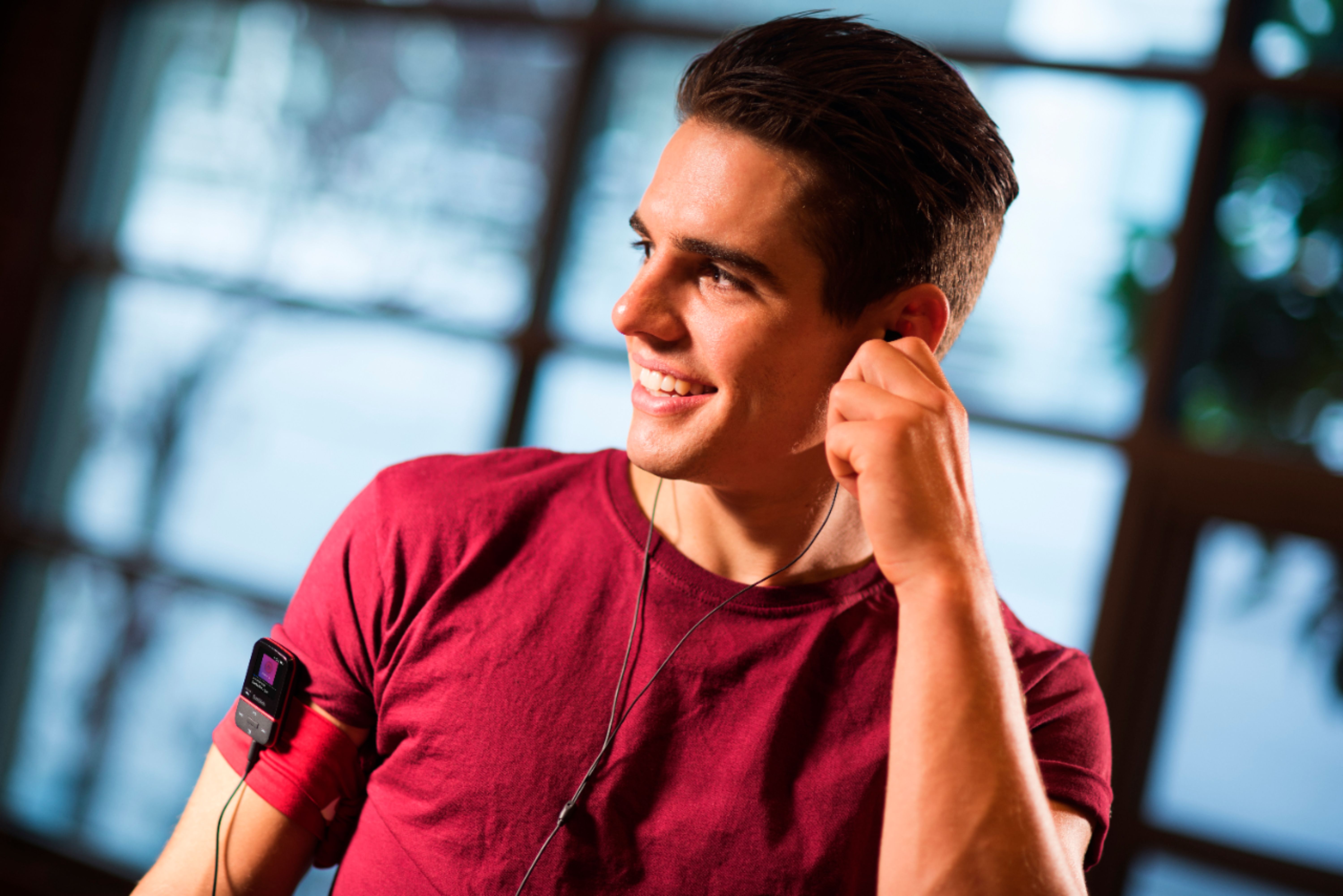
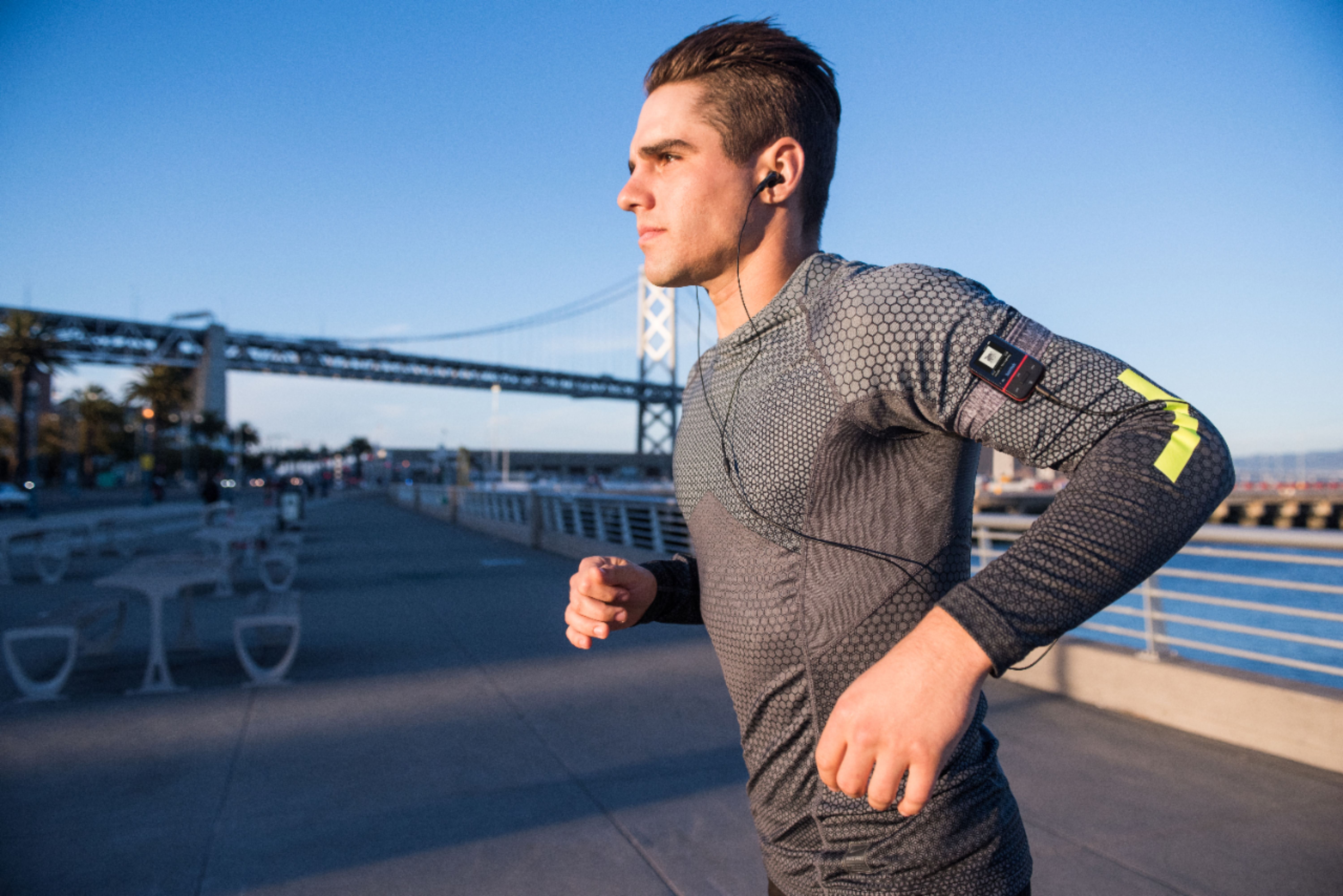
A:AnswerPlease be informed that the headphones provided with the SanDisk® Clip Sport Go 32GB MP3 Player are wired headphones. Also, please be informed that no wireless headphones can be connected with the SanDisk® Clip Sport Go 32GB MP3 Player because it does not have Bluetooth connectivity.
A:AnswerHook your android & the mp3 player to your PC & drag & drop or copy & paste. pretty easy but you have to know where your files are on your android to transfer.
hope this helps!
Ray
A:AnswerYes, you can transfer file on the SanDisk® MP3 Players using a computer, This MP3 Player comes with microUSB to USB cable. You can connect this MP3 Player to a stereo using an Auxiliary Cable.
A:AnswerOn your SanDisk, go to the "Folders" icon and click the raised center button. Use the "up" and "down" buttons (which are flush with the surface of the device that are located above and below the raised center button) to scroll through all of the folders. Eventually, you'll scroll enough through the list to find your folder in the SanDisk. Click that folder with the raised central button, scroll to find the tune you want to listen to, and press the raised center button to select it.
A:AnswerYes, the device has an auxiliary "audio out" jack outlet that should allow you to connect the mp3 player with an auxiliary audio cable to your speaker that has an "audio in" jack. Hopefully, this recommendation will resolve your issue.
A:AnswerNo, the SanDisk® MP3 players does not support M4B file format however, it support M4A files. To know the supported file types by SanDisk® players, please refer to the provided link
https://support-en.wd.com/app/answers/detailweb/a_id/42370
A:AnswerSadly you cannot play through Spotify and or directly load songs from Spotify as most music streaming services provide license protected files which are not supported by MP3 Players.
But you can use AudFun Spotify to mp3 converter to convert songs from Spotify to mp3 and then load these mp3 files to mp3 player.
https://www.audfun.com/spotify-music-converter.html
A:AnswerNo, the SanDisk® Clip Sport Go MP3 Player does not comes with water- resistance or splash proof feature. Hence, we suggest not to carry this MP3 player in pool.
A:AnswerHi, please be informed that this MP3 Player cannot be connected to the internet, therefore, there is no option to login into any music service. In order to listen music using this MP3 Player, you would have to store the MP3 music files offline in this MP3 Player by transferring the MP3 files from a computer to this MP3 Player. For any other suggestions/ queries with any SanDisk® products, please feel free to contact SanDisk support directly and we would be glad to assist you.
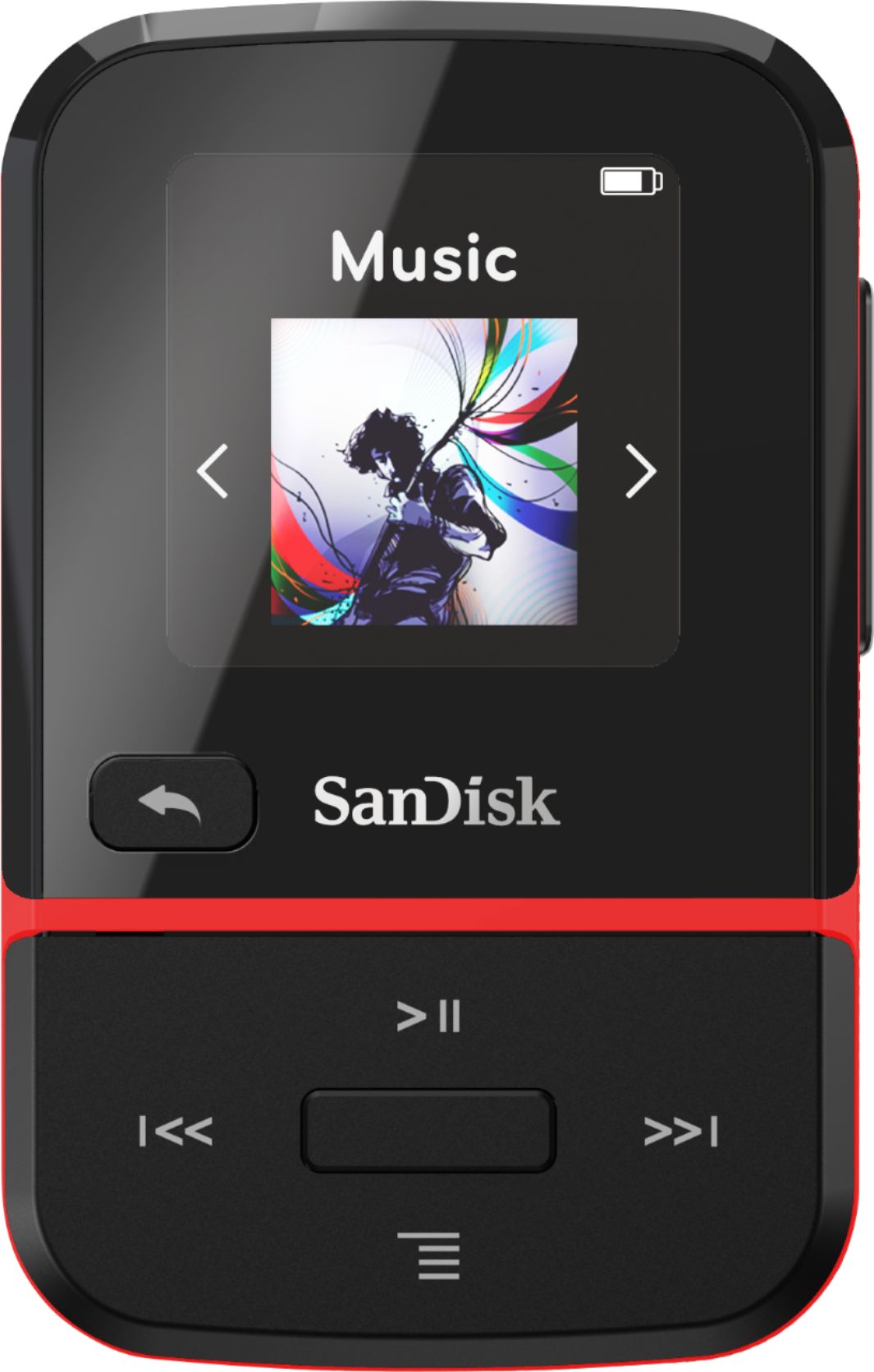
A:AnswerYes, the SanDisk® Clip Sport Go comes with shuffle feature. Please refer to the user manual of this MP3 Player using the below mentioned link:
-- https://downloads.sandisk.com/downloads/um/clipsportgo-um.pdf