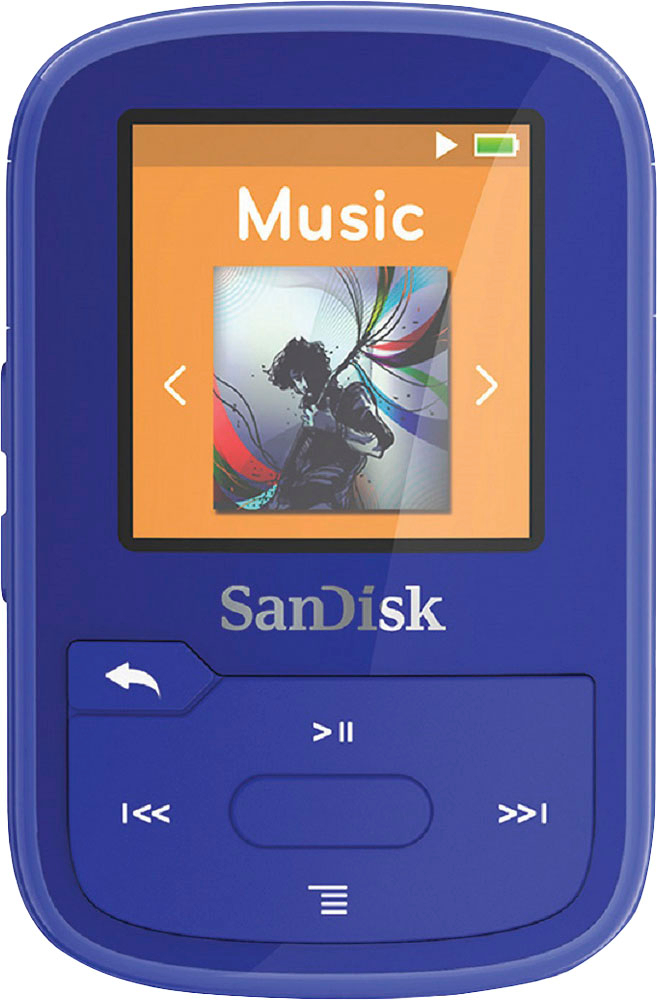
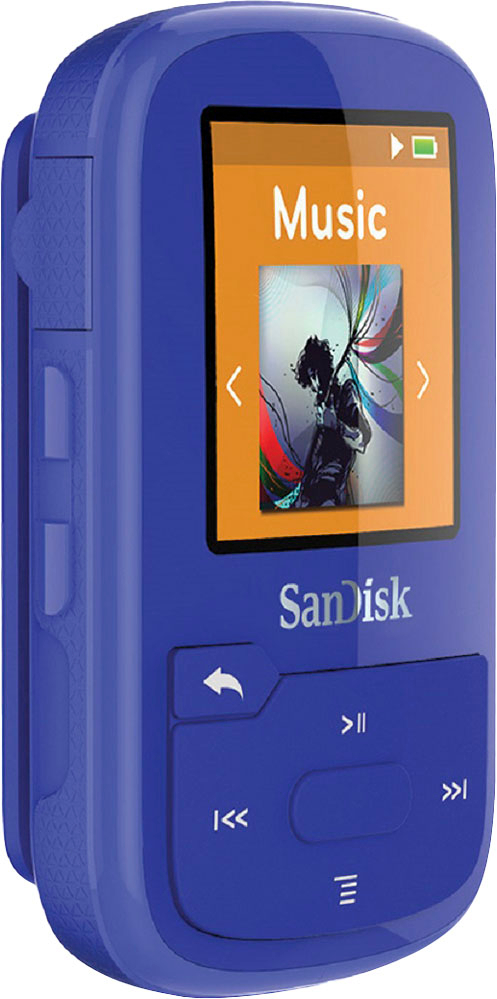
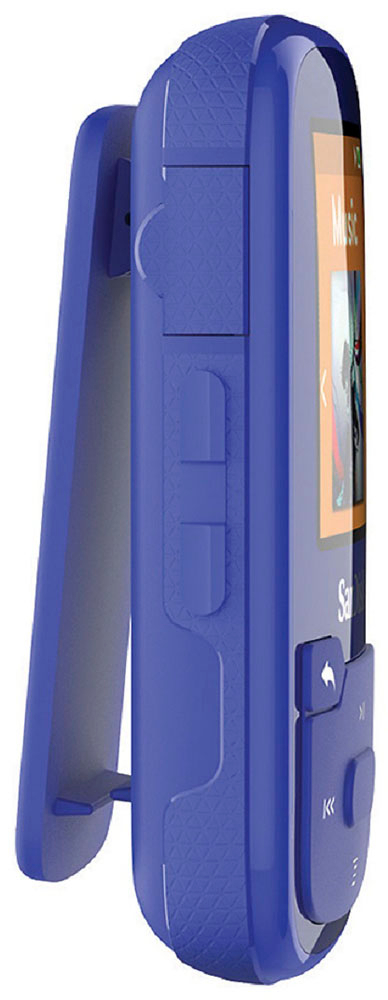
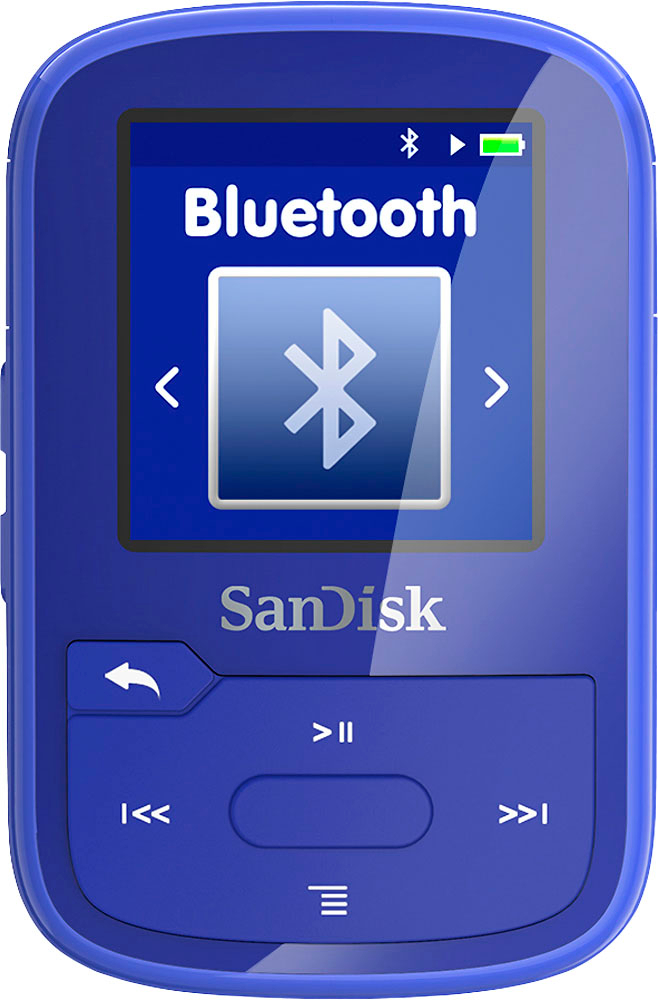
A:AnswerIf they are Bluetooth they should show up in the Bluetooth menu. They start off as a weird code like a1:b2:c3:d4 but then usually change their name to the factory set name. Unless their Bluetooth is not compatible. I have a cheap set of Bluetooth headphones that just wont connect. But my other two sets (Sony and anchor) and my car stereo Bluetooth adapter work fine. IF they are plug in headphones there is a jack on the side opposite the USB port.
A:AnswerI'm having the same problem. I've plugged it into every usb port on my computer and it does nothing. I used the cord that came with it and also other cords. I'm ready to throw this thing out the window. It's useless so far and I've found 0 helpful answers.
A:AnswerHi, we would be happy to help, but it would be best to contact us directly so that we can investigate further and provide you with an appropriate resolution. You can use the Ask form at https://kb-eu.sandisk.com/app/ask/ and there is also a phone number you can call available at https://www.sandisk.com/about/contact/customer-care.
A:AnswerMy player turns off waaayy too easy... it turns off when im simply hitting the center button to make a selection... I have to touch it light and quick or I'm waiting on it to come back on and sometimes I even have to wait on it to refresh my media when I haven't even done anything with my media... ugh.