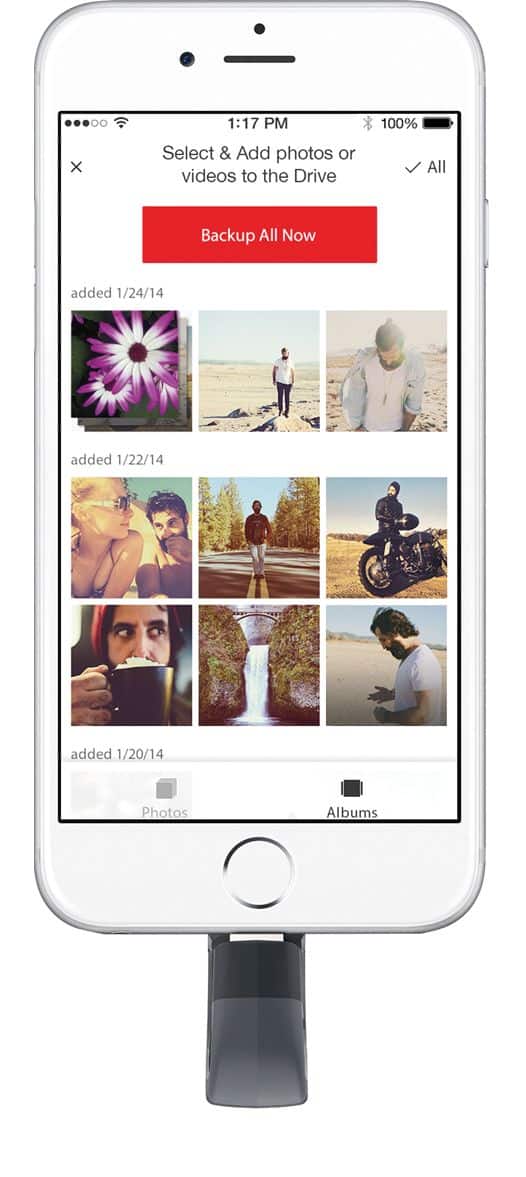
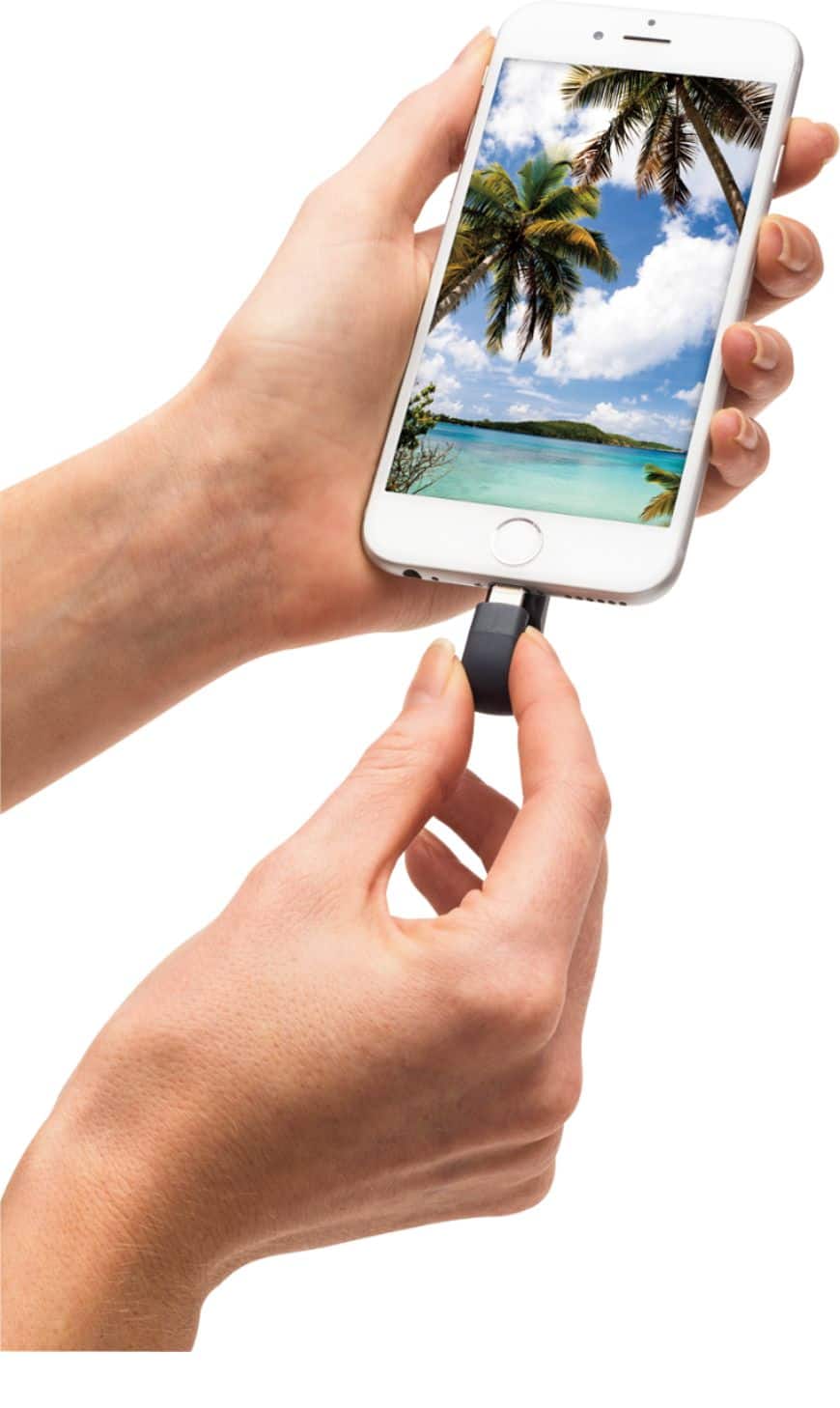
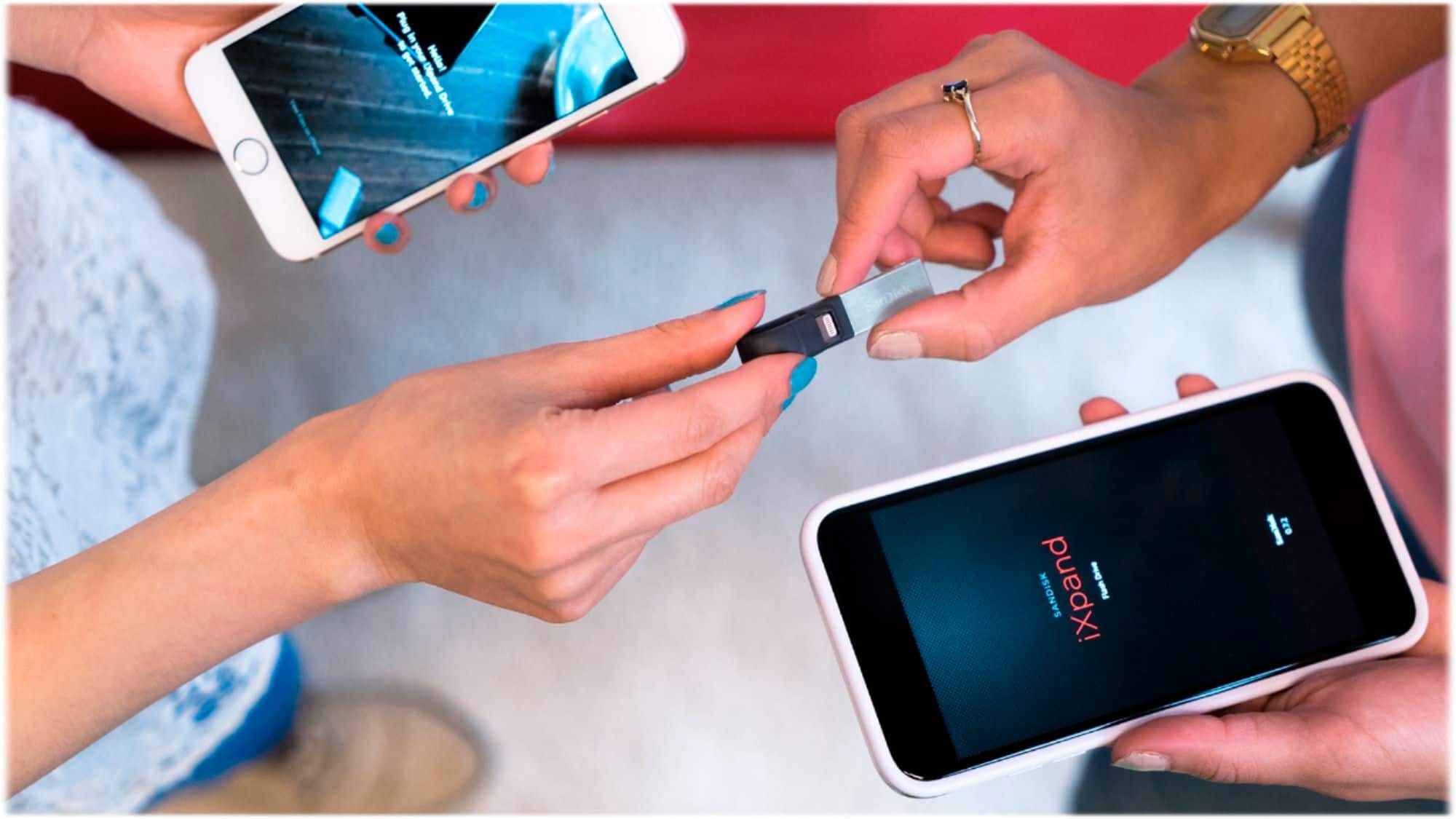
A:AnswerI just plugged it in to my phone and downloaded the free app. I then followed the directions in the app. It did take some time to upload videos but in <30 min my 14 gb of videos and movies were uploaded to the device with the option to save or delete the pics and videos on my phone.
A:AnswerCertainly can transfer them from IPhone to drive. I use file explorer connecting the phone via USB port. Don't have Xbox but assume that if you can transfer any other photos from computer to Xbox it will work.
A:AnswerANY copy protected files cannot be transferred and/or view back using Sandisk's app, as you will find that info on Sandisk's website of what you can or cannot do with it.
A:AnswerNo....any copy protected files CANNOT transferred to the device especially if it's Apple's DRM protected music & movies, and any other copy protected files not bought via Apple can be transferred to it except Sandisk's REEL app will not allow you to play them back