A:AnswerI dont belive it does. I tested this by using the headset to listen to music while I took a nap. When I woke up an hour later my music was done but the headset was still powered on.
A:AnswerI was listening to XM radio when phone rang. Simply pressed button to answer and went to phone. When call ended went back to listening to music
A:Answerwhat you'll need is a rca to female headphone adapter and a Bluetooth transmitter. You plug the transmitters headphone jack into the adapter. Make sure the adapter is a rca to female adapter.
A:AnswerYes it’s 100% annoying. I try to turn down the sound because of noise and then the speaker is too soft to understand then I turn it up and the noise is too loud. Absolutely infuriating.
A:AnswerNo it is not. When the manual said the media controls aren't usable, they meant everything. What's also not in the manual is that you also can't use the microphone wired.
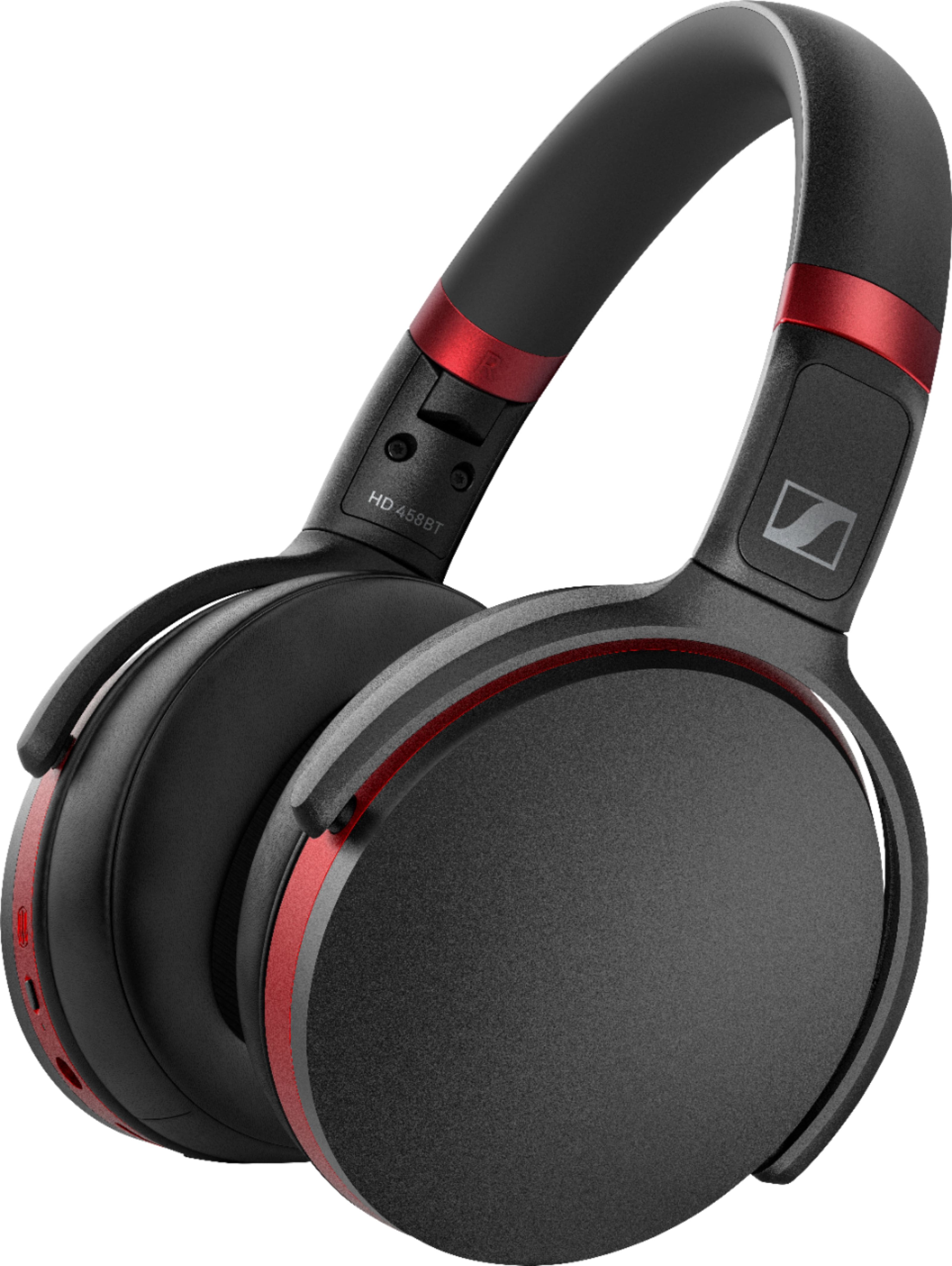
A:AnswerI just purchased the Sennheiser HD 450BT and found connecting to my Samsung QN65Q70RA TV difficult. Not because it can't be done but because IMO neither the TV's e-manual nor the Sennheiser manual gives enough information. I went to 'Settings' on my smart TV and navigated to connecting to external devices. Sure enough the TV searched for a BT device. And found none after multiple attempts. Next I found that it was very easy to connect the headphones to a smartphone, so the headphones did not seem to be the problem. I later discovered by accident while looking at Settings on another Samsung TV that there was a setting for speaker choice that also involved BT connection. I went back to the first Samsung TV and learned that I had to navigate instead to a different setting, one involving audio speaker choice, where there is a separate ability to search for and connect to BT speaker devices such as headphones. Using this setting, the pairing and connecting to the headphones worked well with the first TV the first time. Apparently the first setting site I found was for connecting to BT keyboards and/or BT mice, and NOT for connecting to BT headphones. But since one can get the TV to do a search on this setting for BT, and I did not know this was not the only TV setting used to connect to a BT device. My Samsung TVs have no ability to input 3.5 mm audio connections of any RCA pin-like connections.
So, the headphones work with the TV. BUT, it seems that to use them one has to go to Settings on the TV and navigate to being able to change from TV speaker output to BT speaker output. IOWs, it is not as easy as one might wish to switch to using the headphones. Also to the best of my knowledge it is an either-or situation, i.e. one can have sound coming from the TV speakers or the headphones but not both at the same time. This seems to mean to me that if one wants to have a hard-of-hearing person use the headphones with volume up while others listen to normal volume on TV speakers, it won't work. But I could be wrong.
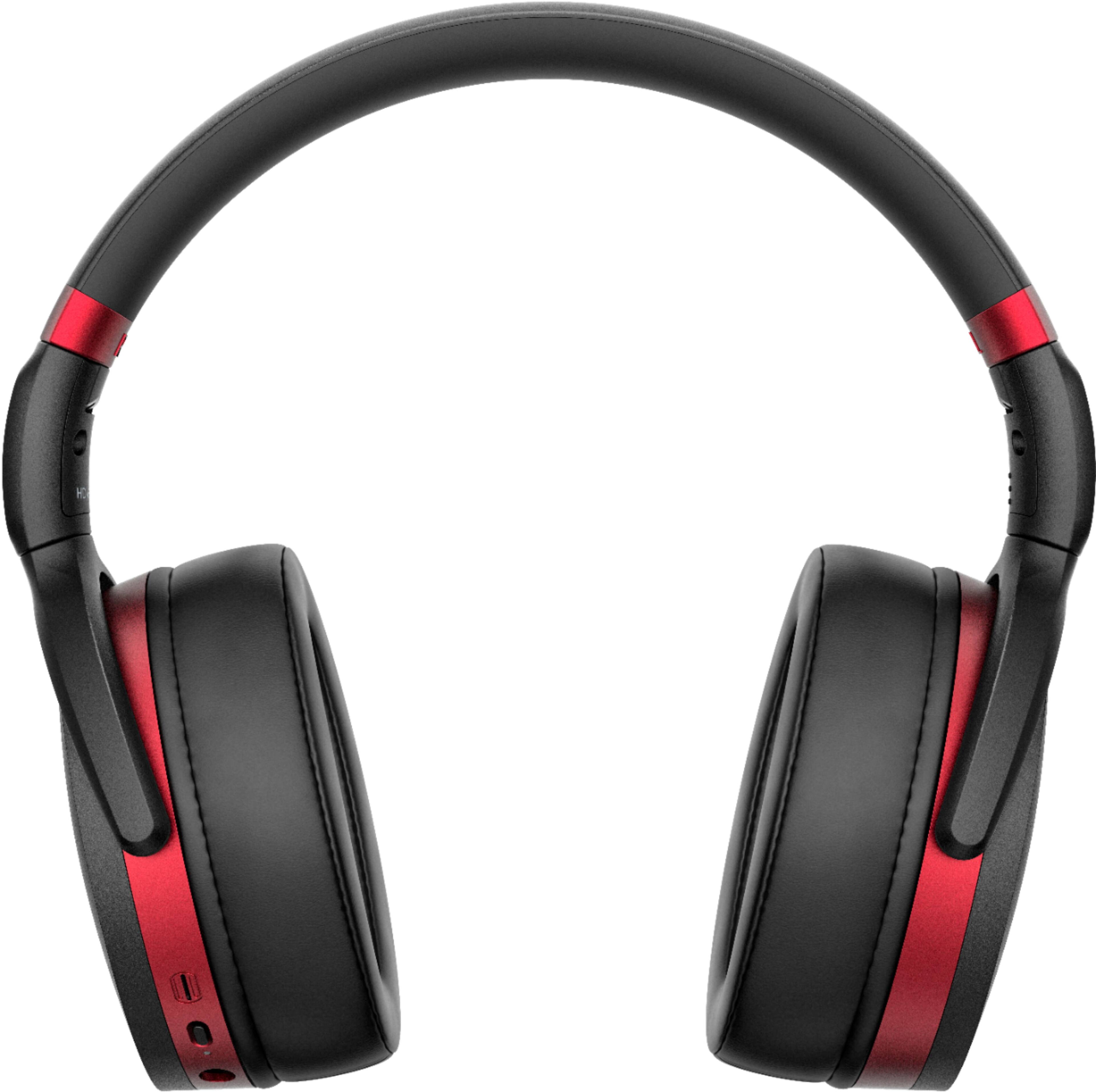
I also note for the information of readers that one of the rubber ear cushions came off the headphone. I think they are meant to be replaceable. but I found it very difficult to get it back on, and I am not sure it is going to stay on. I tried looking for videos online to show how to get the ear cushion back on, but nothing I found helped. It took many tries and over an hour to get the thing back on.
I did not know (I had not read) that the HD 450BT can pair with up to 8 BT devices (but can be connected to only one device at a time).
So far, I find the buttons and volume controls on the headphones difficult to use, but perhaps that will become easier with time.
A:AnswerAs long as the LG has a 3.5mm headphone jack it will work on it. That would of course make it wired, and you may be able to get a wired set for cheaper. It does include the wire needed though.
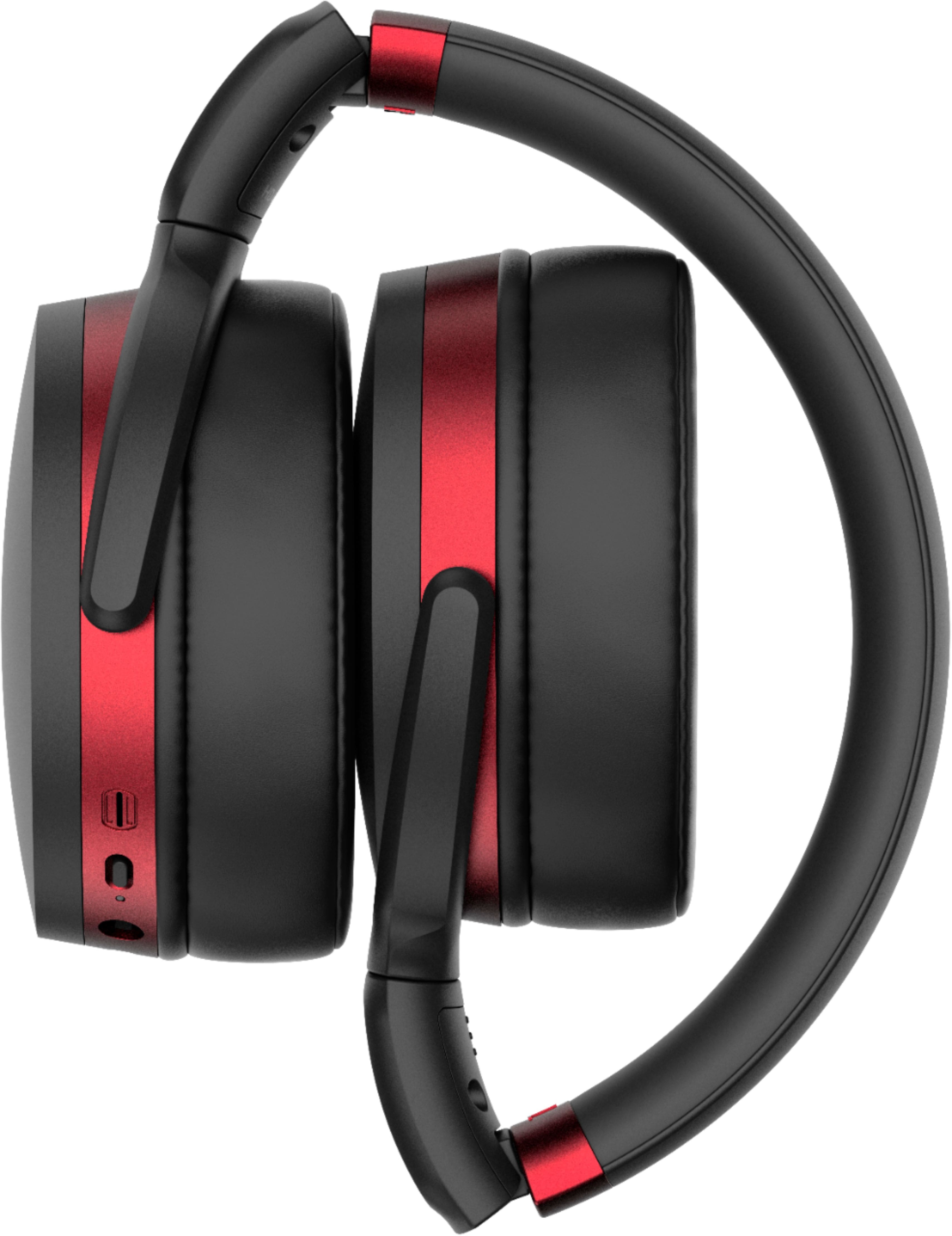
A:AnswerPersonally, I would go to a Best Buy with a Magnolia Warehouse (if there is one close to you) and try on the headphones. They are reviewed to be a tighter fit on several sites, I bought them to try and while they sound great, they quickly hurt ME to wear them. The headphones do come with a 3.5mm adapter and I believe all airlines use that, now.
A:AnswerThe headphones do not require additional software. Noise cancelling is effective against ongoing light to medium noise. Struggles with loud intermittent noise. I've not used them on a plane, so can't gauge effectiveness there. I use them at work/home and they are fine. Sound quality of music is very good!
A:AnswerI should start by expressing caution in trying to fix these. It very well immediately void any warranty. But if you're confident in your ability you can see if its possible by starting with disassembly of the headband by the two screws on the bottom side of the red band. You should be able to carefully peel back the rubber and get to the adjustment mechanism in the headstrap. You may want to look further into it by searching google or youtube for a video that shows removal without damaging anything. Sorry I don't have a fix for you but at least can get you started.
A:AnswerThe USB is only for charging; for audio you can either use Bluetooth and everything will work, or use an old style audio jack (not all laptops have these anymore) and they will work as headphones, you'd use the microphone built into your laptop if it has one.
A:AnswerIt can be used for phone calls. But it has two issues. First, and most annoyingly, your voice is broadcast back into your ear so you can hear your own voice like your talking to yourself on the phone also, you'll hear all background noises as well. Second, microphone placement is by your ear so your voice comes off as muffled on the phone. Listening to someone on the phone with these is fine.
I'd steer away from these if you're planning to use them for phone calls a lot. But for everything else these headphones are great.