A:AnswerHello Jack, we are sorry for the inconvenience. You can perform a reset on the unit and try doing the preset setting again. If you have any further issue, please contact us at onlinesupport@sharpsec.com and include your contact details and the model number of the unit.
A:AnswerHello, once the clock has been set, you will need to press the clock button in order to see the time displayed and this will last for around 5 seconds. For any further assistance, please reach out to us at onlinesupport@sharpsec.com.
A:AnswerRich, I do not know the answer to this question. Where I will be using it, all power is shut off when I'm not there, possible fire hazard with cars and fuels. This unit will be installed this spring.
A:AnswerHello, please be advised that we only recommend using the speakers that came with the unit. We cannot guarantee the compatibility of another device.
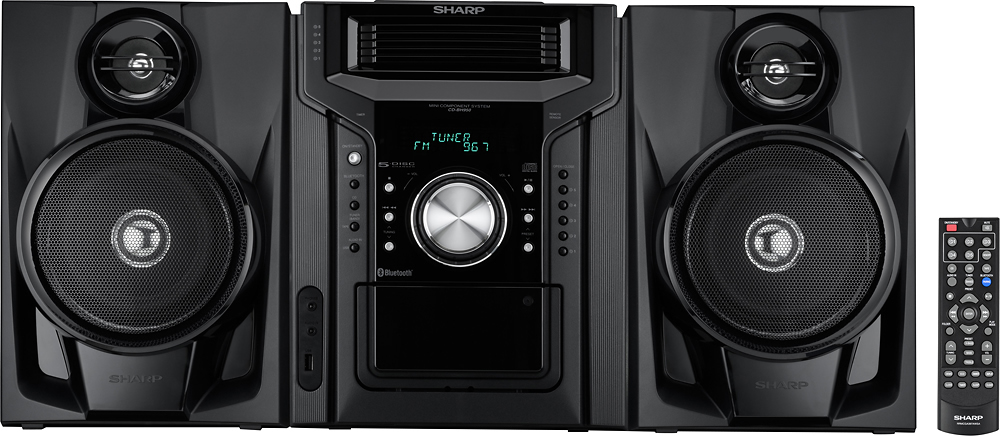
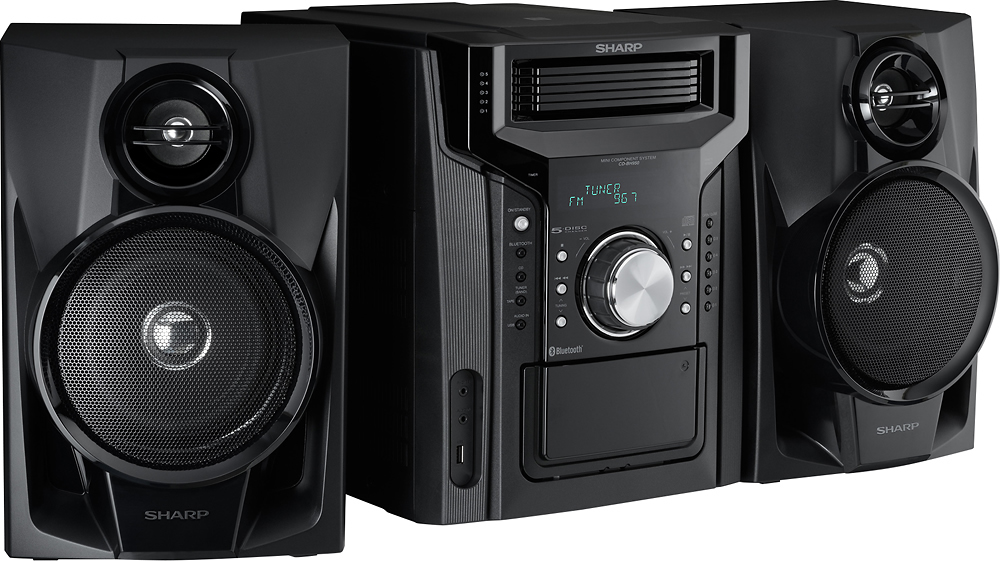
A:AnswerHello Jim, this unit can only connect to a phone or tablet using Bluetooth. The speakers for this unit can only be connected to the unit using wired connection.
A:AnswerHello, we must advise that this can be tried however, there is no guarantee that it will work. If you have any further questions or concerns, please feel free to email us at onlinesupport@sharpsec.com.
A:AnswerHello, we are very sorry to hear that your unit stops working in less than two years. Please accept our sincerest apologies for this inconveniences. Please contact us at onlinesupport@sharpsec.com so that we may assist you.