Questions & Answers
- Model:
- LC-40LB601U
- |
- SKU:
- 6261177
Highly rated by customers for: Picture Quality, Ease of use, Smart TV
Page Showing 541-552 of 552 questions
Q: QuestionWill this Sharp - 40" Class - LED - 1080p - Smart - HDTV Roku TV swivel on the stands ?
Asked by Robexar.
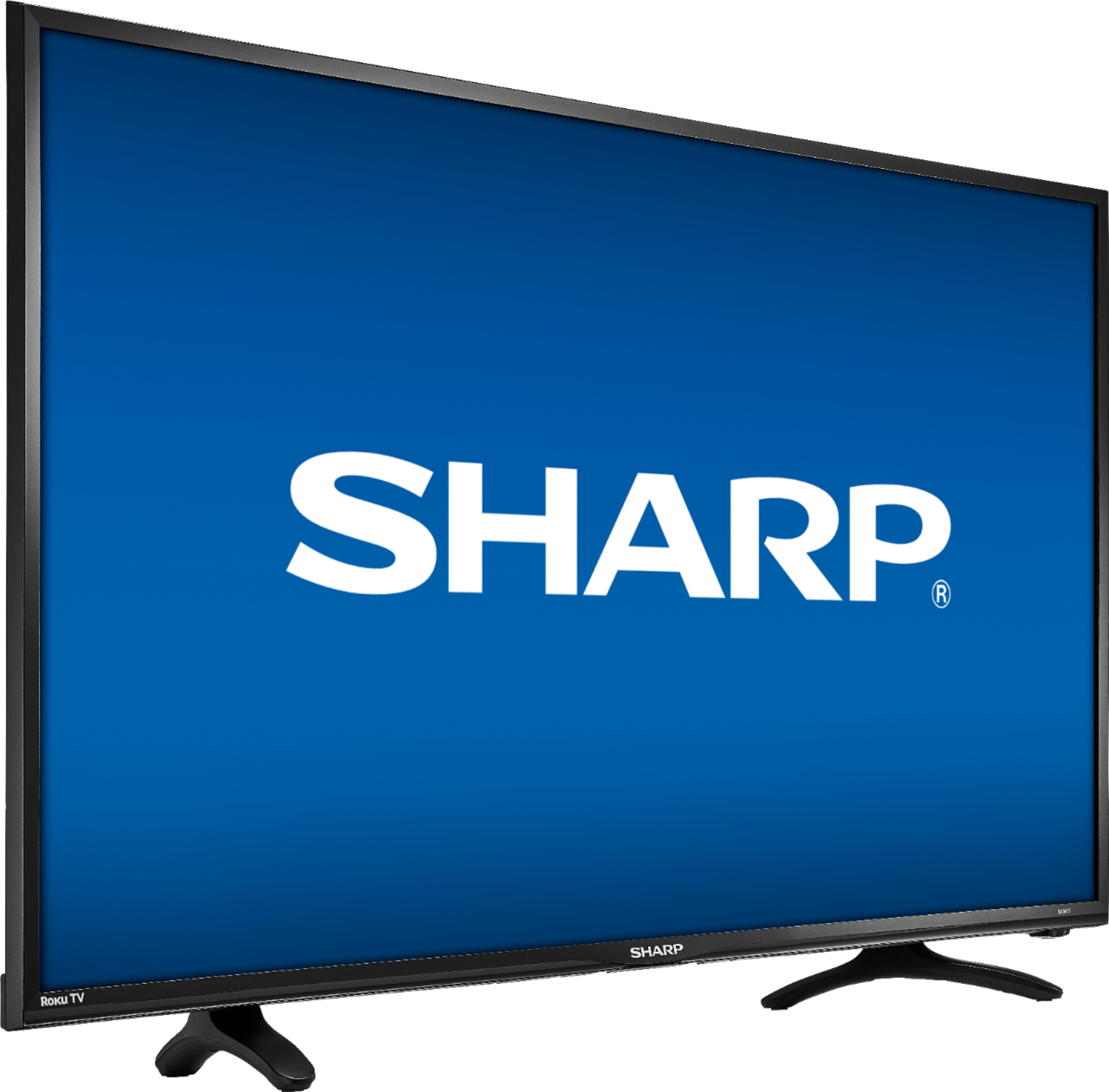
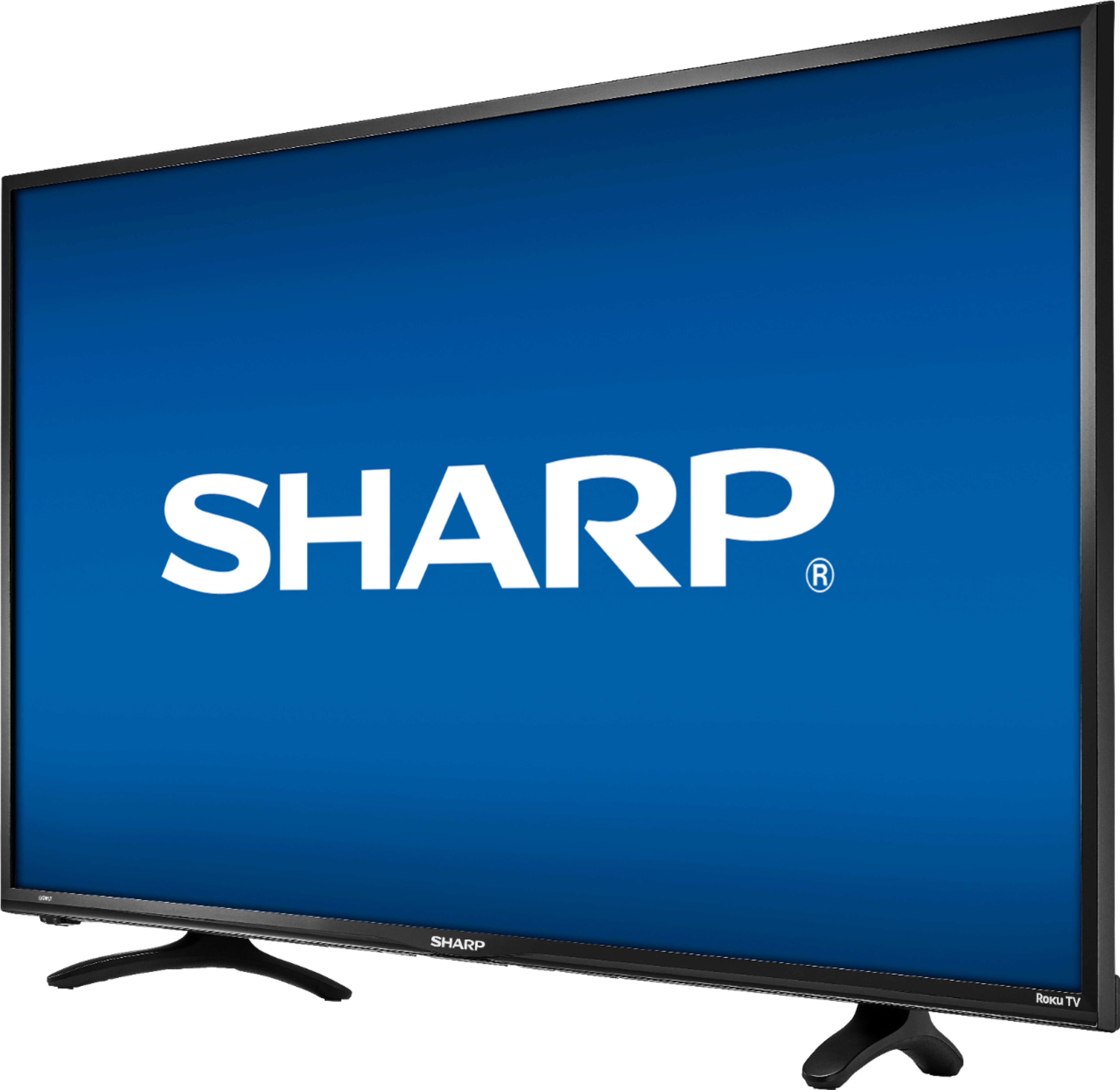
- A:Answer This TV has 2 legs and not a stand like other TV's so you can turn it as much or little as you want and have room the legs are approx. 22 inches apart and about 8 inch from front to back with about 1.5 inch's of contact to the stand on front and rear of each leg
Answered by Dwayne
Q: QuestionDistance between stand feet? or does it also come with a center stand also?
Asked by Dennis.
- A:Answer Hello Dennis, please contact 1-855-544-2030 so we may advise on this.
Answered by Sharp Advisor

Q: QuestionHow far apart are the legs?
Asked by Gooch.
- A:Answer Hello, please contact us at 1 855 544 2030 so that we can advise you.
Answered by Sharp Advisor

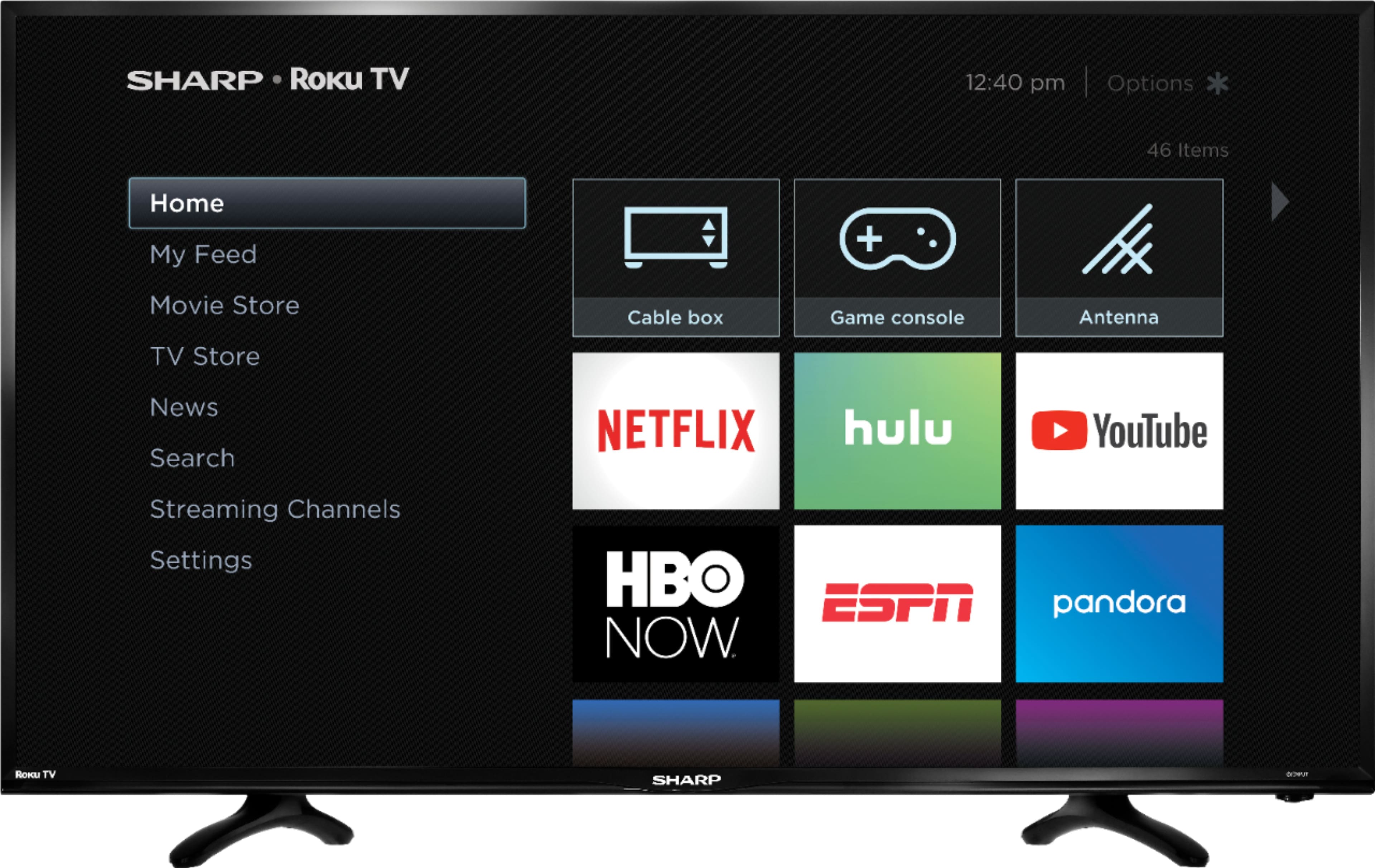
Q: QuestionCan the PLEX app be installed on this TV so that I can access my PLEX media server on my PC? Not to be rude, but please do not respond with "contact us at 1-855-544-2030 for assistance." Yes or no would be better.
Asked by kcirrick.
- A:Answer yes
Answered by lightdznr
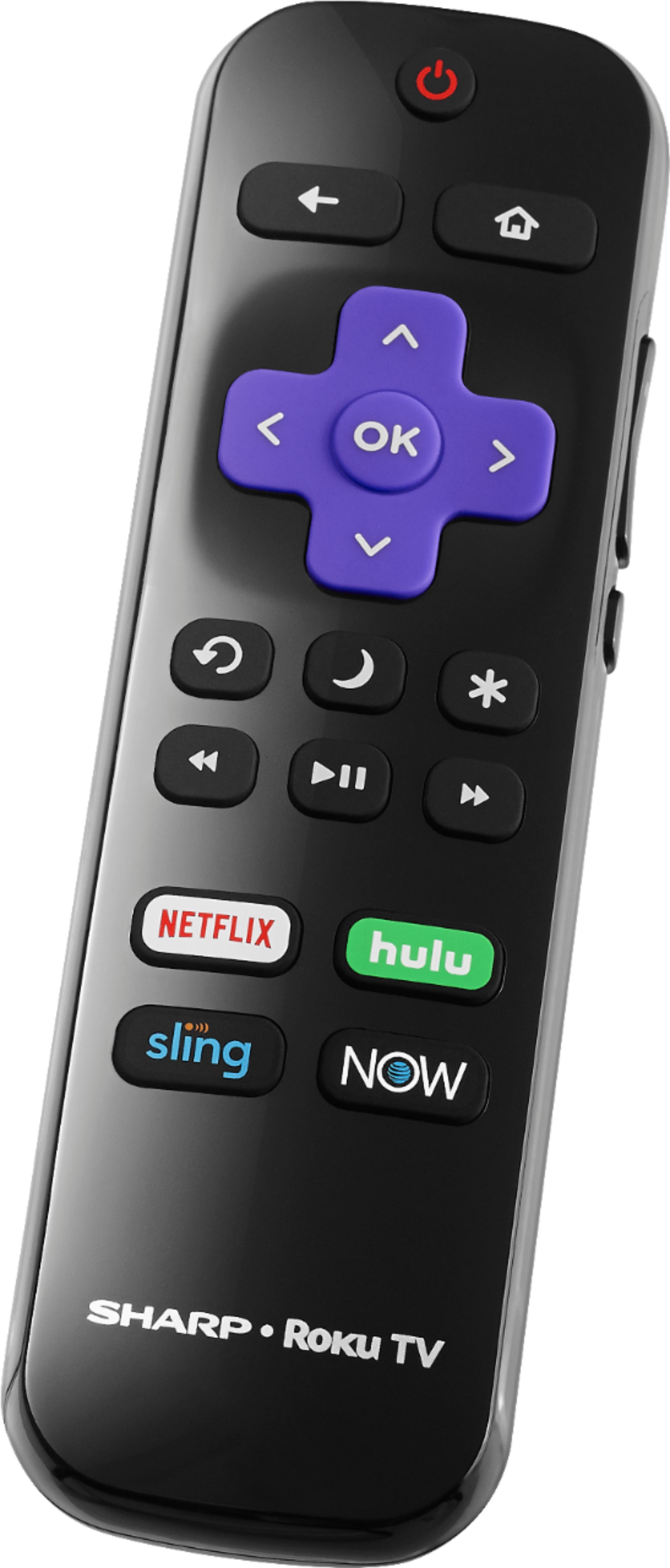
Q: QuestionIs Voice Remote for Sharp 40" Roku TV available?
Asked by Boomer.
- A:Answer The remote that comes in the box is NOT a voice remote.
Answered by BBraden44
Q: QuestionCan I download the Amazon Prime App onto this TV to watch movies and shows through the Prime App?
Asked by Mrsclark.
- A:Answer I called, they said yes you can download amazon prime
Answered by Yanni
Q: QuestionCan I use this TV if I don't want to buy ROKU subscription? Or I must have ROKU account to use the TV.
Asked by lowTech.
- A:Answer Roku is the first part of the set up on this TV. However when creating a Roku account you do not need to provide them with any kind of card or other financial backing.
Answered by Cnak982
Q: QuestionIs there a web browser to allow me to surf the net?
Asked by Browser.
- A:Answer Yes. Firefox and Web Browser X are both available for install.
Answered by kcirrick
Q: QuestionCan this TV use a hdmi to ethernet adapter. Then hook up to hdmi port on back then run ethernet cable to my router or switch to get wired internet? Thanks, Ed
Asked by Ed.
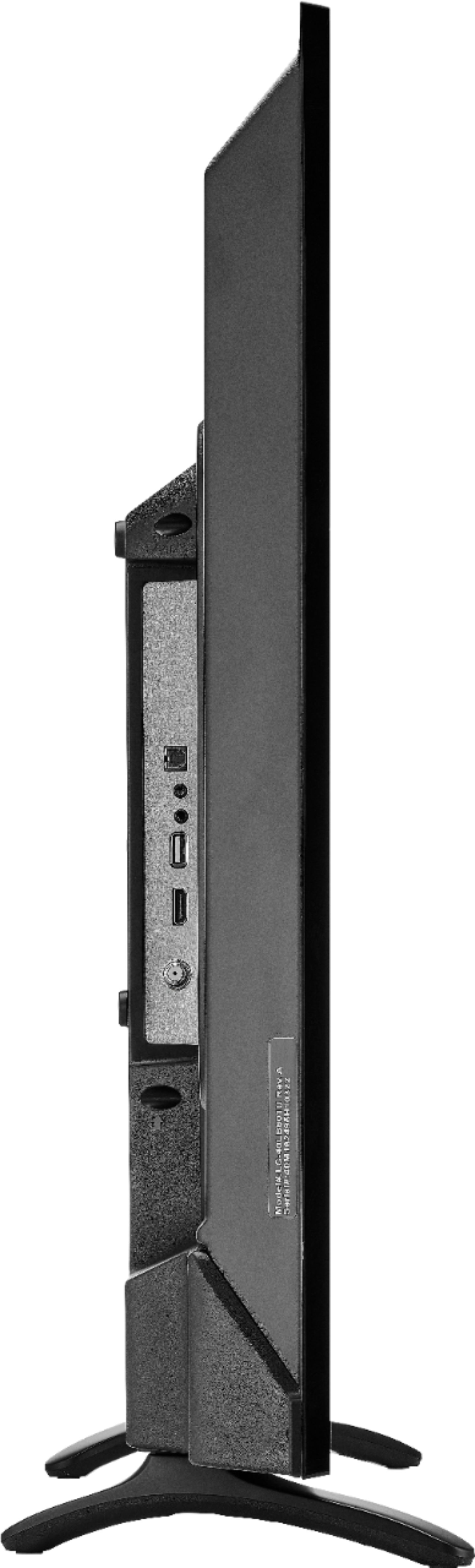
- A:Answer You should not need to run your ethernet cable from your router to the TV. The TV is Wi-Fi. When you do your set up to it as a wireless set up you will be given two options. Skip the wired. You do not need it. It will cause you problems in the future. It is possible and requires multiple pieces of hardware to piece it together. However if you set it up wirelessly on Wi-Fi you will be able to pick up your TV a matter where you are or what attached and play it anywhere thaT was a wifi connection. That includes being able to stream your iPhone to your TV stream your laptop to your TV and do your computer work using your TV as a monitor. And he will be able to stream any and all legal content directly to your TV without a box.This was the last TV I purchased before canceling all of my cable and satellite subscription I know watch TV all apart and pay 1/4 the price
Answered by Jaylene
Q: QuestionWHAT SERIES IS THIS TV?
Asked by Anonymous.
- A:Answer Series 3 hiesence chassis.
Answered by Mranderson
Q: QuestionHow does the internal WIFI connect to the internet. Does streaming app need to be utilized as well to access the WIFI? I Have WIFI but not enough mps to stream without buffering.
Asked by Scott.
- A:Answer enter the network number and then the password. very easy
Answered by Sugarplum
Q: QuestionWhat are the dimensions on this TV I know it's 40 inch flat screen from corner to corner I need the dimensions with wines and height
Asked by Anonymous.
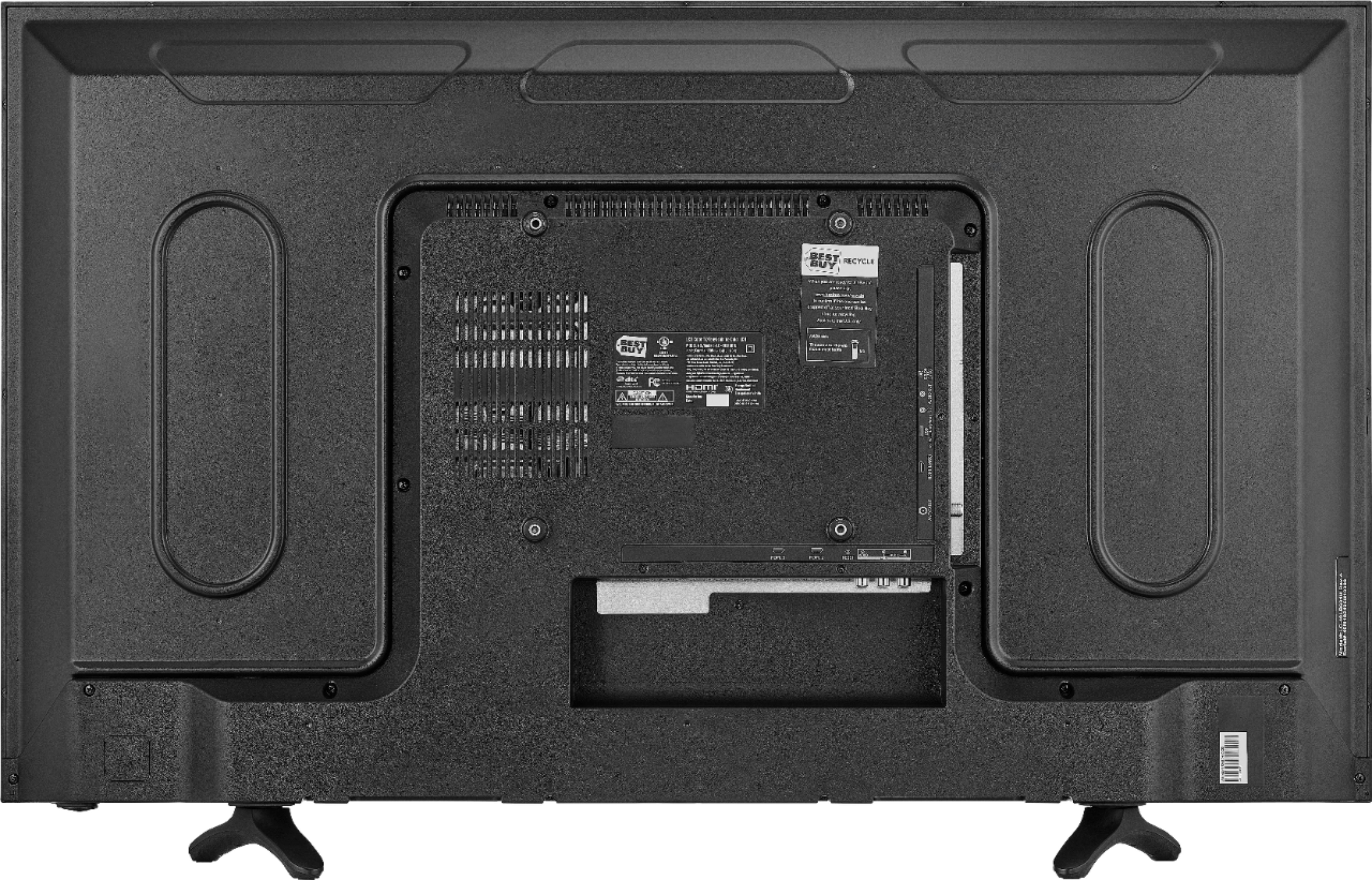
- A:Answer 22.5 by 33.5
Answered by Dwayne
Most-viewed items
- $89.99$89.99The price was $229.99

- Ultimate Deal$299.00$299.00
- Ultimate Deal$159.99$159.99
- $121.99$121.99The price was $129.99
- $19.99$19.99The price was $29.99