A:AnswerHello, we are very sorry for the inconvenience caused. Kindly contact us at onlinesupport@sharpsec.com with reference to your case number 9505074 so we can help.
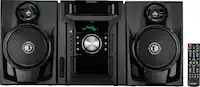
A:AnswerHello, please be advised that once a device (phone/tablet) has on Bluetooth and is already connected to the unit and is within 32 feet (10 meters) it will be activated, this does not have to be yours, it can be from someone who is in the same proximity. To cancel Bluetooth mode you can press the ECO button on the remote control. If this does not resolve the issue, we suggest a reset, this can be found on page E-19 'factory reset' of the manual which can be accessed from this link: https://data2.manualslib.com/pdf6/129/12851/1285005-sharp/xlbh250.pdf?003dd176594e9ff854da8fda66096767
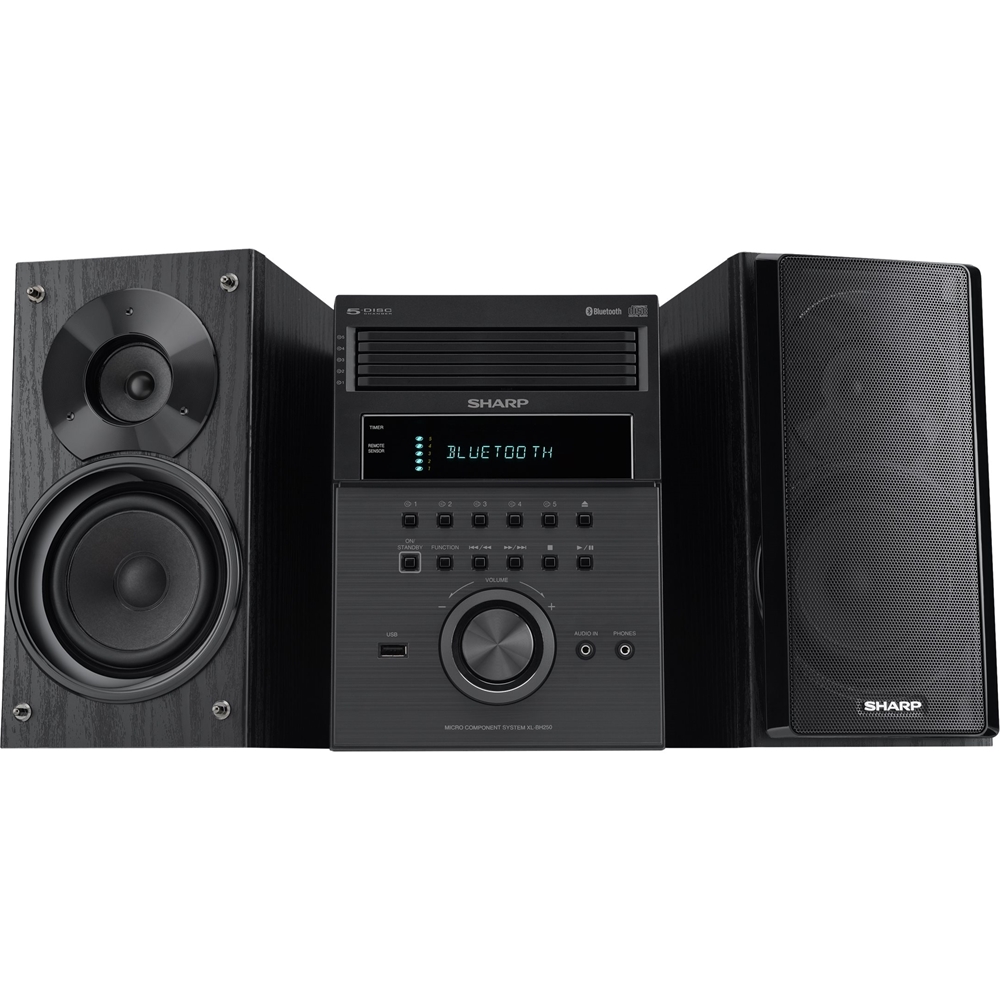
A:AnswerHello Dennis, there is a positive and a negative port at the back of the unit that each individual wire is to be connected to. The speaker terminal is number 3 on page E-4 and the speaker connection is on page E-6:
https://data2.manualslib.com/pdf6/129/12851/1285005-sharp/xlbh250.pdf?003dd176594e9ff854da8fda66096767
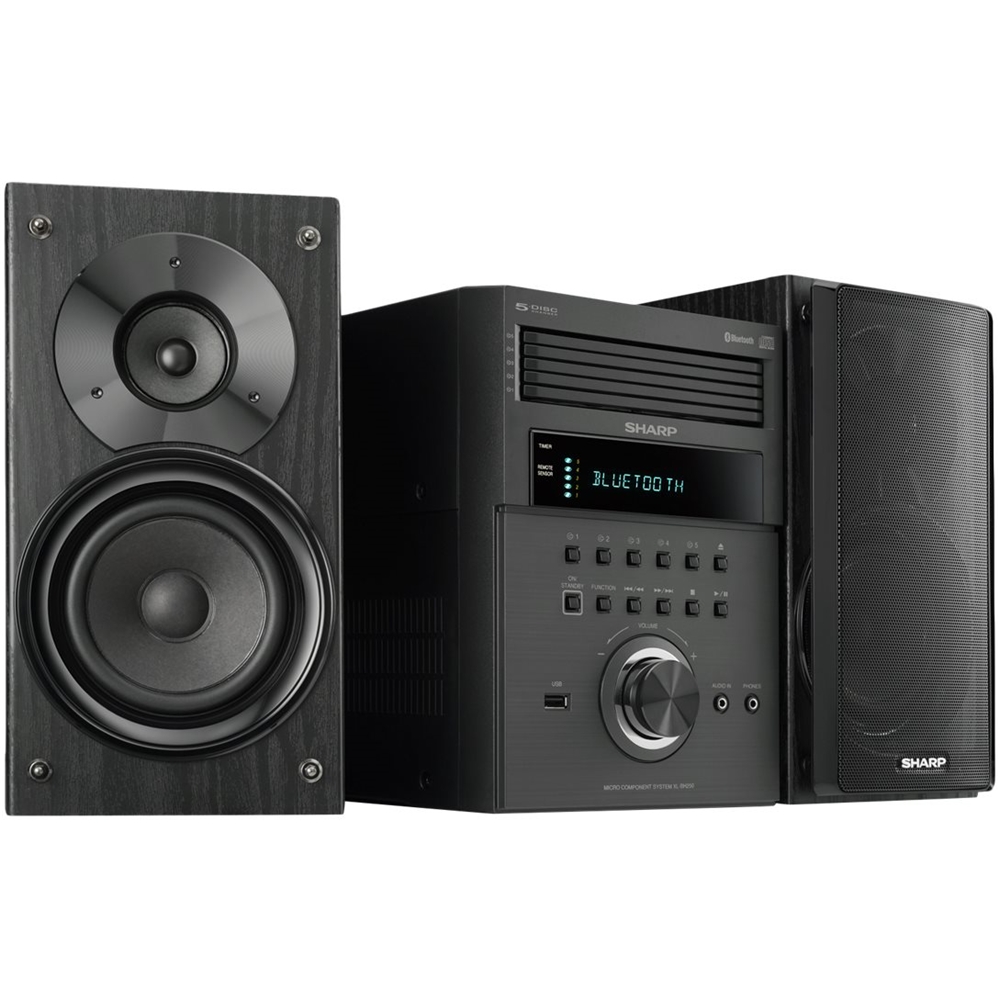
A:AnswerHello Bob, you have the option to stop the CD and play another CD. You also have the option to resume playback from where you left off by pressing the stop (square icon) button.
A:AnswerHello Rene, we are very sorry to hear of this issue. We would love to look into this matter for you and help. You may reach out to us at onlinesupport@sharpsec.com and reference case number 9493452 so we can help.
A:AnswerHello Greg, we do not recommend that additional/external speakers be used with the unit as the unit was specifically designed to be used with the speaker that come with the system. Please note that if one should use speakers with an impedance of 6 ohms or more, as lower impedance speakers can damage the unit.
A:AnswerHello, the accessories included are: remote control, AM loop antenna and FM loop antenna. The headphone jack is located at the front of the unit labelled "Phones" and is next to the Audio In jack.
A:AnswerHello, you are able to connect an external device to the (audio in) 3.5 mini jack aux port at the front of the unit. When this is done the sound will output through the speakers of this unit.
A:AnswerHello, to random play all tracks on up to 5 discs: press the PLAY MODE button repeatedly until "RANDOM" appears. If you are still having issues, you may email us at onlinesupport@sharpsec.com with reference to case number 9429248.
A:AnswerHello, the clock will only be on the screen for approximately 5 seconds when you press the clock button. We are sorry for any inconvenience caused.
A:AnswerHello Jules, first you would need to connect the antenna to the unit, then press the function button on the main unit or the tuner (band) button on the remote control, then press the tuning up or down button to tune the desired station.