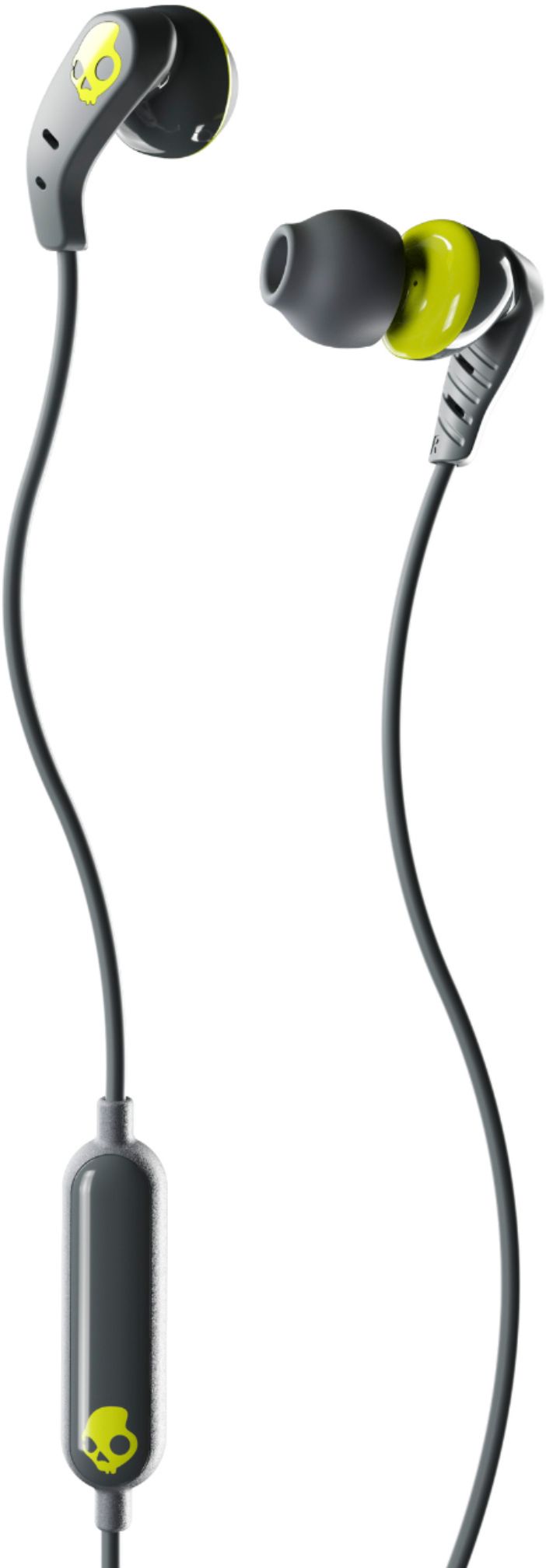
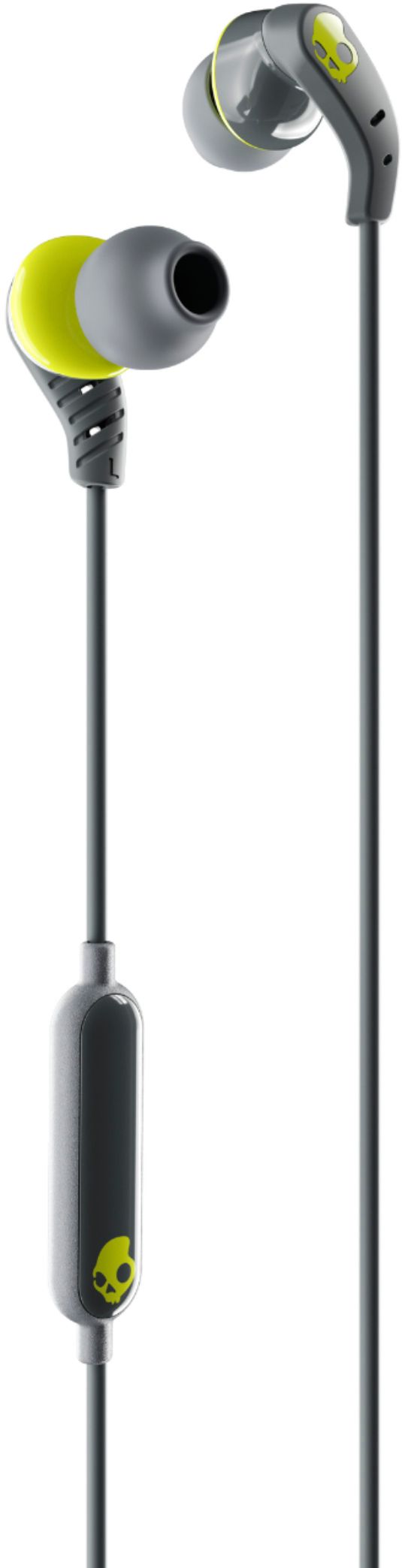
A:AnswerYes! I just tested it. Lol
Push to pause and push and hold to activate Siri
To turn volume up or down just say turn volume up or turn volume down.
It’s Awesome
A:AnswerDon’t pull on cord…anything will damage if not handled properly.
They are very well made and work flawlessly
I use them to conserve battery life or when I’m charging my Bluetooth earphones
A:AnswerThe Samsung Galaxy Note 20 Ultra does not have a built in radio tuner. This means that you will need to use a data connection in order to listen to the radio.