A:AnswerTo send the gift card directly to your granddaughter, you should look for a "This is a gift" checkbox or a "Recipient Email" field during the checkout process. If you have already purchased it and received the code yourself, you can simply forward the email with the code to her or copy and paste the code into a new message for her.
A:AnswerError 16 usually indicates a regional mismatch or that the card hasn't been properly activated at the retailer's register. Ensure that the region of your PlayStation Network account matches the region where the card was purchased. If it does, you may need to contact the retailer to verify the card was activated correctly.
A:AnswerPromotions and early deals are typically set by the retailer or the manufacturer. It is best to check the "Deals" section of the website frequently or sign up for their newsletter to get notified about upcoming sales and Black Friday discounts.
A:AnswerYou should get a confirmation email right away. You get the code within 15 min typically. The longest it has ever taken was maybe 30 min. If it is the first time purchasing, check your spam folder.
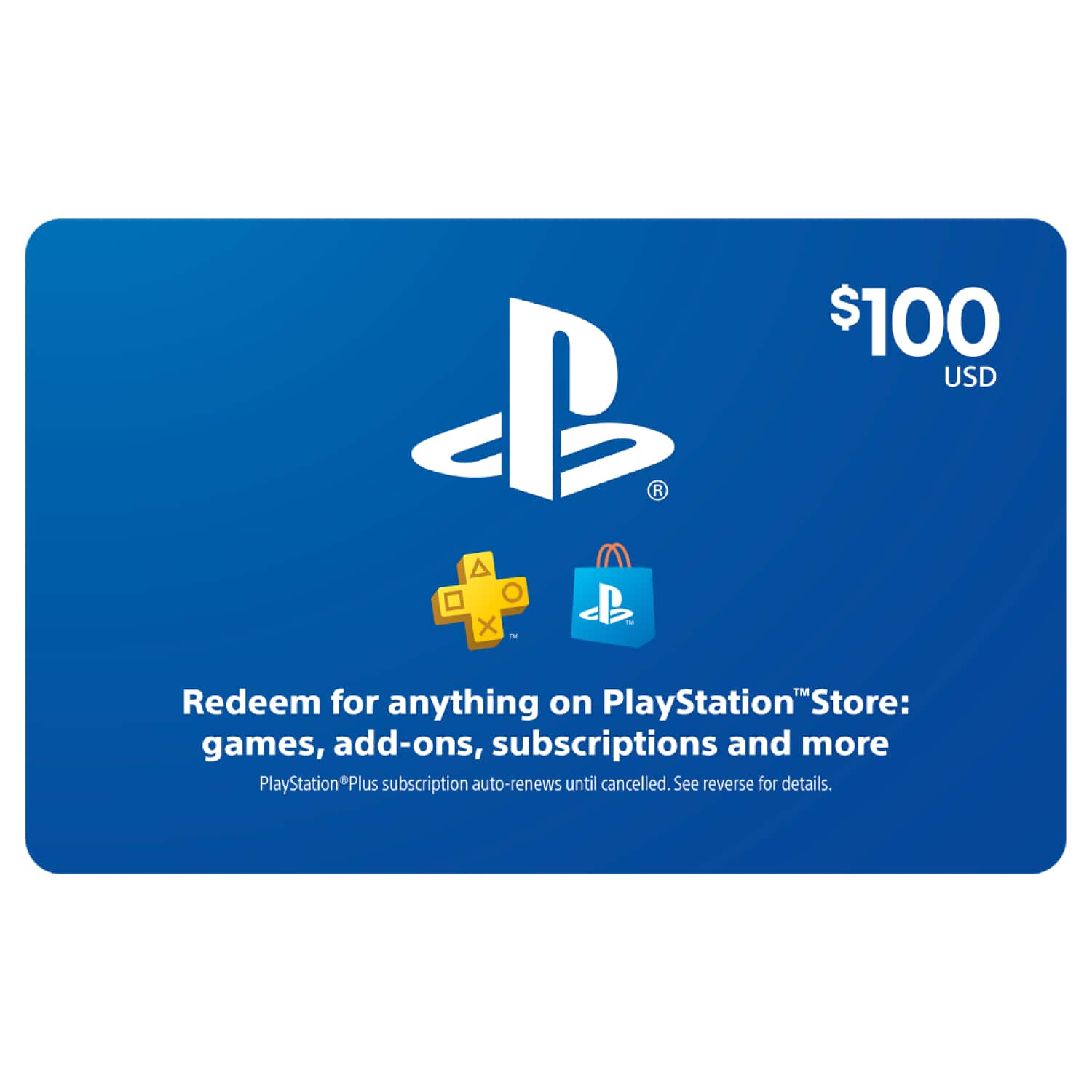
![$10 PlayStation Store Gift Card [Digital] video 0 minutes 30 seconds](https://pisces.bbystatic.com/prescaled/600/960/image2/BestBuy_US/images/videos/78cae90c-dfe7-421a-ae13-8300df038c3c.jpg)