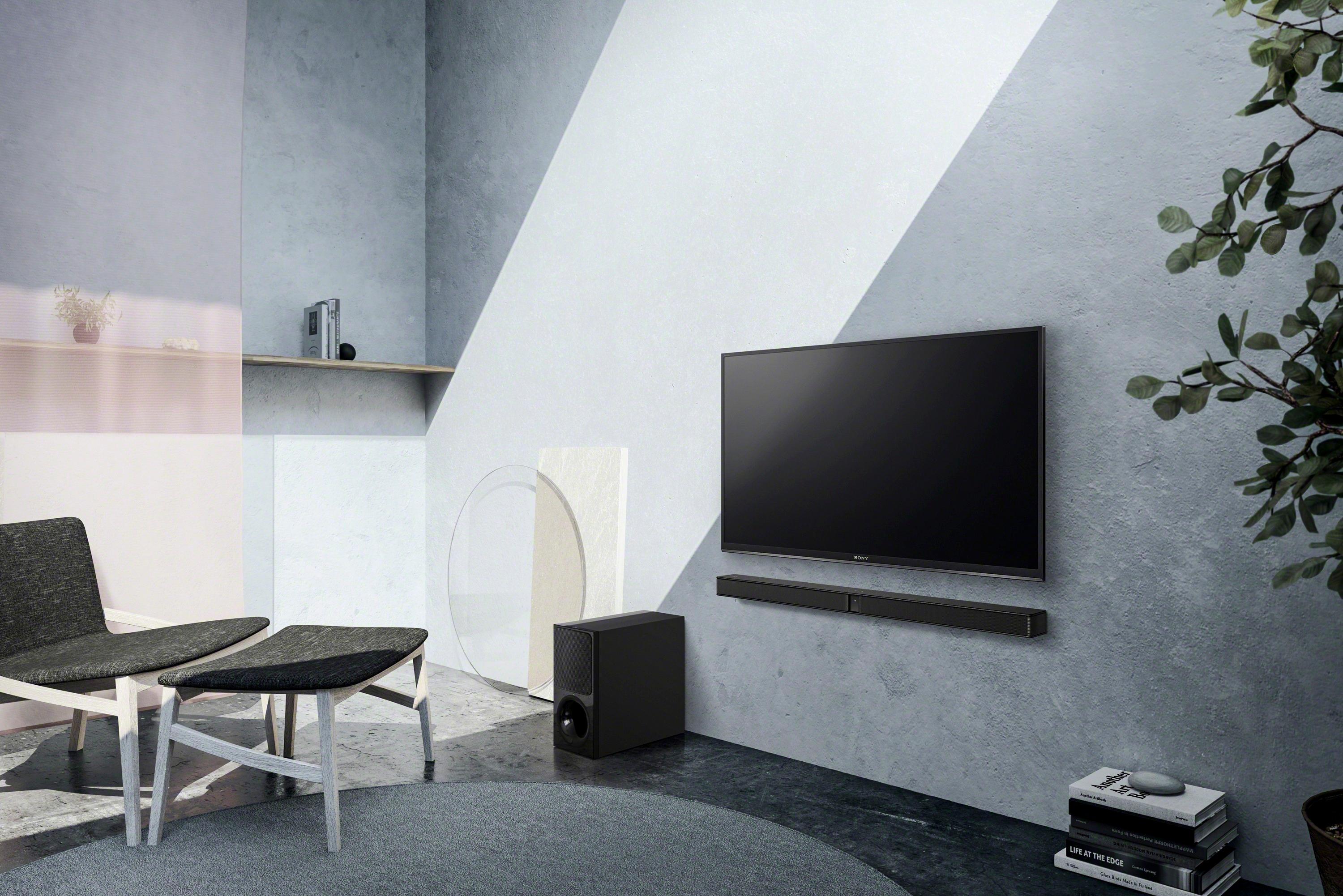
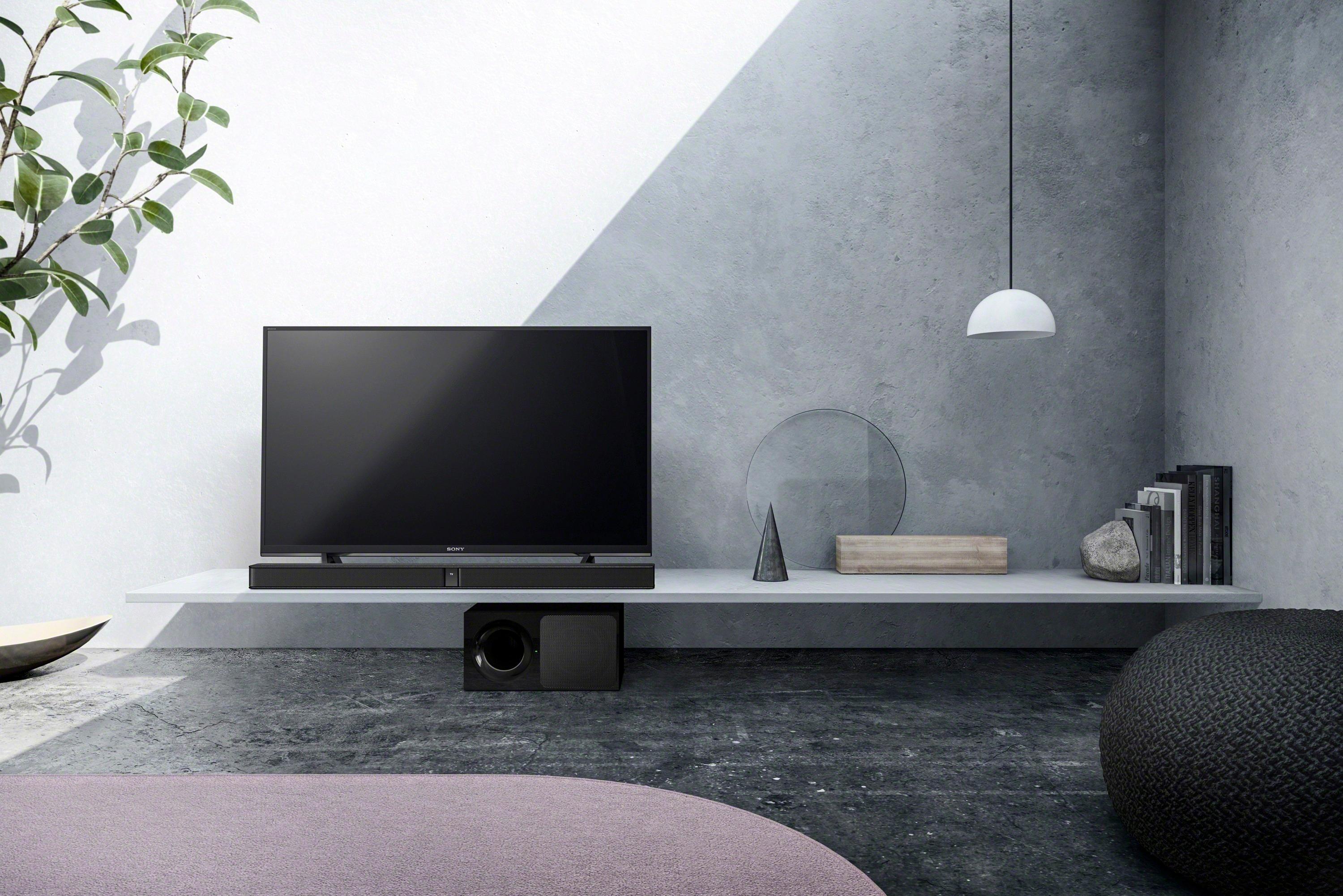
A:AnswerHello, I would try shutting all the devices off and unplug from ac wall receptacle, then re-Bluetooth or re-pair all devices, making sure you have the minimum spacing required between all devices, I had a problem trying to pair the subwoofer when I first tried to pair the devices, all works well today, hope this helps, Thanks.
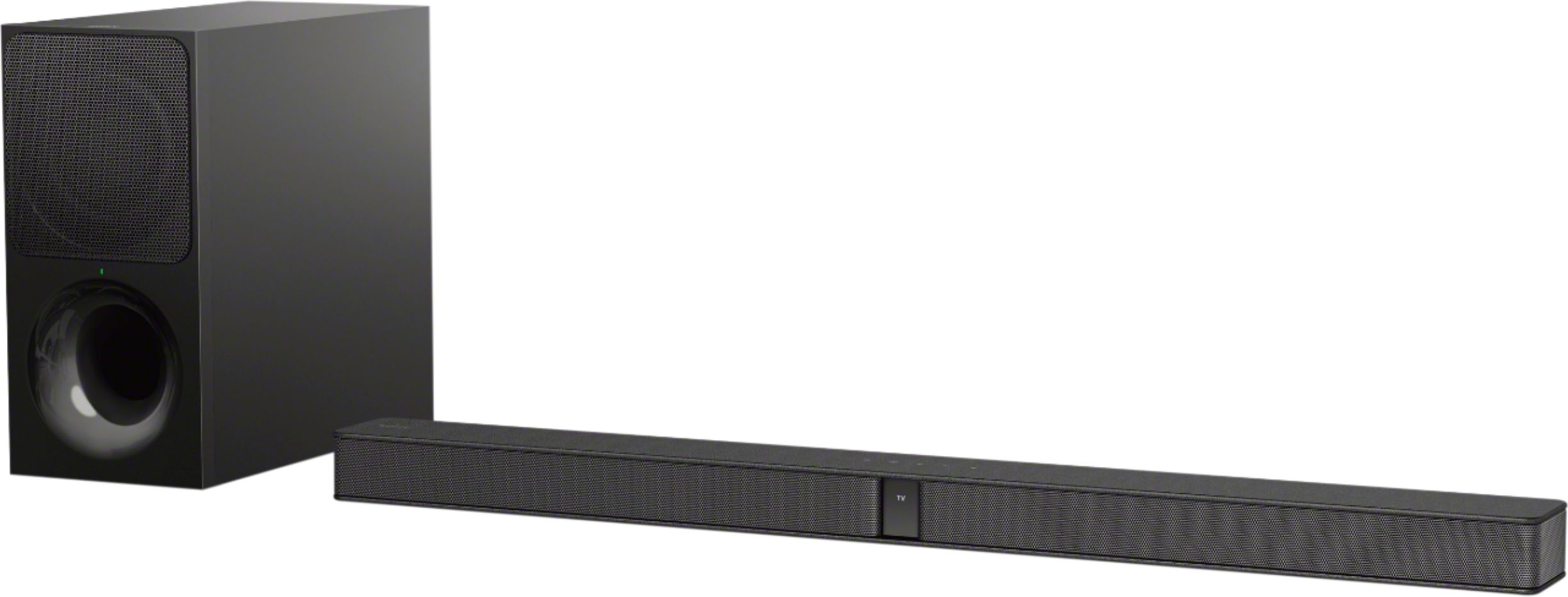
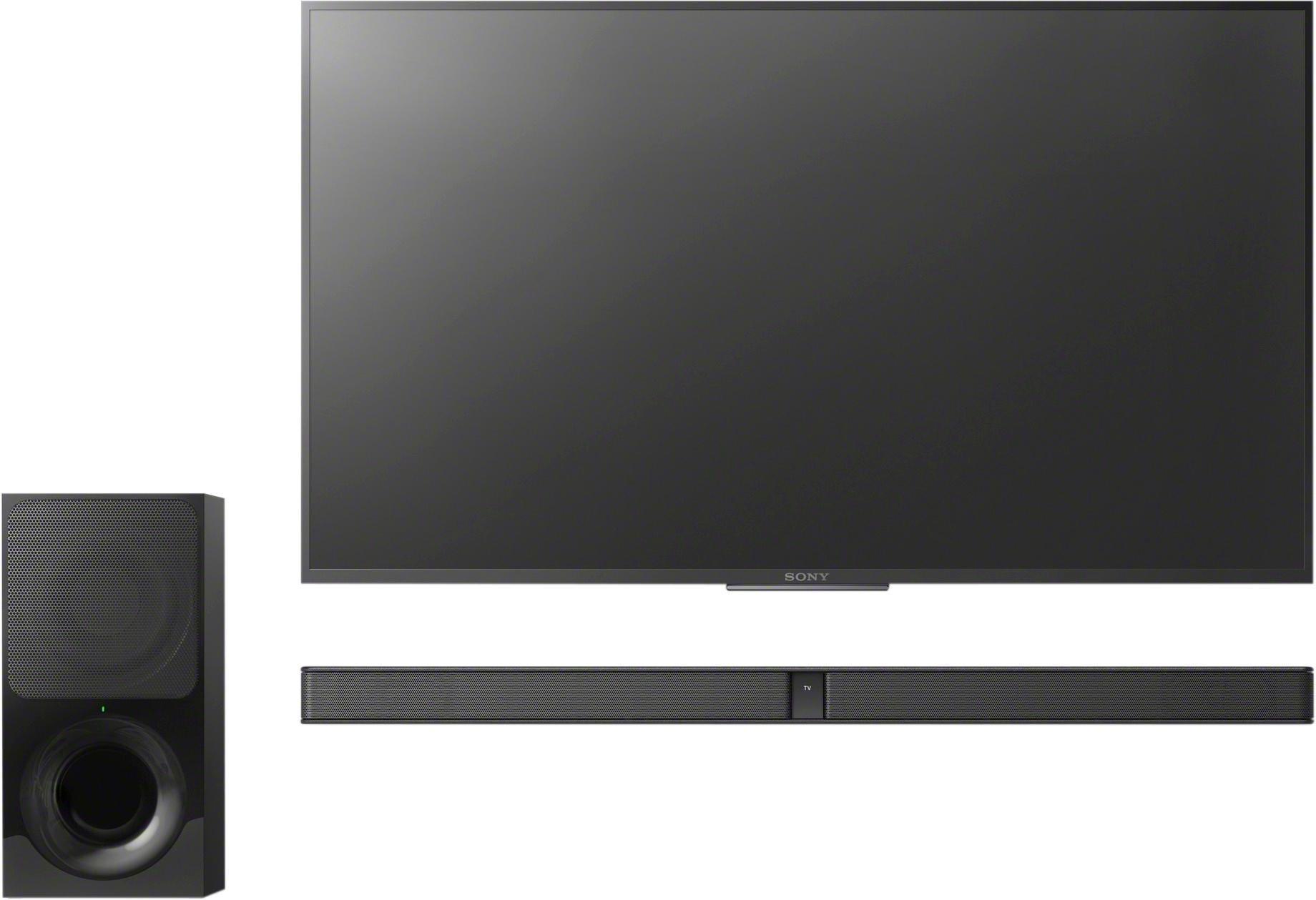
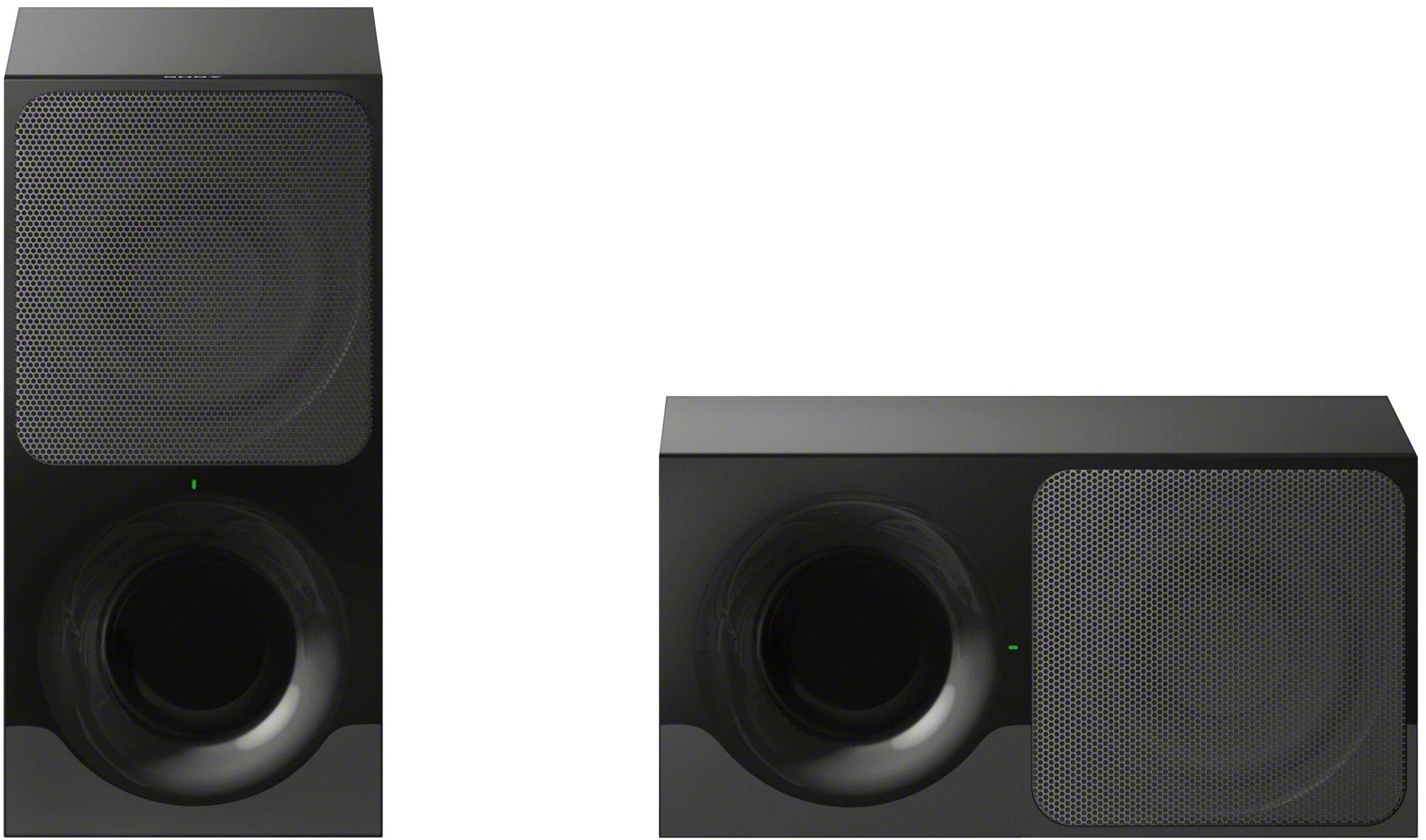
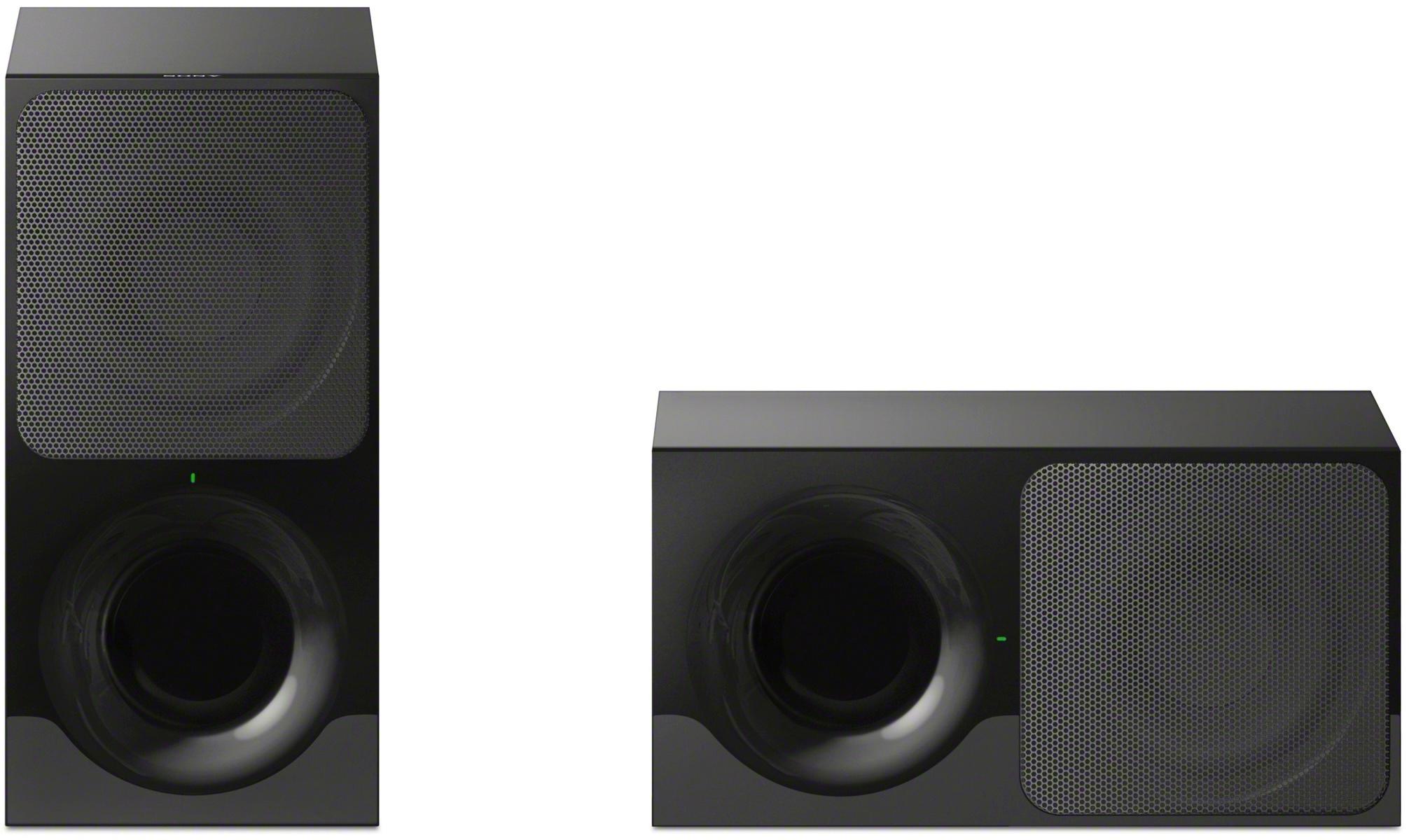
A:AnswerHi retired, Here are the dimensions of the unit:
Main unit: 900 x 52 x 86 mm (35.43 x 2.05 x 3.39 inches) (WxHxD)
Subwoofer: 170 x 342 x 362 mm (6.69 x 13.46 x 14.25 inches) (WxHxD)
For more product information, kindly refer to this link:
https://docs.sony.com/release//SPECS/HTCT290_mksp.pdf
~Ralph
A:AnswerIt would work but with that kind of investment in your TV, I would go with something a little more on the premium end. I used mine with a bedroom TV and it's wonderful for that but if it was my main listening room, I would go for more power.
A:AnswerRecheck how you have it hooked up and the TV settings. If you didn't connect with optical cable, I suggest you do. I can tell you that mine is so loud I constantly get yelled at to lower it from my wife and it isn't even turned up that much.
A:AnswerTry unplugging it from the power source and let.it reset. Sounds like the Bluetooth may be the interference. Also try resetting your phone powered turning it off and then power it back up. Set up Bluetooth again and see.if that works. Hope this helps