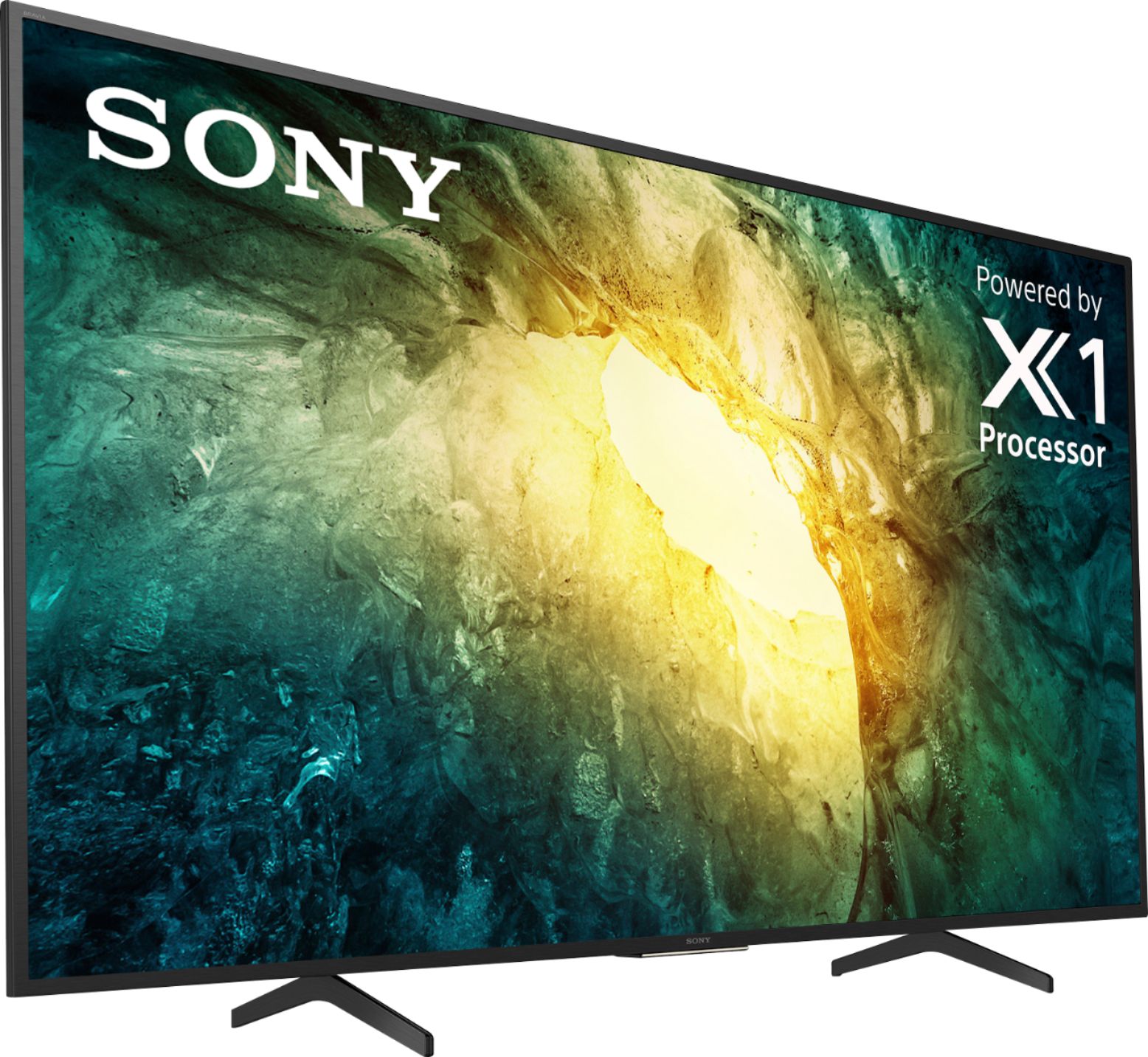
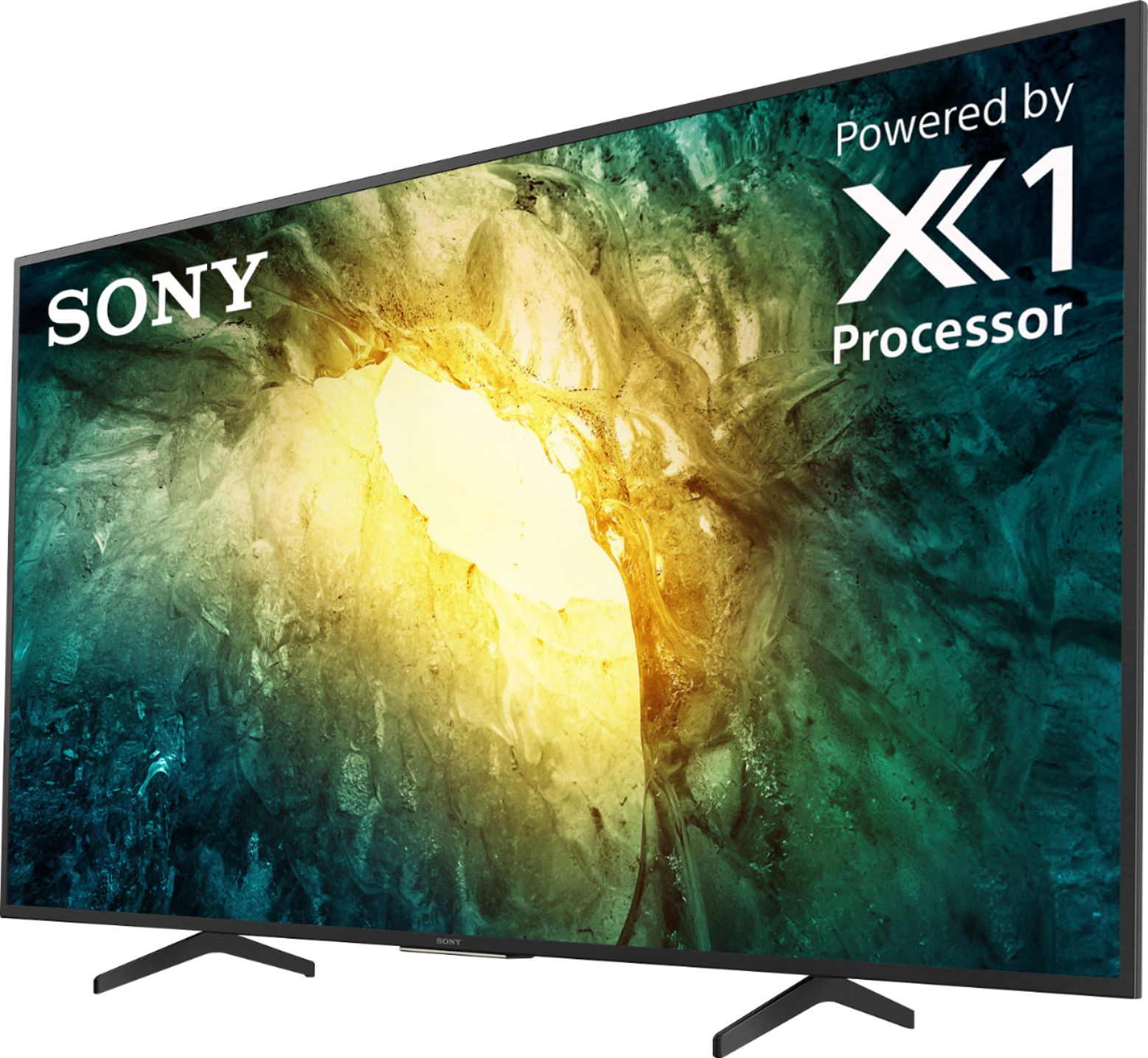
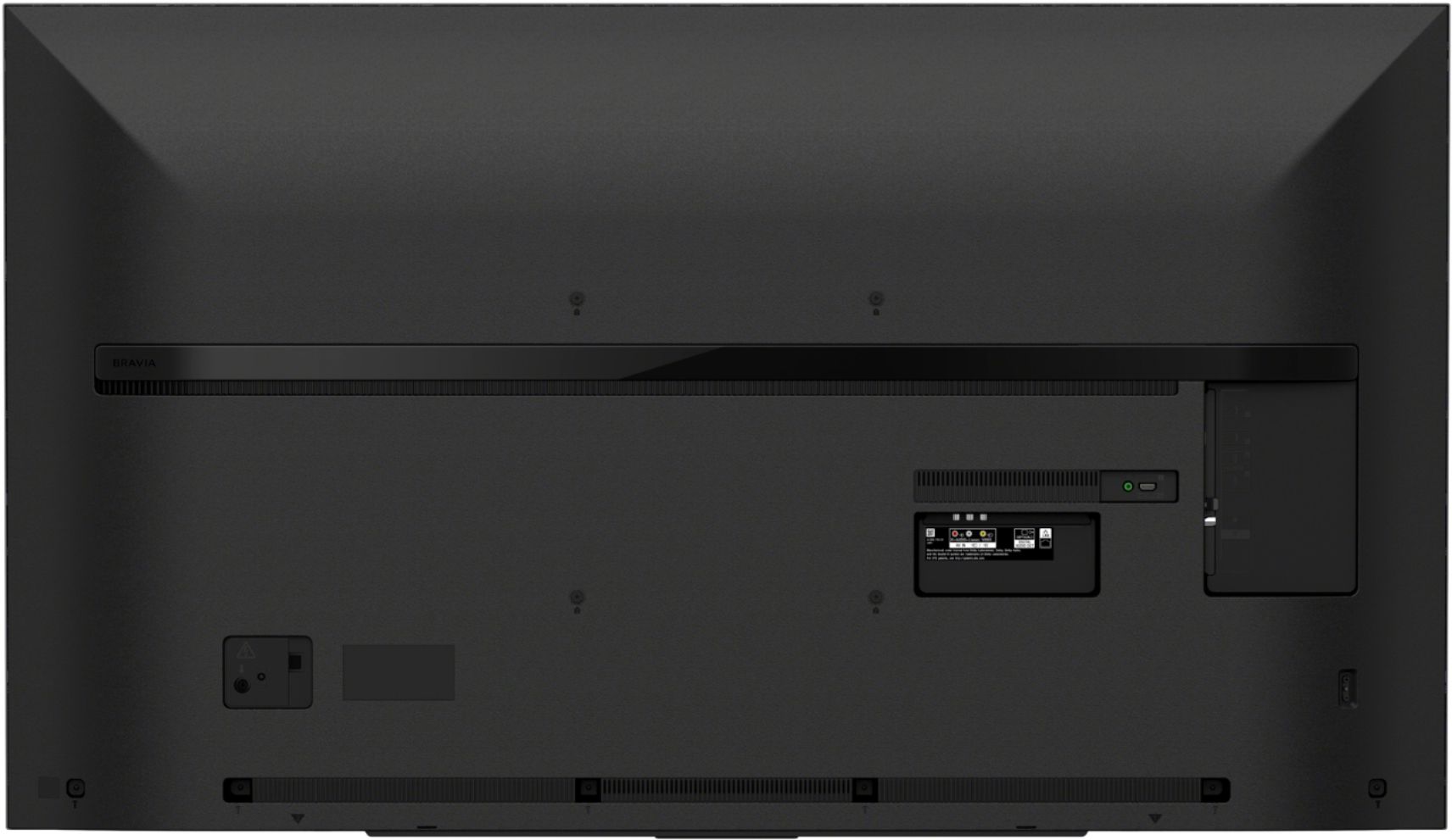
A:AnswerHi Ann, This TV's Bluetooth function does not support the A2DP. We can only connect devices that support the Bluetooth HID/HOGP/SPP. You may want to check out other models, like the X950H, that supports Bluetooth audio out. Thanks! -Vincent
A:AnswerThere are simple tattoo change choices within the settings. I do believe you can fill the screen with 4x3, but obviously, it will be sightly distorted. Don't know why you'd do that.
A:AnswerHi, The X750H uses Motionflow XR 240 refresh rate technology to keep the motion smooth and clear, providing fast-moving action sequences in sports and movies with lifelike clarity. The Native Refresh Rate of X750H TV is 60Hz. Thank you. -Vincent
A:AnswerHi misbeachbum, Thank you for your inquiry. Google Assistant can change digital channels coming from the Coaxial connection (antenna or local broadcast), but unfortunately, will not work with other inputs on your TV, such as your Cable box, DVD player, etc. To learn more about what Google Assistant can do, please refer to this link: https://www.sony.com/electronics/support/televisions-projectors-lcd-tvs-android-/kd-55x750h/articles/00186878
Hope this helps!
-Sam
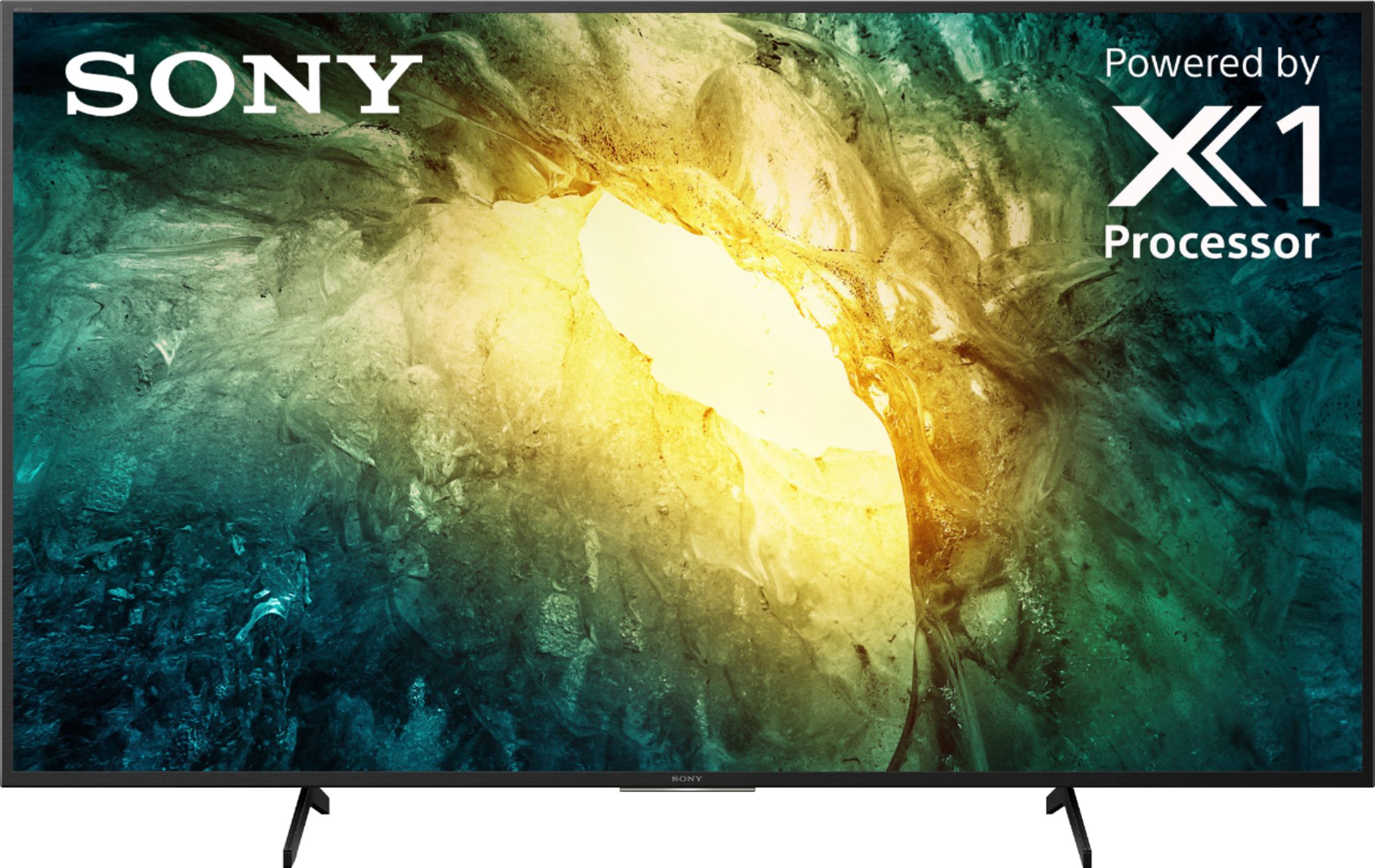
A:AnswerHi NK, Thank you for your interest in the X750H. The power requirements of this unit are AC 120V for UL (U.S and Canada), cUL AC 110-240V for others. Adapters and or transformers may be required to function. -Sam
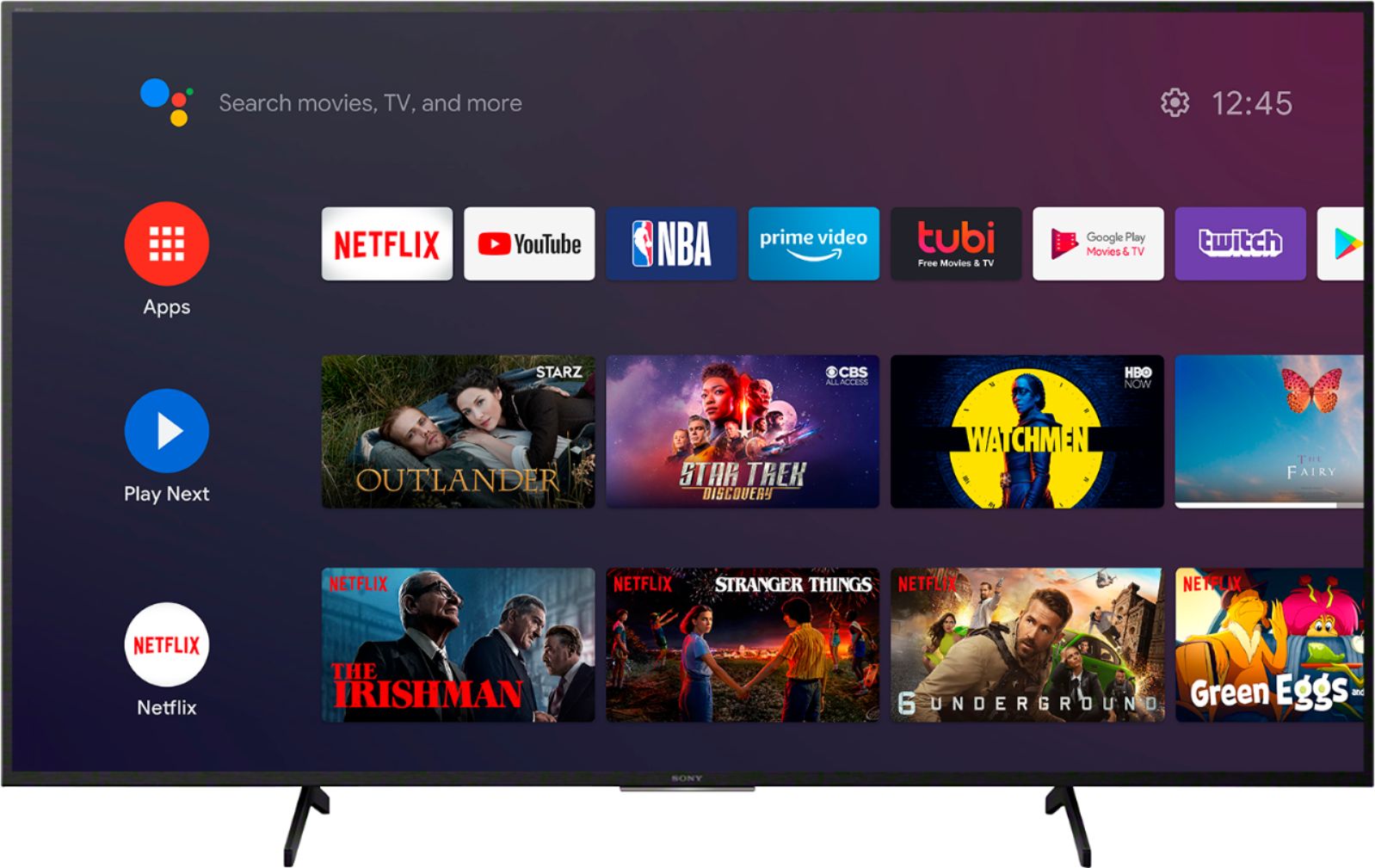
A:AnswerHi TVBuyer, Thank you for your interest in the X750H. Yes! there is a HULU app built-in to this unit. However, Roku is not a pre-installed app on this TV. Many of the existing apps from the Google Play™ store can be downloaded to the Android™ TV. There are several hundred apps already available with a consistent flow of new apps being released for the Android TV platform. Hope this helps! -Sam
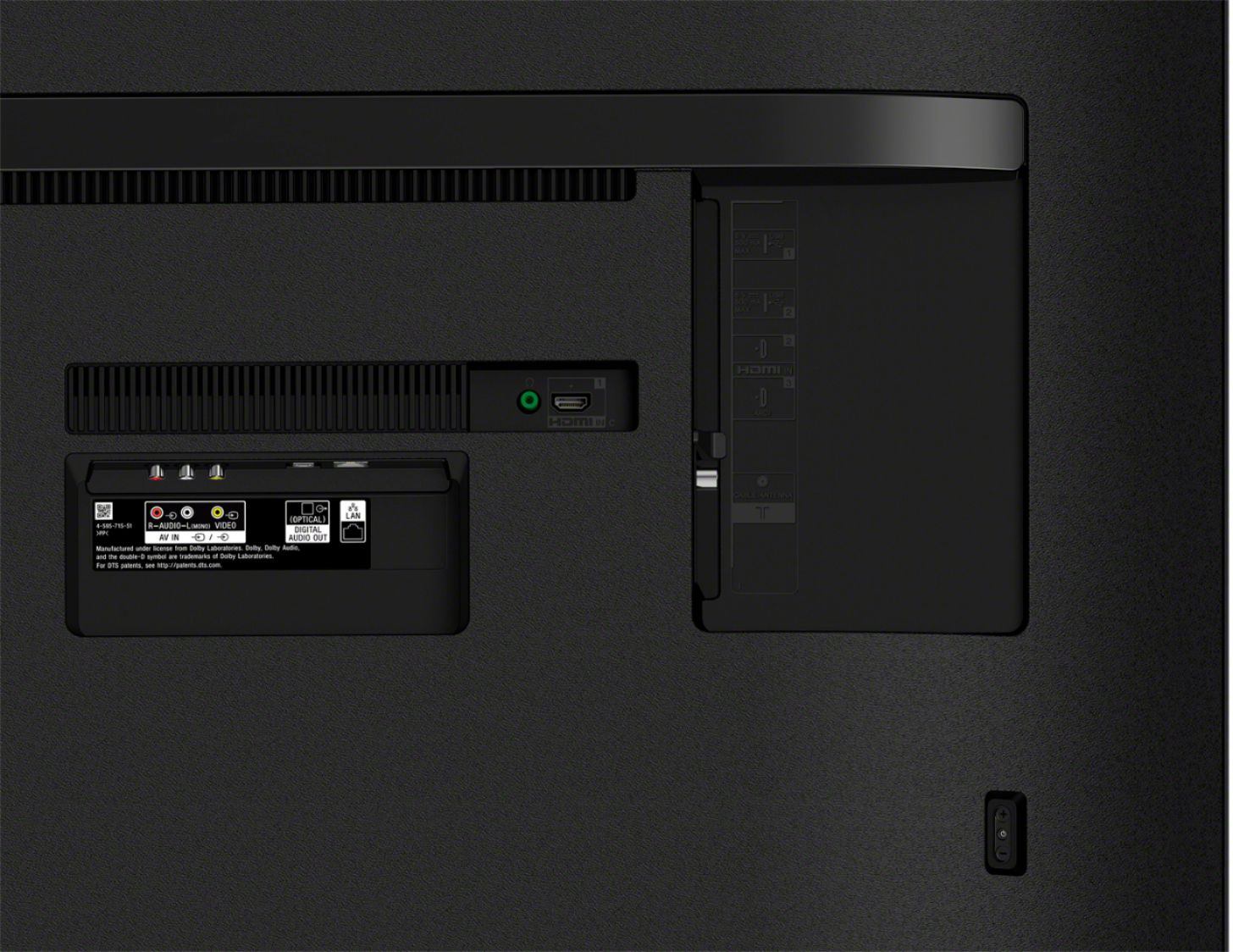
A:AnswerHi workforit, Thank you for your interest in the X750H. Yes! this unit supports 4K 60p 4:2:0 10 bit, 4:4:4, 4:2:2 chroma. Please refer to this link for more information:
https://helpguide.sony.net/tv/gusltnr1/v1/en-003/04-09_02.html
Unfortunately, this unit doesn't have a PC mode. but, it supports GAME mode which typically works a lot like PC mode since this mode is suitable picture for playing video games.
Ref: https://helpguide.sony.net/tv/gusltnr1/v1/en-003/07-02_02-01.html
Hope this helps!
-Sam